
Joycaption2 deployment
Joycaption2
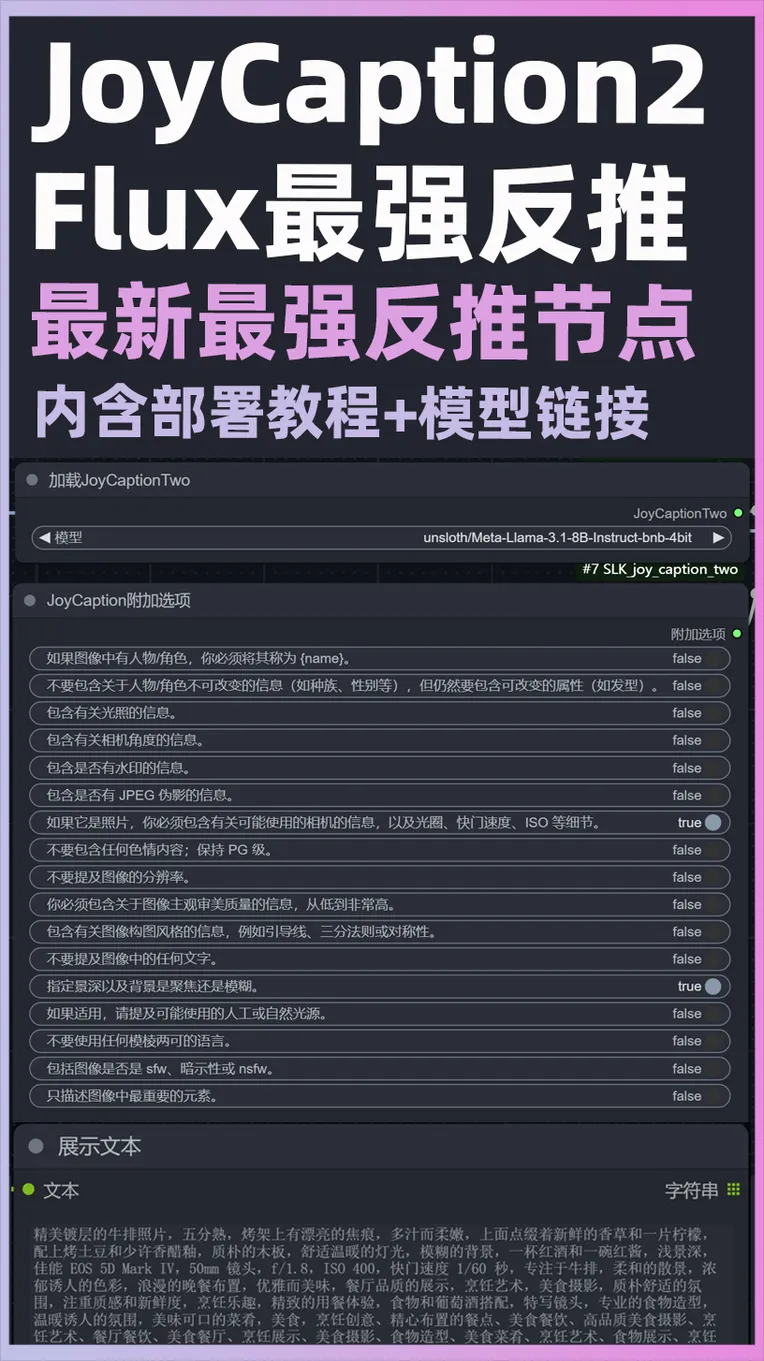
 Image info
 Image info
ComfyUI_SLK_joy_caption_two Deployment Tutorial
1. Open comfyui and click on Manager - Node Management - Search JoyCaptionAlpha Two to install JoyCaptionAlpha Two for ComfyUI node
2. Open Baidu Cloud Drive:https://pan.baidu.com/s/1rPkv37Uqs9ZTqYvKHdJMDw?pwd=t17b
3. Folder siglip-so400m-patch14-384 - Extract and place it under ComfyUI\models\clip folder
4. Extract Meta-Llama-3.1-8B-bnb-4bit.zip and there will be three folders, place them under ComfyUI\models\LLM folder
5. Extract text model.zip and place it under ComfyUI\models\Joy_caption_two folder, create Joy_caption_two folder if it doesn't exist
6. Place Comfyui SLK joy_caption two.json translation file under ComfyUI\custom_nodes\AIGODLIKE-COMFYUI-TRANSLATION\zh-CN\Nodes folder, if you can understand English, you can ignore this step
Make sure all files do not have secondary empty folders after extraction, as it may cause errors