
girl in box- Girl in the Box
v2.0
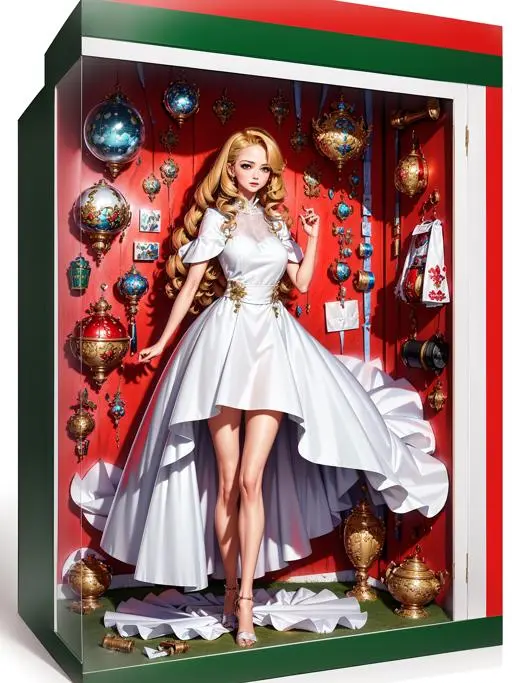
 Image info
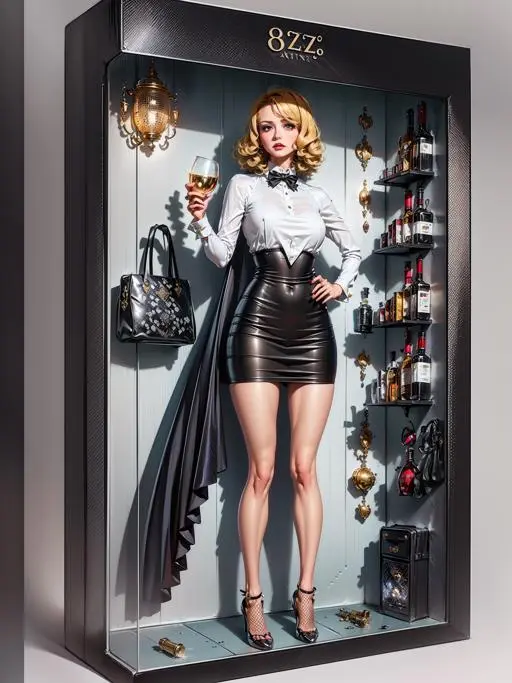 Image info
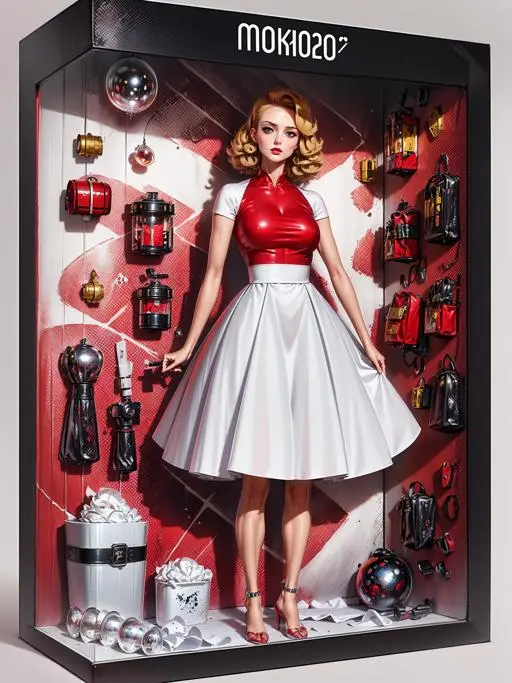 Image info
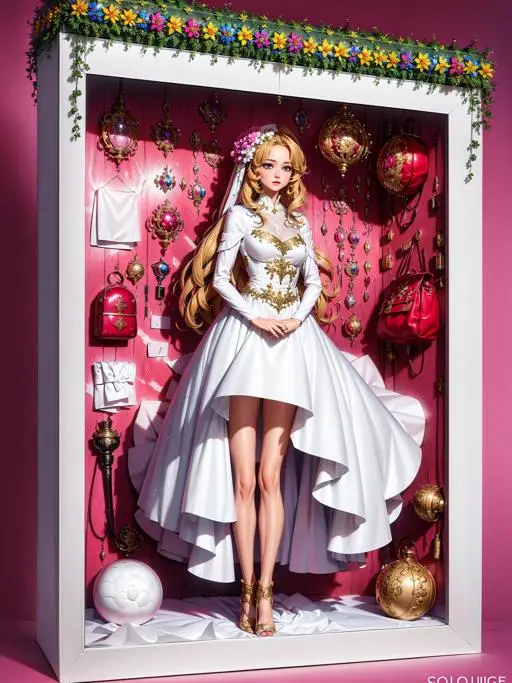 Image info
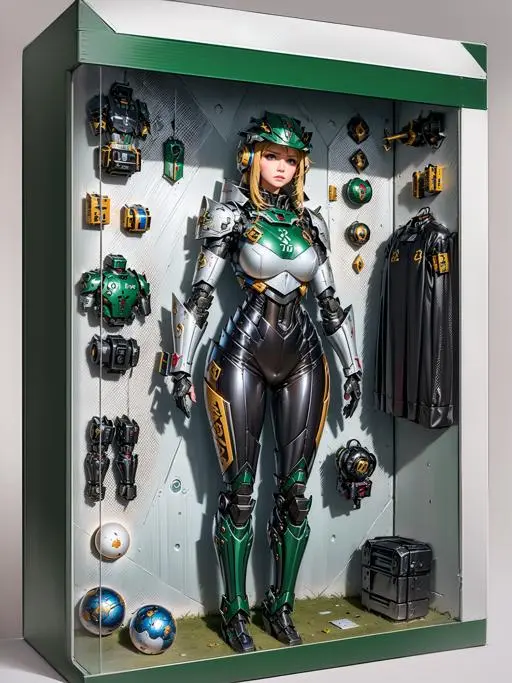 Image info
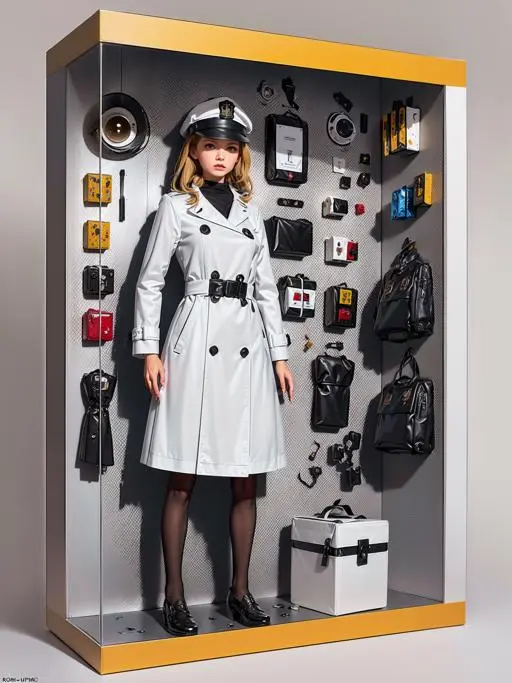 Image info
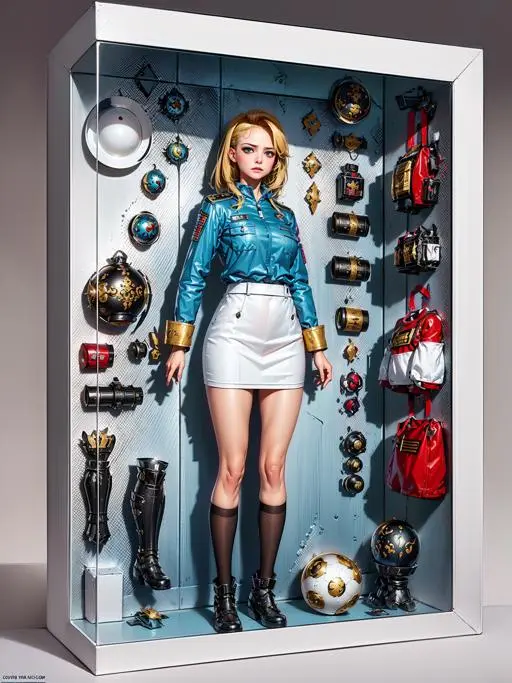 Image info
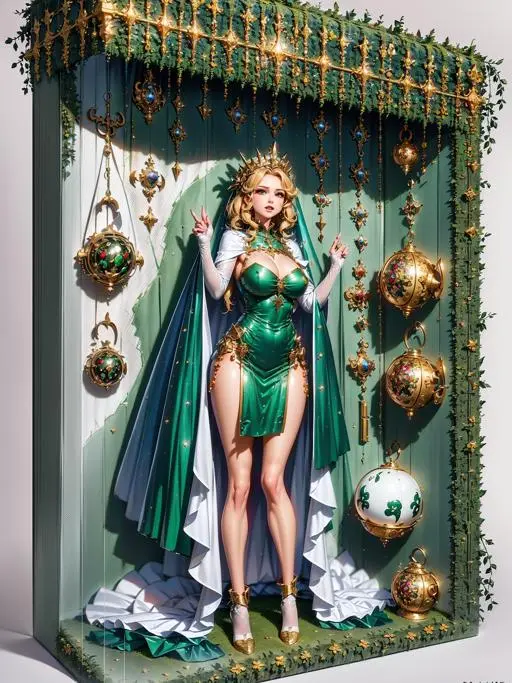 Image info
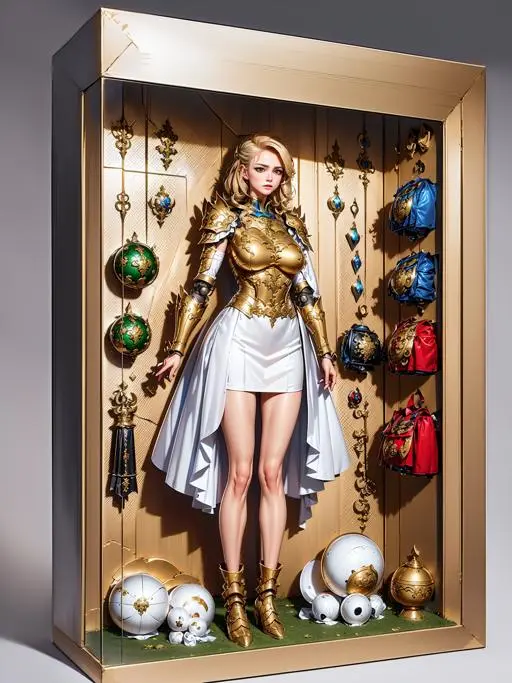 Image info
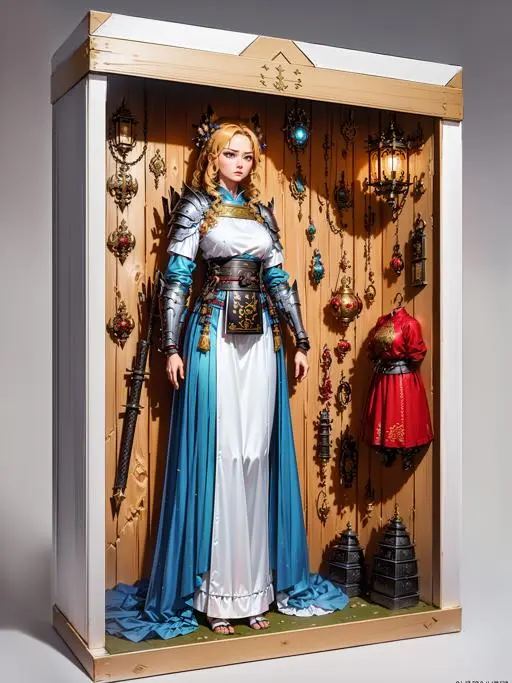 Image info
download my sample and import to webui for prompt!!!
download my sample and import to webui for prompt!!!
download my sample and import to webui for prompt!!!
Download images and import to webui to get prompts!!!
Download images and import to webui to get prompts!!!
Download images and import to webui to get prompts!!!
V2.0 version has been released, this is my iterative version, also a basic automatic version. If you just want to try a simple effect, please choose V2.0 version, it's stable, direct in effect, but may limit some of your creativity!
If you feel you can control this model, I still insist on using version 1.0. It offers more freedom but requires more corrections on faces and visuals to get better results.
I will publish the V2.0 for easy use, it will be an auto version to help most people get the effect. However, it could limit your creation!
For ultra-advanced users, I will still prefer V1.0 although it requires more attention to faces and other details!
Please ensure you read the instructions before you use it! All the pics are with generation data, just download it and see it in webui!
Important
Basic setting Lora weight 0.65-0.8 and Denoising 0.2-0.3!!! skip clip 1 to get frontal view, clip 2 to get 45 degrees view!!!
Basic setting Lora weight 0.65-0.8, Redrawing rate 0.2-0.3, ideal range! Skip clip 1 for frontal view, clip 2 for side view!!!
Preface:
If you want to support me, please contact me via tangtuanzhu's WeChat to support me, so I can continue to run graphics with electricity and graphics cards. All my other models are here: ttplanet Creator Profile | Civitai
Please download my sample images and get prompts from webui. It may be a bug that they cannot be directly read!!!
If you see missing generated data, please download the picture and retrieve it from webui! This is the new bug of Civitai!
Hires fix is highly recommended!
It is highly recommended to use high-definition fixes!
Introduction:
This model is very fun, it can place your character in a box. If you combine it with other models, it will create a toy effect. In addition to the character placed in the box, there are decorations and clothes related to the character's style that you can add by inputting keywords. Although it is not precise for every item, it is generally quite accurate.
There is currently no support for actions. Please use controlnet to control actions by yourself. A large number of actions will be iterated in the V2 version to make it easier and more random to use, but it is still recommended to use controlnet for better results.
How to use:
Note, since webui does not have built-in LyCORIS, please remember to install the plugin before using.
https://github.com/KohakuBlueleaf/a1111-sd-webui-locon
Then use the traditional way to call Lora, for example: <lora:miniatureWorldStyle_v10:0.6>
Please pay attention to the use of my tags, remember to modify the name of the Lora. My tag is the local name, different from what you downloaded!
Reminder: if you want to use my tag, please check the Lora name. Ensure it matches what you downloaded!!! My local file name does not match the online version!!!
Depending on the different model, it is recommended to use a weight of 0.6-0.8, but do not use 1 as it may lead to an explosion.
The structure of use is:
inbox\(ttp\) as the trigger word, <lora:loraname:0.7> as the call word, and place the character you input in between. It's simple to use. Use natural language to describe the character as much as possible.
use 0.6-0.8 weight based on different SD models, but do not use 1
inbox\(ttp\) to trigger, <lora:loraname:0.7> to use the LyCORIS, and describe the person you want to put into the box using natural language.
Example:
inbox\(ttp\), (8k, RAW photo, best quality, masterpiece:1.2), (realistic, photo-realistic:1.37), 1 girl, huge breasts, (holding a guitar:1.5), (solo), blonde hair, instrument, guitar, boots, pants, male focus, reference inset, standing, electric guitar, red pants, shirt, full body, microphone, long sleeves, amplifier, looking at the viewer, white footwear, holding, realistic, shoes, blue eyes, black shirt, jewelry, fashion, short hair, English text, print shirt, glasses, holding instrument, full body, simple background,
<lora:inboxgirl_V1_loha-pickup1:0.65>
Using a weight of 0.6-0.8 is the best range to convert to a box. Below 0.6 will not enter the box but enhance the model's size while above 0.8 will result in a unique image degradation due to LyCORIS features. Please adjust. For daily use, please use 0.65, this is the most balanced parameter I have adjusted.
Please use a weight of 0.6-0.8 to get the best result. A weight lower than 0.6 won't trigger the box, and above 0.8 will distort the image. For regular use, 0.65 will be the best!!!
The model itself tends to use flat chests, so use 'huge' to balance it.
The model is designed with flat chests, so use 'huge' to create a balanced look.
How to use (advanced):
Use controlnet to control your character's actions. Remember to adjust the approximate size and position of the skeleton. Please use controlnet.
Controlnet can also be used to generate chibi models. Please refer to my sample images for inspiration.
It can be merged with many other Lora prompts. When using, pay attention to controlling the weight. This model has a higher weight, so increase the weight of the Lora prompt you are pairing it with.
The face editor plugin is highly recommended. Faces may turn into something you do not like due to the Lora prompt. Using the face editor with different Loras will enhance the effect. Even withou* ***ng Lora, it will look better. When using the face editor, please remove this Lora and then use it. Retain other prompts.