
AI Old Photo Restoration V2 ComfyUI
Old Photo Restoration V2
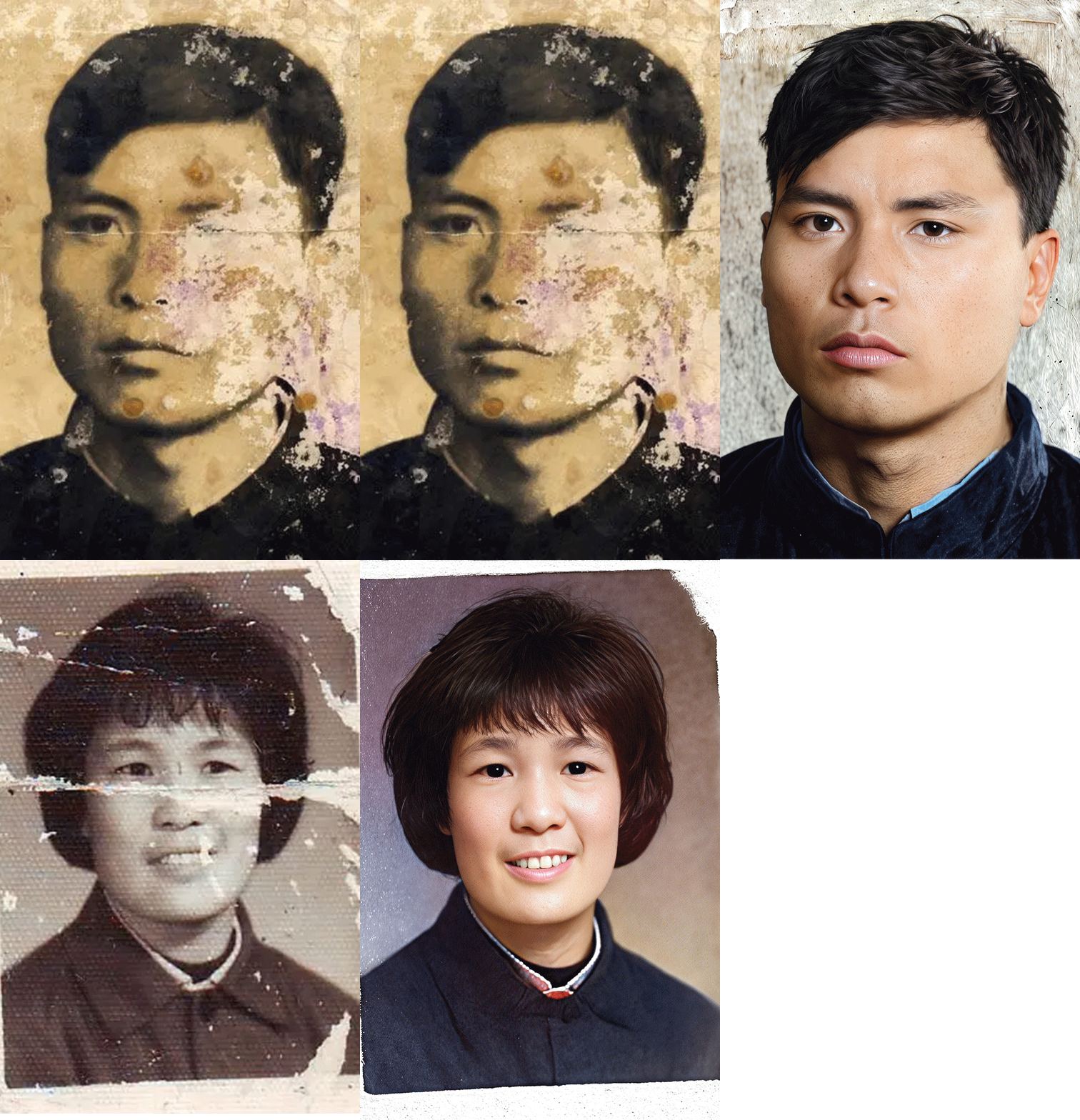
 Image info
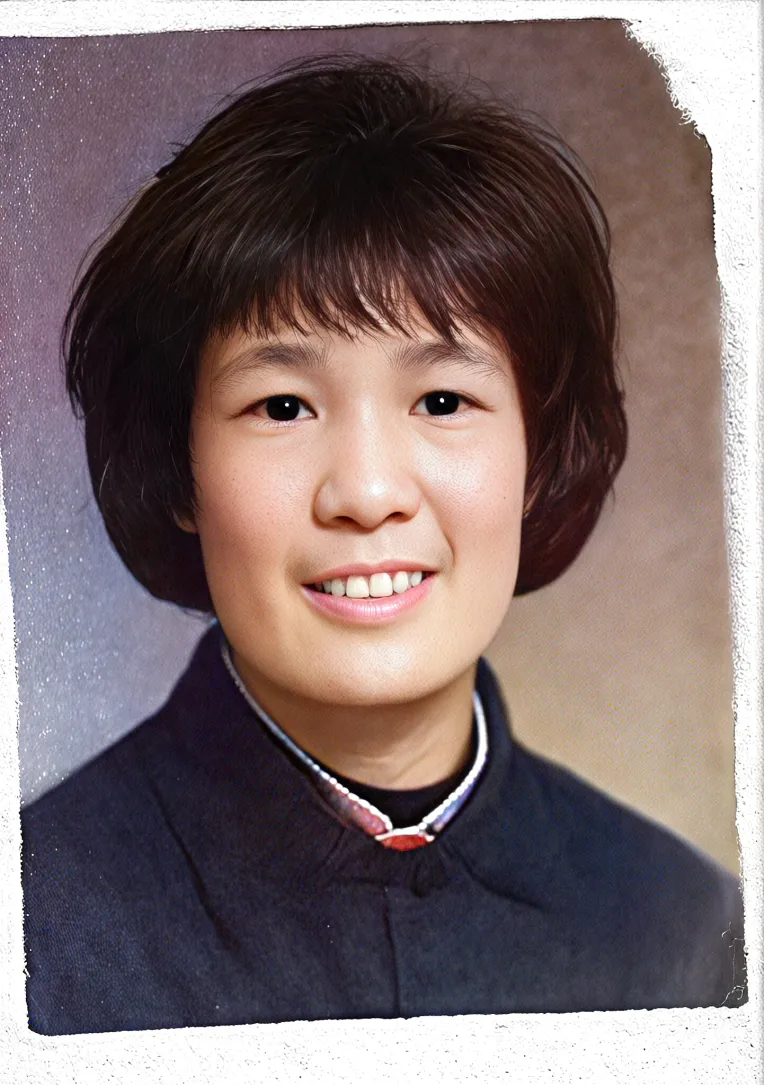 Image info
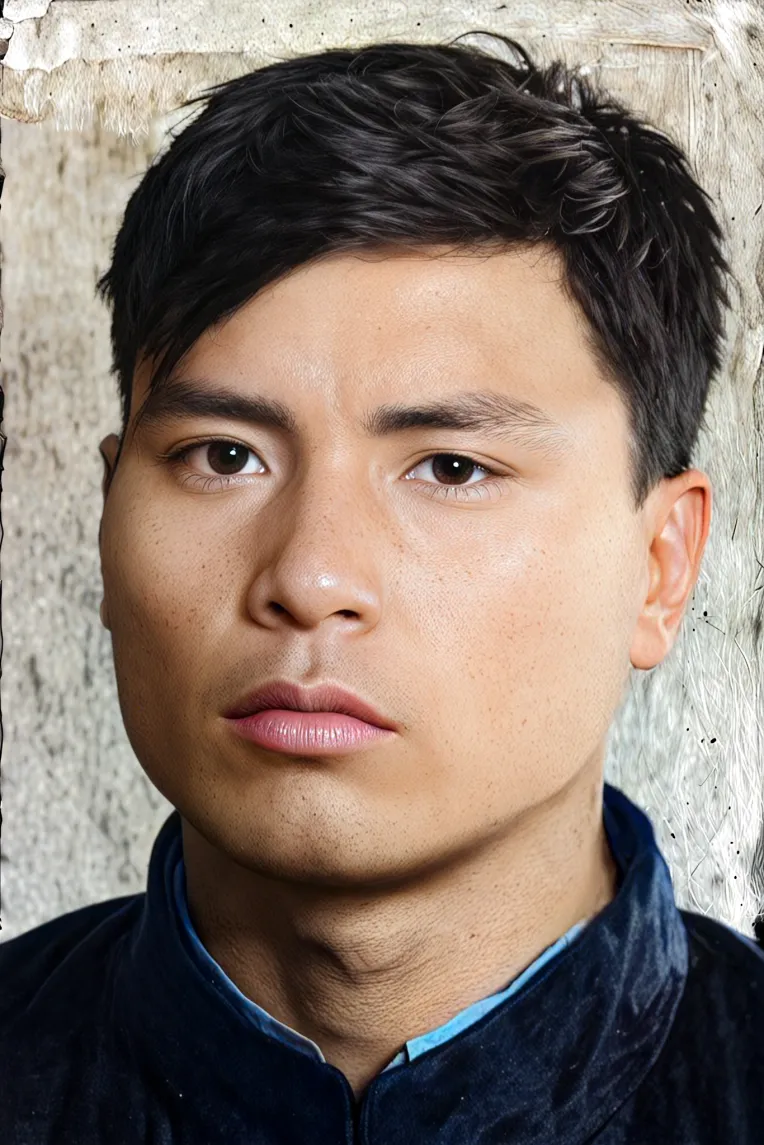 Image info
And if you like it, you can hit a free like.
Pictures from the Internet, infringement is deleted. Please read through this article (can avoid many problems)
This workflow is divided into three parts, and only the first part of the workflow is shown here. (The main purpose is to repair damage)
The first part is to be sure to paint the damaged area in the mask editor
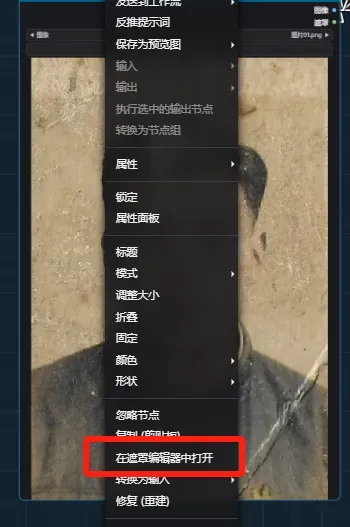
Smear broken areas (and save)
The second part of amplification workflow: https://www.liblib.art/modelinfo/8abc5e381a704bf190b70d3ce21eef5d?from=personal_page
The second part is mainly about enlarging and adding details
Part 3: Using DDColor to color (the operation process is as follows) can quickly draw the card (in the same workflow as the third part), saving time. Control the color by adjusting the color 温和明 degree
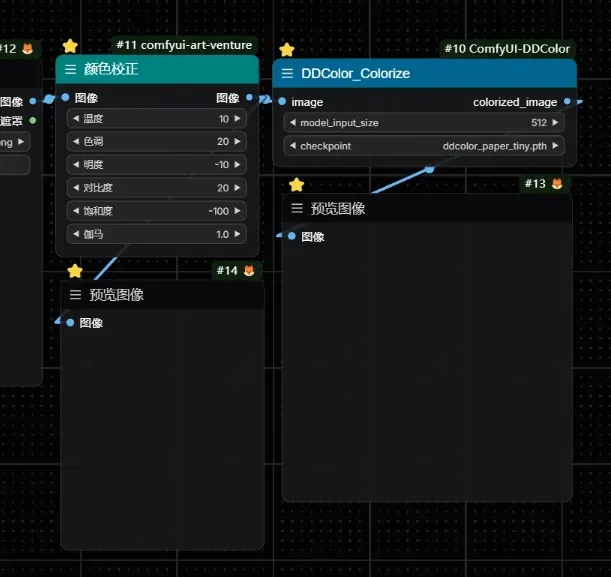
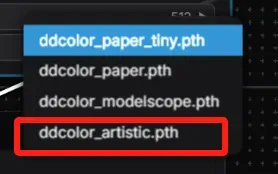
Color model number four.
This workflow repair is based on the modification of some workflow functions.
Workflow address below: https://openart.ai/workflows/datou/old-photo-restoration-xl/vKtihSX1DGBiBjAovlSP
The role of this workflow