
E-commerce Product Background Replacement BrushNet Edition
E-commerce product background replacement BrushNe version
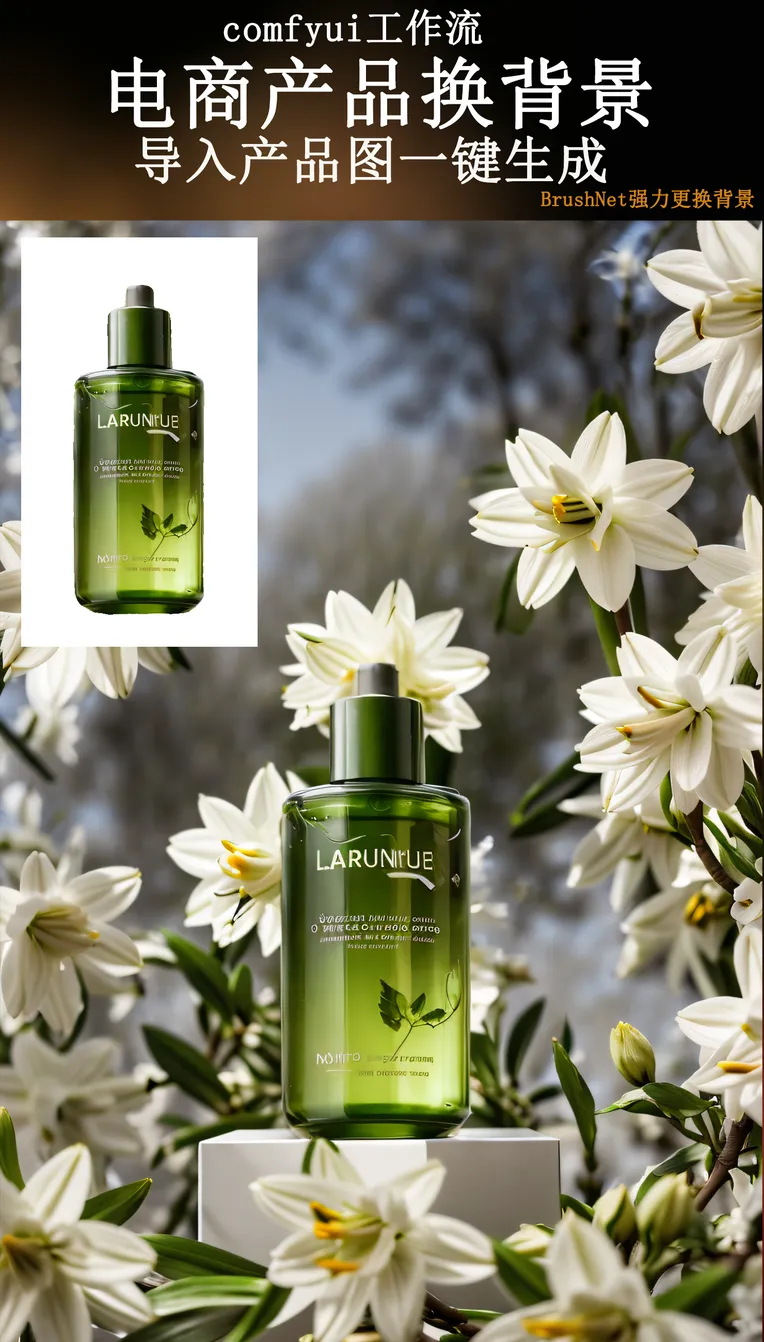
 Image info
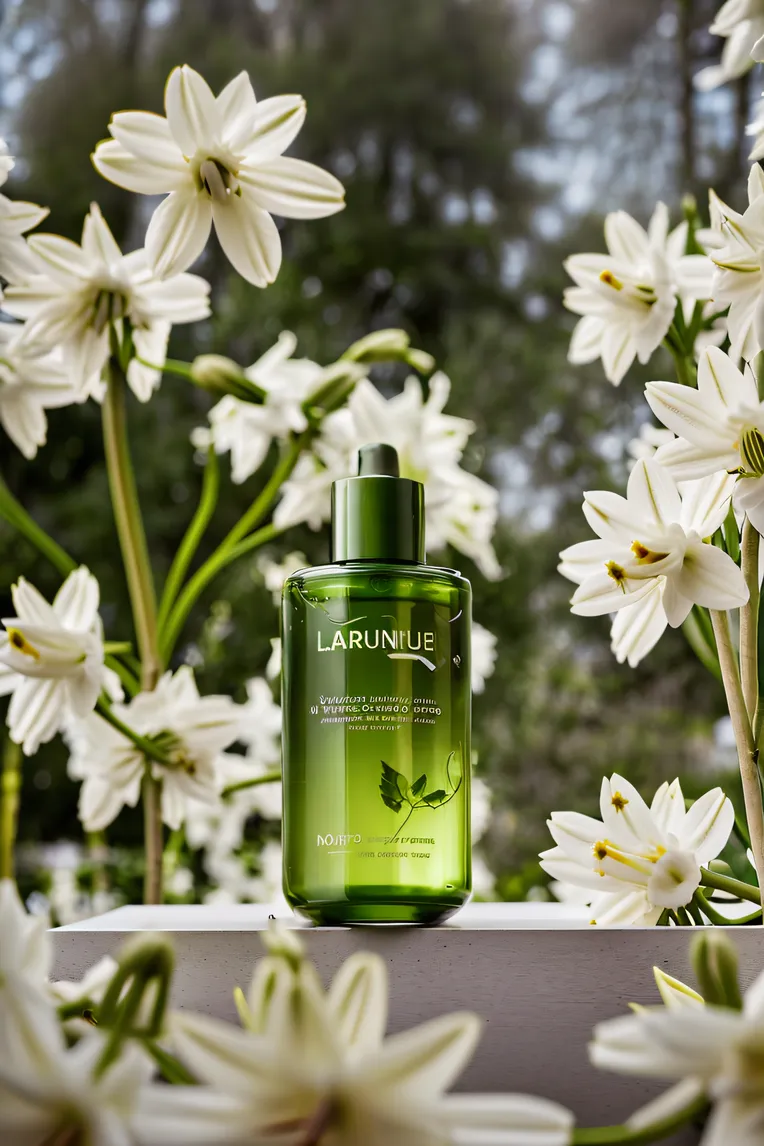 Image info
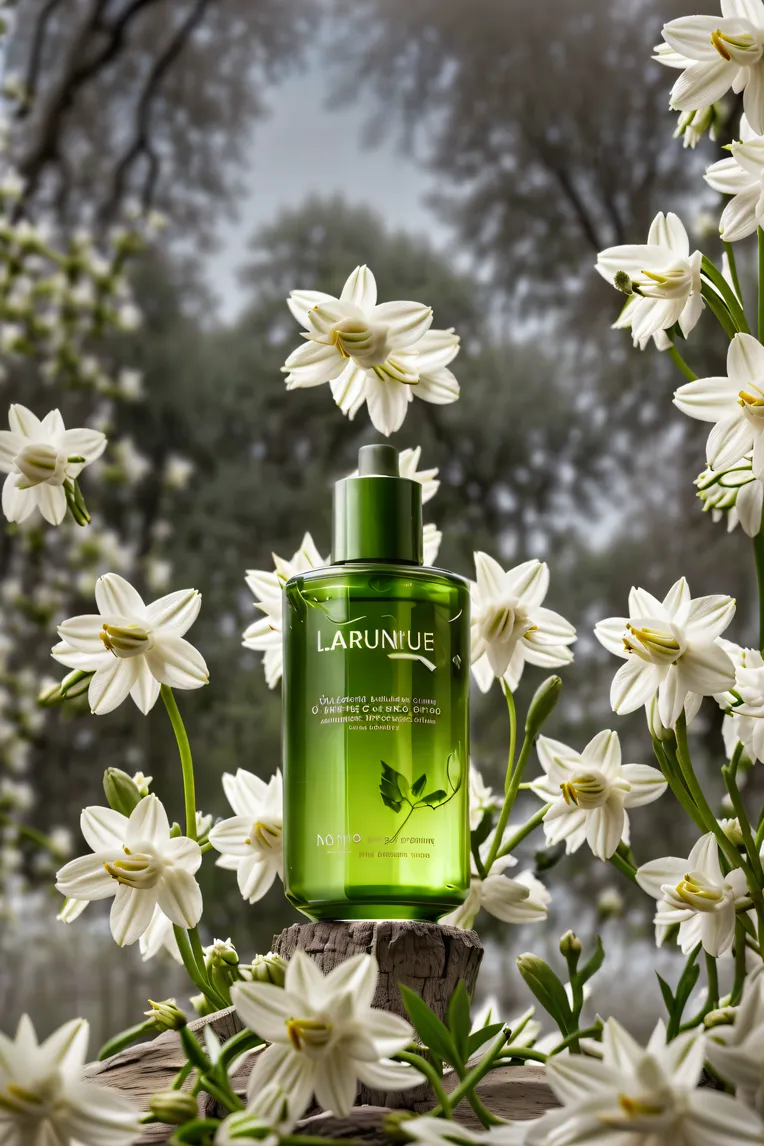 Image info
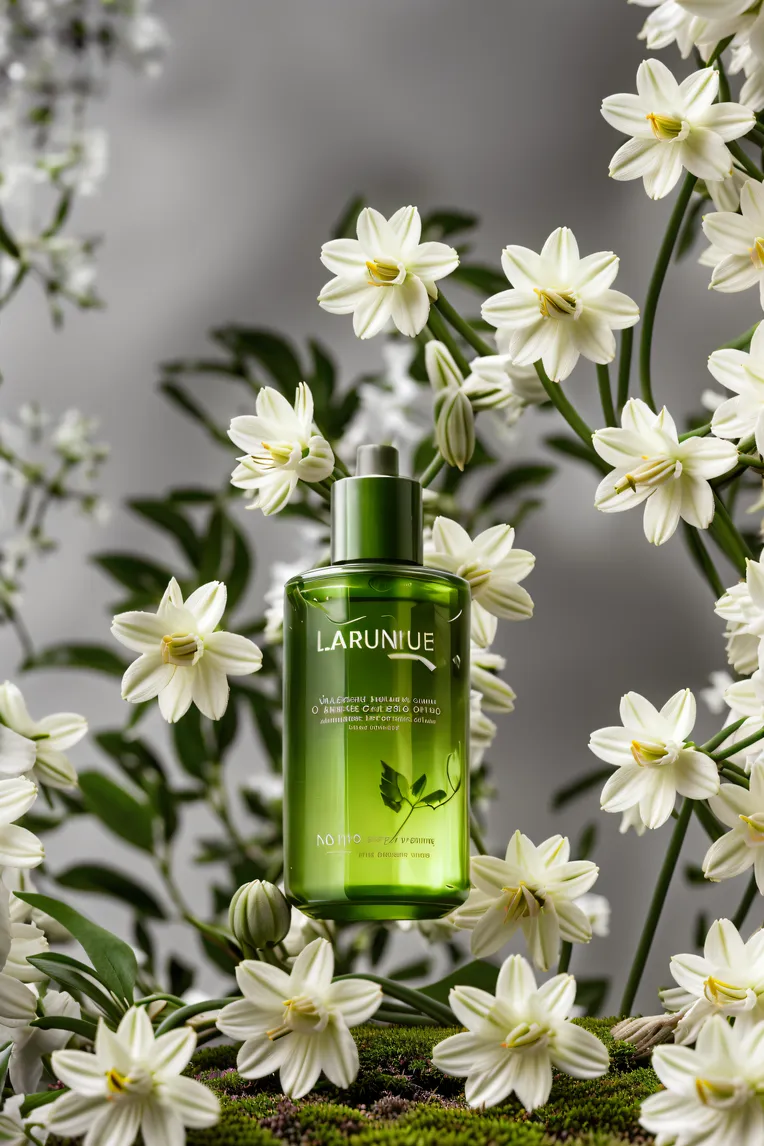 Image info
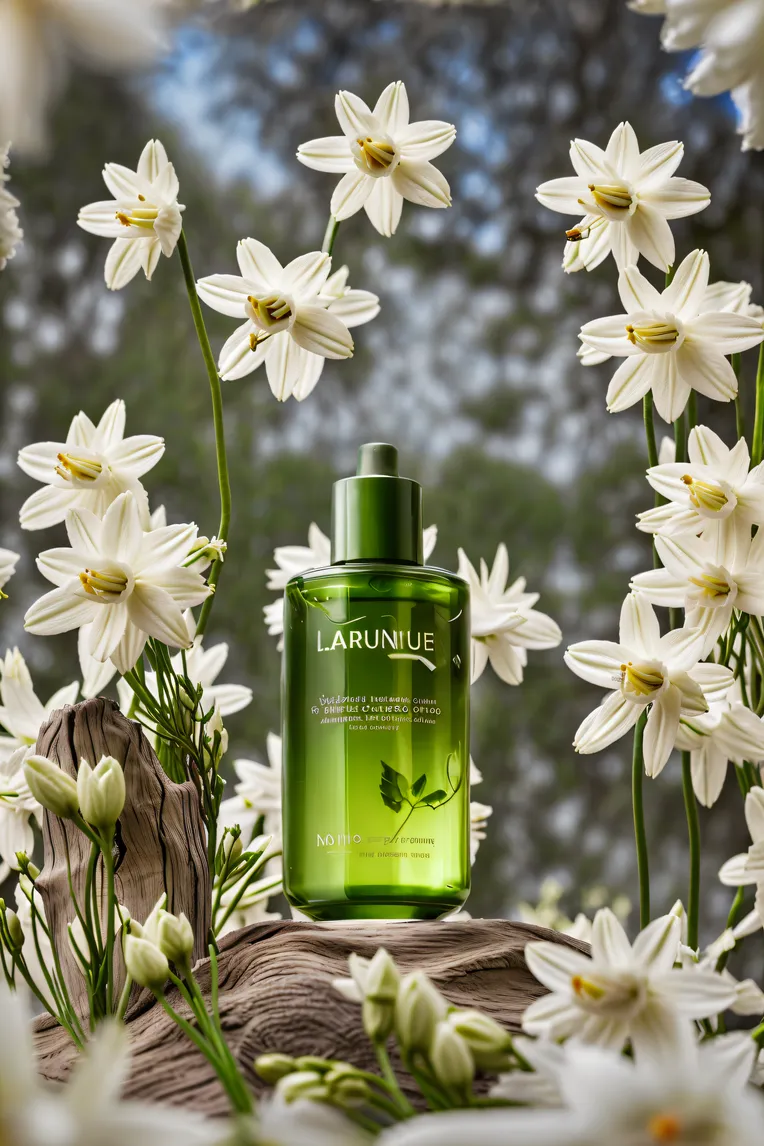 Image infoImage info
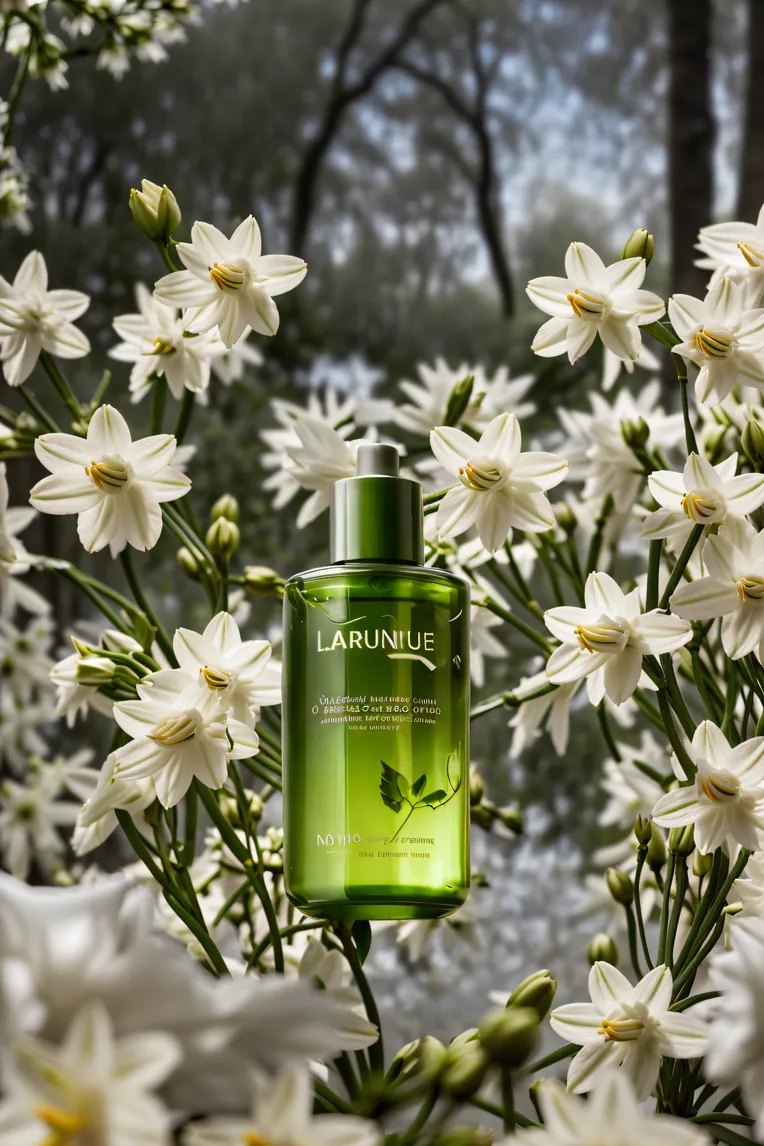 Image info
Simply put, this workflow involves using BrushNet to redraw the product background, resulting in a very nice visual effect.
It is relatively good for beginners as it only requires modifying the prompt words and LORA.
This time, there are not many built-in nodes. G-DinoSAM semantic segmentation will first extract the product image, but sometimes the extracted product may not be satisfactory.
My suggestion is to first independently copy a version of this G-DinoSAM semantic segmentation and enlarge it. After extracting a satisfactory image, import it into this workflow. This way, the quality of the original image will be improved, leading to better subsequent processes and output quality.
There is a LORA Universal Adjuster | Texture Enhancer inside that should not be altered; it enhances quality and fits better in real scenes. Below is the link for LORA: https://www.liblib.art/modelinfo/f1ed001c00a34f379c0bf29cae82696e
The CLIP Text Encoder (BNK) is used for prompt words. This prompt word encoder can be used with WUI (SD); previously, some people always said that the images produced by SD and comfyui were different, and this encoder solves that issue.
It is important not to replace product images with Chinese characters, as this may result in distortion or corruption of the text. If it is necessary to use product images with Chinese characters, it is recommended to import the finished image into Photoshop for manual adjustments after output.
If you encounter errors like missing nodes or are unsure how to use the workflow, please leave a comment in the comment section. I will respond promptly to help solve any issues.