
[Muggle Lora] Launched online | ID photo Lora3.0
v3.0
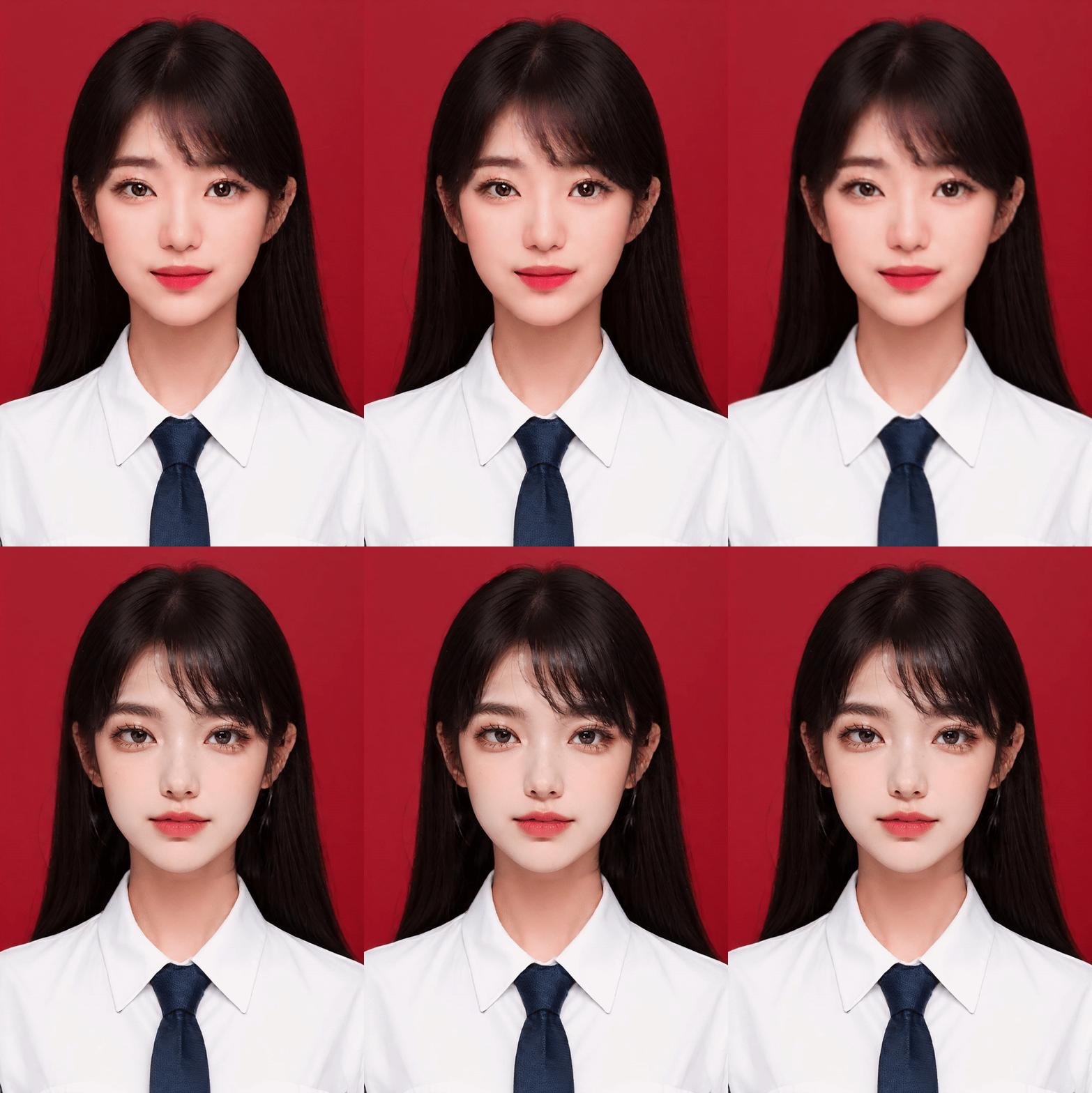
 Image info
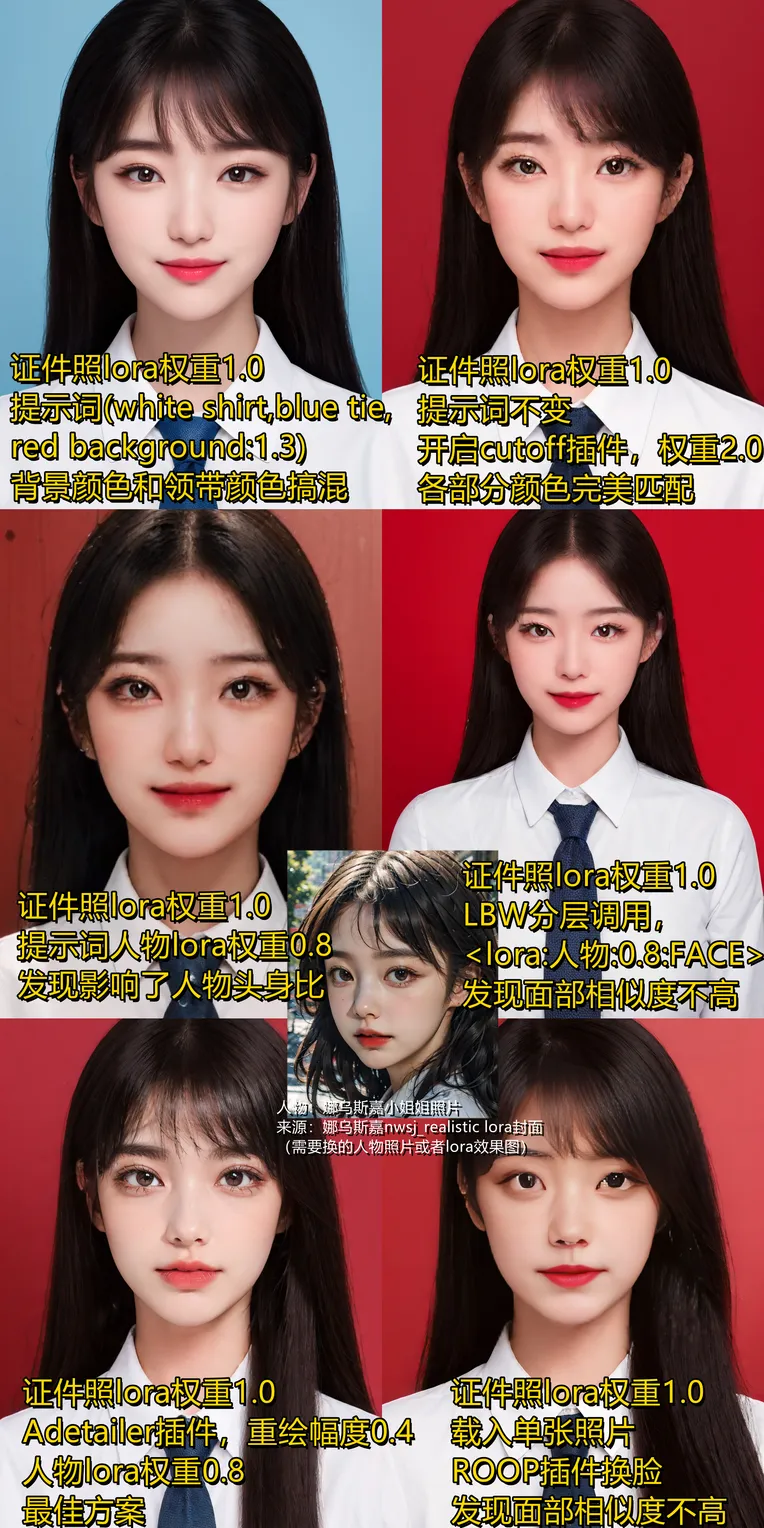 Image info
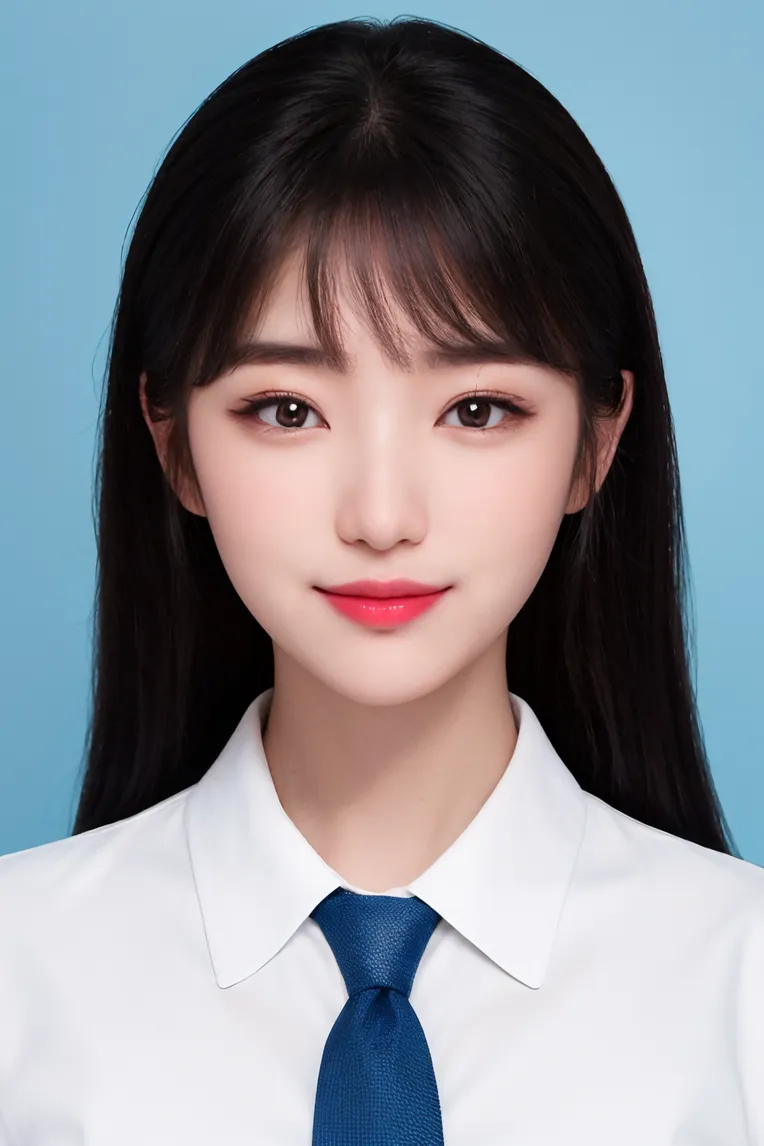 Image info
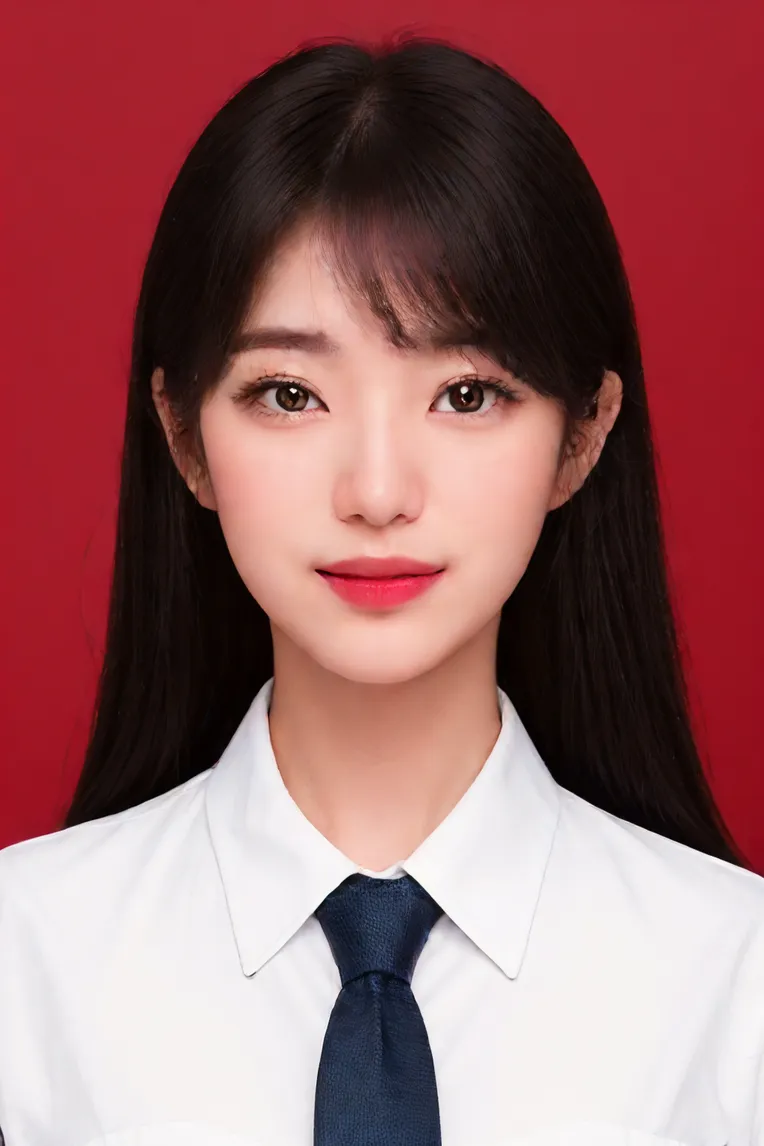 Image info
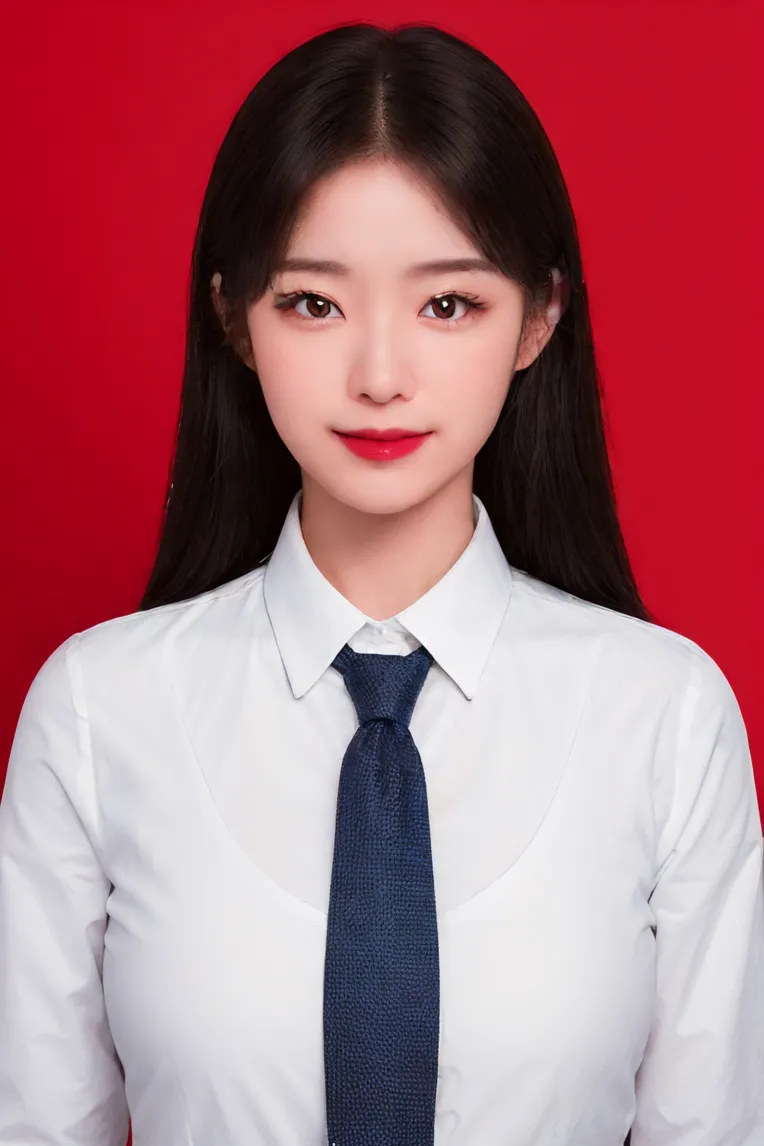 Image info
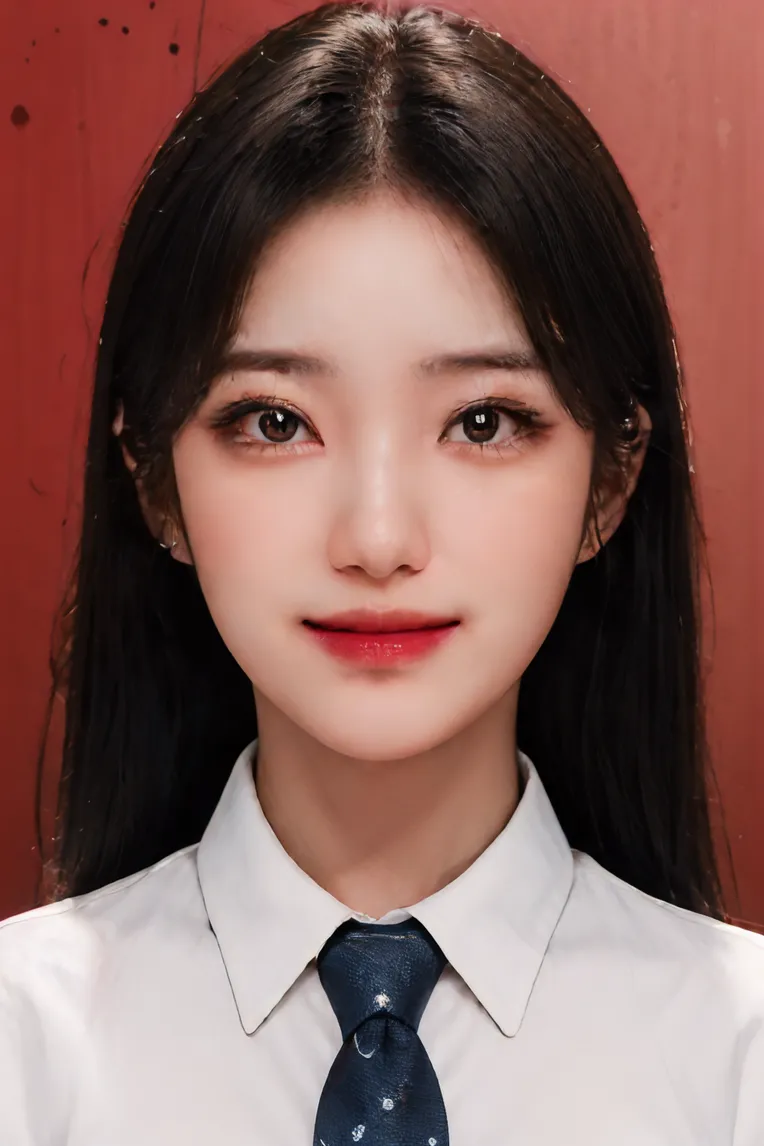 Image info
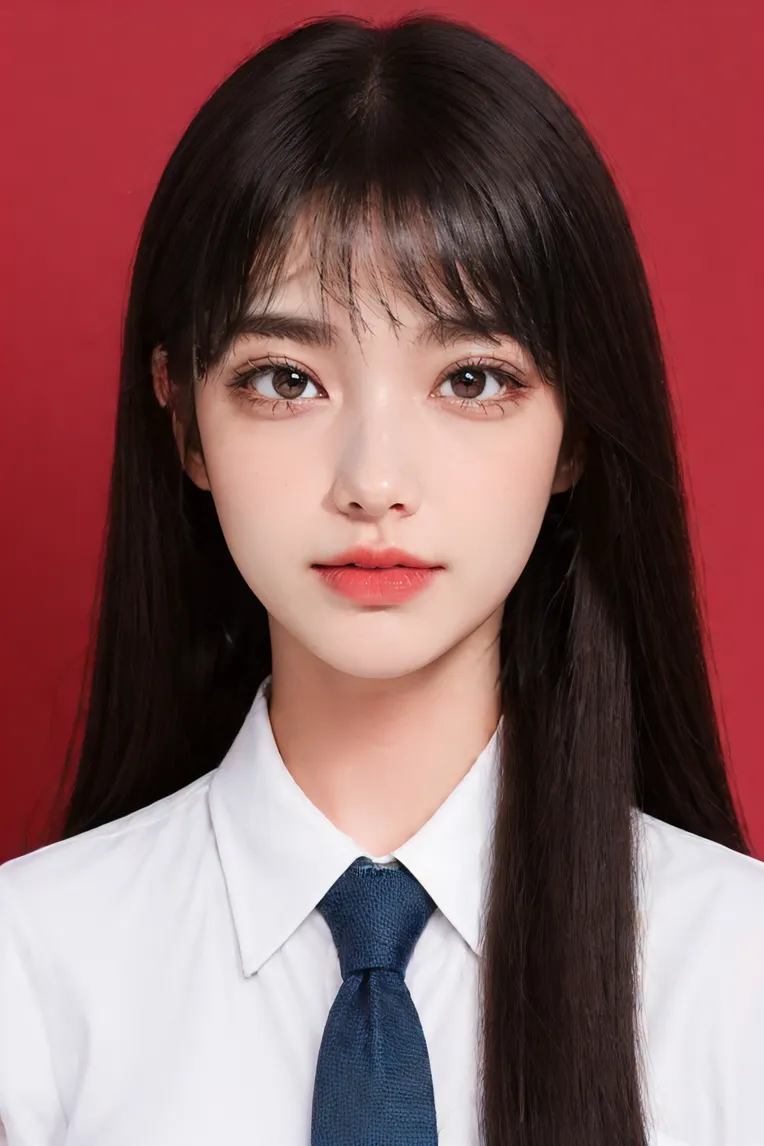 Image info
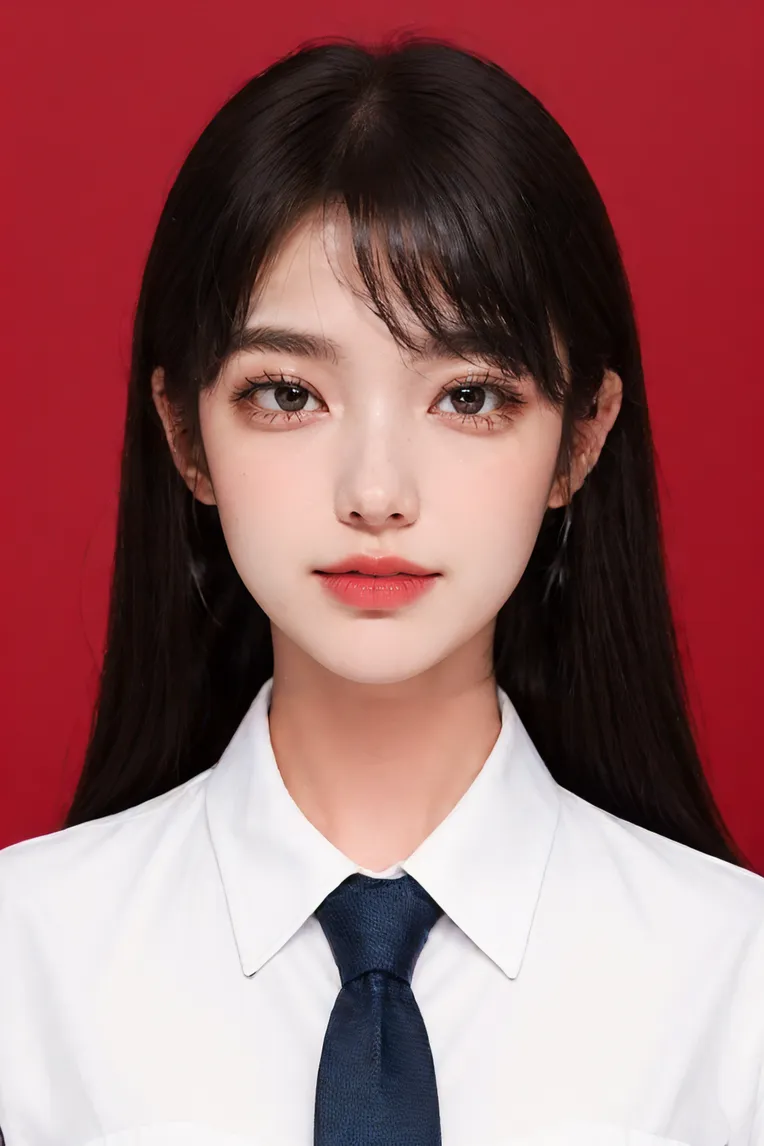 Image info
Lora3.0, a pragmatist-oriented ID photo, released!
Trigger word identification photo, recommended weight 1.0 hey! Dear friends, come join Muggles' QQ group 891417811 and learn magic together!
This is a happy gathering place for AI painting. Whether you are a small painter or a big artist, you are all magicians here! We can share our paintings, exchange skills, and create unique models together! In this group, imagination knows no boundaries, and creativity never stops! Let's set our minds free and embark on a happy painting journey with AI! Come join our QQ group, let's have fun together and light up the spark of art! Huh ~ boo!
[Group benefits: ① Make hundreds of sets of clothing machines with different styles (daily wear, professional uniforms, funny costumes, holiday dresses), and start unlimited generation of versatile wives with one click ② Organize addresses for all kinds of plug-in packages, no more searching all over the mountains ③ Use lots of places for controlnet-
[Openpose character pose]
Don't worry, I'll teach you a few tips on how to use Lora. Take a close look before using it! (I will upload the relevant plug-in package in the QQ group file)
(1) If you encounter situations where the background and the character's clothes are always the same color, I recommend using the anti-dyeing artifact cutoff plug-in. For example, if I want to get a picture of a "white shirt, blue tie, red background", enter it in Target tokens (white shirt, blue tie, red background), weight to 2
(2) If you already have the character Lora and want to overlay the ID photo Lora to generate the specified person's ID photo but find that the face is not similar enough, it is recommended to use the Adetailer plug-in for facial restoration. Click here to install online or download the compressed file in the group.
Check Enable, select face for the model, and in Adetailer Prompt, the recommended weight is 0.75 or higher.
If it's not similar enough, increase the weight of the inpaint redraw amplitude (the default is 0.4); if the face is similar but the color is abrupt, lower the inpaint redraw amplitude (3) If your character has a special face shape and directly superimposing the ID photo doesn't work well, you can try using the LBW (LoRa Block Weight) plug-in,
The format was changed to
(5) Photos of boys are not easy to generate. They may have mild facial features, and they also have a lot to do with the bottom model. It's not just Lora's problem. We all know that girls are far greater than boys in all SD training materials. Boys remember to tag more, for example, debug more. Promise me that I must use Adetailer and not directly stack Lora, OK?
Special thanks to Nausica, who acted as a face-swapping model in the example. I hope the second comparison chart can clarify the problem. If you have any questions, please join Muggles' QQ group 797547720
discuss with me!3.0 update log:
(1) Reduced
the model's interference with the character's face. The drawing results are more dependent on your bottom model and other lora(2) Occasional dyeing issues in 1.0 have been fixed (don't talk about nose pins, outrageous) (3) The clarity of the images has been improved (all small-sized images have been filtered out
)