
golden ratio face
1.0
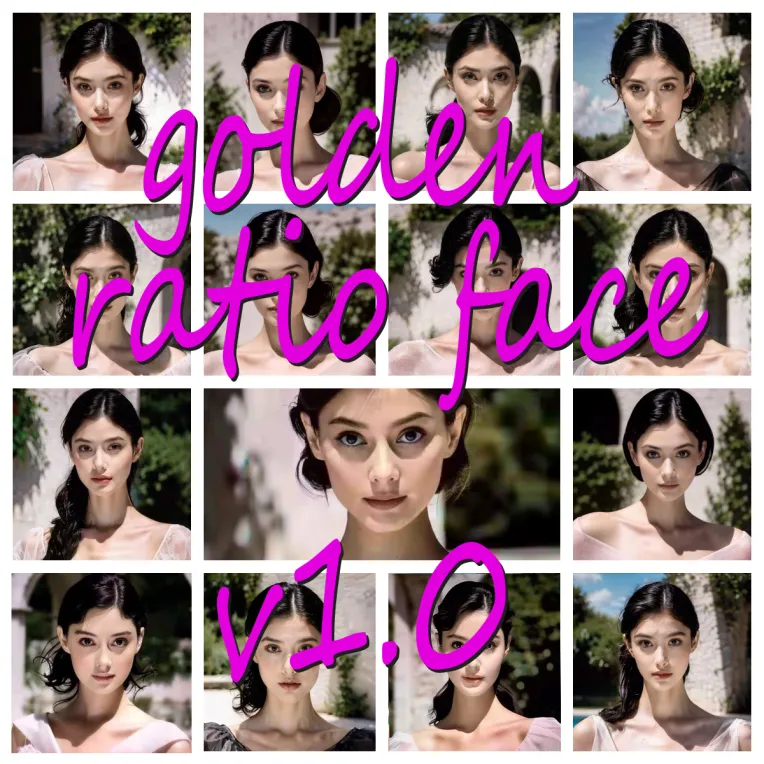
 Image info
 Image info
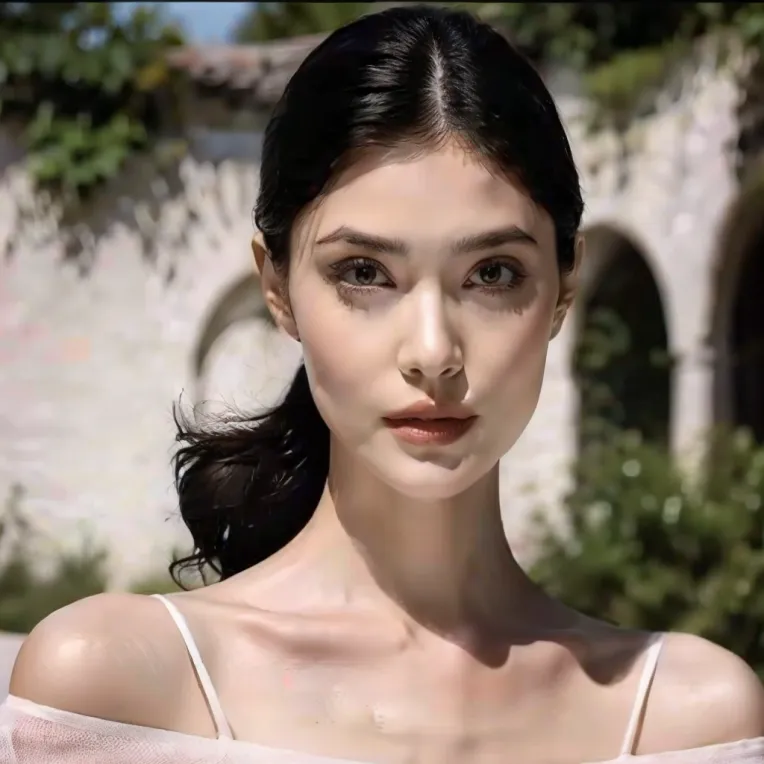 Image info
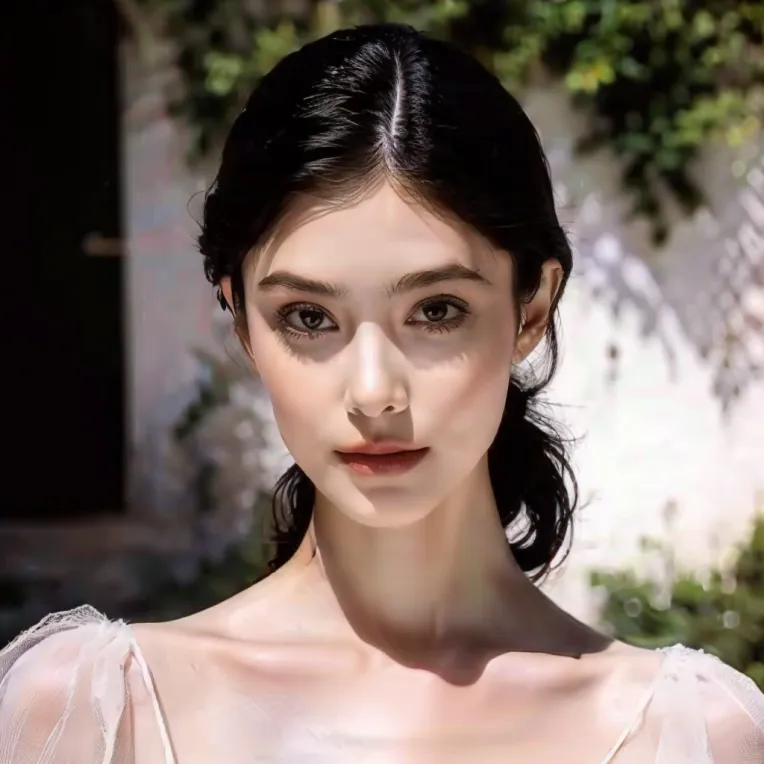 Image info
Training goal: Develop a LoRA capable of adjusting your facial features at will to achieve a series of golden proportions. Through extensive testing, various faces can be generated based on different base models, thus achieving the freedom to modify the golden ratio face.
After testing the best weight 0.6-0.8, above 0.8 will have a chance of collapse,
CLIP skip: 2
For a better drawing, please add the trigger word: JLSQ
model recommendation: AWPortrait_V1.4, majicMIX realistic
VAE: vae-ft-mse-840000-ema-pruned.safetensors
Sampling method: DPM + + 2M Karras
Drawing size: 512 * 512
The iterative steps 28
cfg 7
The amplification algorithm suggests 4x-Ultrasharp
Welcome to return the picture, your return picture is the power of my creation!!