
AgainFaceSizeF1
0
0
0
0
Portrait PhotographyGirlPhysical/Facial feature
v1
Baru Diperbarui: Diterbitkan Pertama:
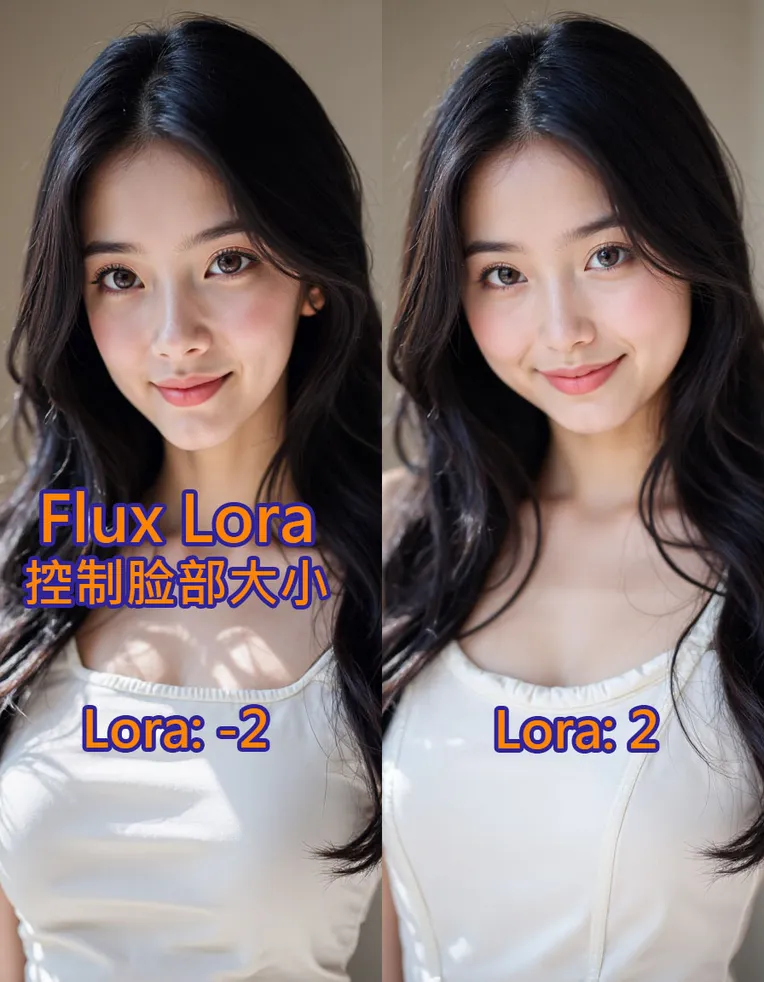
 Image info
 Image info
 Image info
 Image info
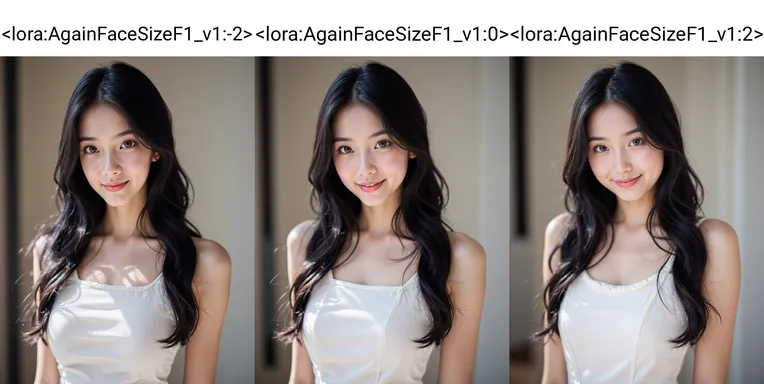 Image info
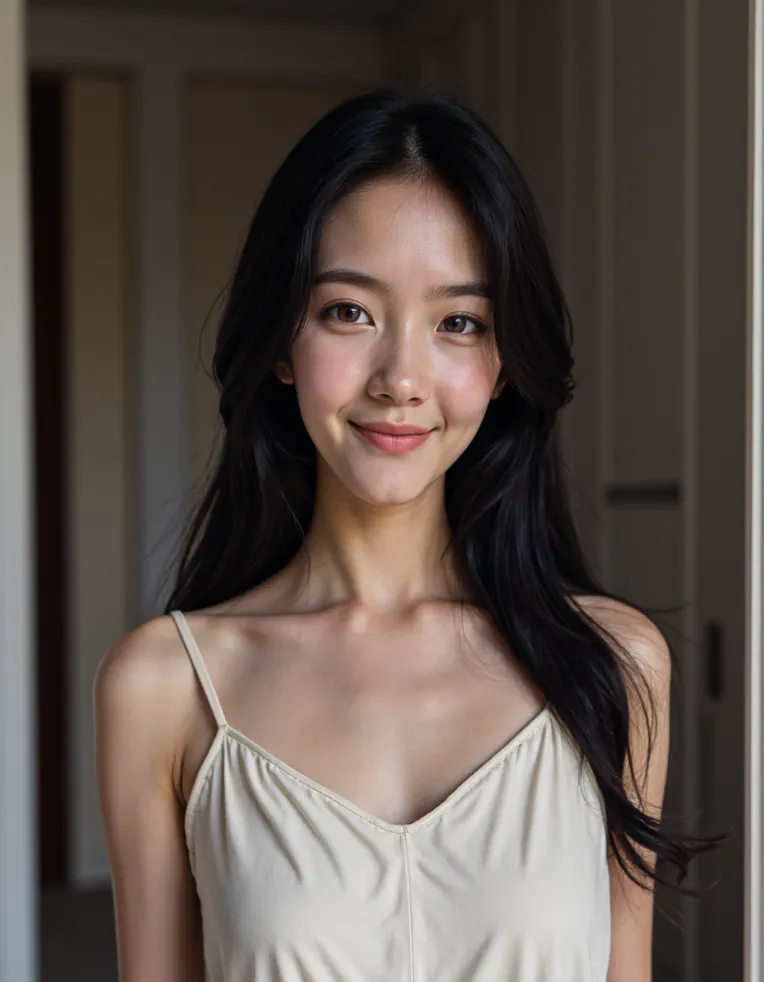 Image info
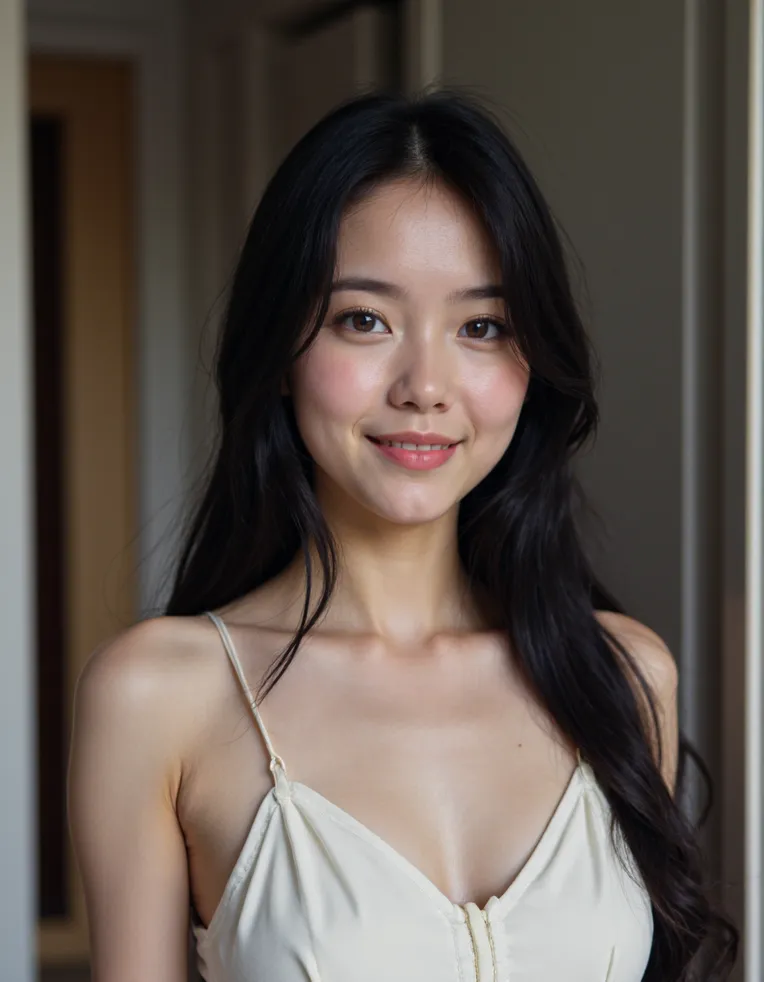 Image info
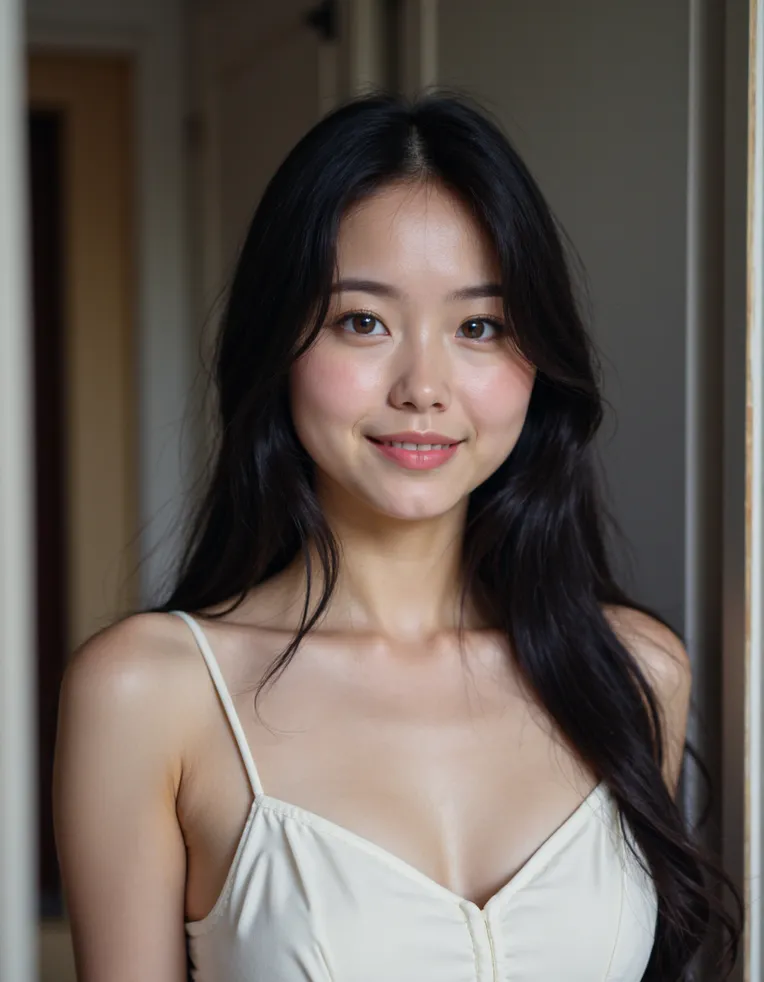 Image info
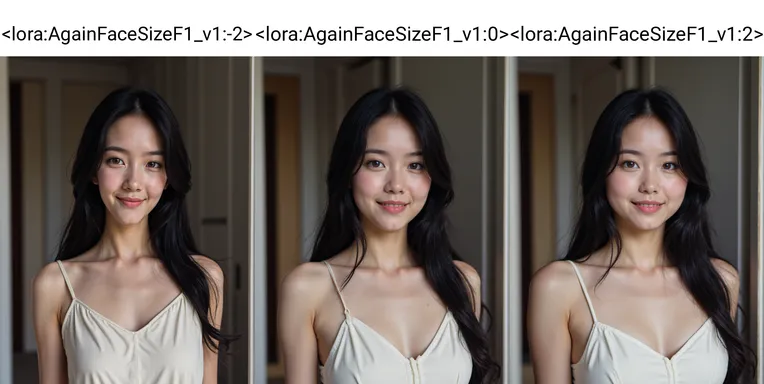 Image info
 Image info
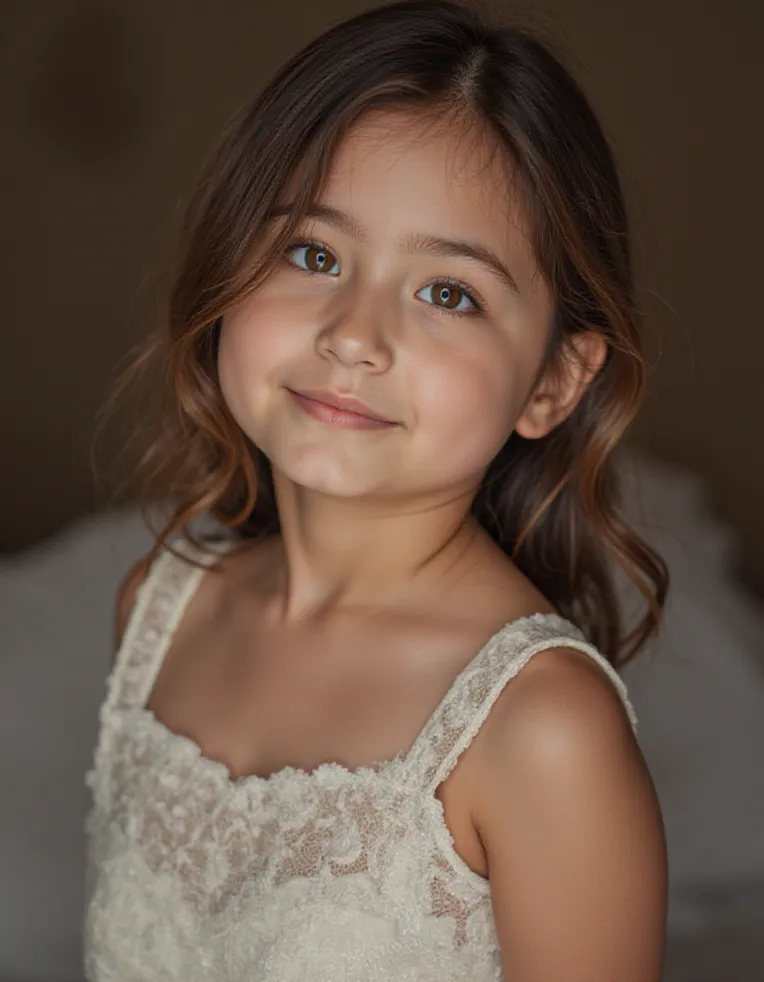 Image info
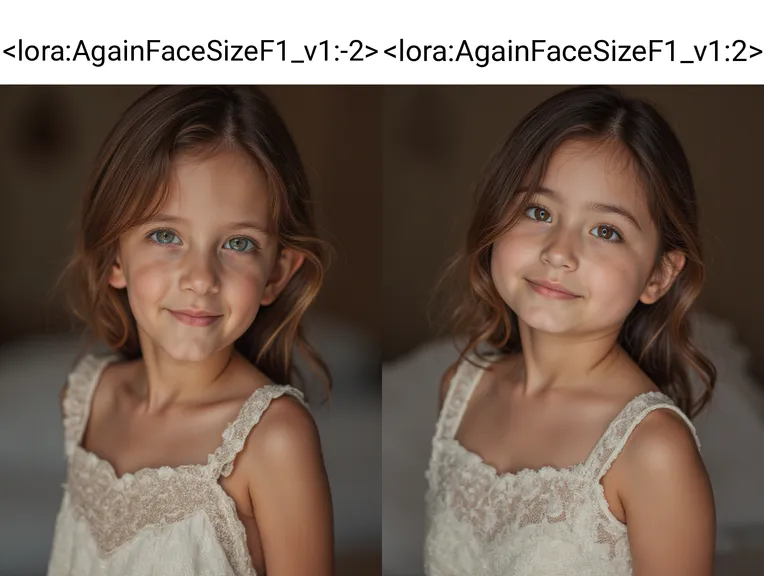 Image info
AgainFaceSizeF1_v1 controls face size using Flux Lora
Generally, Lora weights range from -2 to 2. Negative Lora weights will make the face smaller, while positive Lora weights will make the face larger.
Lora does not require trigger words; simply adjust the Lora weight.
Diskusi
Paling Populer
|
Terbaru
Kirim
Segera Hadir
Unduh
(0.00KB)
Deskripsi Fungsi
Tipe
Hitungan Hasil
0
Unduhan
0
Parameter yang Direkomendasikan
Kombinasi yang DirekomendasikanCheckpoint
Tidak Ada
Berat yang direkomendasikan
-1
CFG
3.5
VAE
Tidak Ada
Galeri
Paling Populer
|
Terbaru