
Beginner's Workflow - Image Upscaling
0
0
0
0
Anime CharacterGirlStyle Boost
V1.0
Baru Diperbarui: Diterbitkan Pertama:

 Image info
 Image info
 Image info
 Image info
 Image info
 Image info
 Image info
 Image info
 Image info
 Image info
 Image info
 Image info
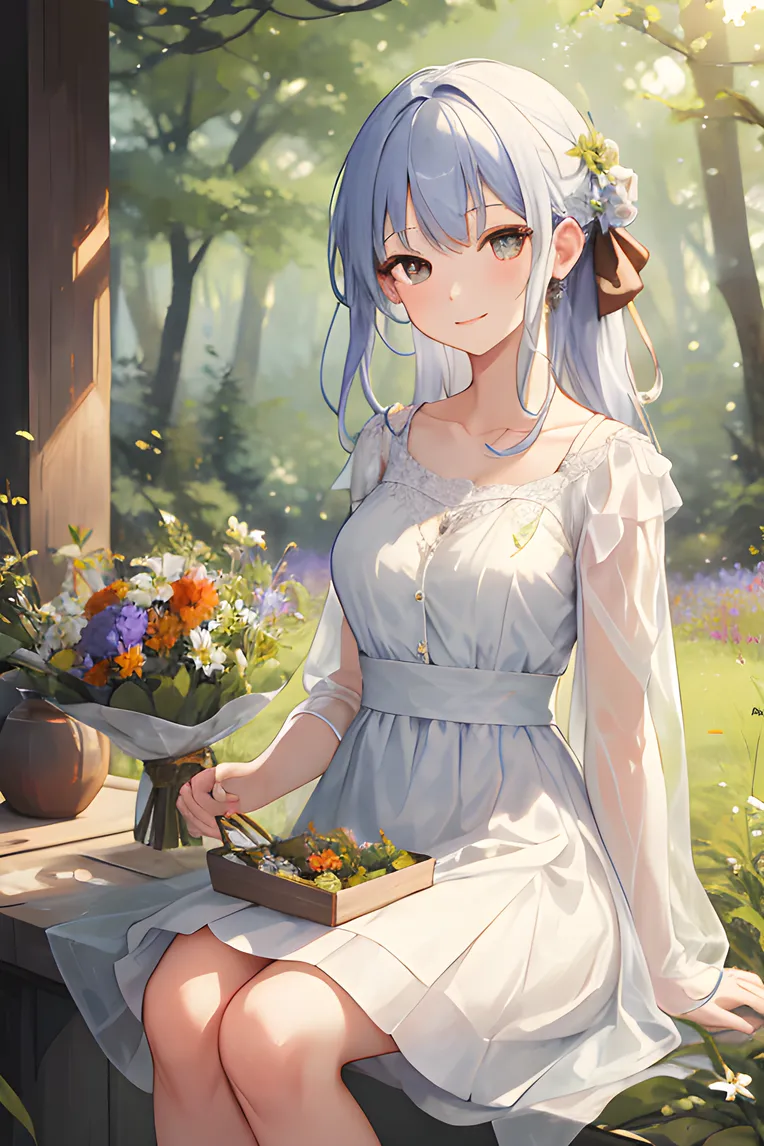 Image info
 Image info
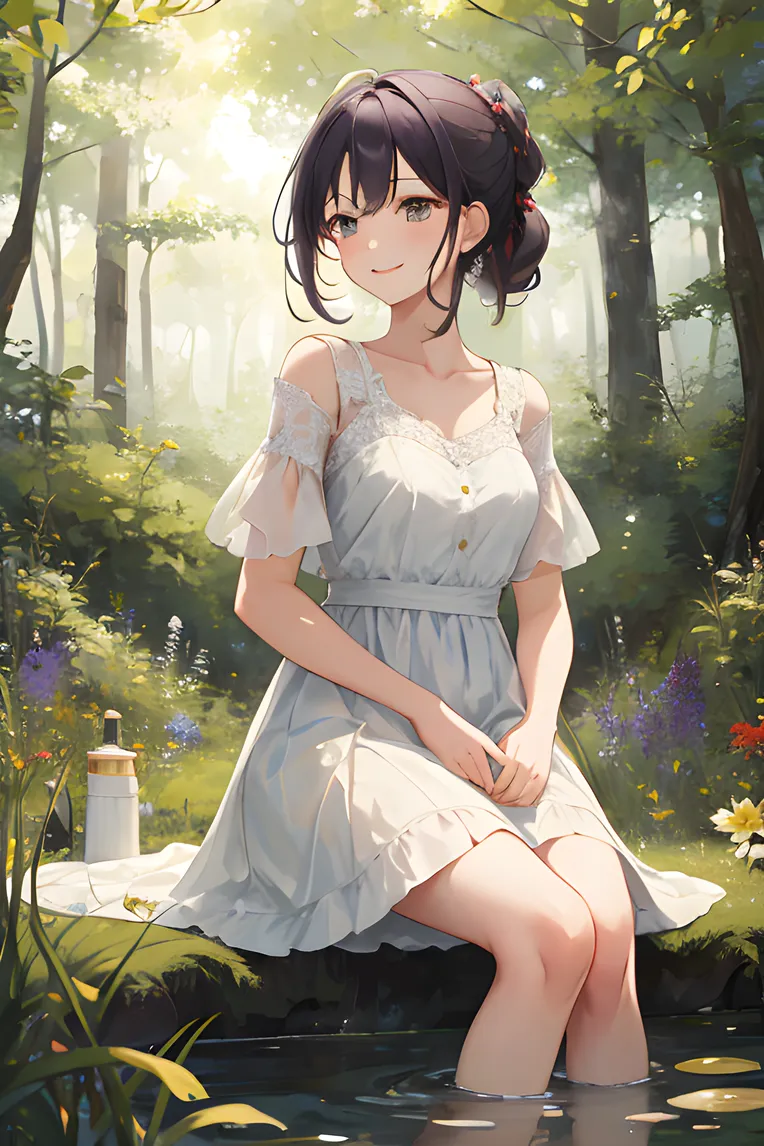 Image infoImage info
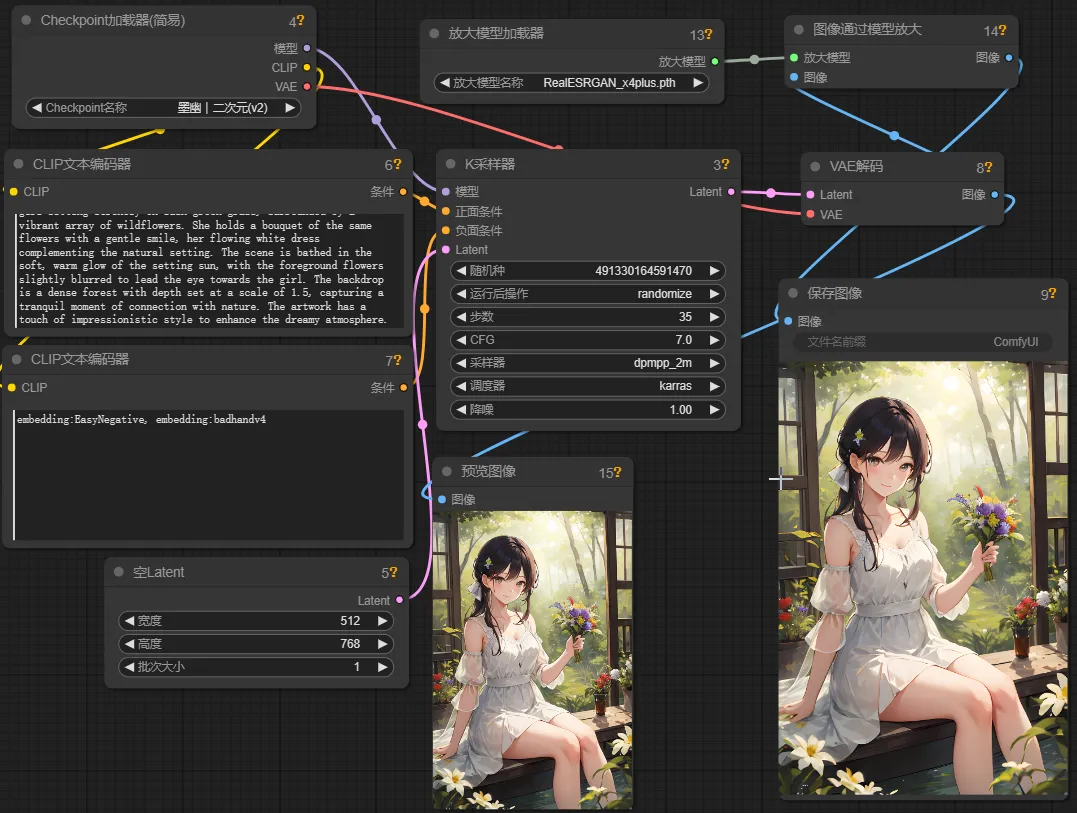
This is an example of how to use upscale models such as ESRGAN. Place them in the models/upscale_models folder, then load them using the UpscaleModelLoader node, and use them with the ImageUpscaleWithModel node.
Diskusi
Paling Populer
|
Terbaru
Kirim
Segera Hadir
Unduh
(0.00KB)
Deskripsi Fungsi
Tipe
Hitungan Hasil
0
Unduhan
0
Galeri
Paling Populer
|
Terbaru