
Realtify Realistic Thai model on ((( Flux )))
Realisitc Thai
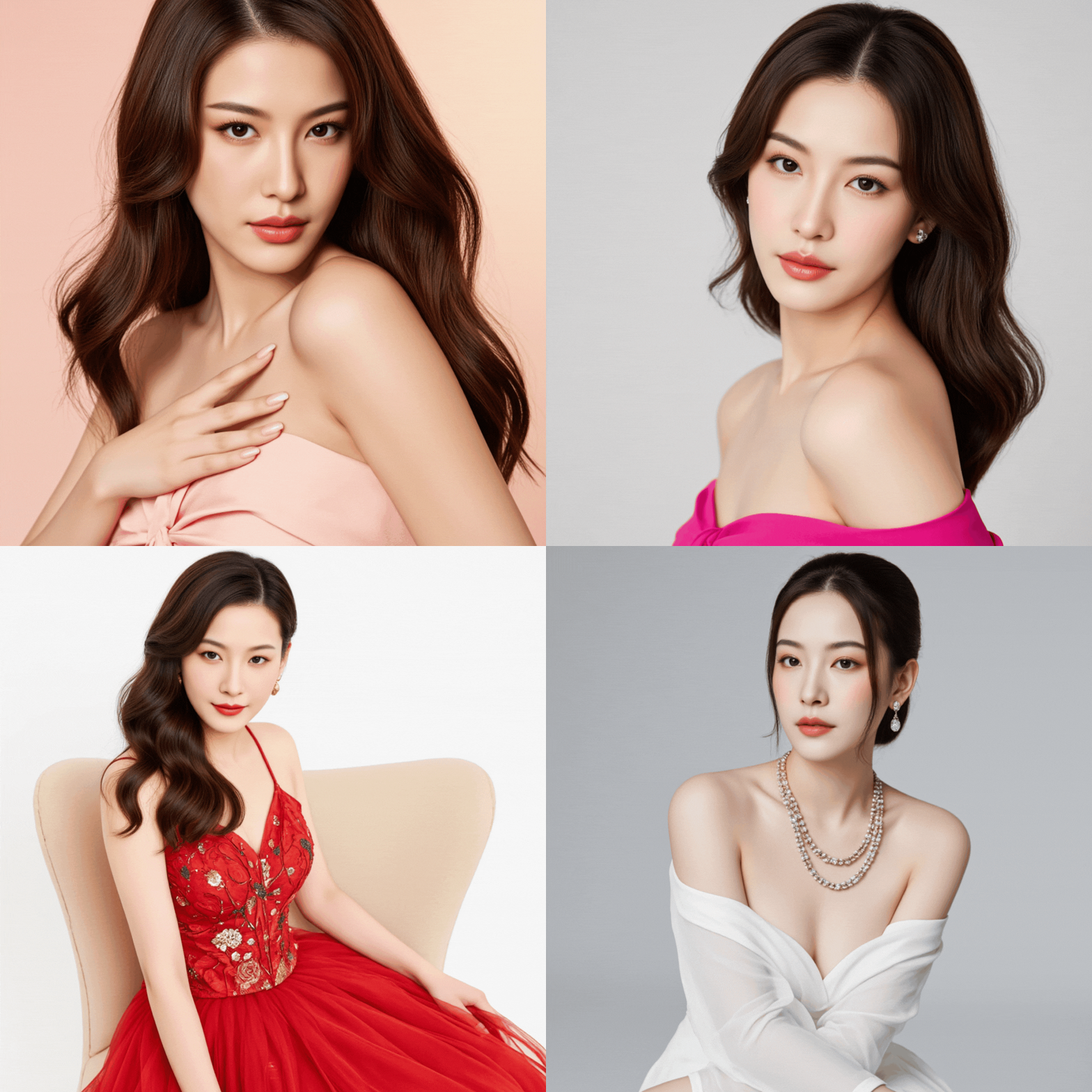
 Image info
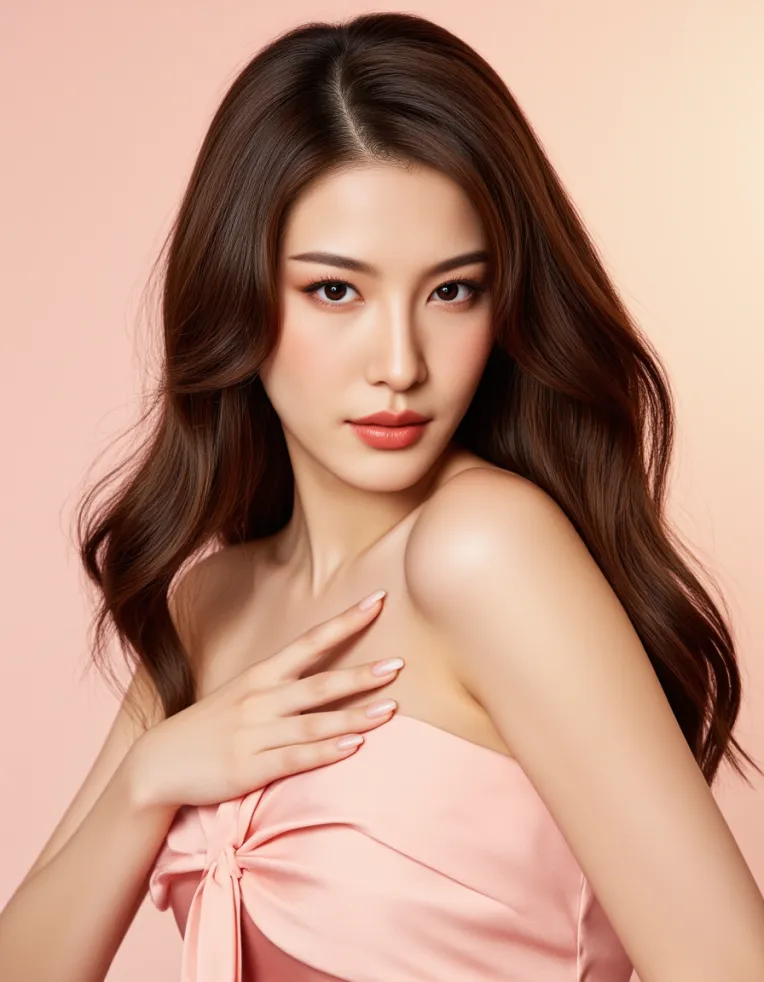 Image info
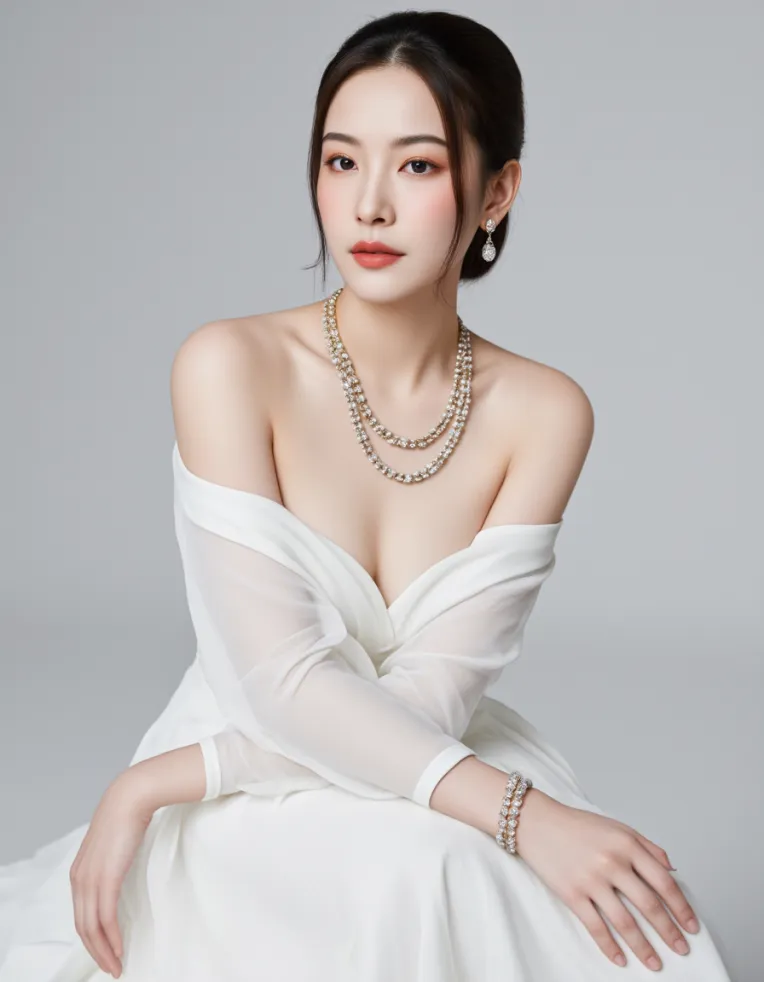 Image info
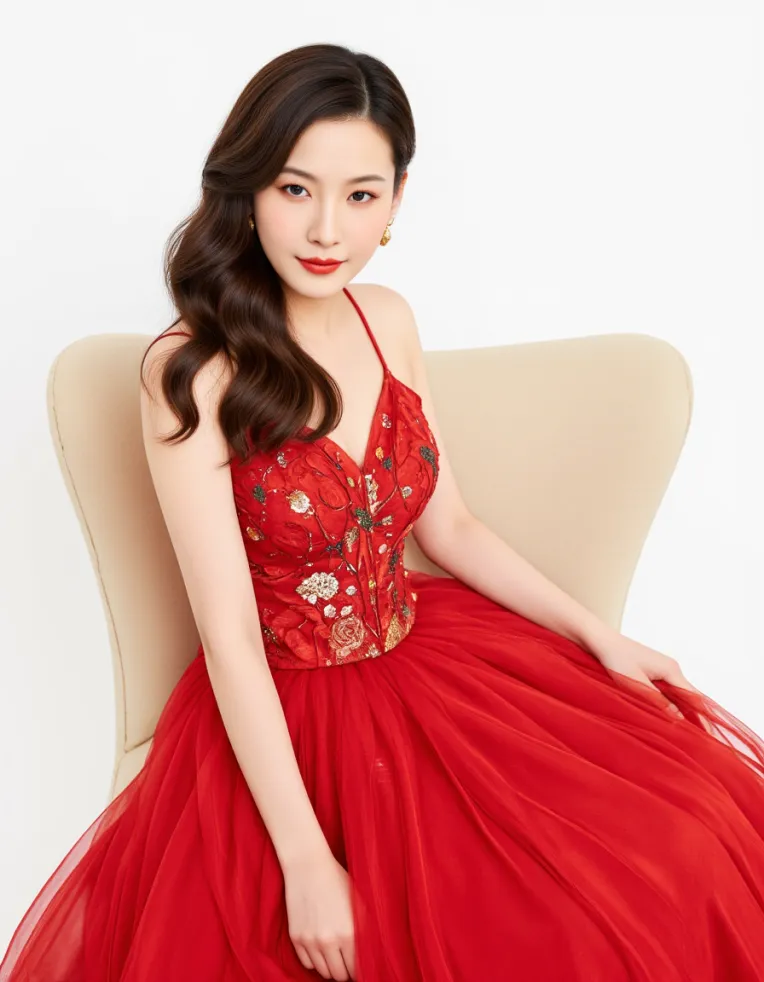 Image info
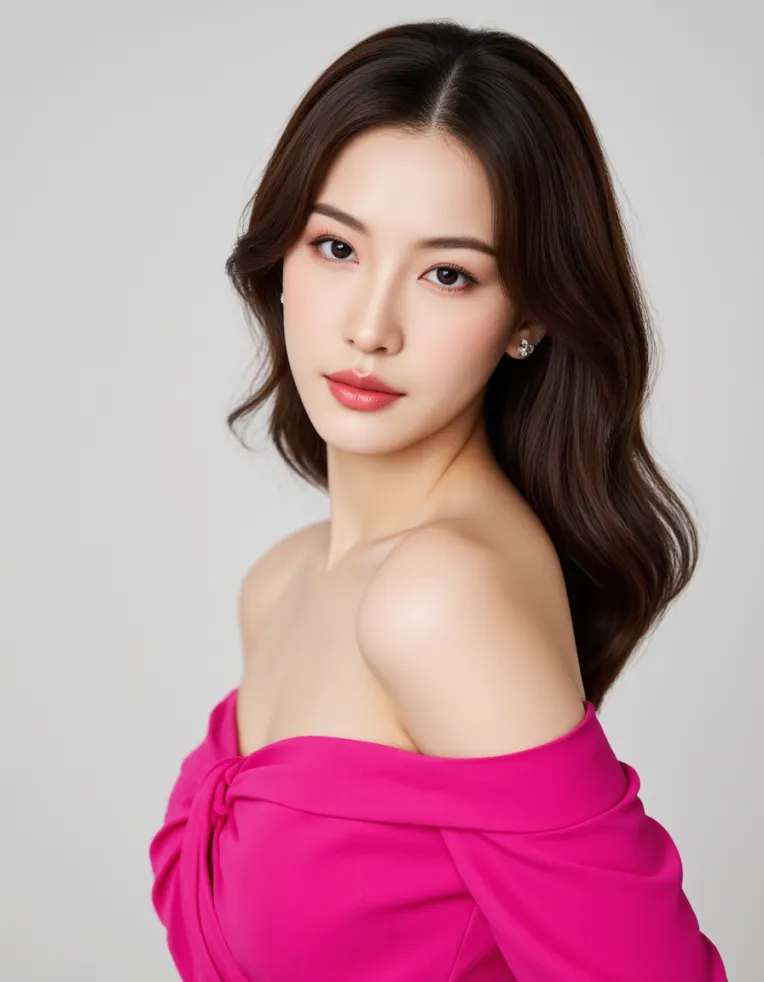 Image info
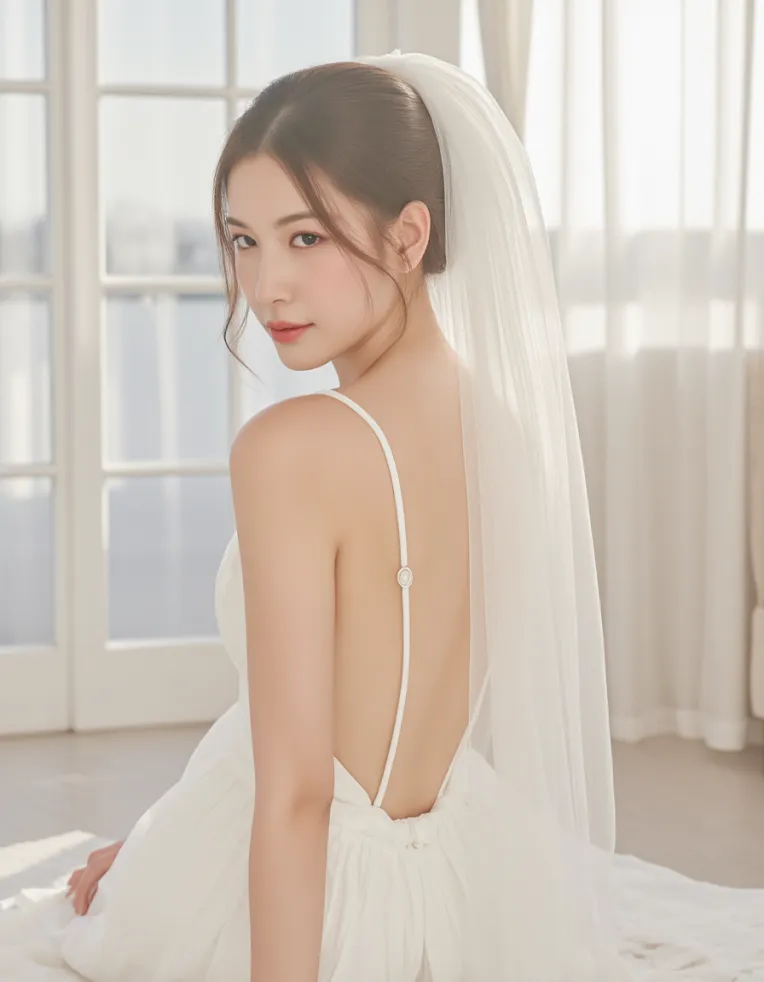 Image info
The Thai Model checkpoint is a custom-trained base model or checkpoint designed to generate highly realistic images of Thai female models, often with beauty-standard features such as smooth skin, defined bone structure, and elegant styling. This model is ideal for fashion shoots, cosmetics campaigns, or editorial-style portraits with a distinctly Southeast Asian aesthetic.
To use it, load the checkpoint in your image generation tool (e.g., Forge, ComfyUI). It replaces your current base model Flux and becomes the foundation for generating outputs. Make sure it’s properly loaded under the “Model” tab.
This checkpoint already leans into realism, so no need for heavy LoRA or over-stylization unless for enhancement. However, pairing it with lighting or background LoRA (e.g., Soft Light, Cinematic) can elevate the composition.
To preserve model traits, avoid mixing with other strong character LoRAs.
This checkpoint is well-suited for professional fashion visuals, lookbook designs, and social media influencer-style content.
Better with Trigger words : Model face, Model pose but not too nesssary.