
FLUX Nuwa Series_1980s vintage children's picture book illustrations
1
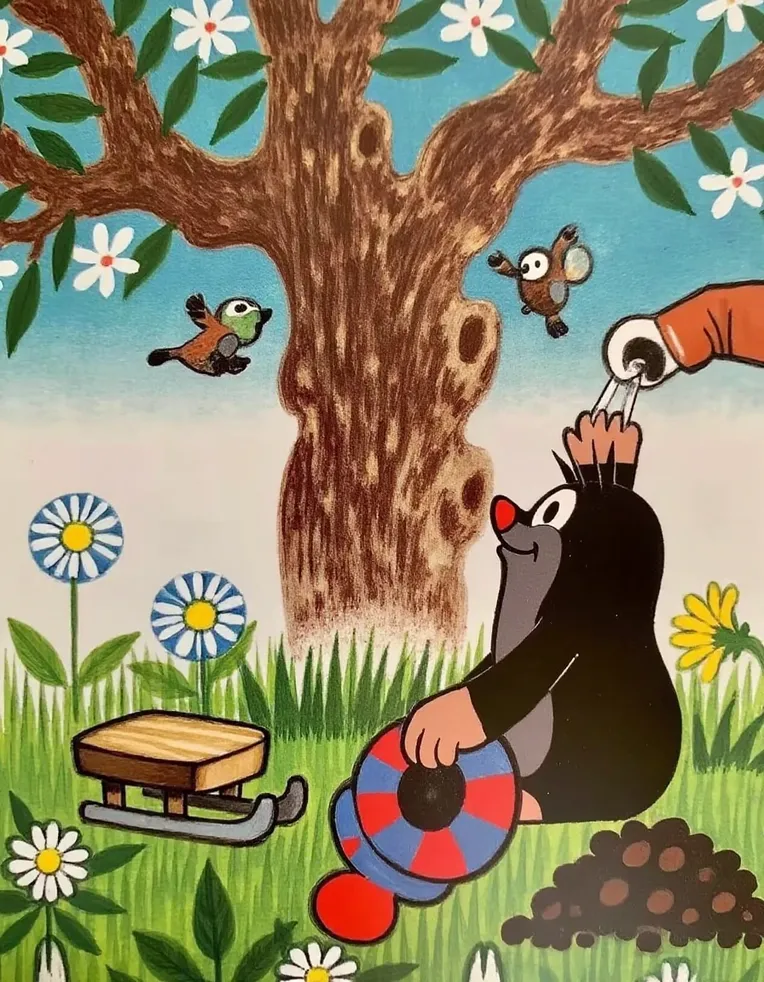
 Image info
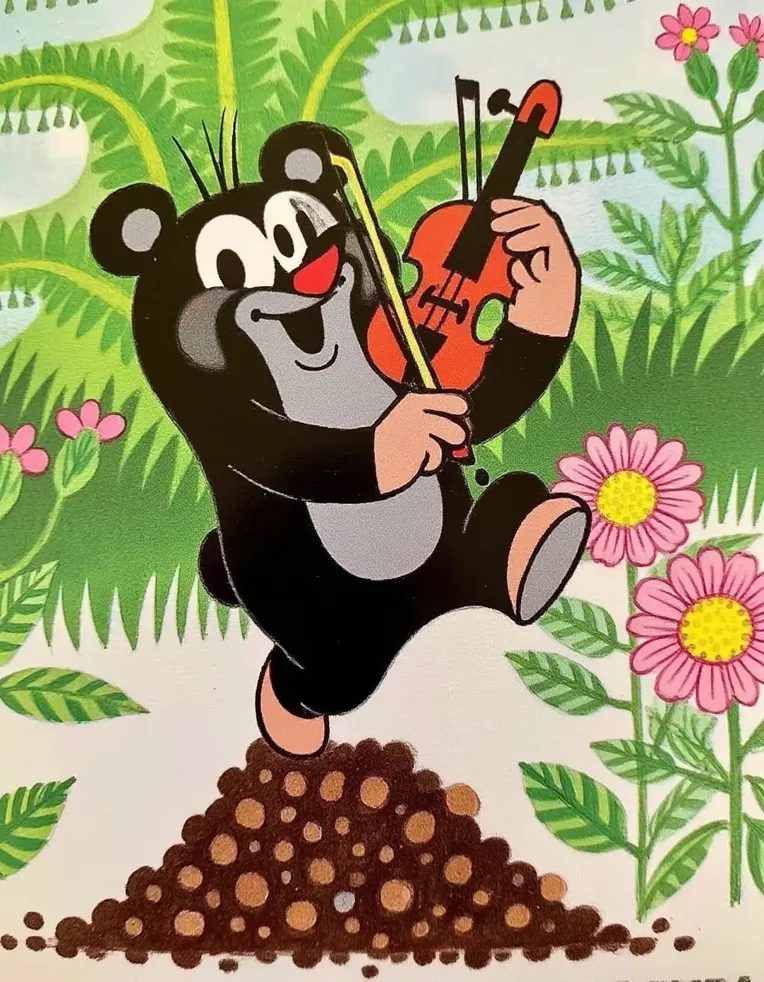 Image info
 Image info
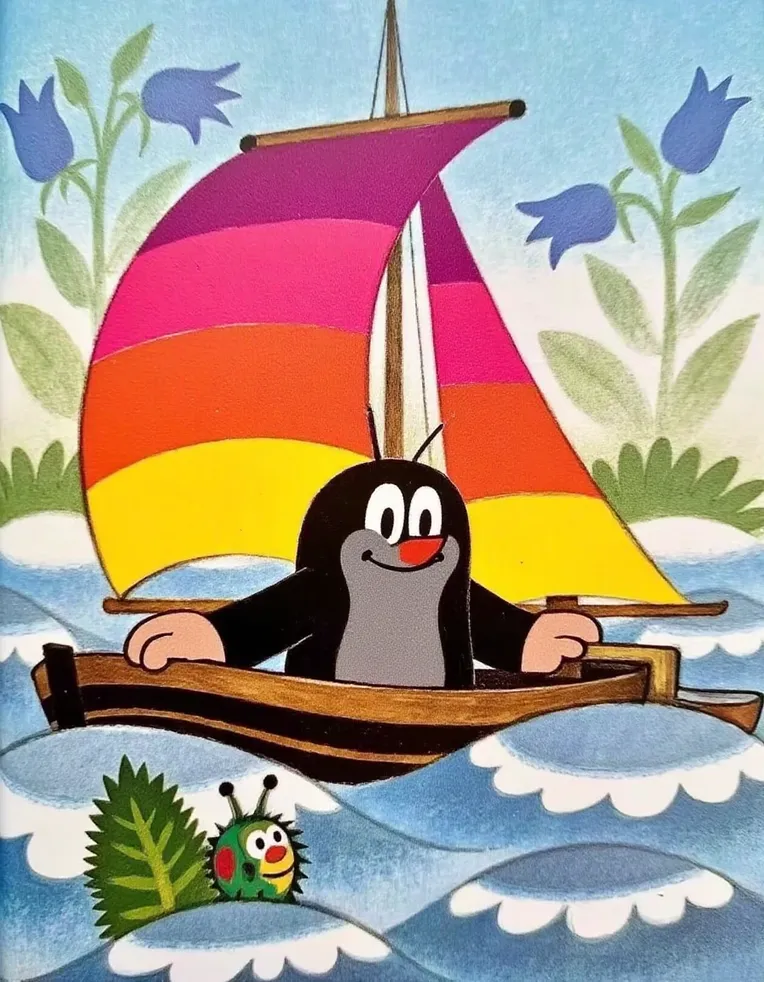 Image info
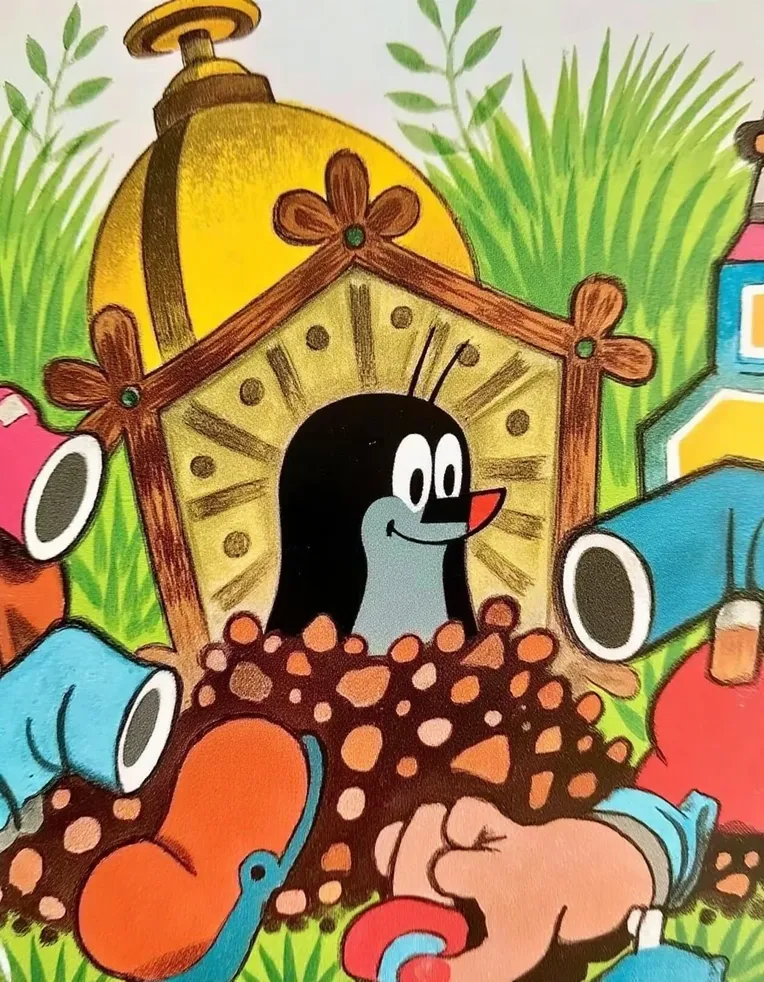 Image info
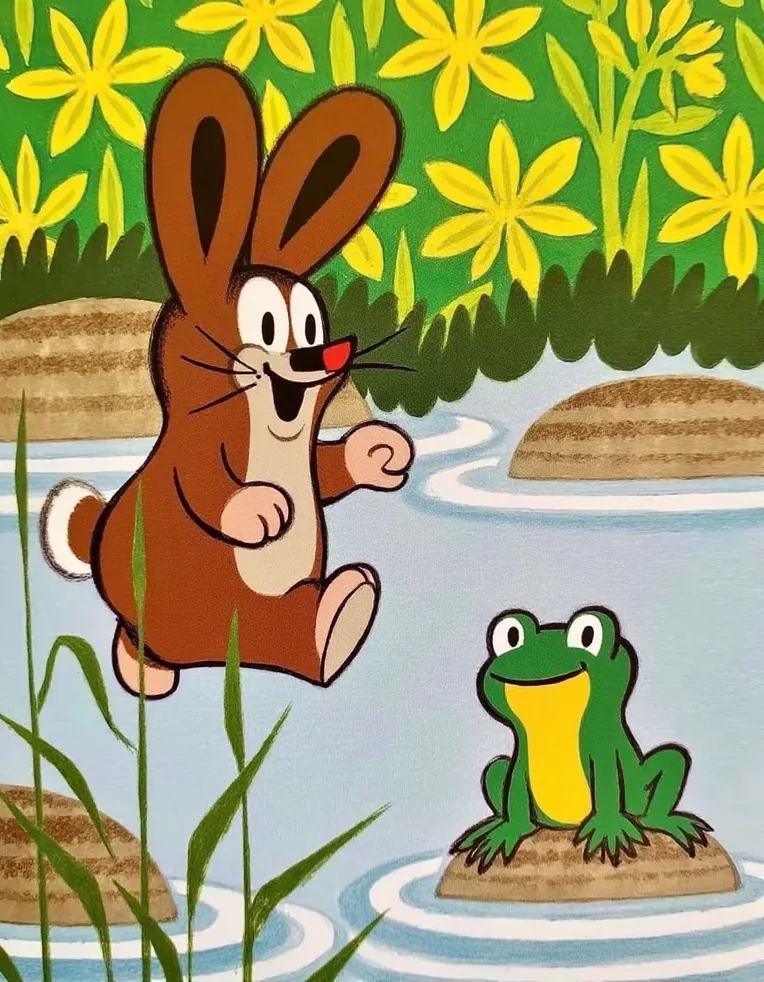 Image info
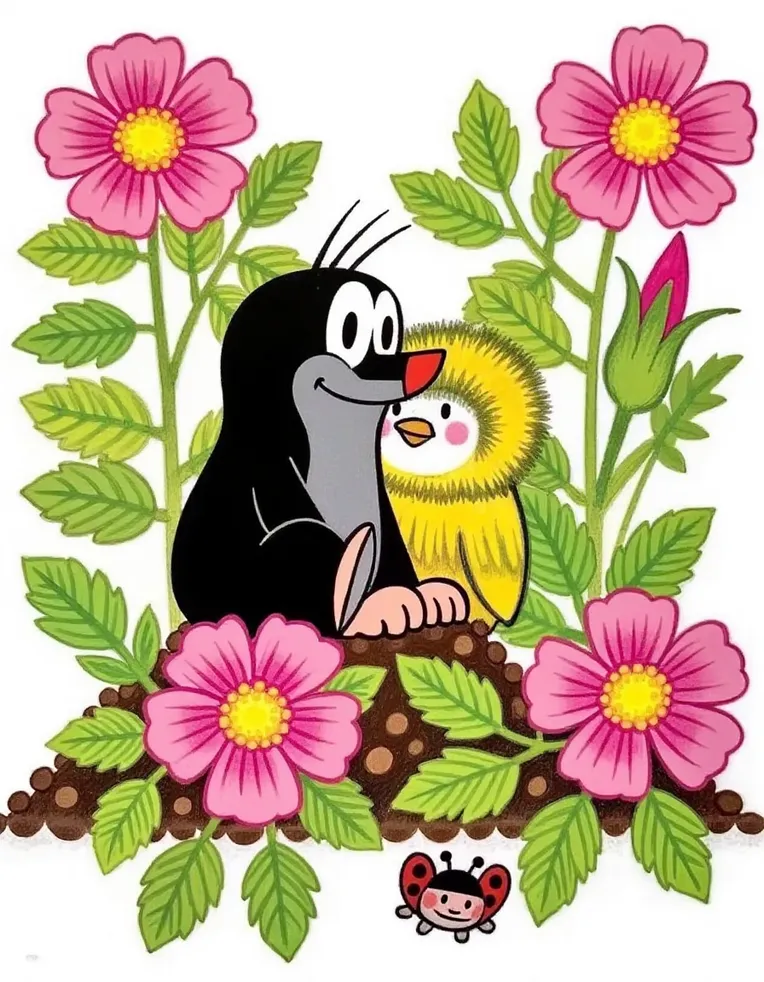 Image info
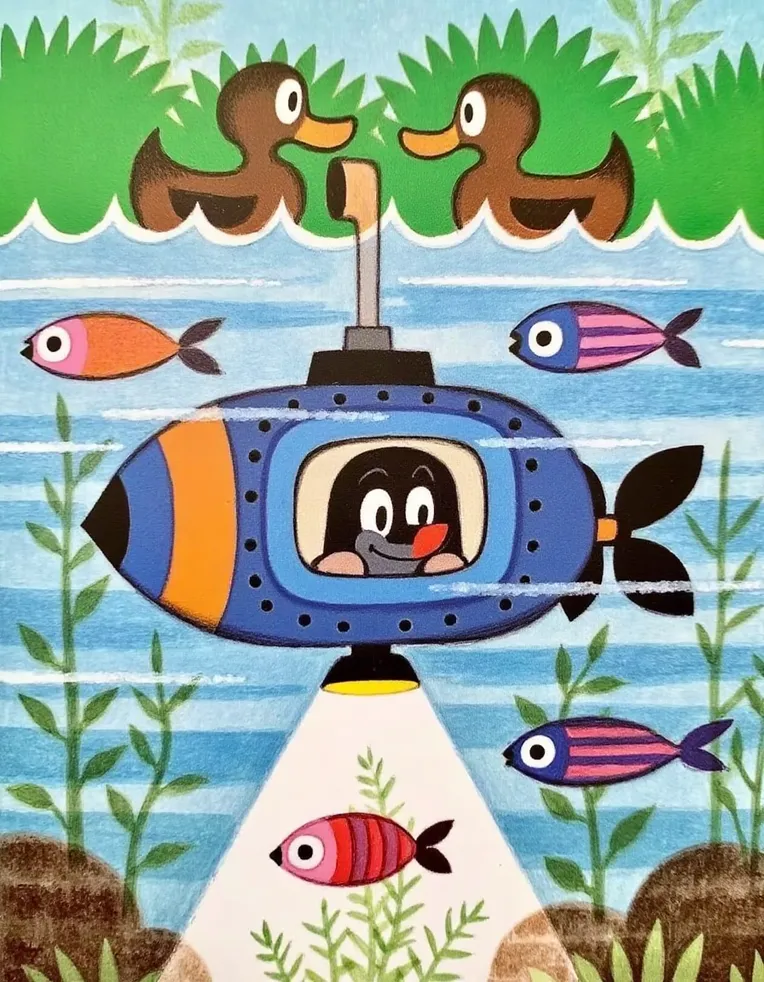 Image info
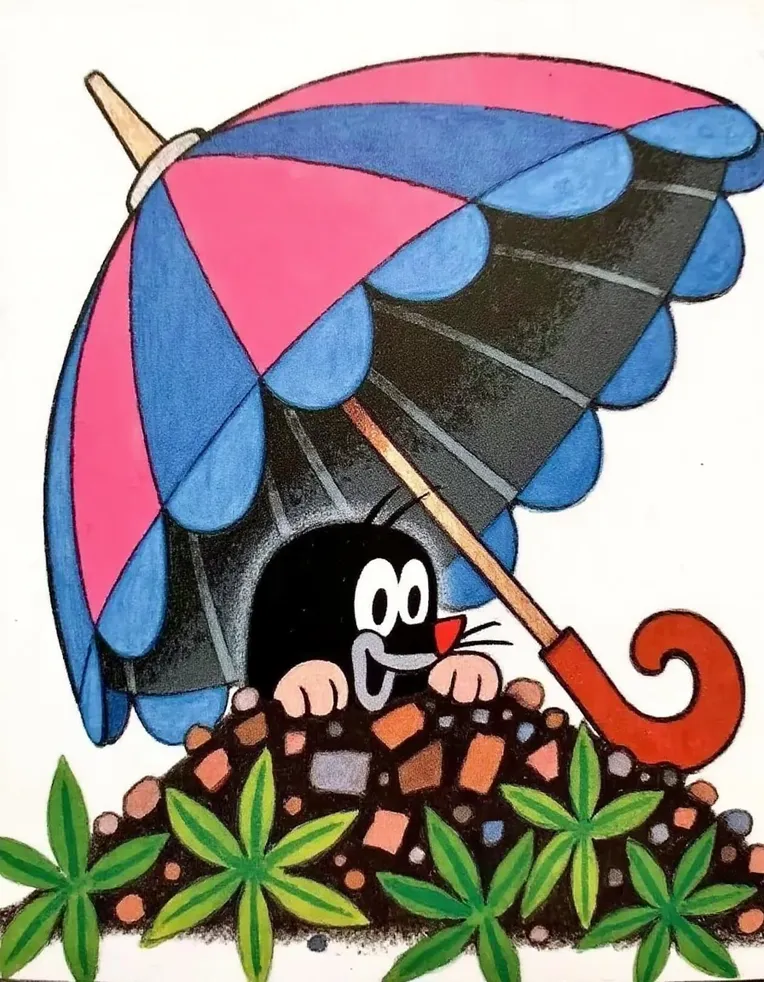 Image info
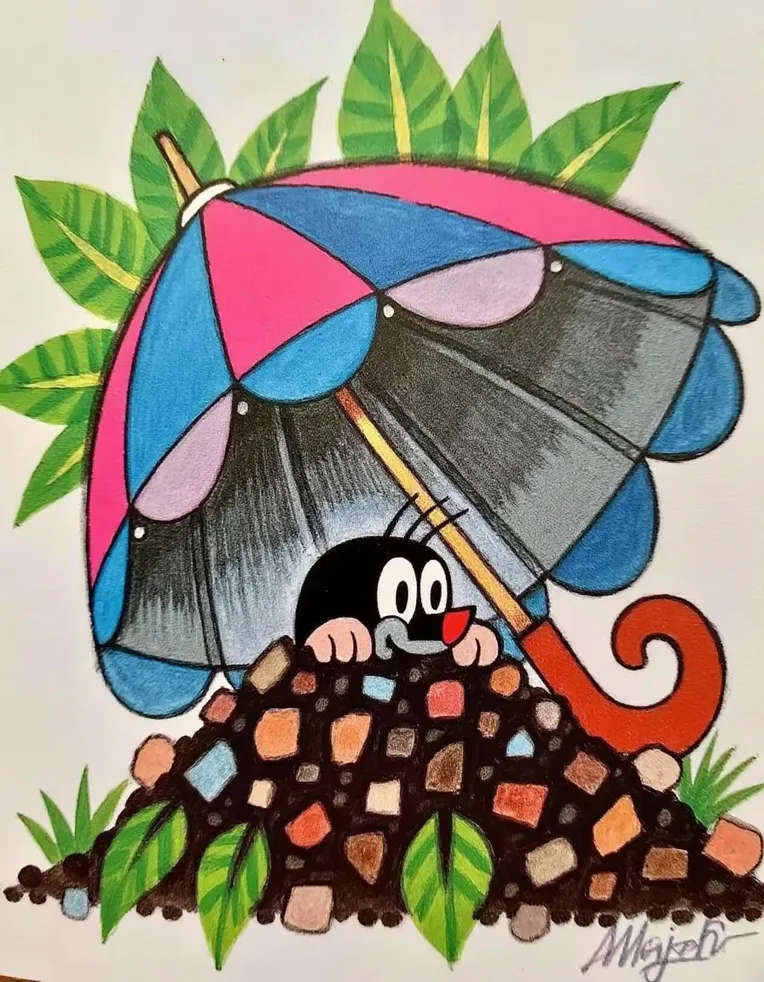 Image info
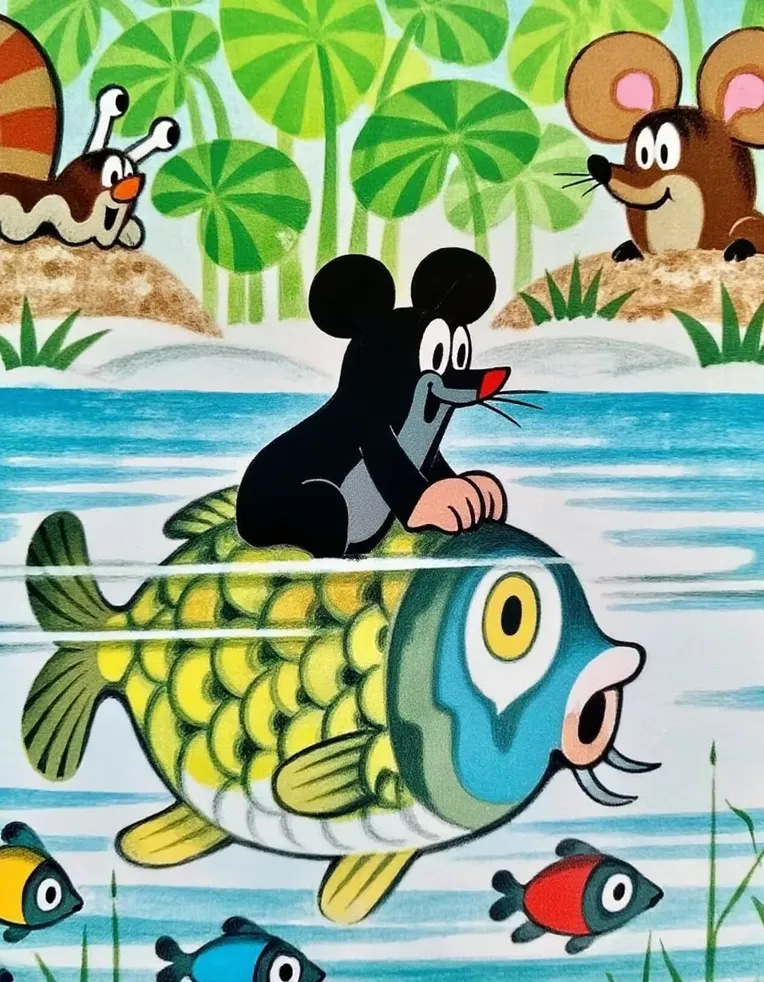 Image info
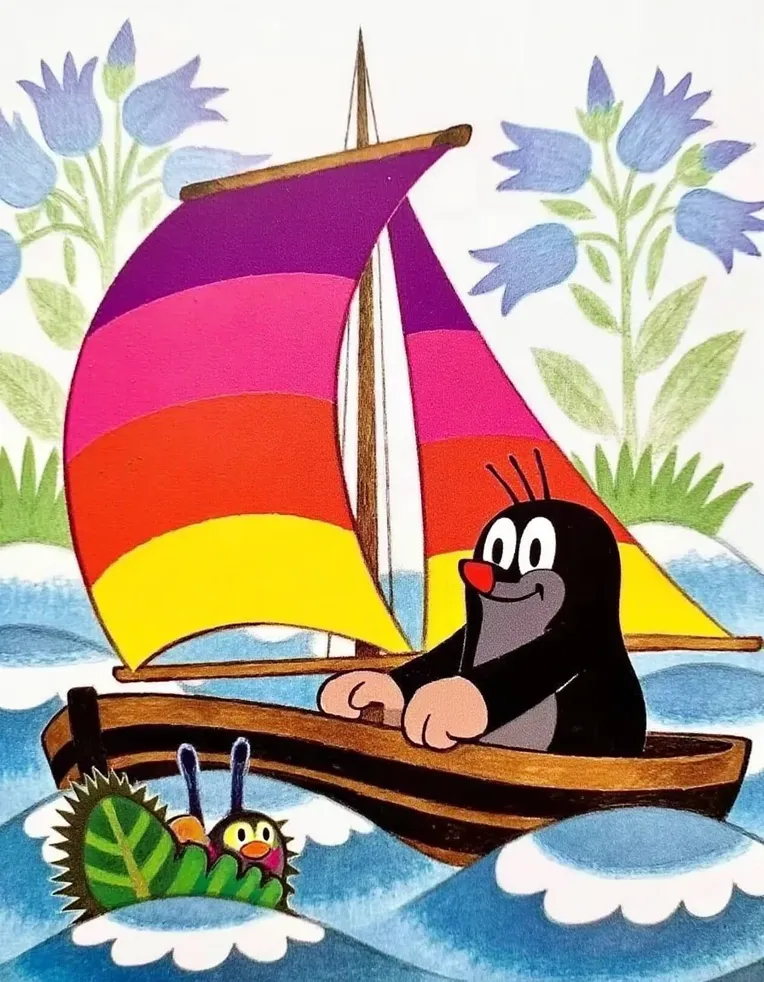 Image info
**Q: What are the advantages of your model?**
A:
- My model combines the latest FLUX technology, capable of generating high-quality, detailed images. All example images are pure AI-generated without any post-editing, enlargement, or enhancements, at a pure native resolution of 896*1152, presenting the model in the most straightforward way. The overall style of this model is very simple and clear, with smooth lines, vibrant colors, giving a relaxed and joyful feeling. This style is often seen in children's animations or illustrations.
---
**Q: How do I use this model?**
A:
Practical tips/parameter recommendations:
Key parameters: LoRA weight 1, cfg3.5, steps 20, resolution 896*1152
If you are using **Liblib's WebUI**:
1. Click the blue "Generate Image Now" in the top right corner, change the LoRA weight to 1.
2. Enter the recommended prompts (see below), then click the "Generate Image" button.
If you are using **LibLib's ComfyUI**:
1. Click "Example Image," then click "Generate Image in One Click."
2. Choose either Unet (FLUX official base model), VAE (AE), Clip (T5 or Clip-L).
3. Enter the recommended prompts (see below), then click "Generate Image."
---
**Q: FLUX prompts are too long, I don't know how to write them.**
A:
FLUX prompts are indeed quite complex, unlike SD1.5 where you can simply input "a woman" to get the desired result. Therefore, I recommend the following three methods:
1. **Beginner's method**: Directly copy other people's prompts. Click "Generate Image in One Click" to view prompts in the "Example Image" section, prompts are also listed below, or check prompts from other users in the forum, so you can quickly experience the model's effects.
2. **Advanced method**: After copying someone else's prompts, use ChatGPT or ZhiPuHuiYan (recommended, seems to be available for free) to adjust and customize the effect you want. This method is simple, efficient, and yields very good results.
---
**Recommended prompts: (Natural language descriptions, no specific trigger words)**
---
**Model Quality Standard Factory Self-Test:**
1. **Composition**: Balanced, harmonious, clear focal point, elements logically and intentionally arranged------------------Excellent
2. **Color**: Coordinated colors, conveying emotions or guiding viewer's gaze through color ----------------Excellent
3. **Details and Clarity**: Clear details, accurate focus, no excessive blurriness or cluttered areas----------Excellent
---For FLUX model business cooperation, contact ddhfjki