
ICLight Fill Light
0
0
0
0
PhotographyRealisticGirlPhysical/Facial feature
ICLight 1.0
最近更新:初回公開:
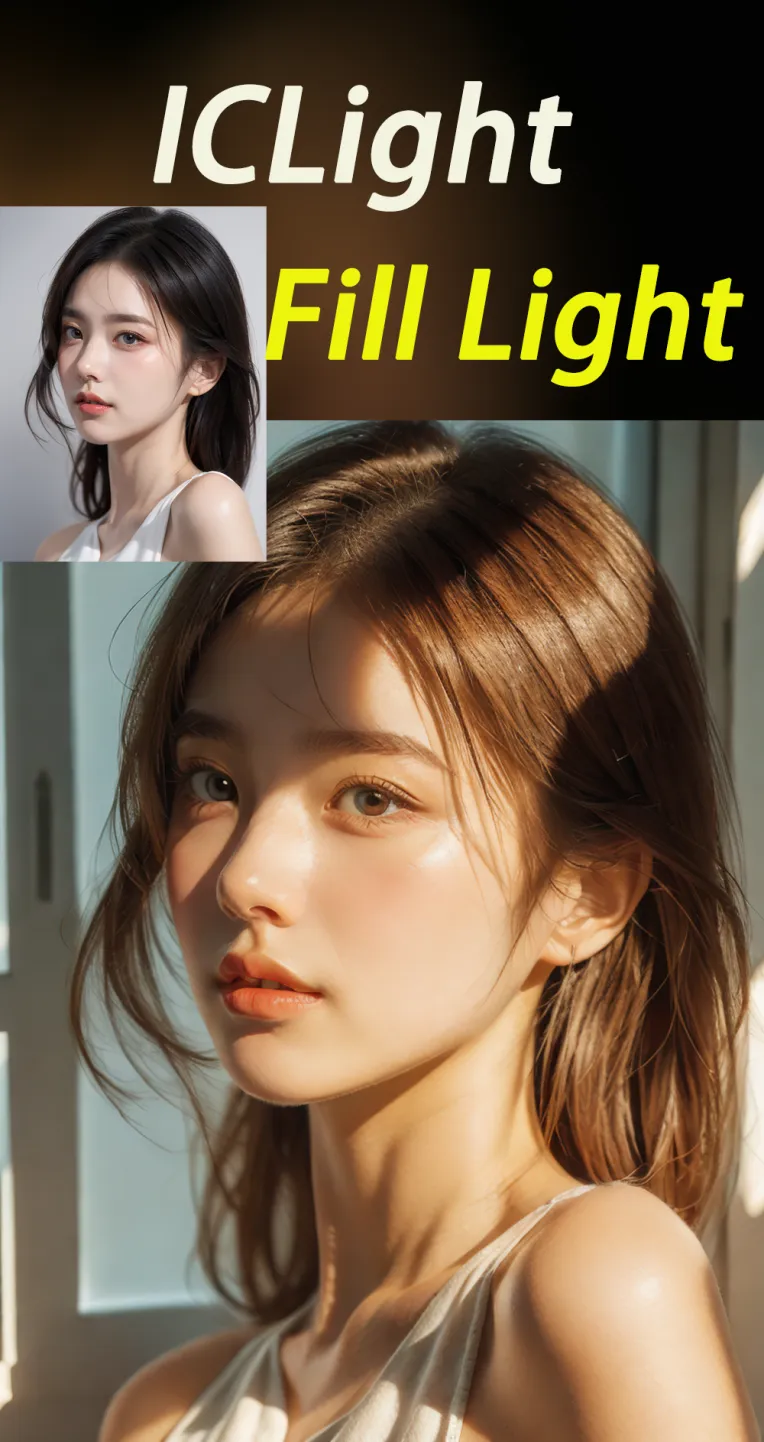
 Image info
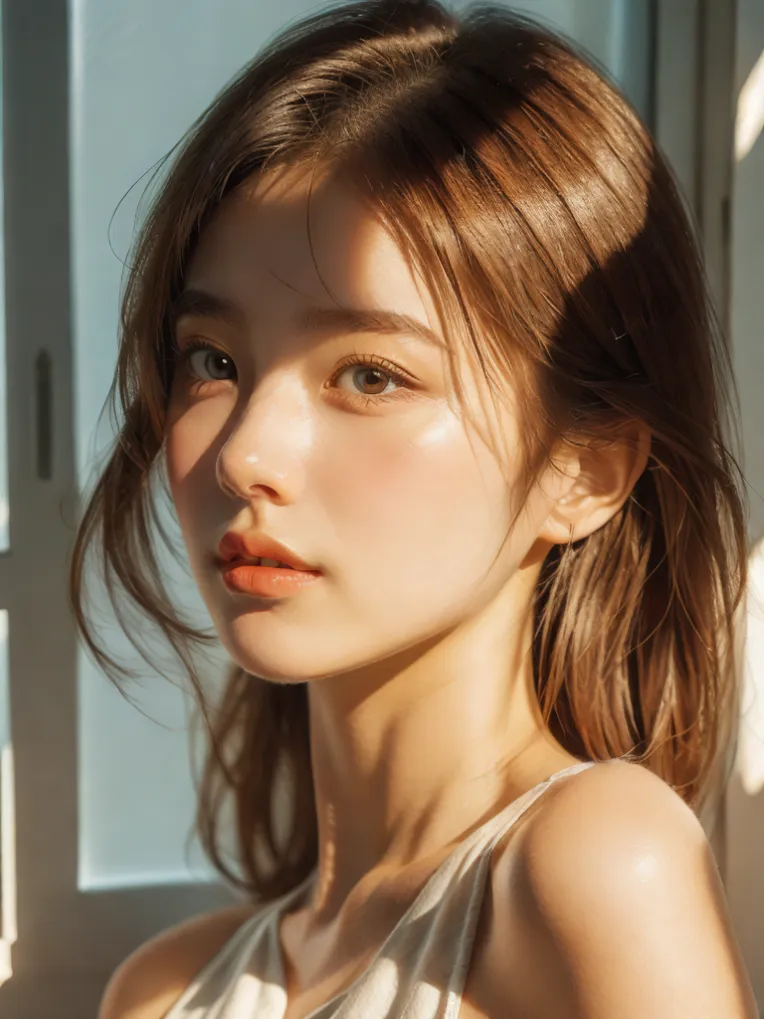 Image info
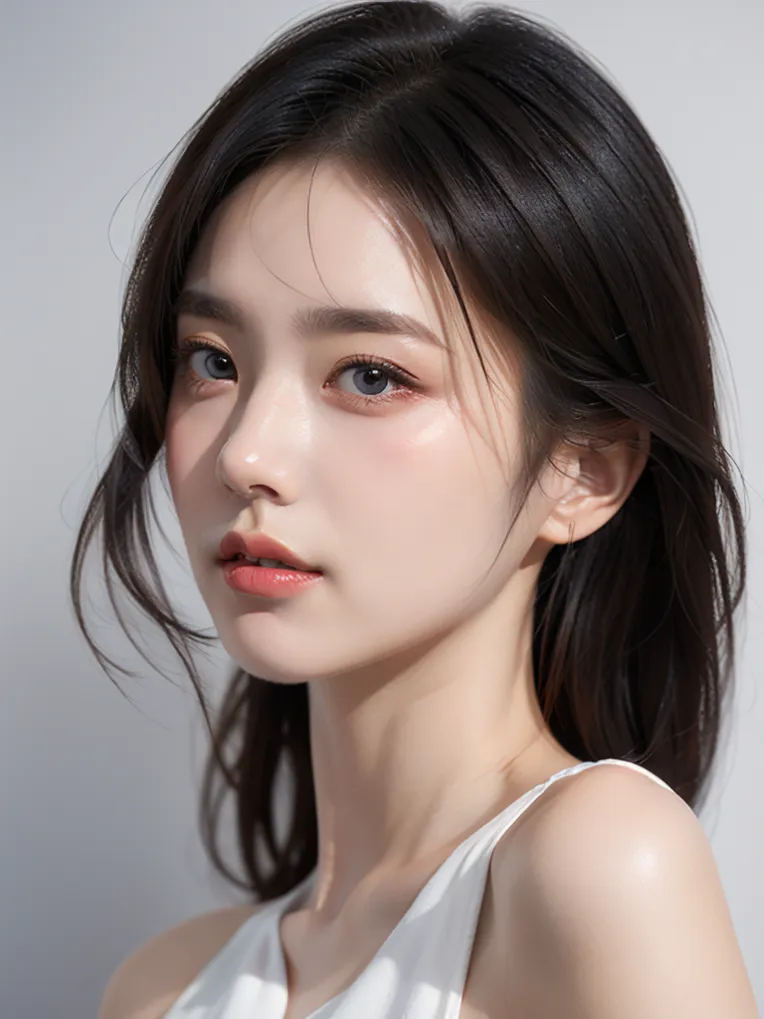 Image info
Usage Methods and Precautions for Version 2.0: Supports Online Generation
- Import the image and then write the necessary prompt words for the person or object you want to extract in the SegmentAnythingUltra_V2 node (the default prompt word I've written is "subject". If it doesn't work, you need to rewrite it, such as "girl" or "boy" for people, or "shoes," "rice cooker," etc., for objects. Generally, the default "subject" can be extracted).
- Then, in the CLIP Text Encoder, write prompt words, such as "a girl," "by the window," "warm light," etc. Finally, click to generate.
- If the output image does not meet your satisfaction, please adjust the CFG of the K-Sampler from 3-5 and the value of the Applied ICLight Condition from 0.19-2.0.
- The large model can only use the 1.5 model.
- In addition to character lighting, products can also be lit. Please explore more ways to use it on your own.
Version 1.0
- Supports online generation; the system may display an error, but you can use the workflow directly by opening it.
- Import the image and click to generate; it's a very simple lighting workflow.
- If the effect is not satisfactory, just click generate multiple times.
ディスカッション
最も人気
|
最新
送信
もうすぐです
ダウンロード
(0.00KB)
詳細
タイプ
オンライン生成回数
0
ダウンロード
0
ギャラリー
最も人気
|
最新