
Comic Korean Comic Avatar Workflow - Designer Learn Ai
V1.0-Comic Avatar Korean Comic Series
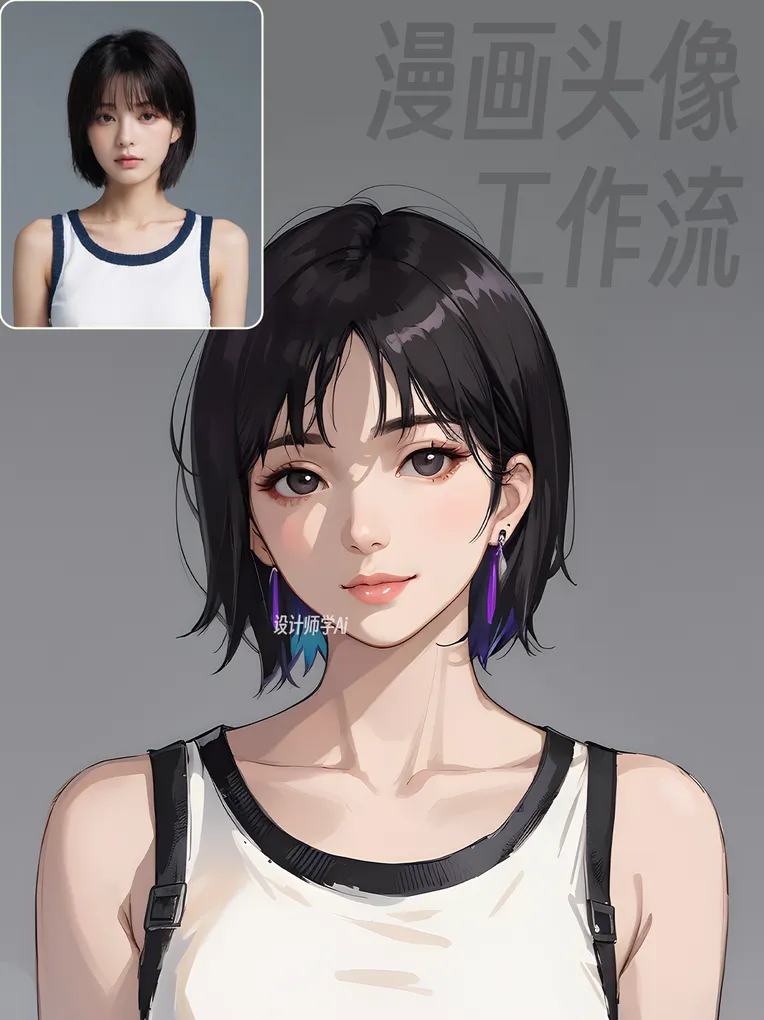
 Image info
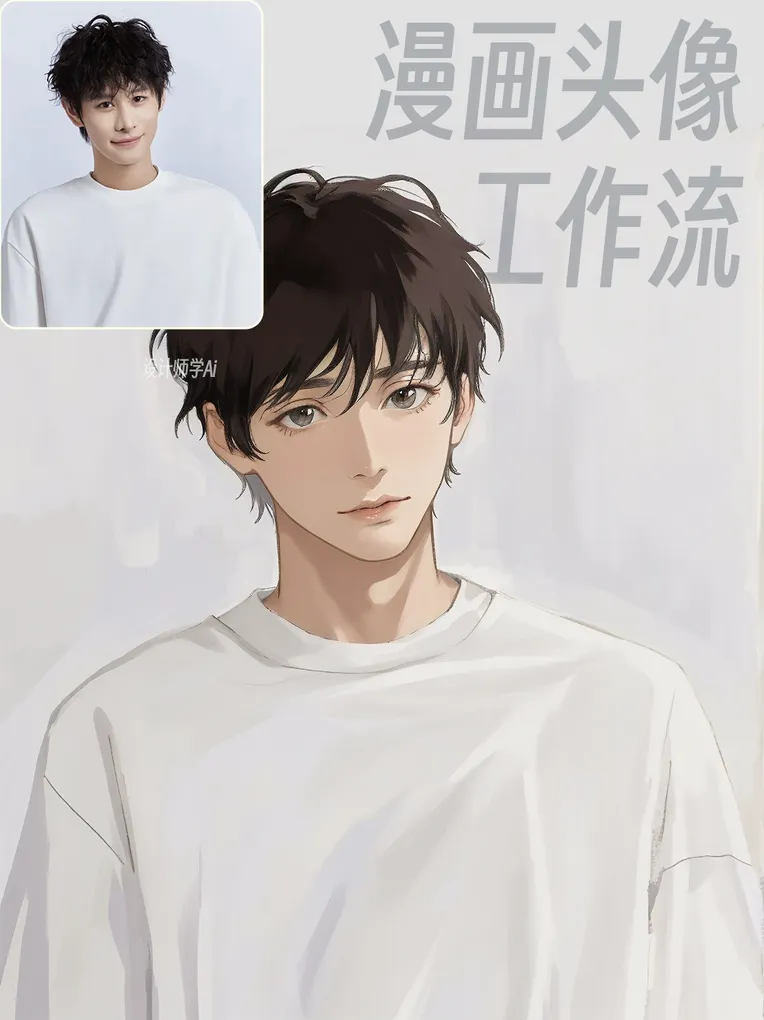 Image info
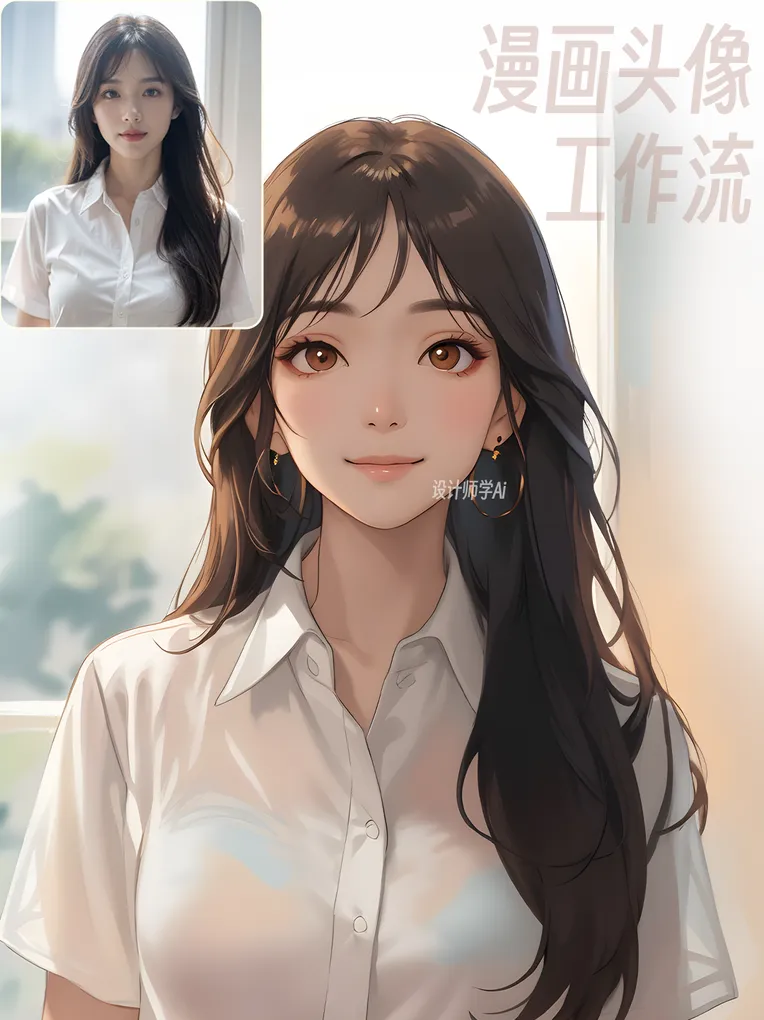 Image info
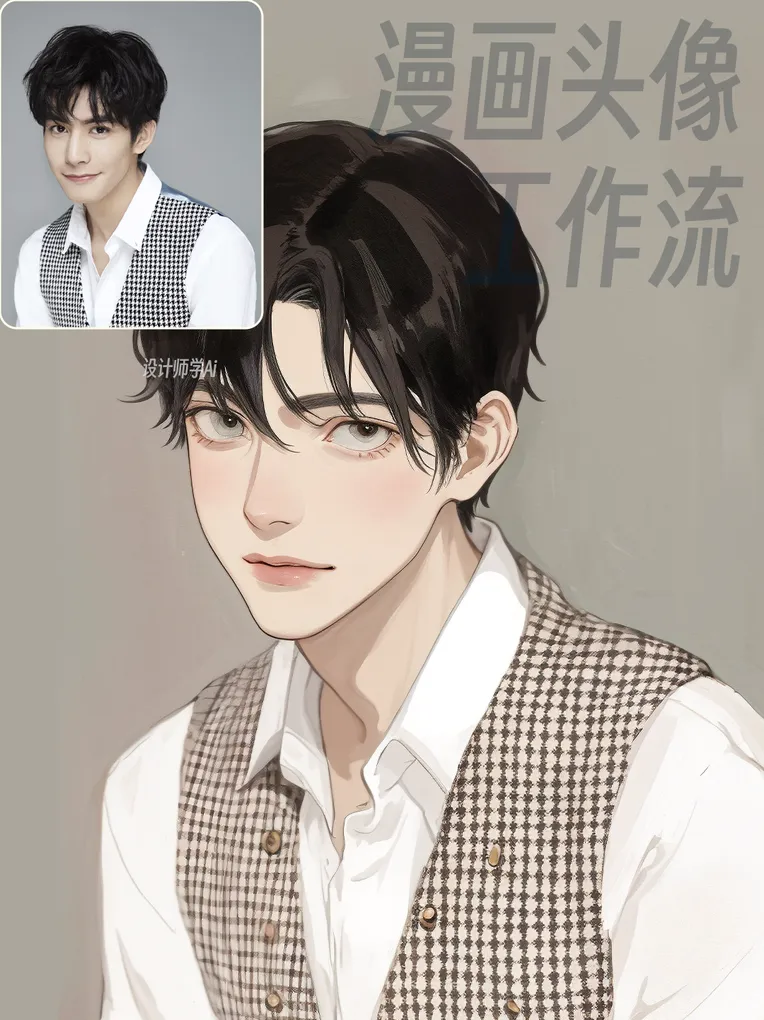 Image info
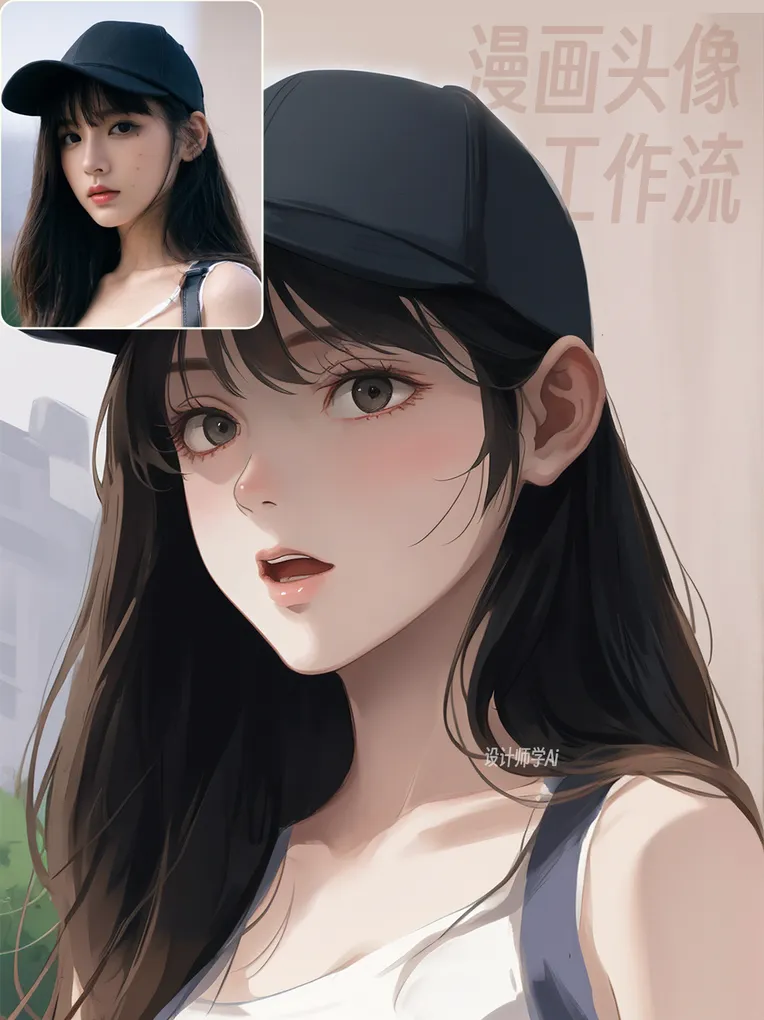 Image info
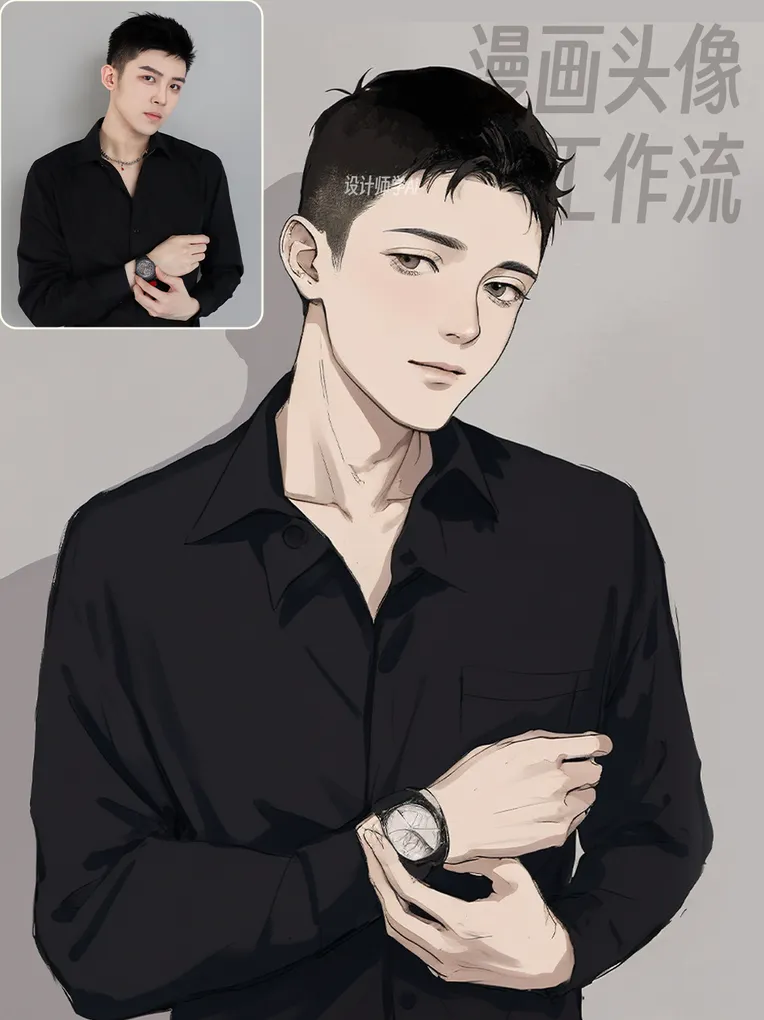 Image info
Workflow setup video tutorial:
Currently in production, will be updated once launched.
Follow the account "Designer Learns AI" on the Bilibili platform for real-time explanations of using this workflow.
Large model used:
LZ-2DCartoon_v2.0
Download link: https://www.liblib.art/modelinfo/6e262cd134094b44aea1d02a615dbd1c?from=search
Workflow usage process:
1. Upload image: upload the image in the image area (the large green box).
2. To switch styles: follow the prompts in the positive cue area (small green box).
3. Only need to switch the green box areas. If you don't want the illustration style, you can switch to other styles of large models (Checkpoint Loader (Simple) module), large models can be freely switched.
4. After the image is generated, use the save image module, right-click "Save Image" or "Save image" to save directly to your local device.
Workflow compiled and released by [Designer Learns AI]
Contact me on WeChat: AIGC-zsjh
Bilibili, Xiaohongshu, Douyin: Account [Designer Learns AI]
If you like this workflow, remember to follow. There are more workflow releases on my homepage.
Feel free to share your results~