
3D Chrome Design
0
0
0
0
CGI styleStyle BoostAnimal
V1
최근 업데이트: 첫 번 게시:
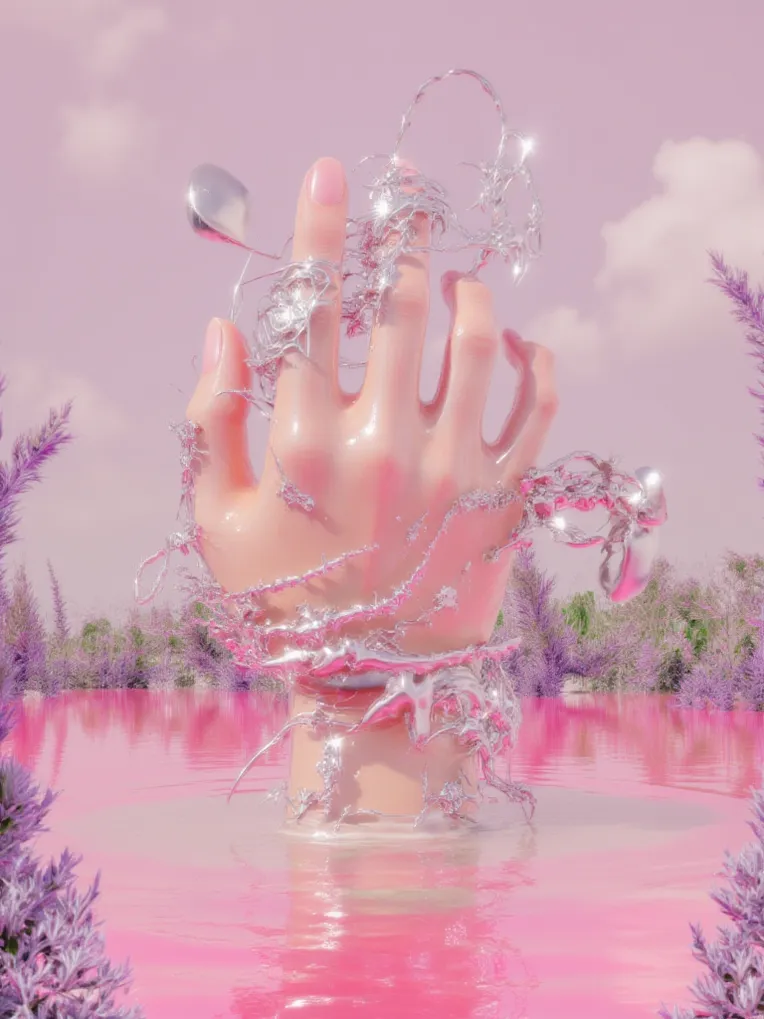
 Image info
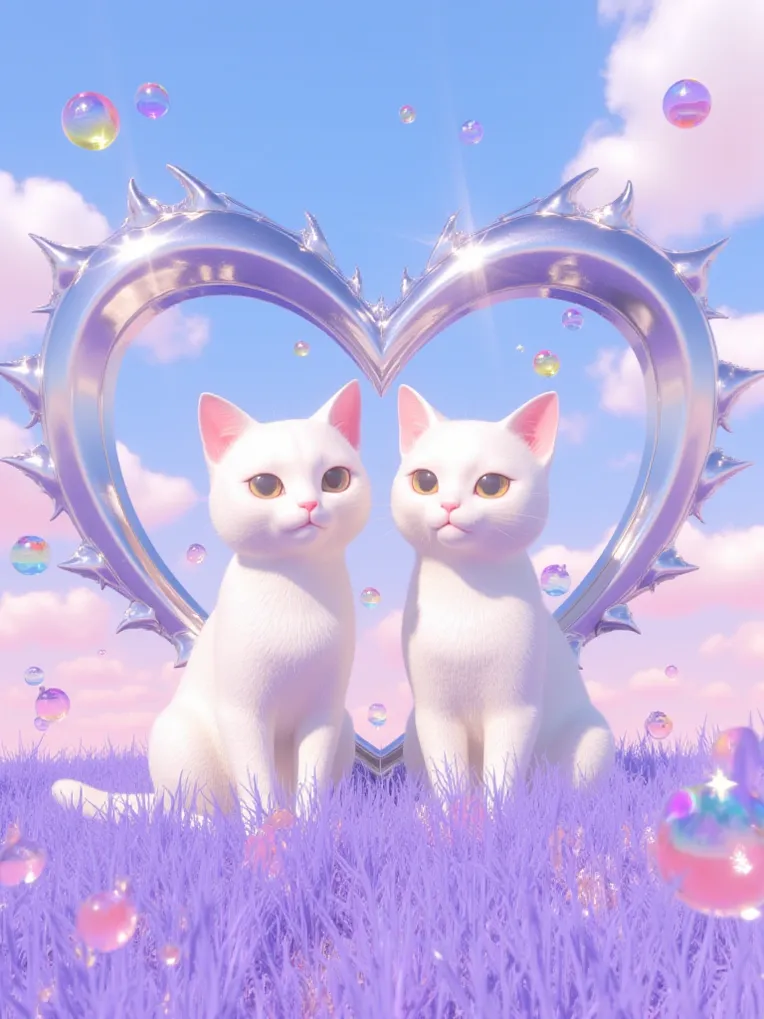 Image info
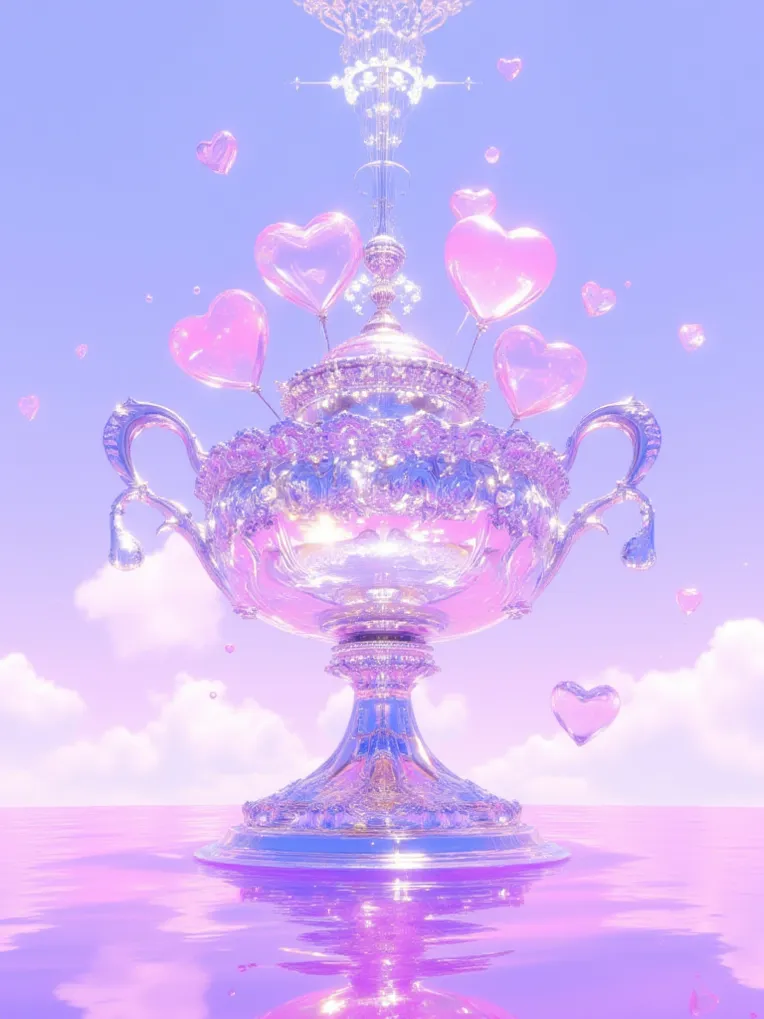 Image info
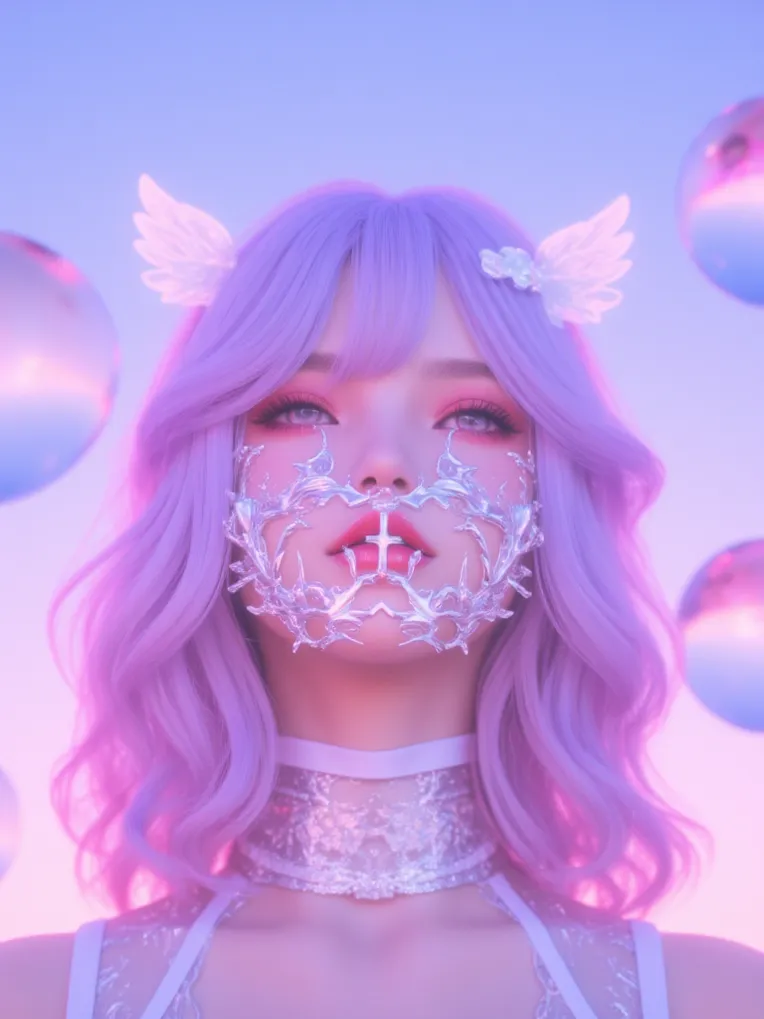 Image info
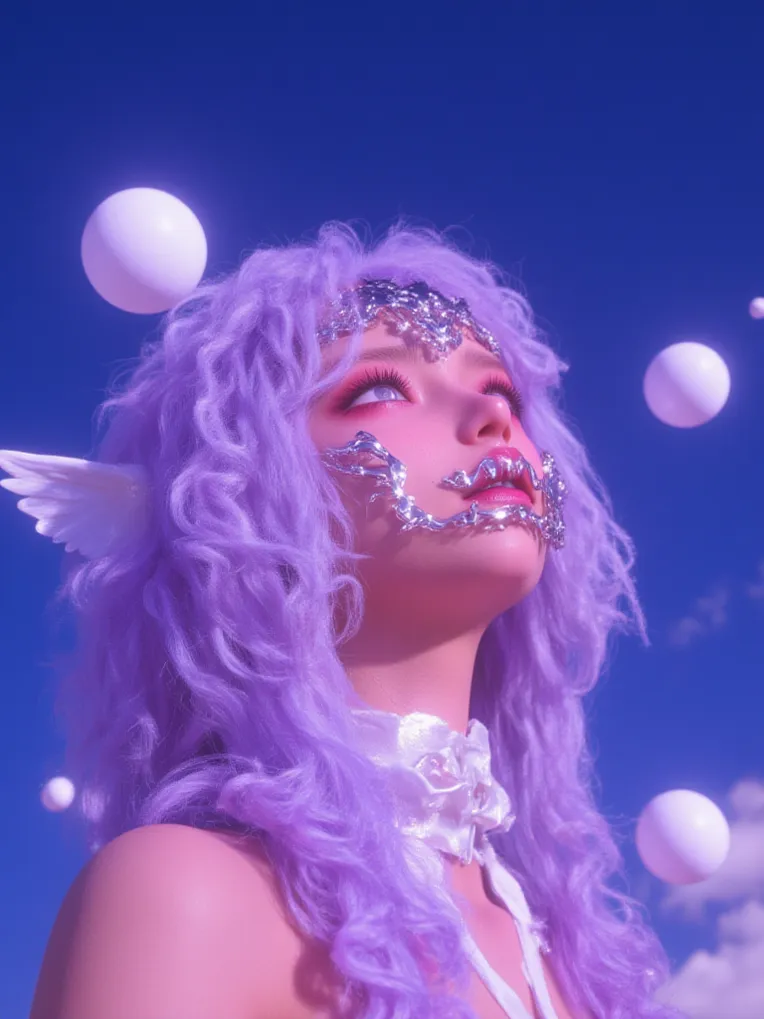 Image info
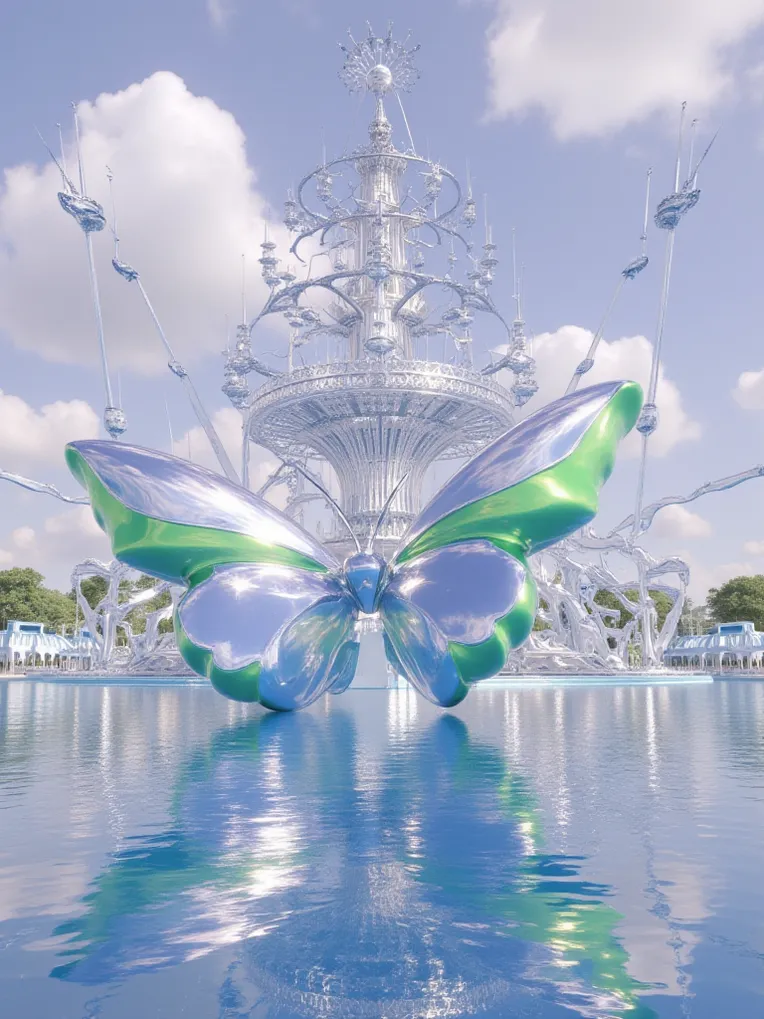 Image info
creates playful, imaginative renders with a shiny metallic finish, perfect for showcasing cute, pastel pink tones and whimsical details.
🌟 Tips for Using This Model 🌟
👉🏻Online Image Generation Settings
To get the best results when using the "Run Model" feature, use these recommended settings:
- Sampling Method: Euler
- Steps: 25
- Resolution: 960x1280
- CFG Scale: 3.5
- Negative Prompts (default): ng_deepnegative_v1_75t (badhandv4:1.2),EasyNegative,(worst quality:2)
*You can leave all other settings as their defaults.
**No need to enable any extra features.
👉🏻 LoRA Weight Settings
Recommended range: 0.6 to 1.1 (0.8 for the best result)
⚠️ Heads up⚠️: Don’t forget to include the trigger word "pinkdco style" in your prompt when using WebUI.
토론
가장 인기
|
최신
보내기
곧 오픈
다운로드
(0.00KB)
자세히
유형
온라인 생성 횟수
0
다운로드
0
추천 매개변수
추천 체크포인트 조합Checkpoint
없음
추천되는 체중
0.8
CFG
3.5
VAE
없음
갤러리
가장 인기
|
최신