
静姝_flux.1d
 v1
v1
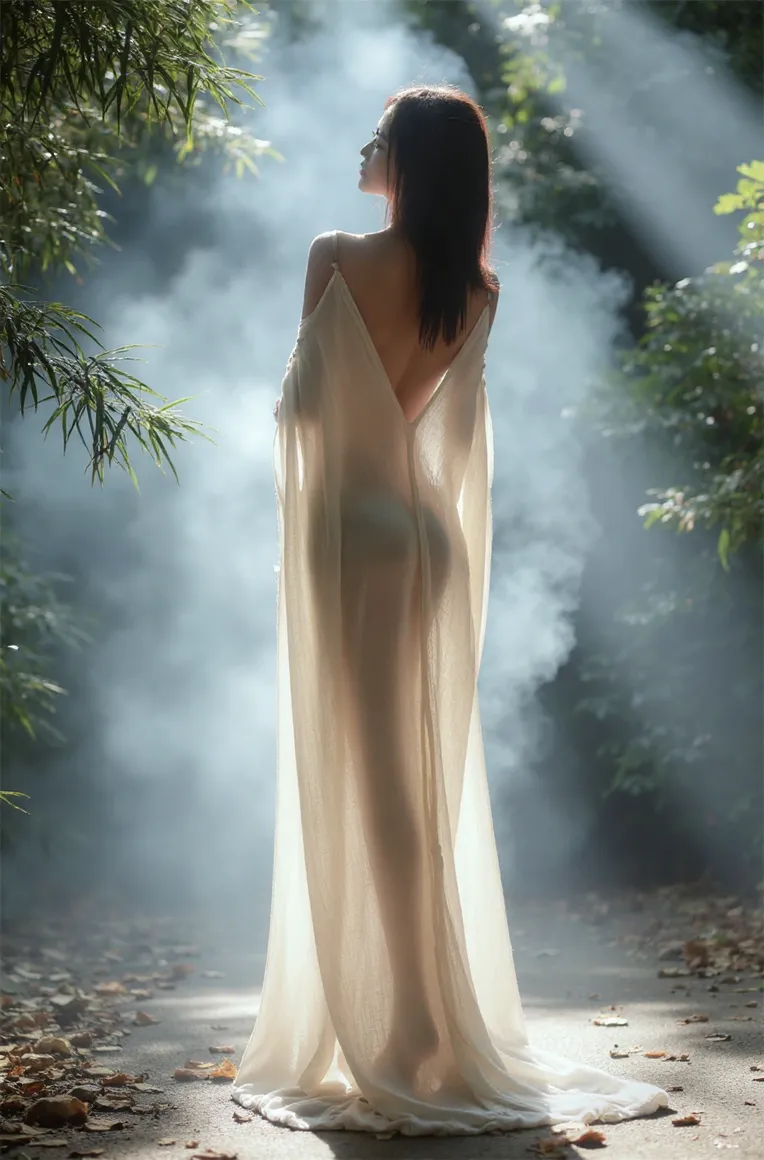
 Image info
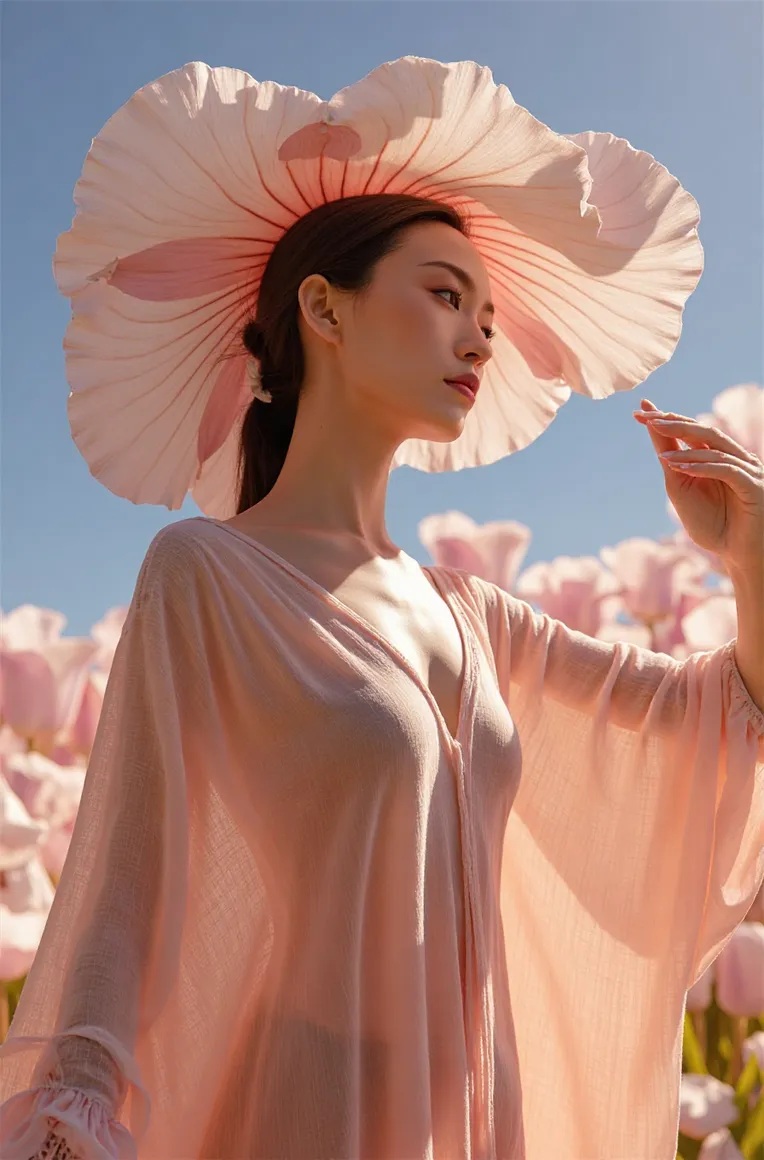 Image info
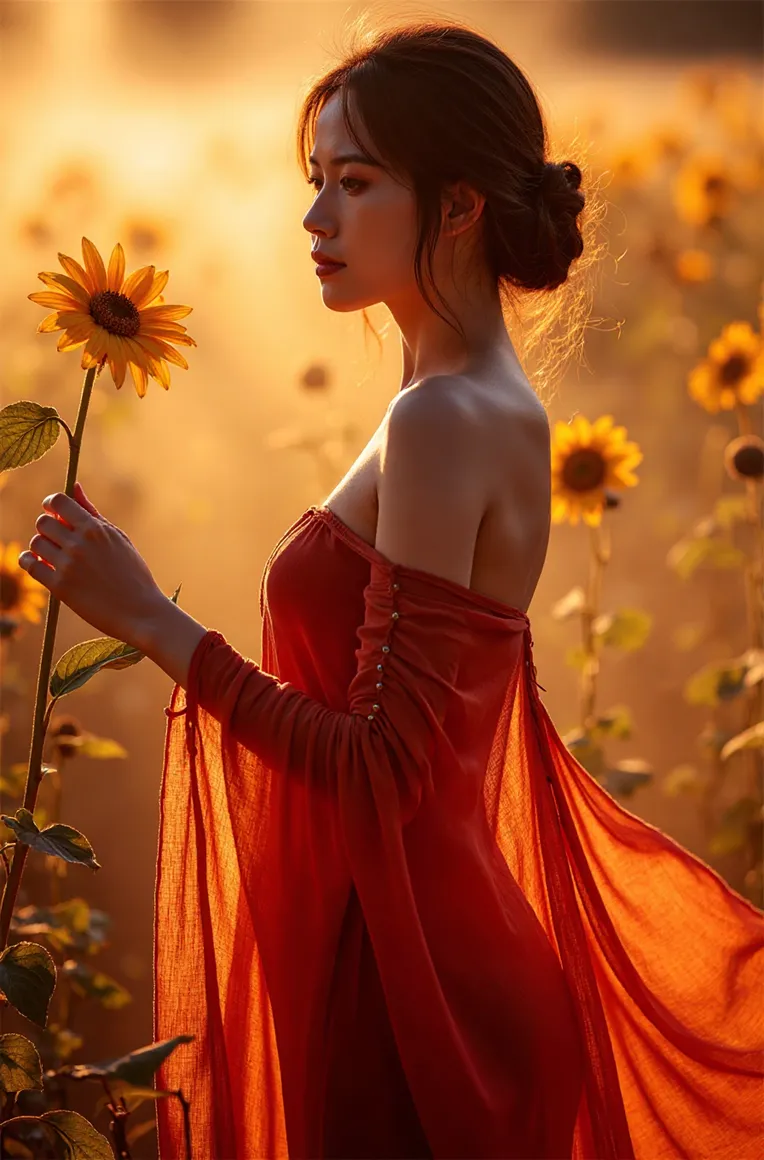 Image info
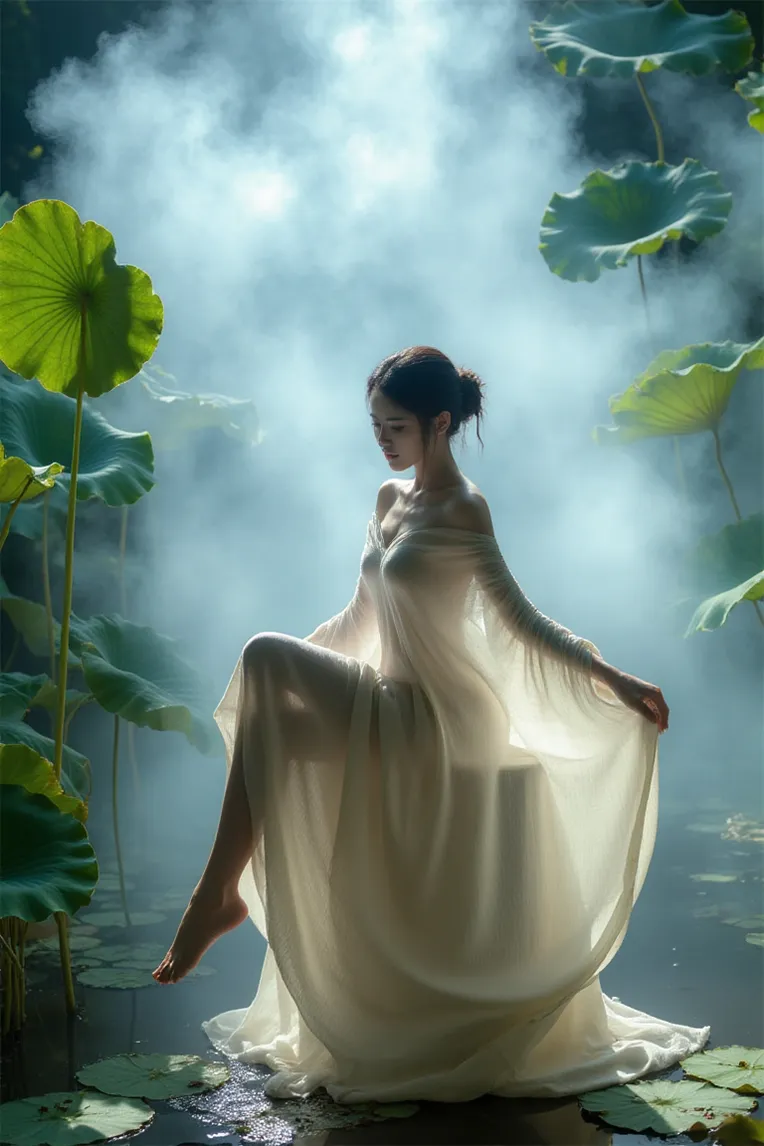 Image info
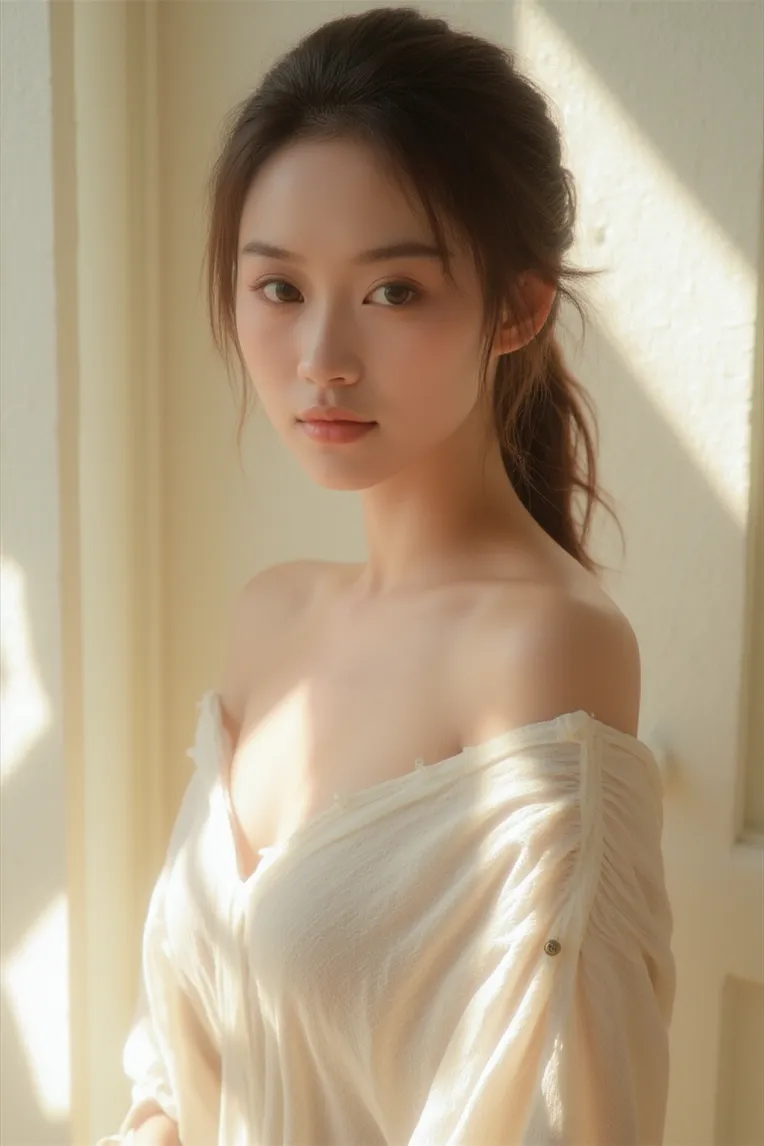 Image info
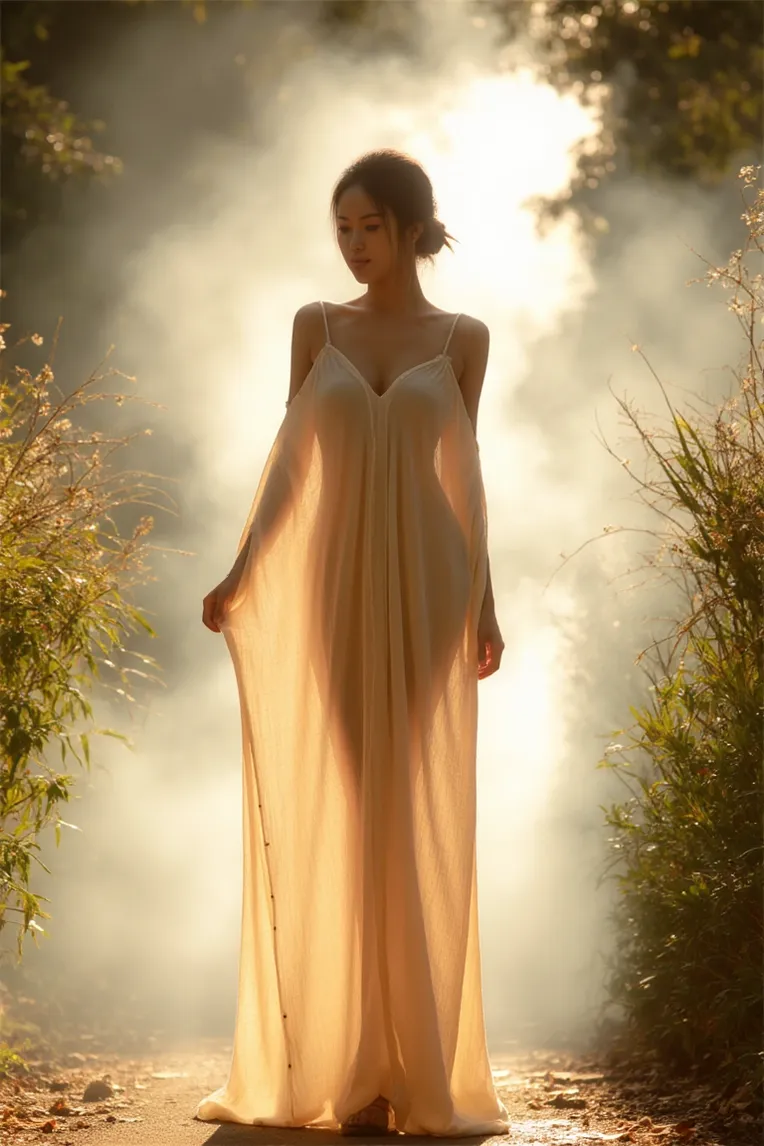 Image info
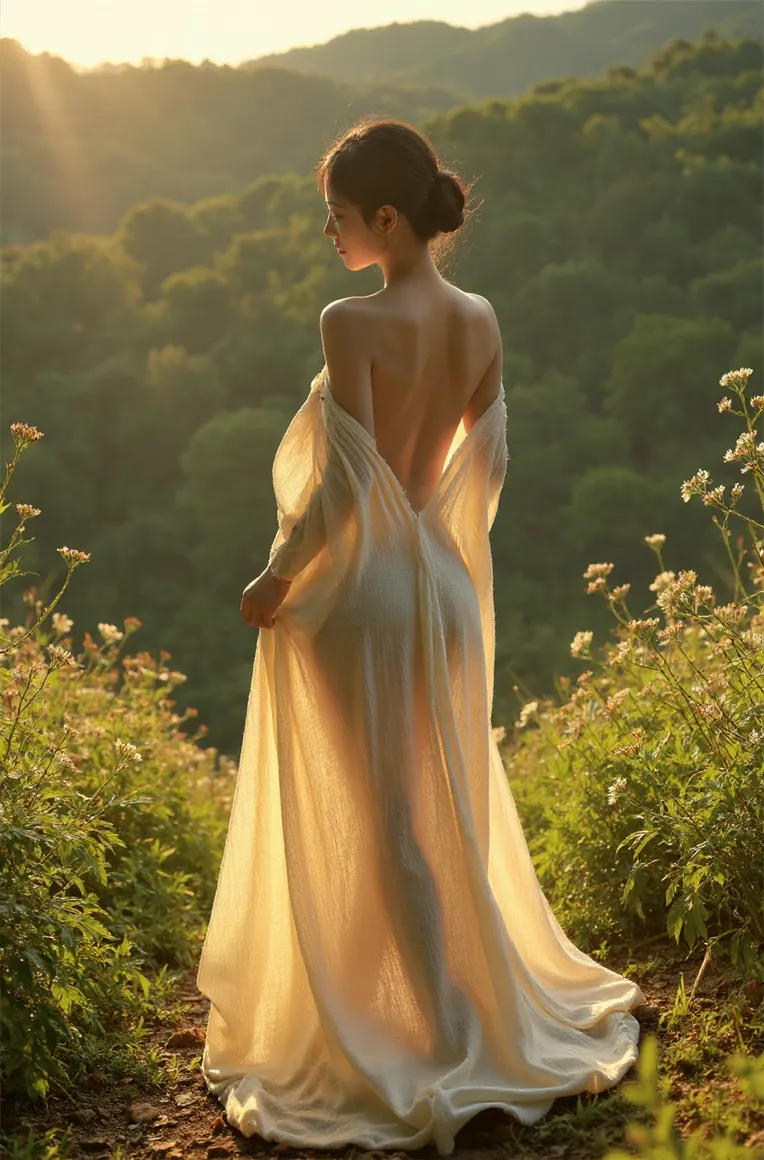 Image info
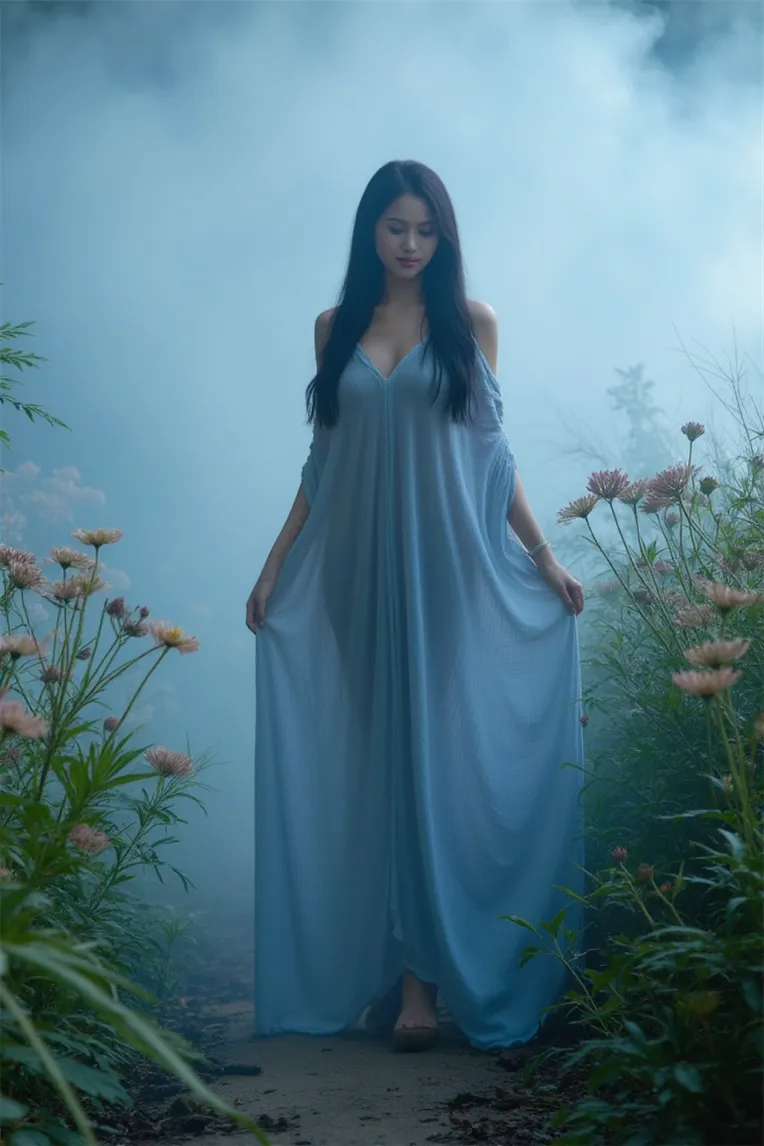 Image info
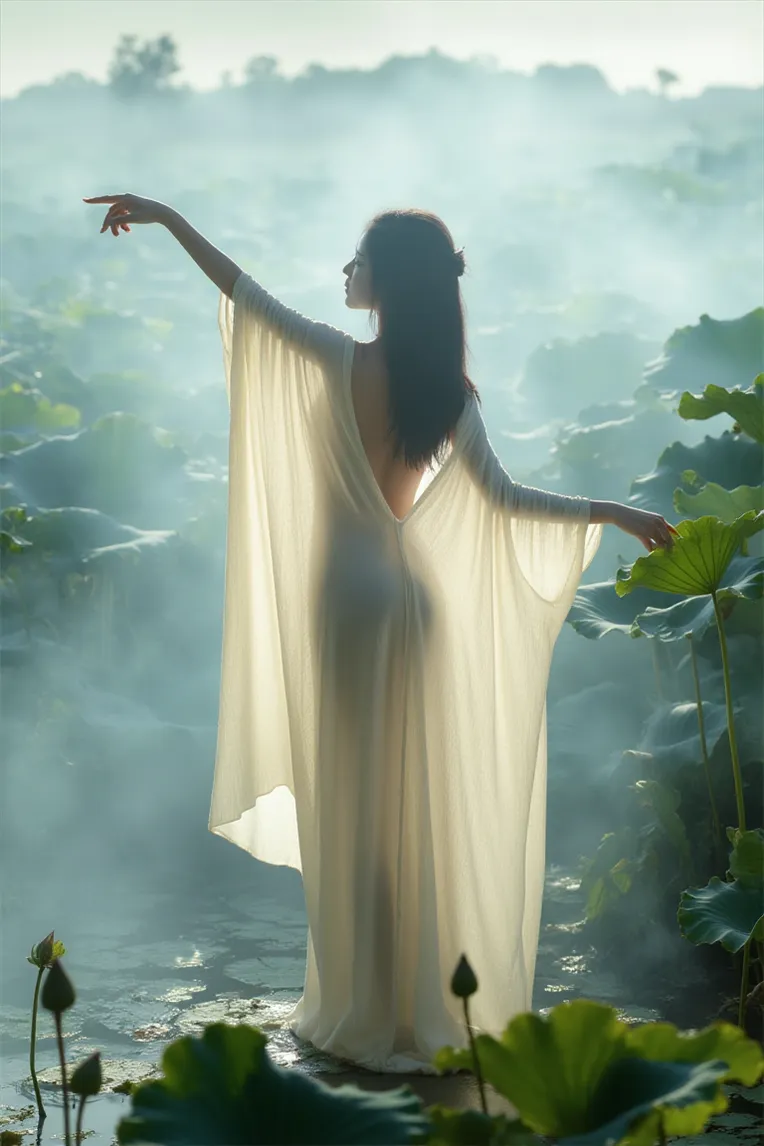 Image info
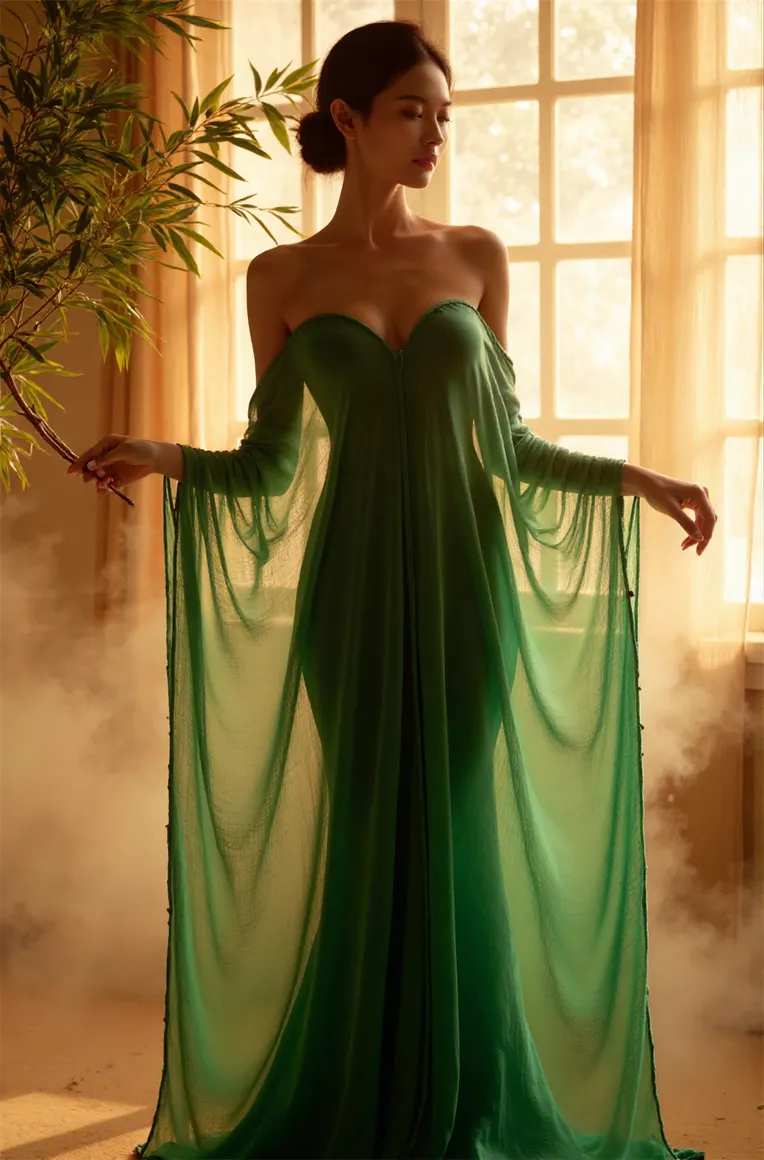 Image info
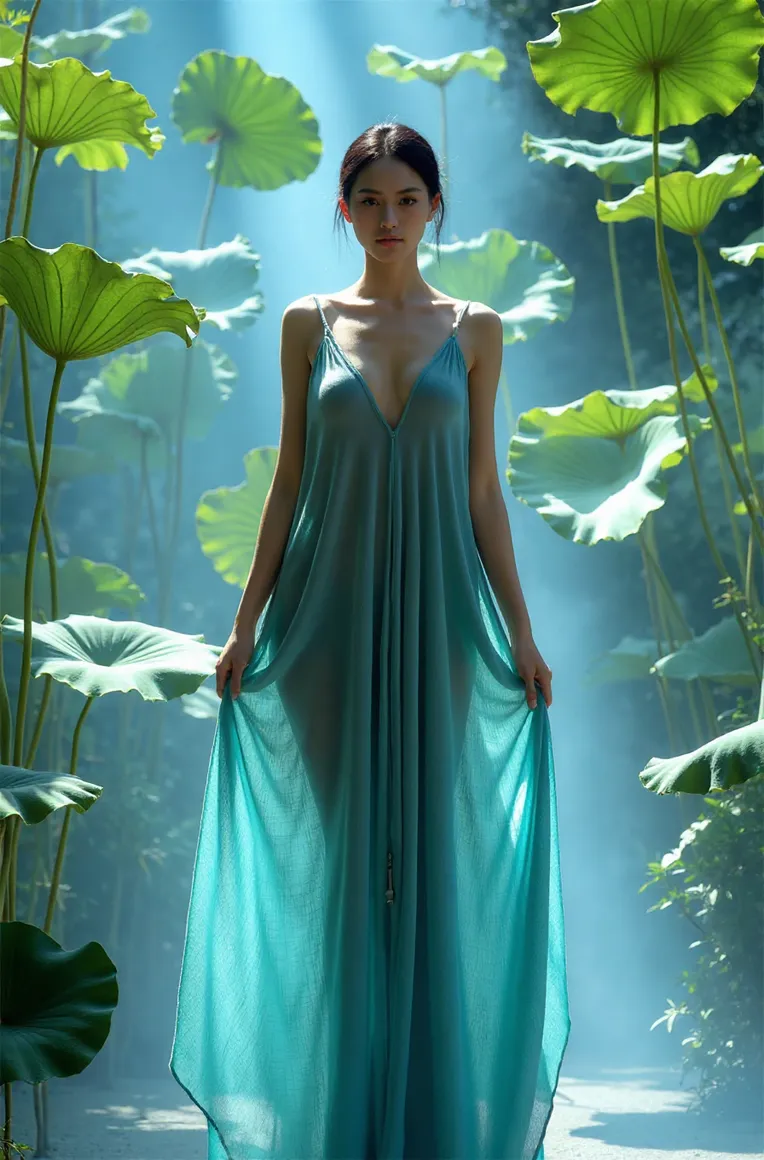 Image info
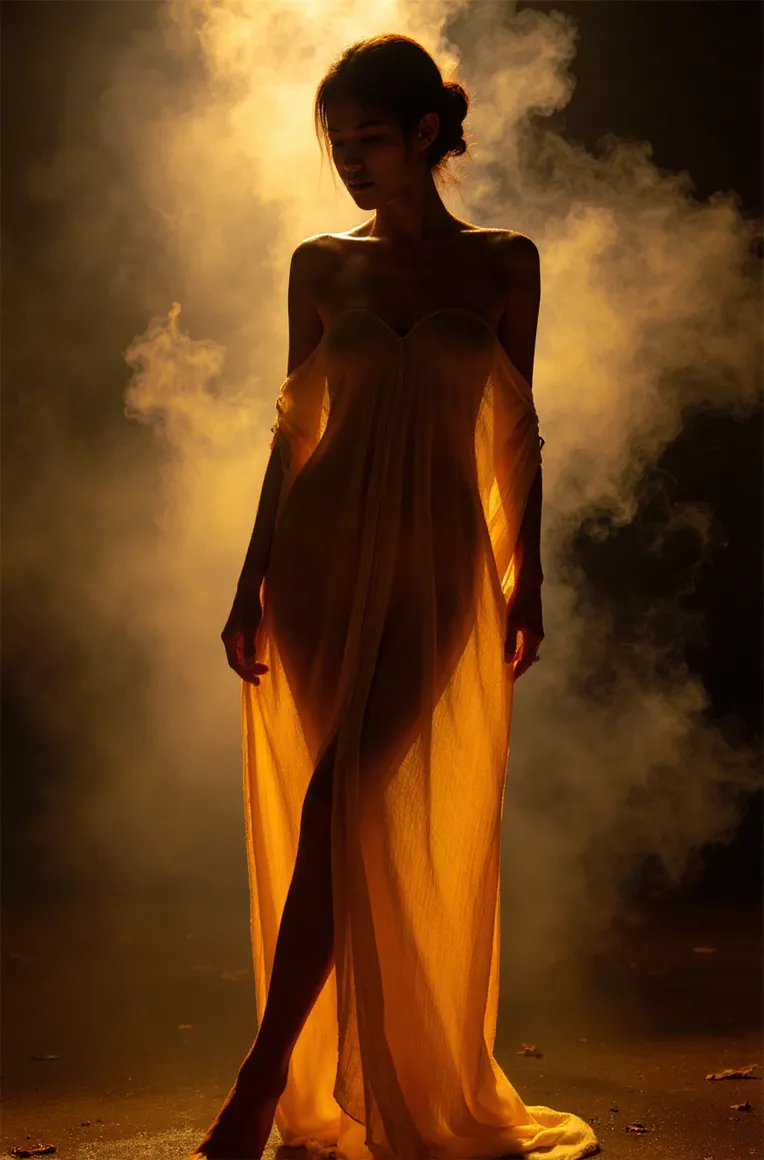 Image info
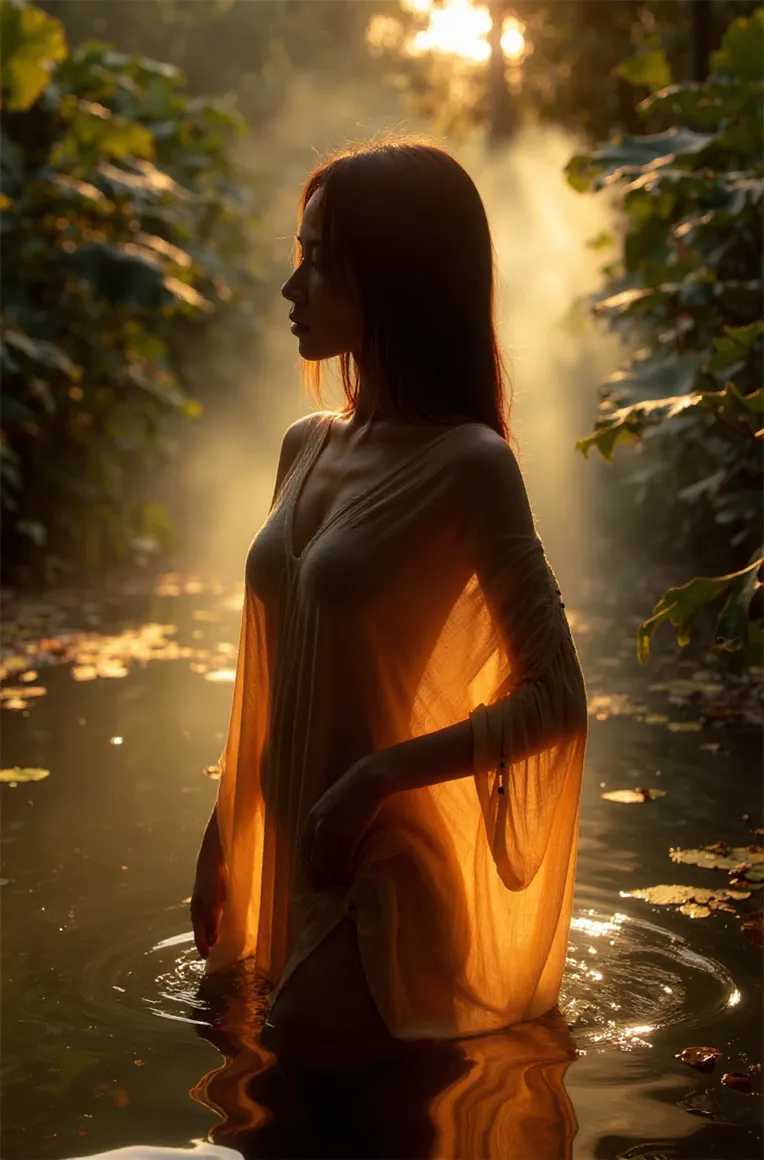 Image info
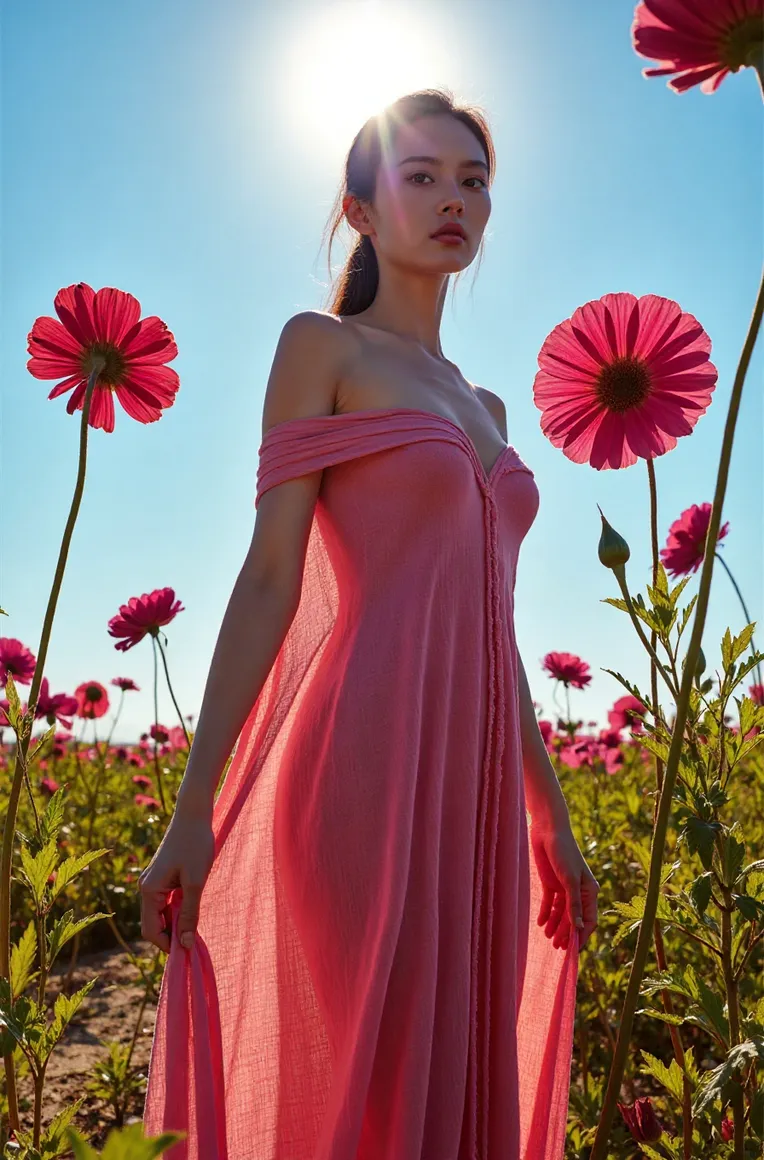 Image info
Aesthetic Editoarial
Usage:
1.Base ModelSuggested using fp8-dev, the official original version
2.Weight suggested 0.8
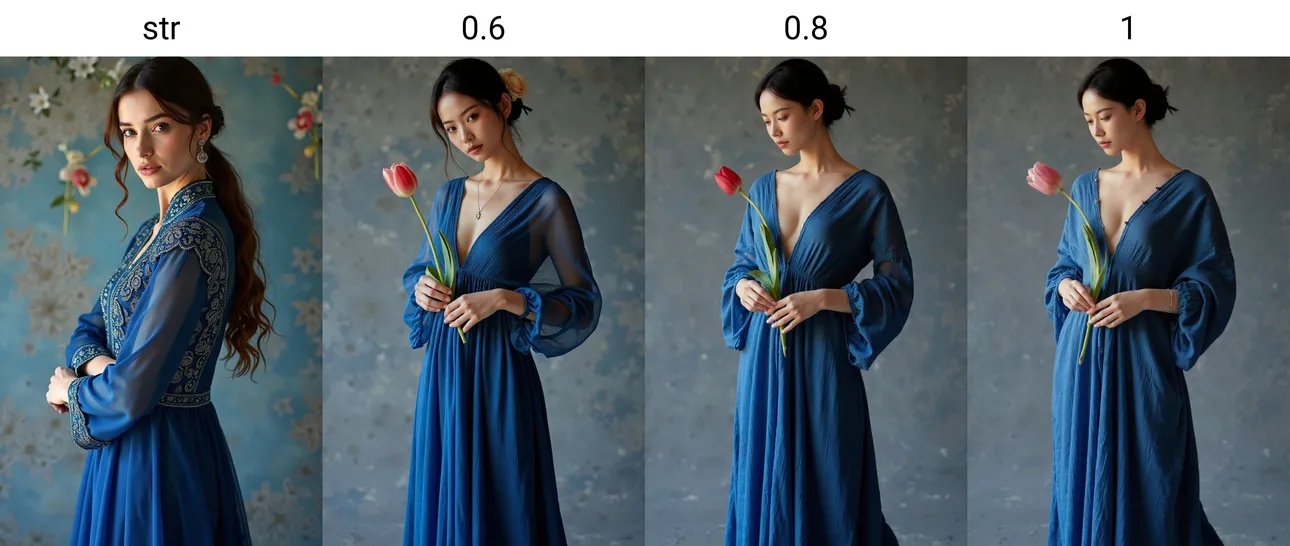
3.Trigger words: tashan dress,see-through silhouette
Color words can be added before tashan dress, default to white if not added
The main training subject is a morning gown, with transparency as a feature, it is recommended to blindly add see-through silhouette.
4.Suggested starting prompt words: masterpiece,best quality,highres,
You can add elements such as water, fog, trees, flowers, etc. to enhance the atmosphere
The amount of back view materials in the training set is relatively large, resulting in many back view images in the output. When you don't want back views, it is recommended to add words like from side(side), front, etc., and increase the weight to 1.2