
Workflow: DiffBIR High-definition Facial Enhancement with 8GB of Operational Capacity
1.0

 Image info
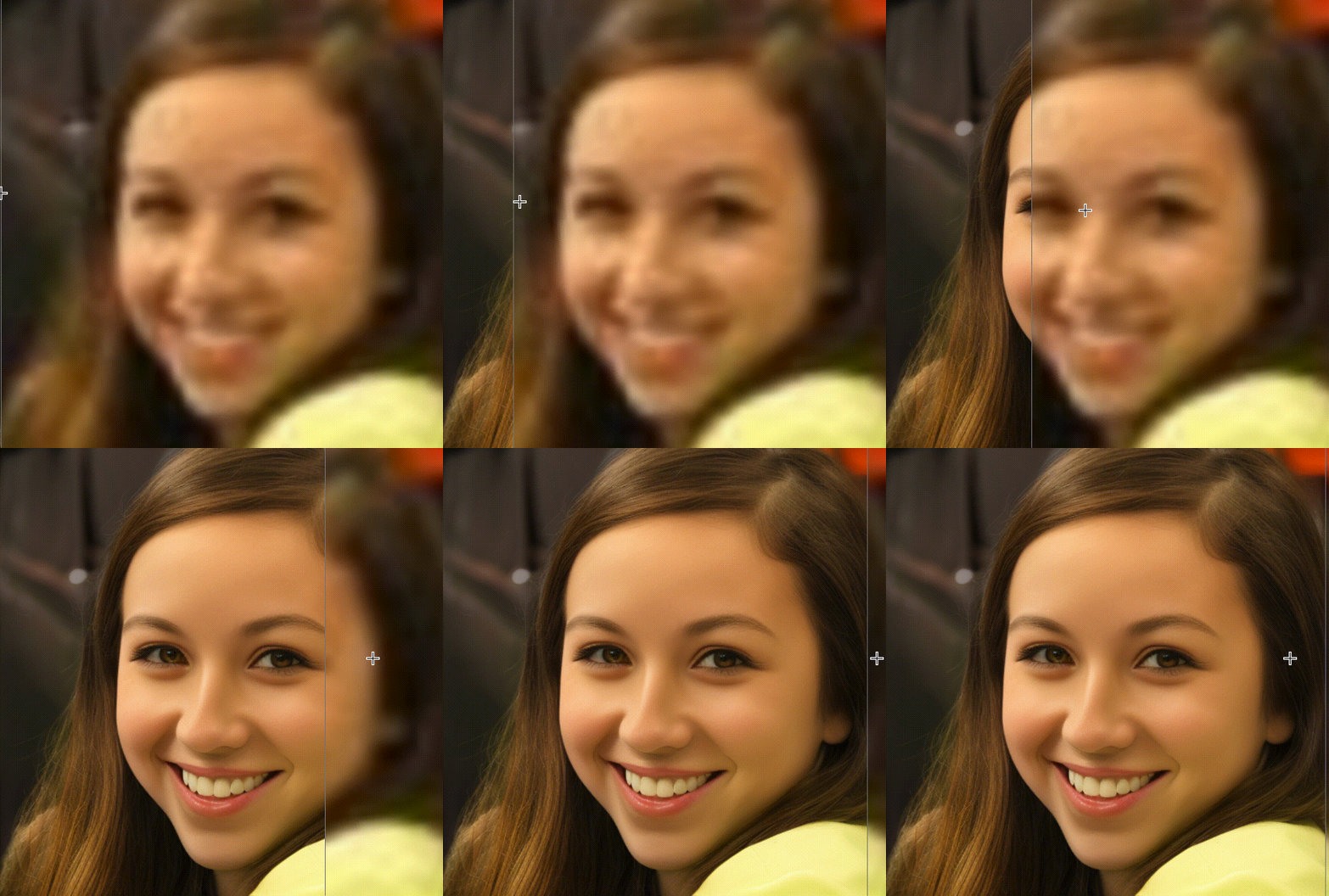 Image info
 Image info
DiffBIR high-definition enlargement, facial repair, image denoising
Project address:
https://github.com/ComfyUI/ComfyUI-DiffBIR
Installation:
cd custom_nodesgit clone https://github.com/ComfyUI/ComfyUI-DiffBIRpip install -r requirements.txt- Restart ComfyUI
Download the model to: ComfyUI/models/diffbir/
All image download links are below:
https://kkgithub.com/cszn/KAIR/releases/download/v1.0/BSRNet.pth
https://hf-mirror.com/lxq007/DiffBIR/resolve/main/face_swinir_v1.ckpt
https://kkgithub.com/cszn/KAIR/releases/download/v1.0/scunet_color_real_psnr.pth
https://hf-mirror.com/lxq007/DiffBIR/resolve/main/general_swinir_v1.ckpt
https://hf-mirror.com/lxq007/DiffBIR-v2/resolve/main/v2.pth
https://hf-mirror.com/stabilityai/stable-diffusion-2-1-base/resolve/main/v2-1_512-ema-pruned.ckpt
Tip: When Tiled is enabled, it will take a little longer, and without it the speed is much faster
4090 24g card, float32 4x enlargement, when using, pay attention to calling clearGPU
If the computing power is not very good, it is not recommended to try float32, the effect is not much better than float16