
Consistency across contexts - Lora in Context: Lora
 v2.0
v2.0
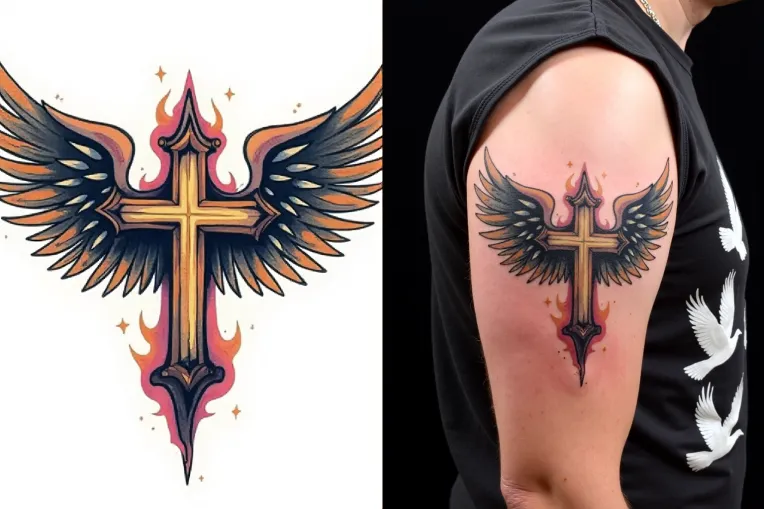
 Image info
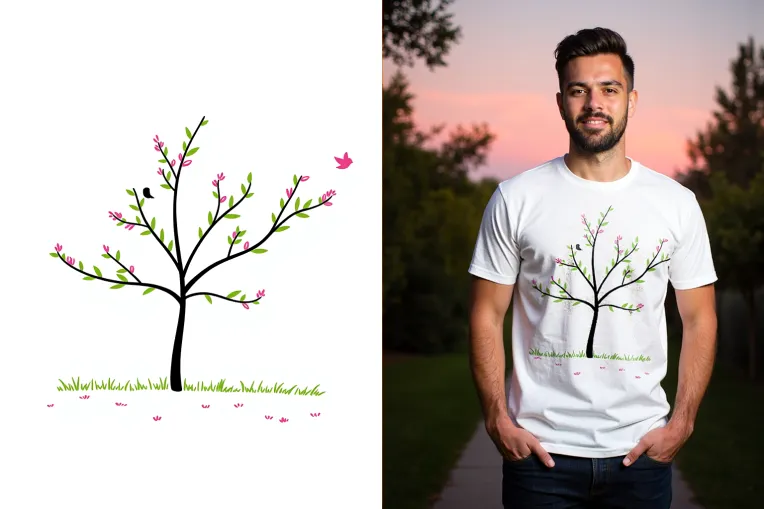 Image info
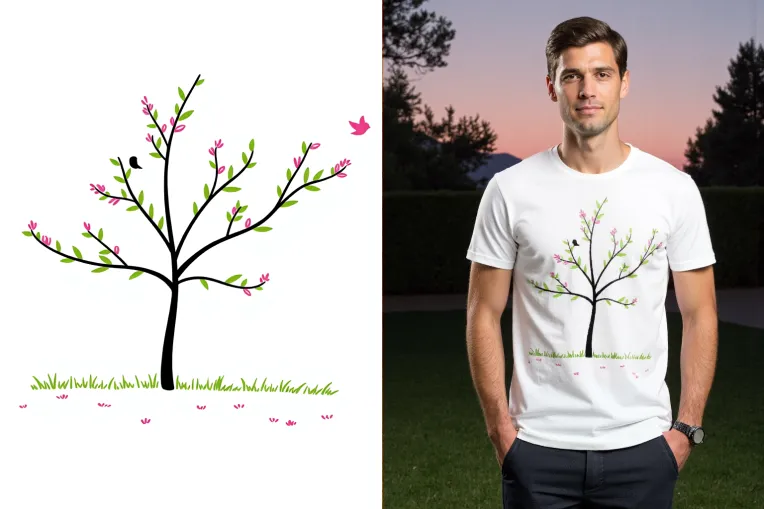 Image info
v2.0 update
Better command compliance, better consistency. Can be used together with simple change v1.3 IC_TRY_ON lora:
Prompt Example:
Flux Template:
[SIDE_BY_SIDE], The image pair highlights a product sample to the well-designed product advertisement; [SAMPLE_IMAGE] {Image1_desc}; [PRODUCT_IMAGE] {Image2_desc};
Input Image Description Refer to [IMAGE1]:
an illustration of a stylized tree with black branches and green leaves, adorned with pink flowers. A small bird is perched on one of the branches, and another bird is flying nearby. The background is white, and there is a simple depiction of grass at the base of the tree
Output Image Description Refer to [IMAGE2]:
In a serene dusk outdoor setting, a [SAMPLE_IMAGE] illustration printed on a t-shirt as a well-designed product, full-body shot of a white man wearing the t-shirt in a garden