
GhostMix
V2.0

 Image info
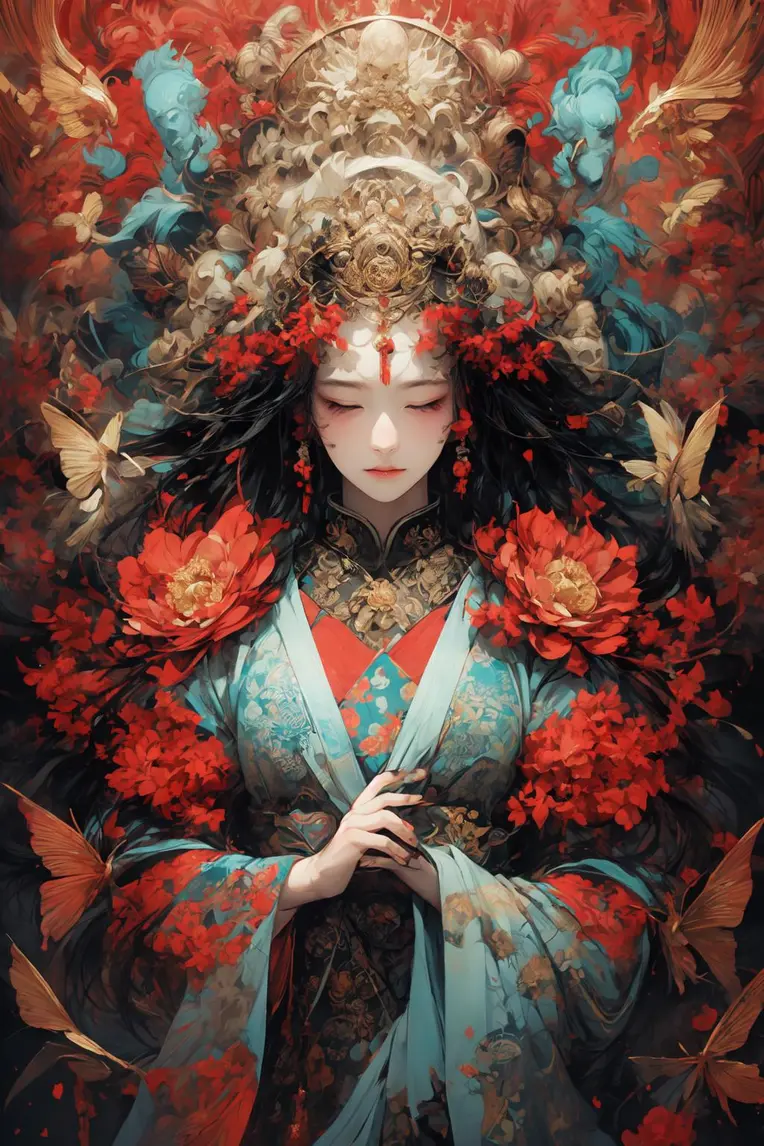 Image info
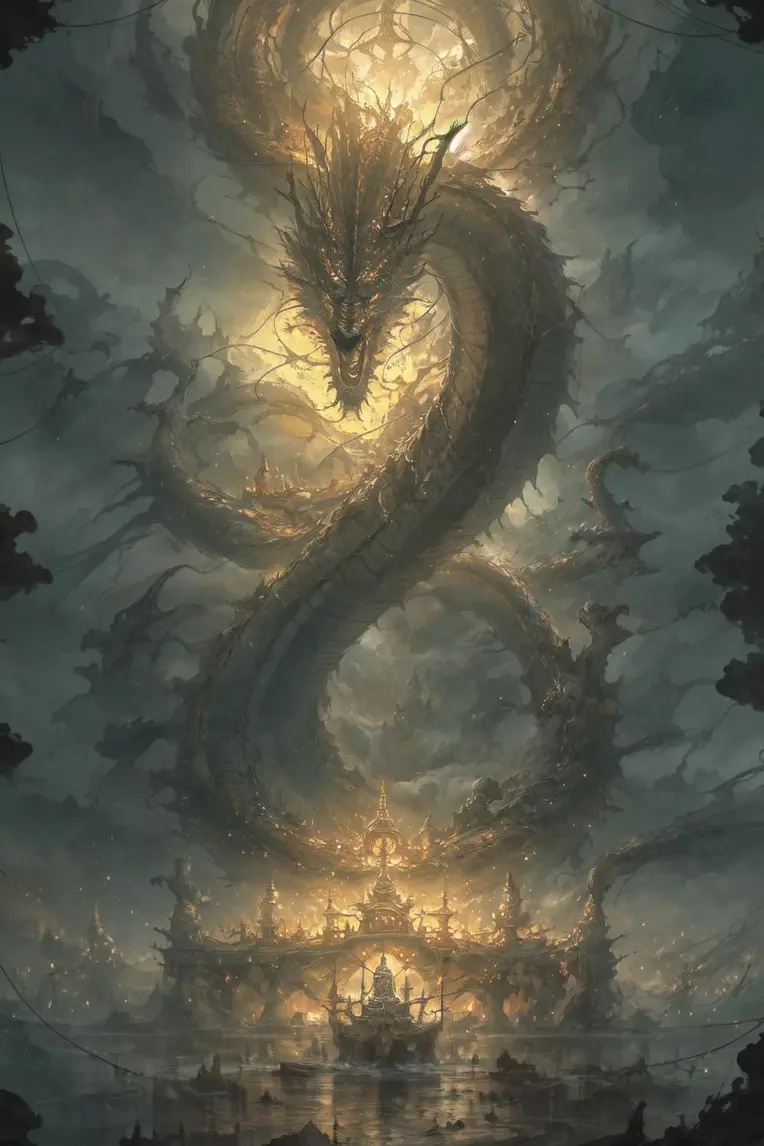 Image info
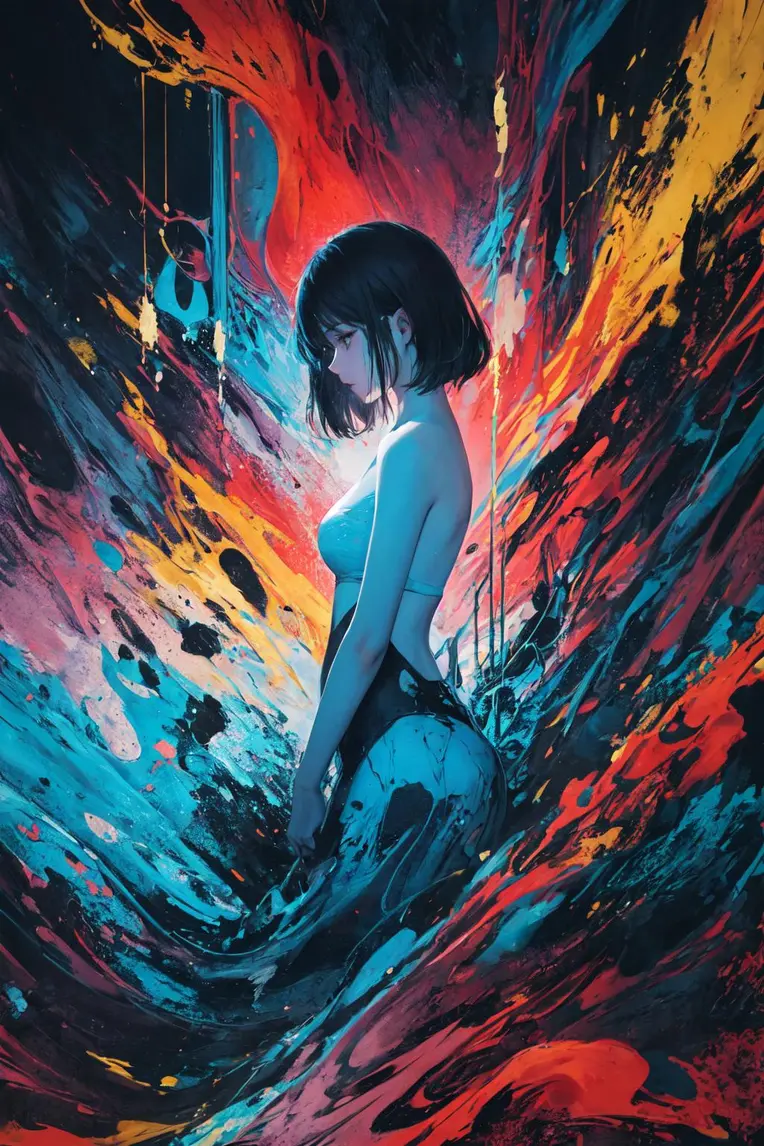 Image info
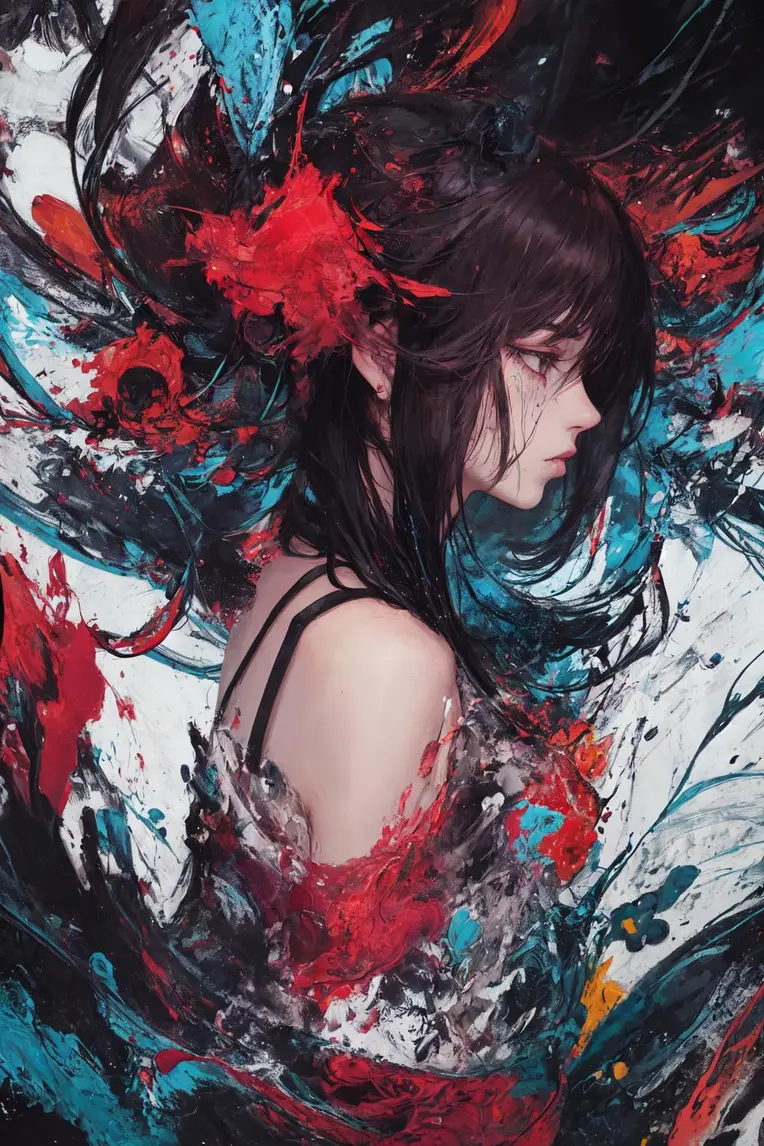 Image info
 Image info
 Image info
 Image info
 Image info
 Image info
 Image info
 Image info
 Image info
 Image info
 Image info
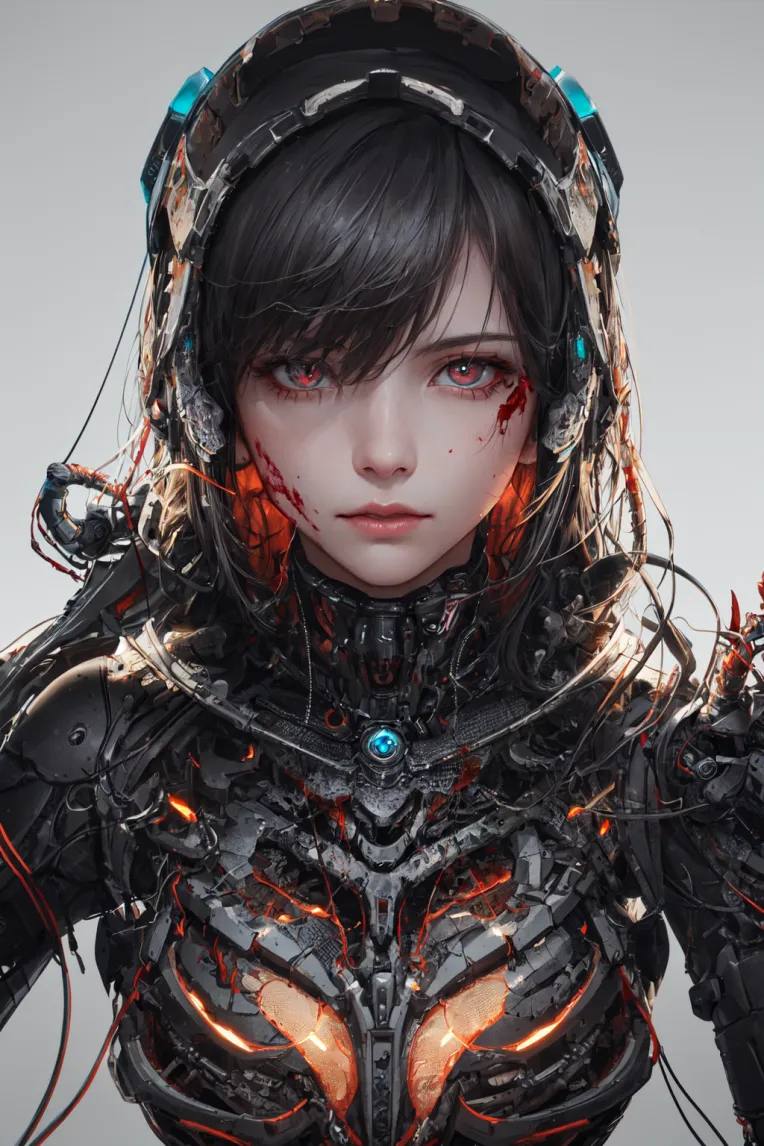 Image info
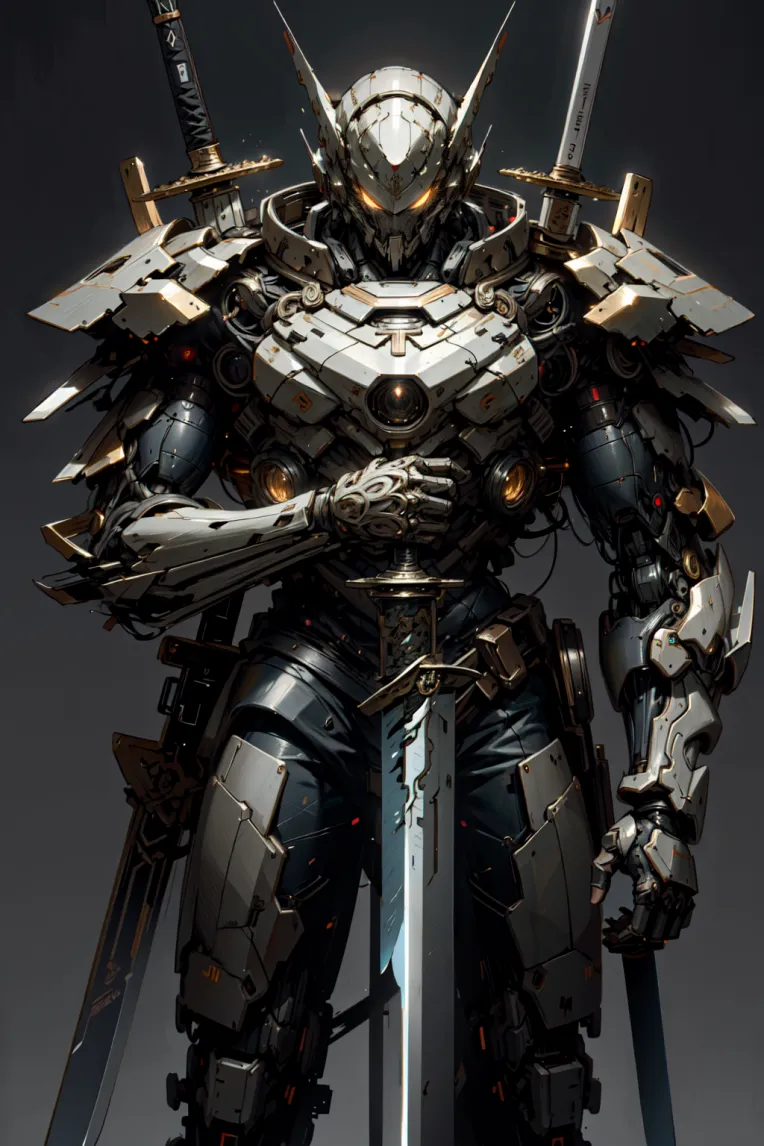 Image info
 Image info
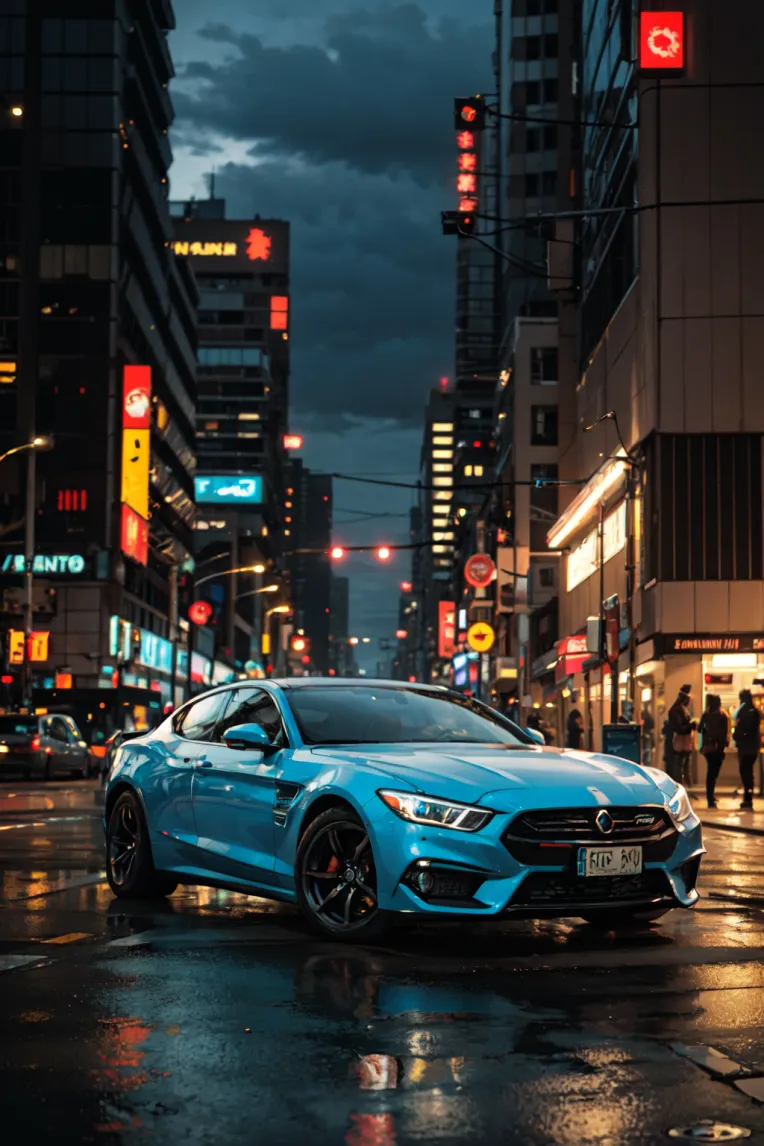 Image info
Focus on answering questions about image reproduction: First, every one of my previous images was on Huggingface, and Civitai also recreated them, and they can also be recreated next door, including the LIB staff, so there are absolutely no questions that cannot be reproduced. Then, the core problem that cannot be directly reproduced in lib online is the random number generation source, but you can switch to GPU in the advanced settings next to the random seed. SDWEBUI also has this setting. I set the GPU, and the lib setting is the CPU. Different random numbers result in different initial images, which in turn lead to different results. So if you want to reproduce my results, I recommend downloading the model and reproducing
it locally for the time being.GhostMix
model usage instructions 1. Recommended: Be sure to do HD repairs!
HD restoration: 2x, redraw amplitude: 0.4-0.5 or 1.5 times, redraw amplitude: 0.5-0.65 2. If you want to reproduce, make sure the CLIP value is correct! CLIP1 and CLIP2 are right!
It is recommended to lower the image and put it in the PNG information to check the settings) 3. Most Prompts used before can also generate similar results in the new version 4. Use ng_deepnegative_v1_75t and
easynegative, it is recommended not to use BadHandV4, V5 (it will greatly affect the style)
5. Sampling method is recommended for DPM++ series, steps 20-30, CFG: 3-7 (7 is best, 3 can sometimes be a big surprise
)