
Among Us Concept LoRA [NoobAI-XL]
V1-BETA
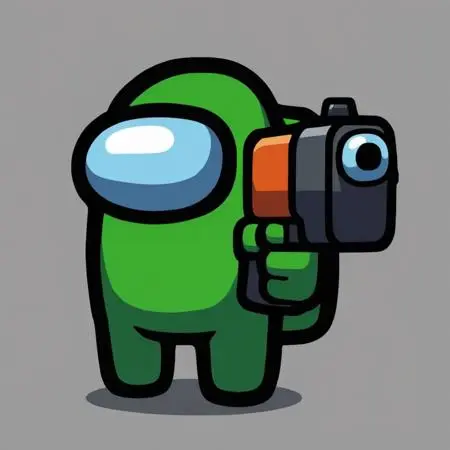
 Image info
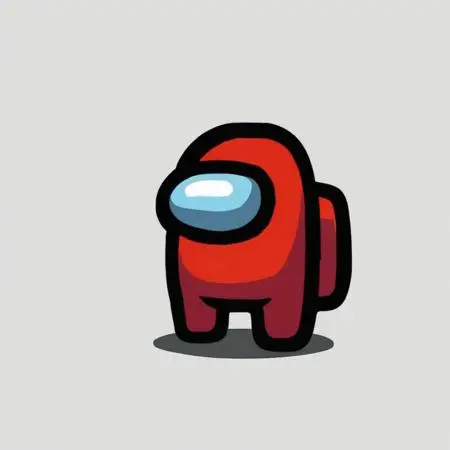 Image info
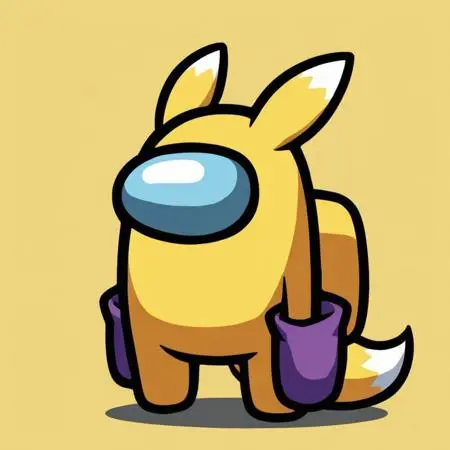 Image info
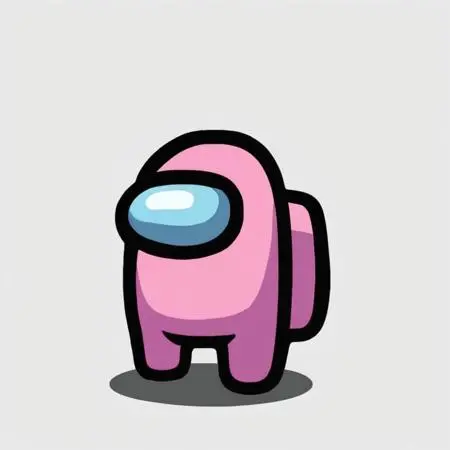 Image info
 Image info
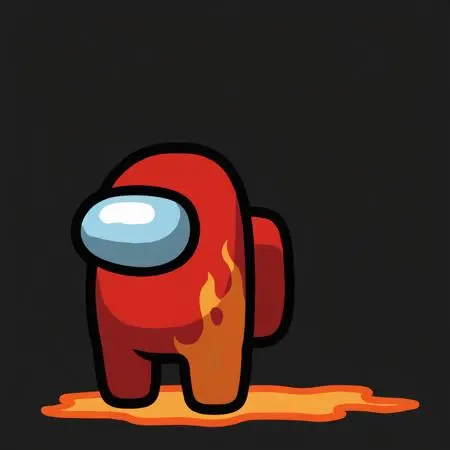 Image info
 Image info
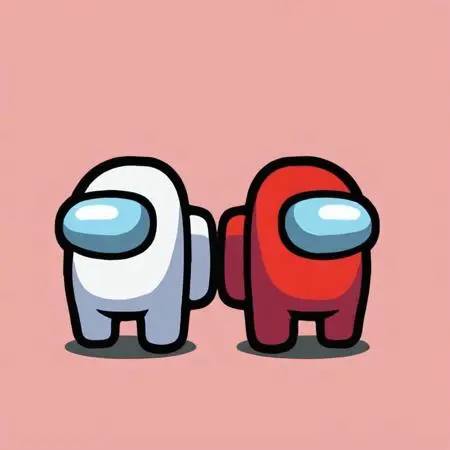 Image info
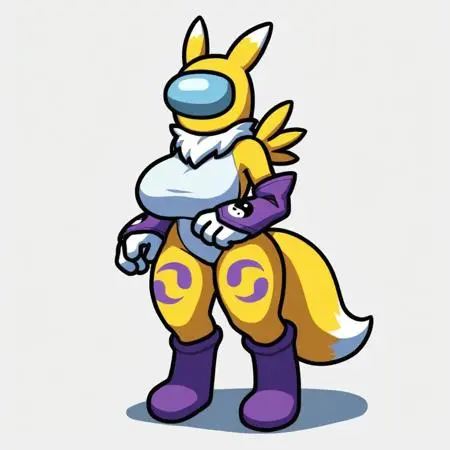 Image info
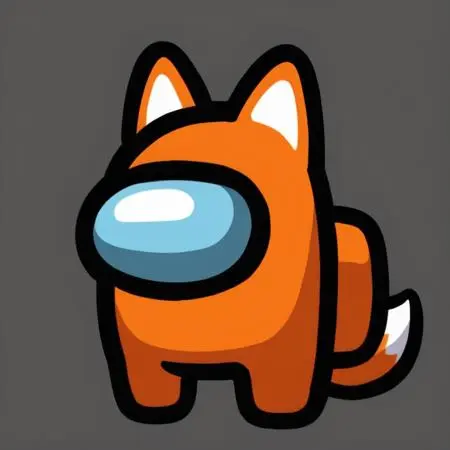 Image info
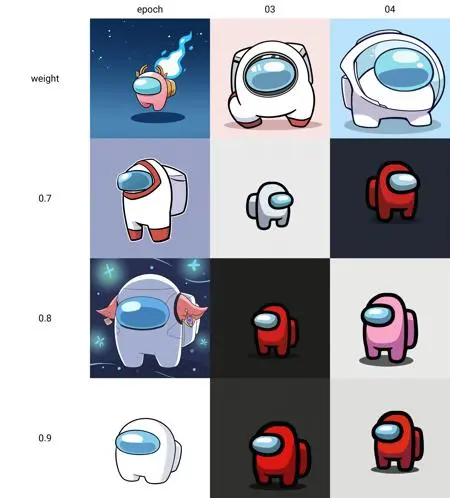 Image info
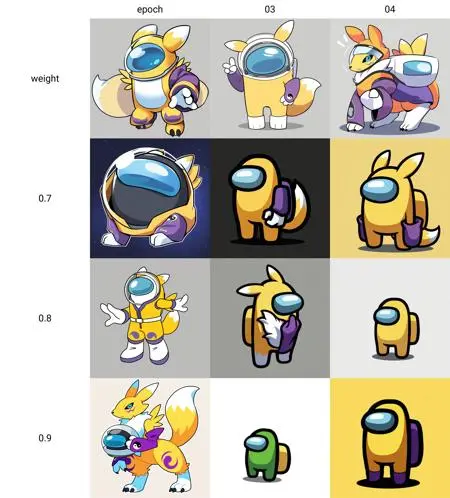 Image info
Settings and Recommendations:
Weight: Suggested range is between 0.8 and 1.2, with 1 as the optimal starting point.
Image Dimensions: Ideal dimensions are 1024x1024 for best results.
Avoid Prompting for Eyes: To maintain the aesthetic, avoid eye-specific prompts.
Key Trigger Words: Use the following trigger words to activate the "Among Us" concept:
crewmate (among us)spacesuitno humansspace helmetfull bodysolo
Step-by-Step Guide to Using LoRA in auto1111:
Download LoRA: Start by downloading the desired LoRA model.
File Placement: Place the LoRA file into the
stable-diffusion-webui/models/loradirectory in your system.Select and Activate: In auto1111, choose your LoRA model and include the relevant trigger words listed above in your prompt.
Adjust Weight: Depending on the effect you want, tweak the weight from the default range (typically between 0.5 and 0.8).
Experiment and Enjoy: Modify settings as you explore different styles and character models for unique results!