Workflow: Brushnet and PowerPaint
1.0

 Image info
 Image info
 Image info
 Image info
This workflow mainly compares Brushnet with PowerPaint for redrawing.
Many people may know that Brushnet has a good redraw effect, but may not know about PowerPaint.
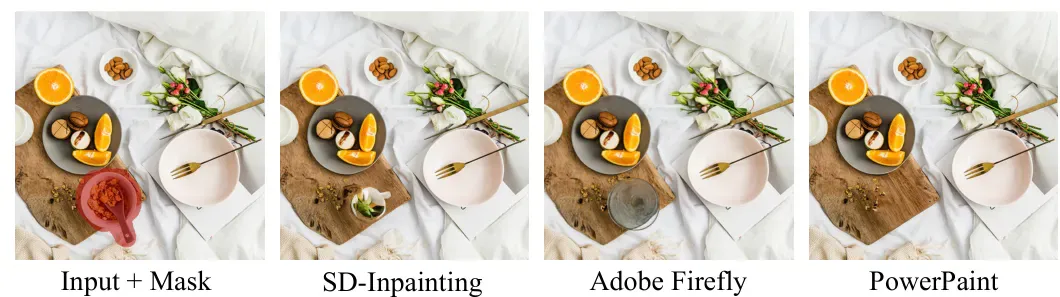
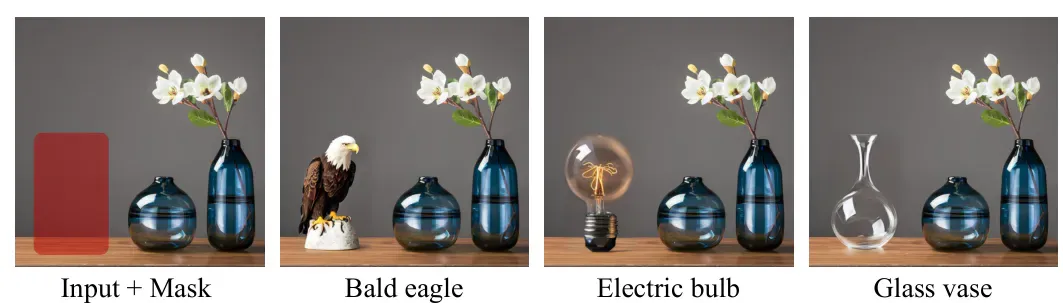
Let's first look at the set of comparison images below:
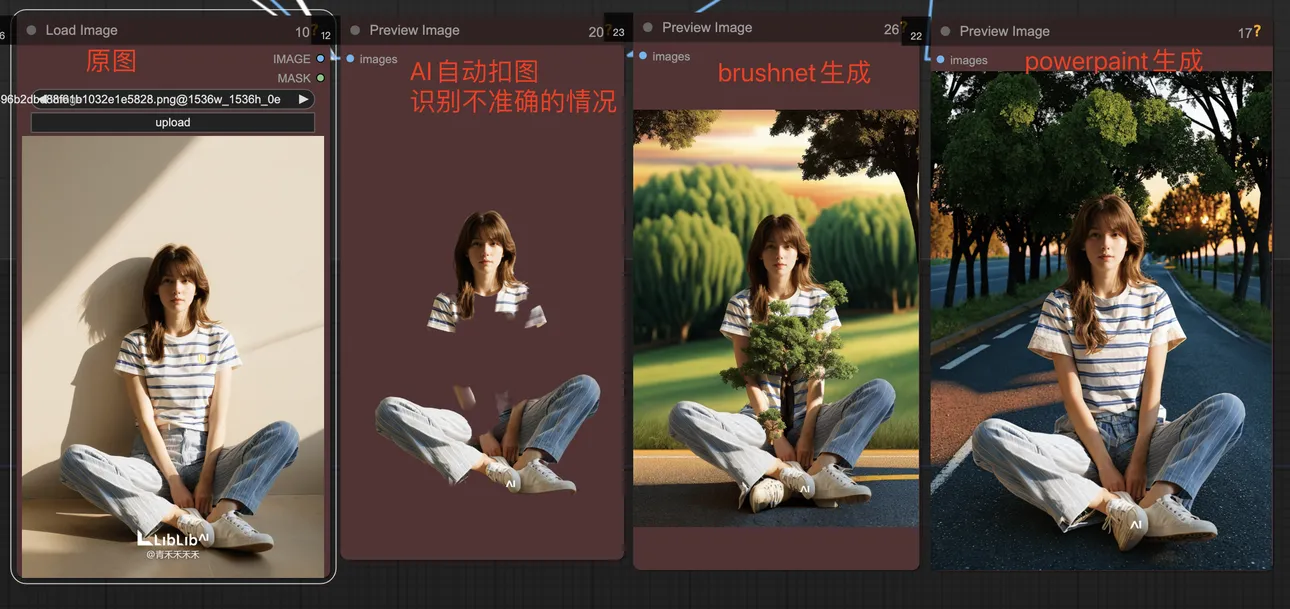
The functions we commonly use are changing background and automatic detection. The automatic detection of AI cannot guarantee accuracy. At this point, the advantage of PowerPaint becomes apparent.
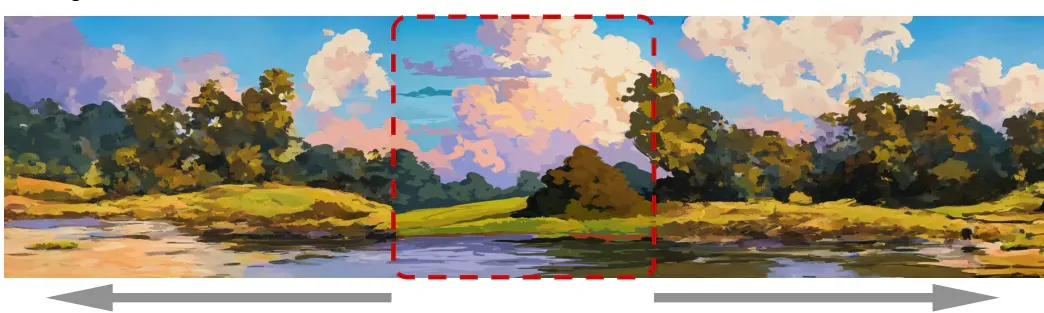
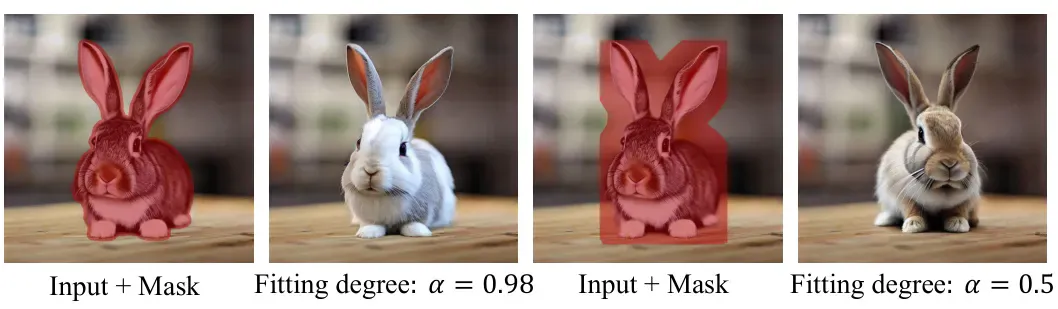
The PowerPaint official provides several parameters to generate comparison images (mainly modifying the function\fitting parameter values). The functions corresponding to text guidance + mask generation, object removal + mask, and shape + mask reference generation have all been tested and the effects are very nice. Outpaint requires your own testing (best choice for removing watermarks).