
AI Enlarging Image ComfyUI
0
0
0
0
RealisticStreet PhotographyGirlComposition ControlLandscape
SDXL
Dikemaskini Baru-baru Ini: Diterbitkan Pertama:

 Image info
 Image info
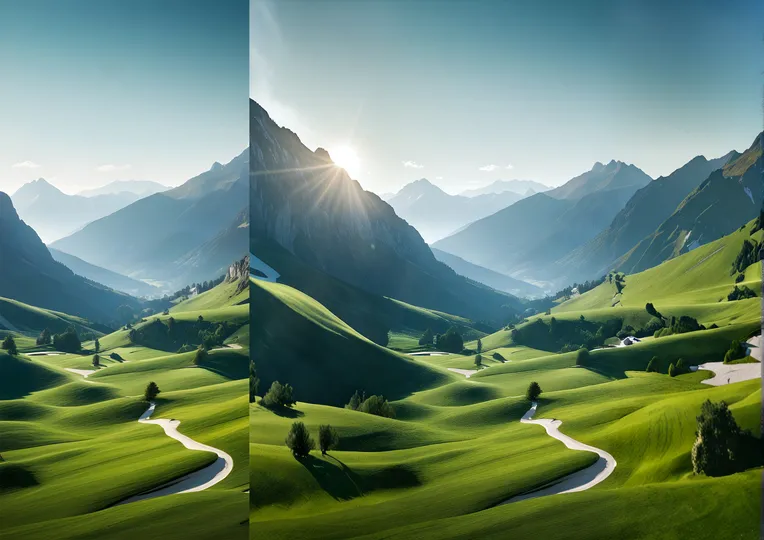 Image info
The function of this workflow
generated at one-click without prompts, with fewer nodes, reducing installation issues.
Workflow:
Simply drag and drop the image, no prompts needed.
Model Download:
CHECKPOINT
https://civitai.com/models/139562 6.46G
Place it in ComfyUI\models\checkpoints
Node Installation
rgthree:
https://github.com/rgthree/rgthree-comfy
ComfyUI Inpaint Nodes(may require manual installation)
https://github.com/Acly/comfyui-inpaint-nodes
Model Download:
https://huggingface.co/lllyasviel/fooocus_inpaint/tree/main
Place it in ComfyUI/models/inpaint
IPAdapter
https://github.com/cubiq/ComfyUI_IPAdapter_plus
Please ensure all models are compatible with SDXL.
After expanding the image, use SUPIR for enlargement.
Perbincangan
Paling Popular
|
Terkini
Hantar
Segera Hadir
Muat Turun
(0.00KB)
Butiran
Jenis
Kiraan Penerapan Dalam Talian
0
Muat Turun
0
Galeri
Paling Popular
|
Terkini