
Fooocus local redraw + intelligent filling
0
0
0
0
RealisticArchitectural DesignBuildingObject Enhance
Fooocus Partial Redraw 1.0 Version
Dikemaskini Baru-baru Ini: Diterbitkan Pertama:
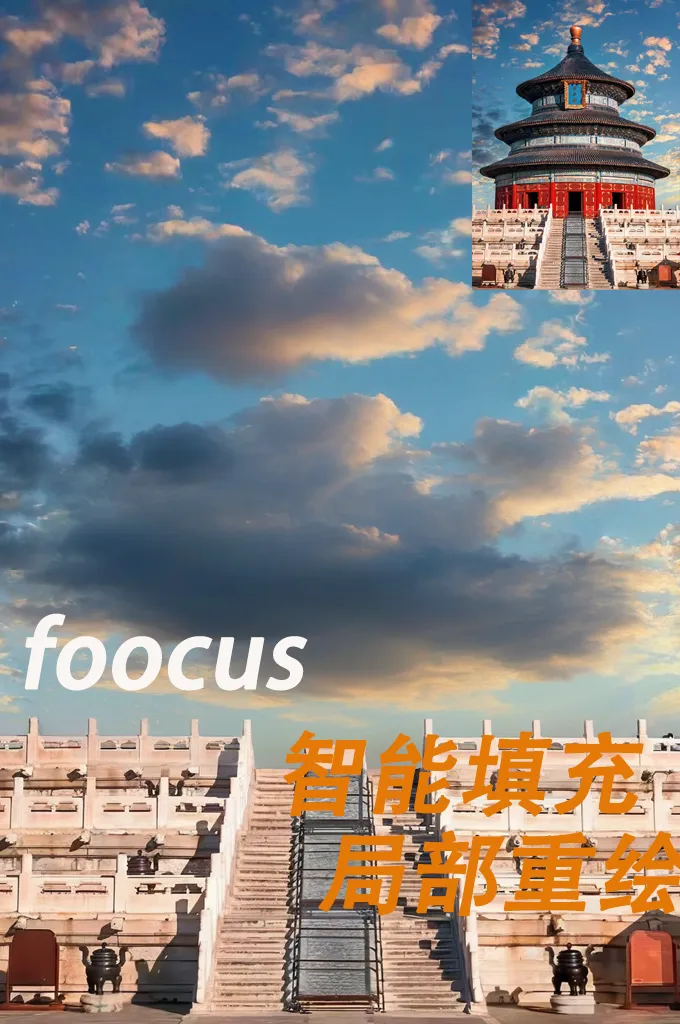
 Image info
 Image info
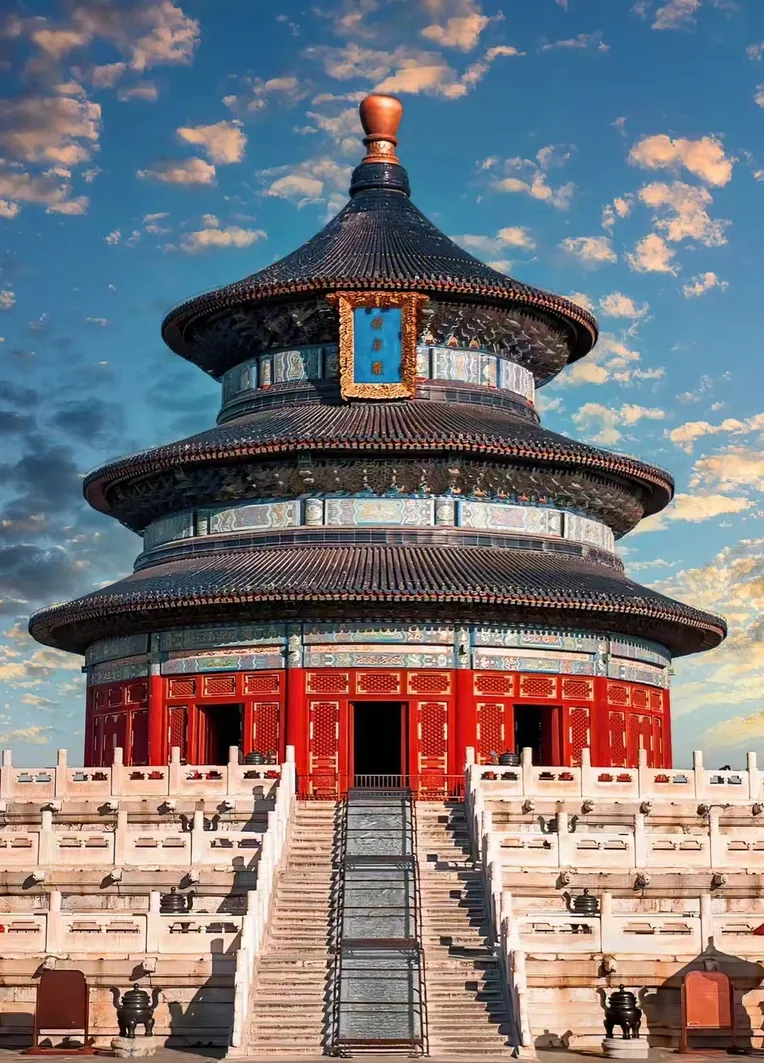 Image info
🌟 Intelligent Fill + Partial Redraw: Your Creative New Partner! 🎨
🚀 Start Your Creative Journey:
- Import Image: Select the image you want to edit and import it easily.
- Mask Editor: Right-click on the image, select "Mask Editor" to open.
- Select Redraw Area: Use the smudge tool to accurately select the part that needs to be redrawn.
- Save Settings: Click "Save to Node" to save your edit.
- Text Encoder: In the CLIP text encoder, enter your creative prompts to guide AI to understand your imagination.
- Generate Image: Click "Generate" to turn your creative idea into reality with AI.
🔍 Optimize Your Work:
- If the generated image has slight imperfections, don't worry! Keep clicking "Generate" until you are satisfied.
- Tips: Slightly expanding the area while smudging can reduce imperfections at seams and make your work more perfect.
🔥 Share Your Creativity: Join us to amplify your creativity limitlessly! Experience it now and share your masterpiece!
Plugin and model addresses are in the workflow,
Thanks to the plugin author. You can give the author a free little star: https://github.com/Acly/comfyui-inpaint-nodes
Perbincangan
Paling Popular
|
Terkini
Hantar
Segera Hadir
Muat Turun
(0.00KB)
Butiran
Jenis
Kiraan Penerapan Dalam Talian
0
Muat Turun
0
Galeri
Paling Popular
|
Terkini