
Blending - Style
v1.0 [noobai-v-pred-1]
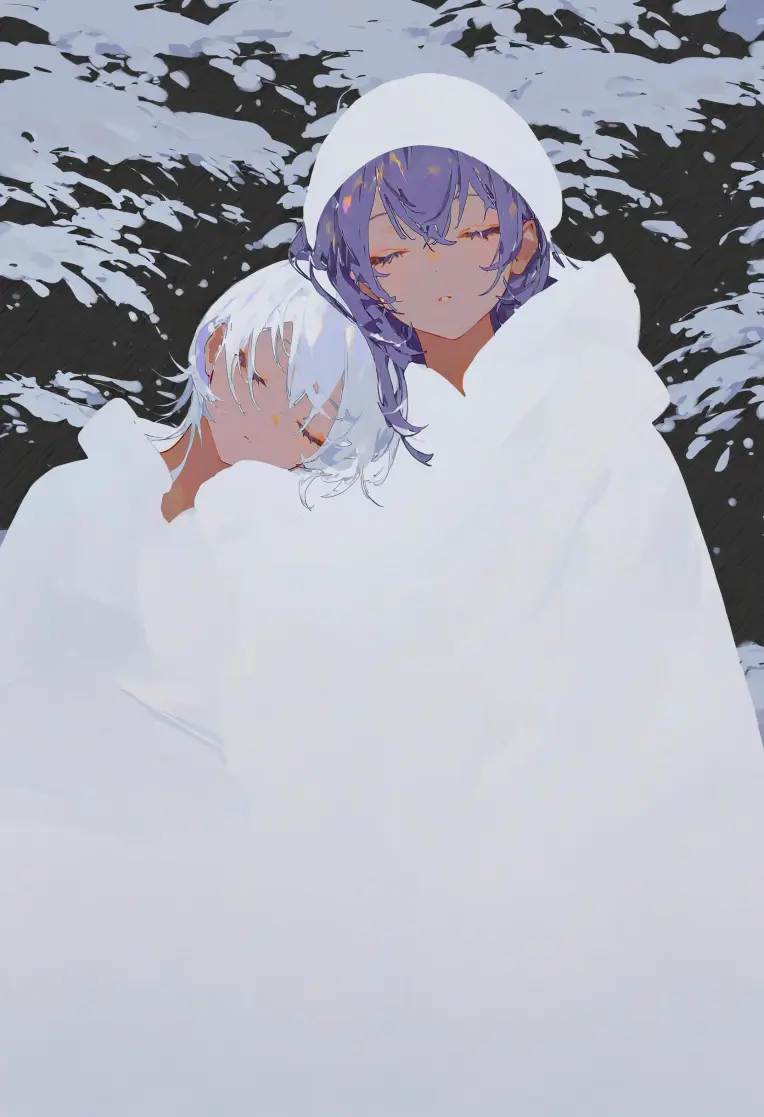
 Image info
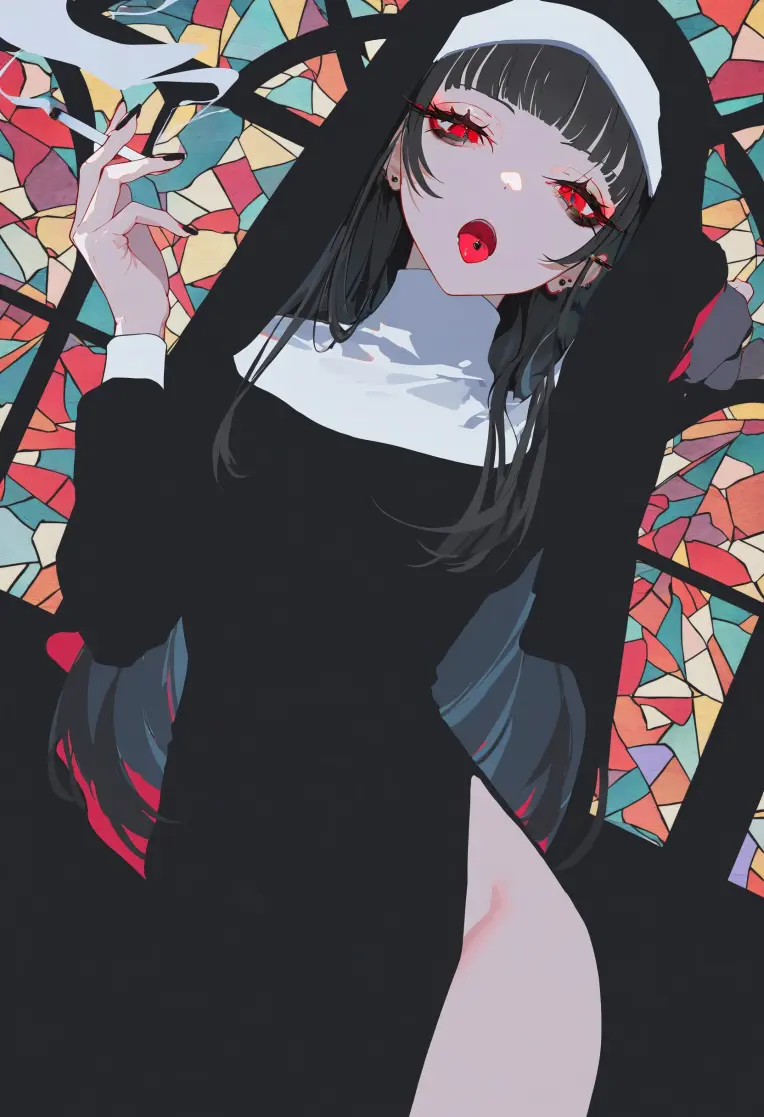 Image info
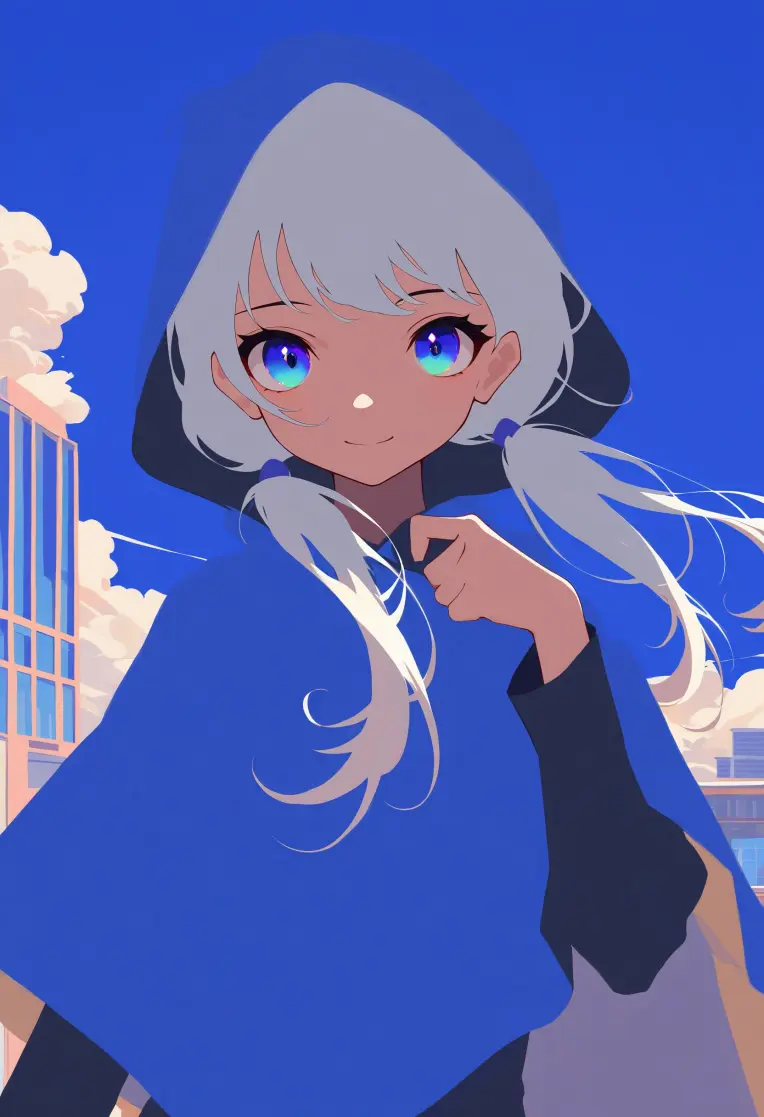 Image info
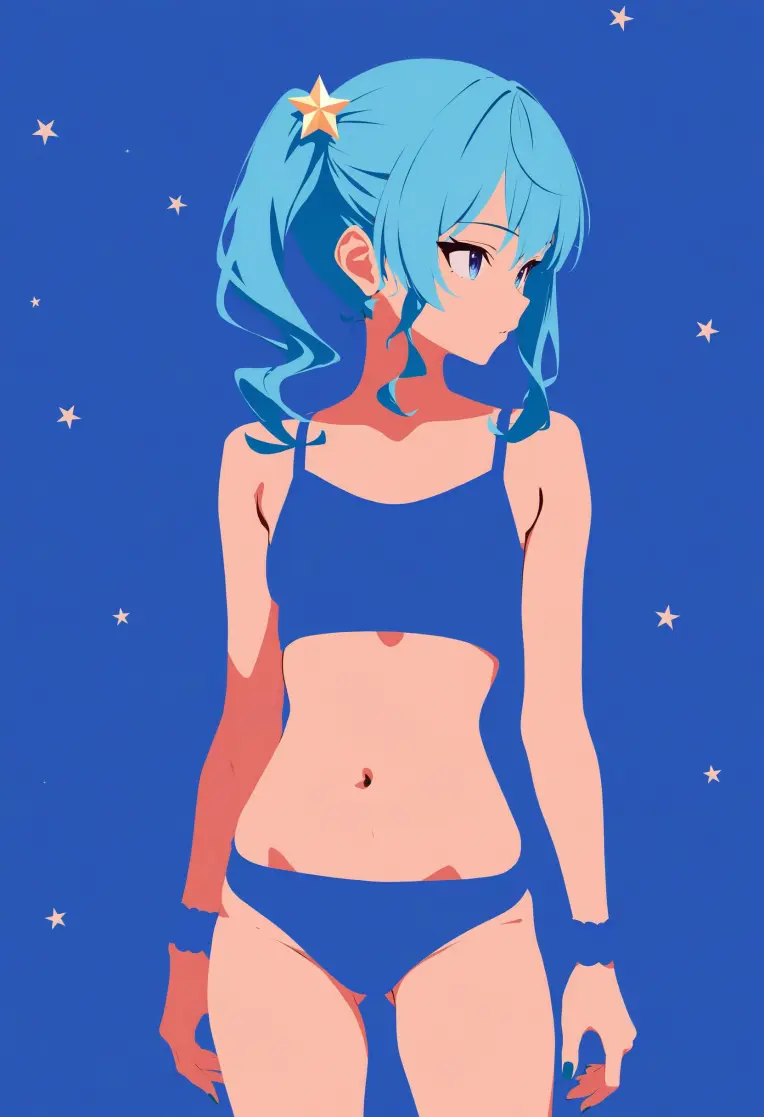 Image info
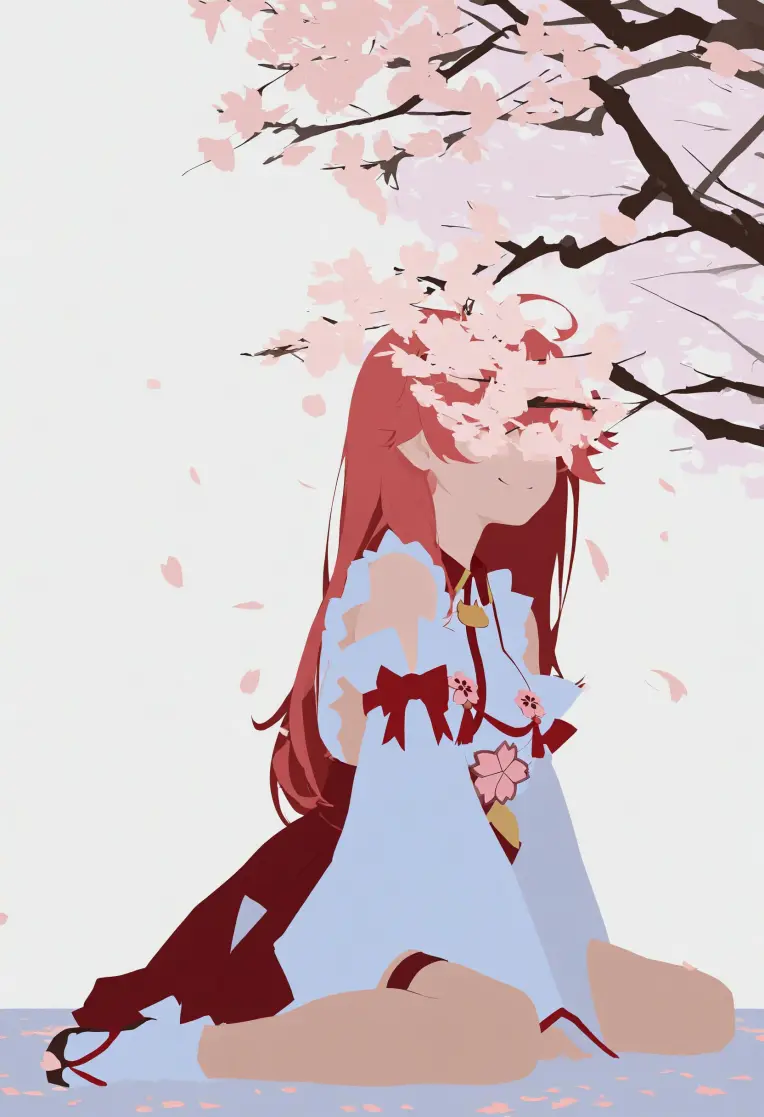 Image info
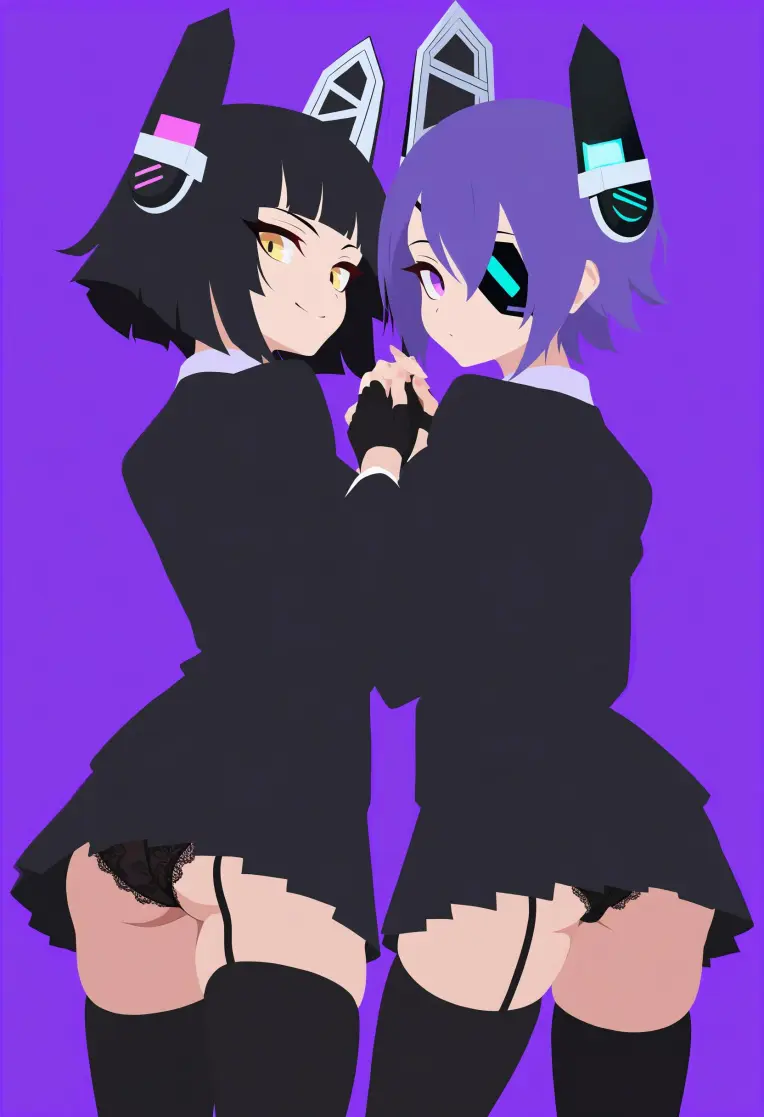 Image info
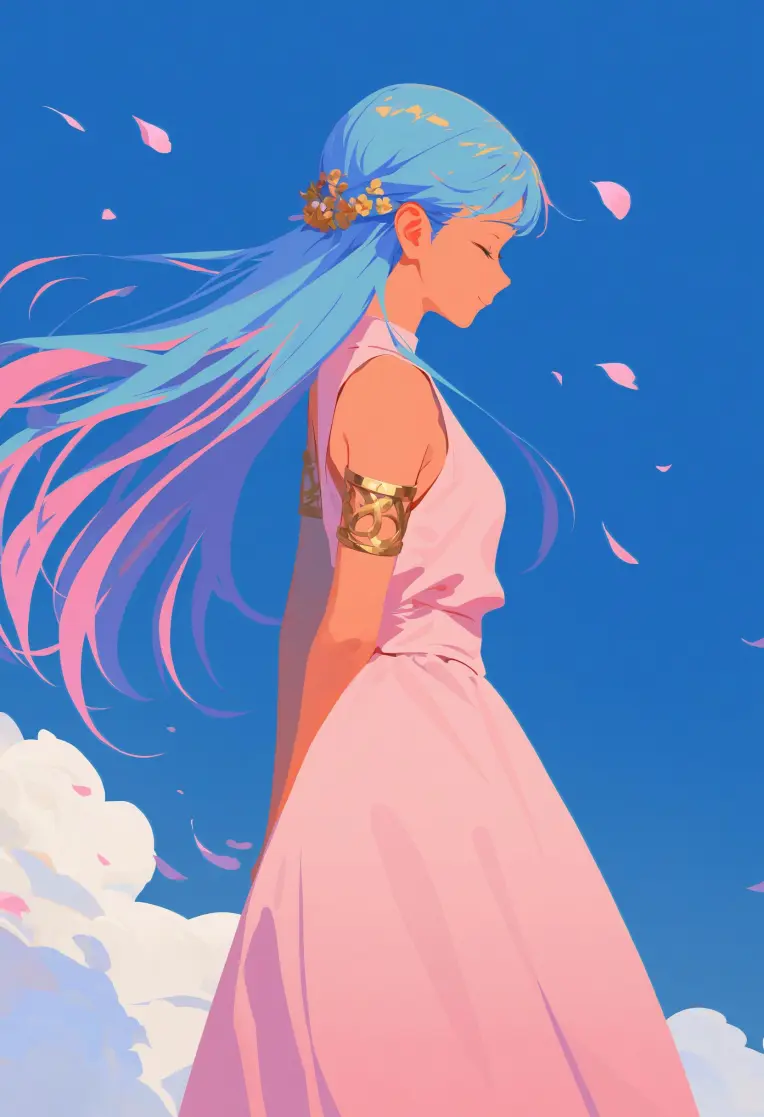 Image info
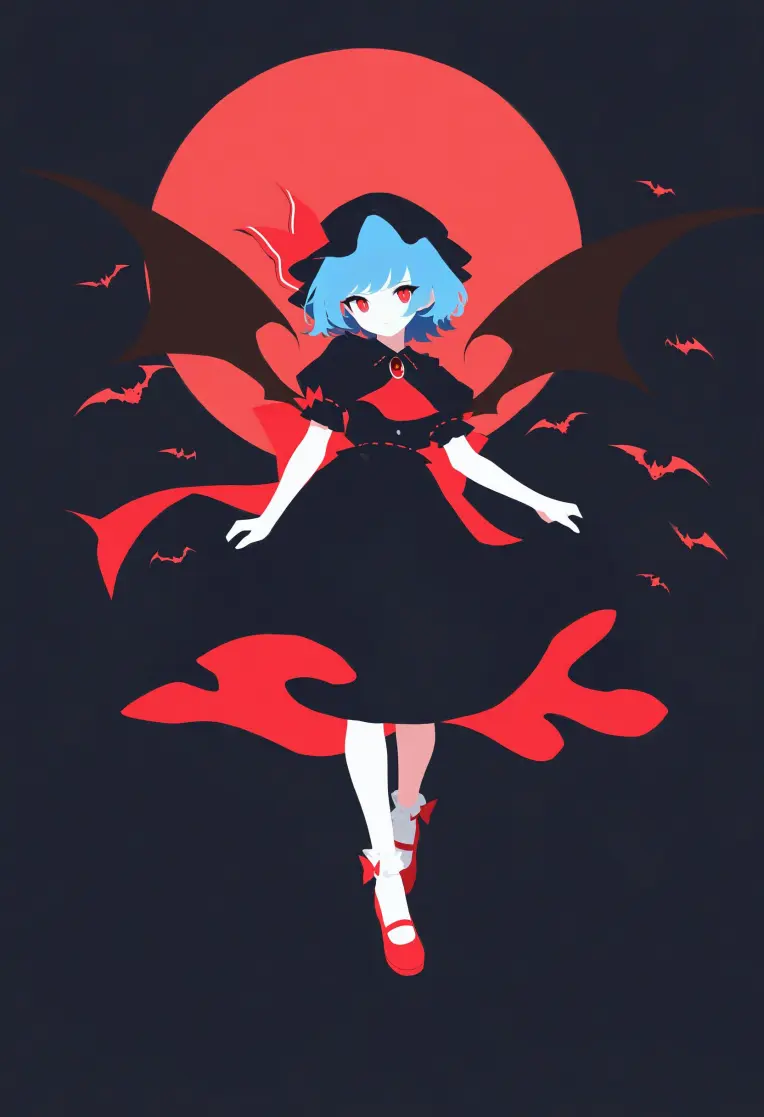 Image info
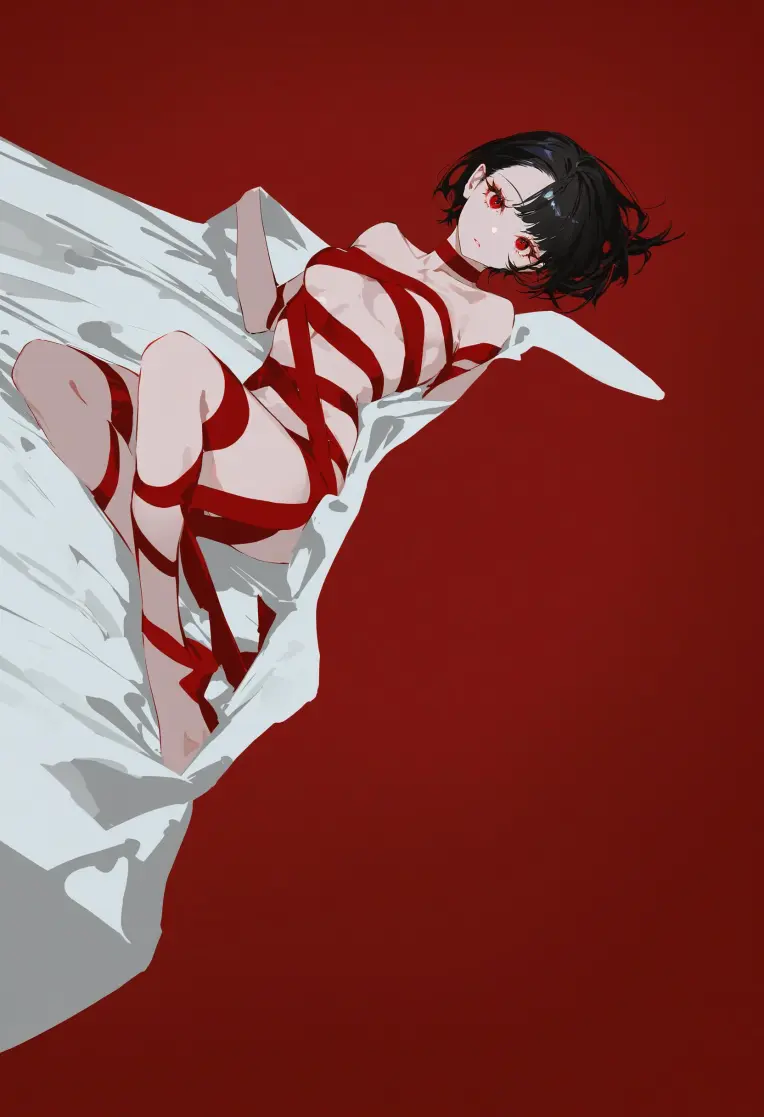 Image info
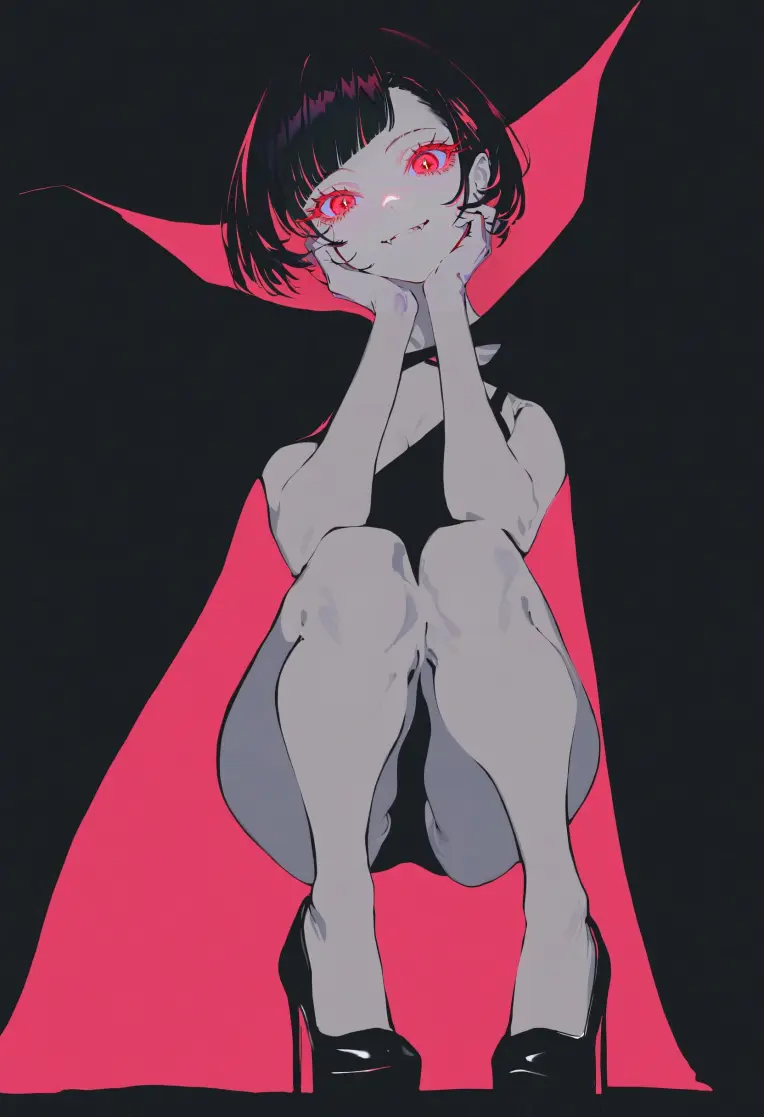 Image info
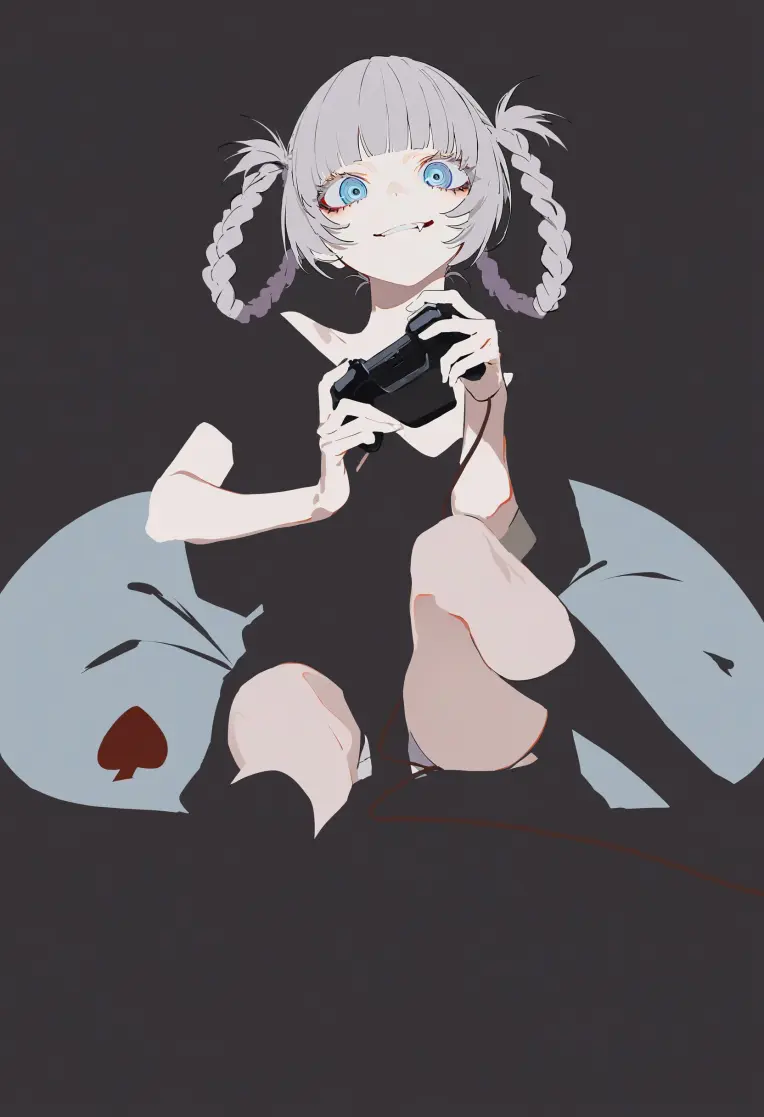 Image info
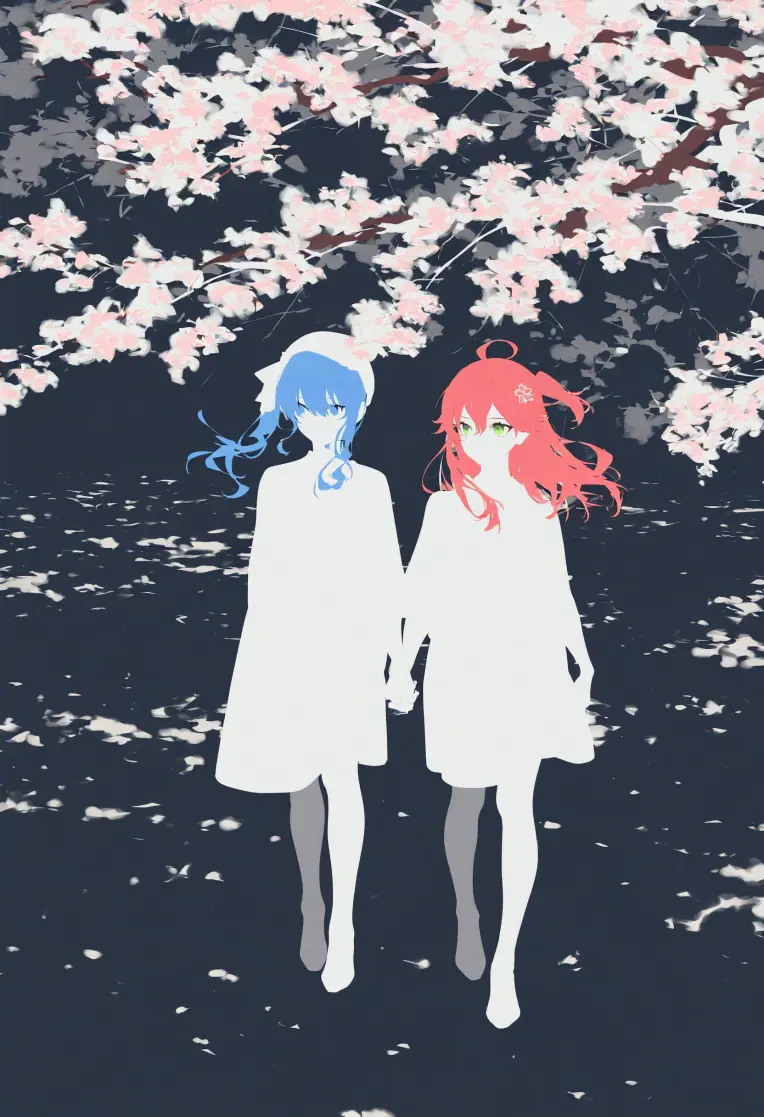 Image info
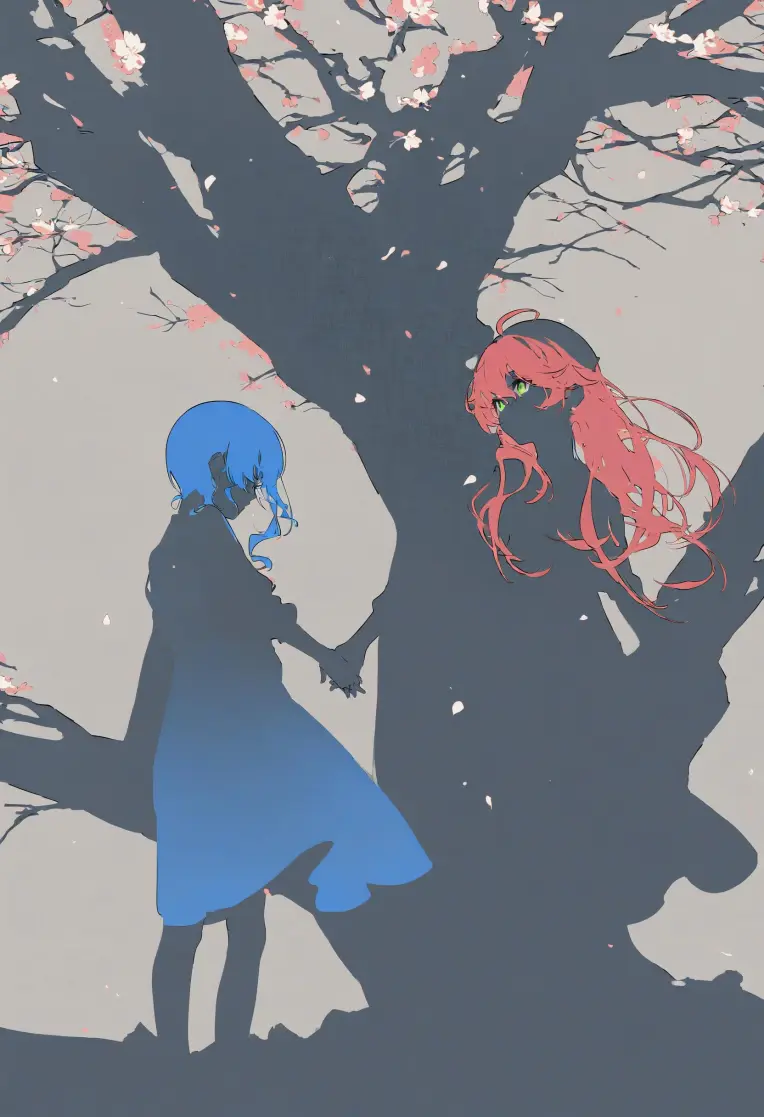 Image info
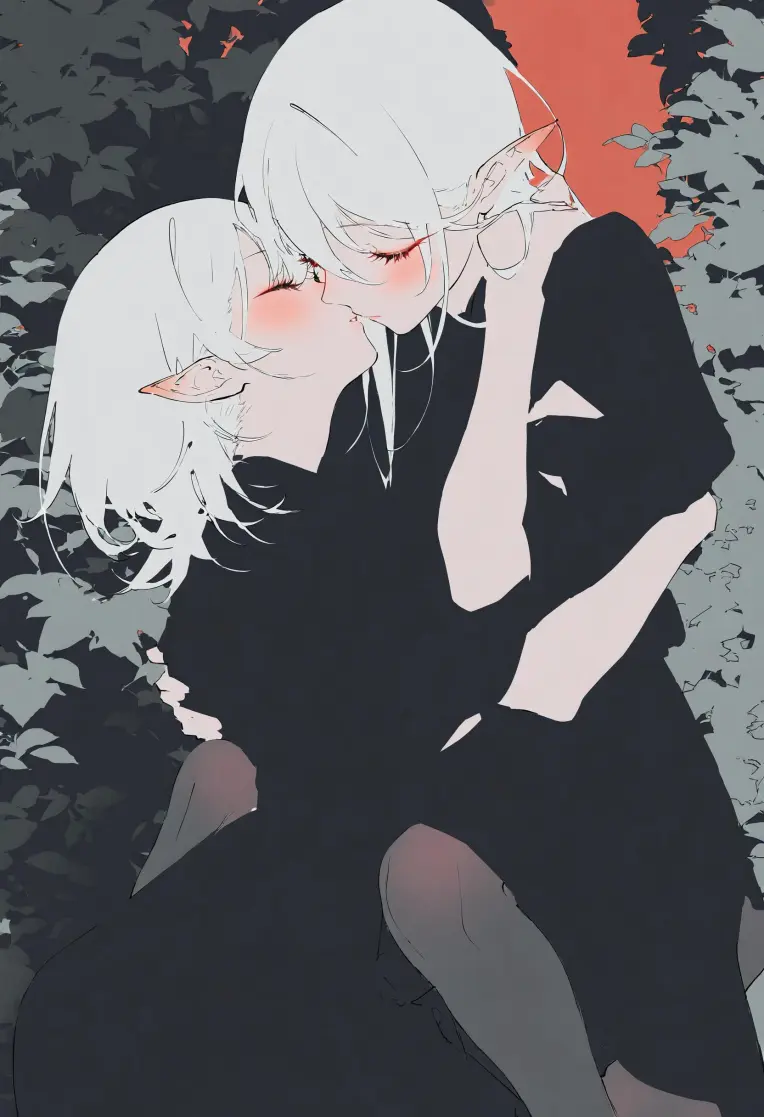 Image info
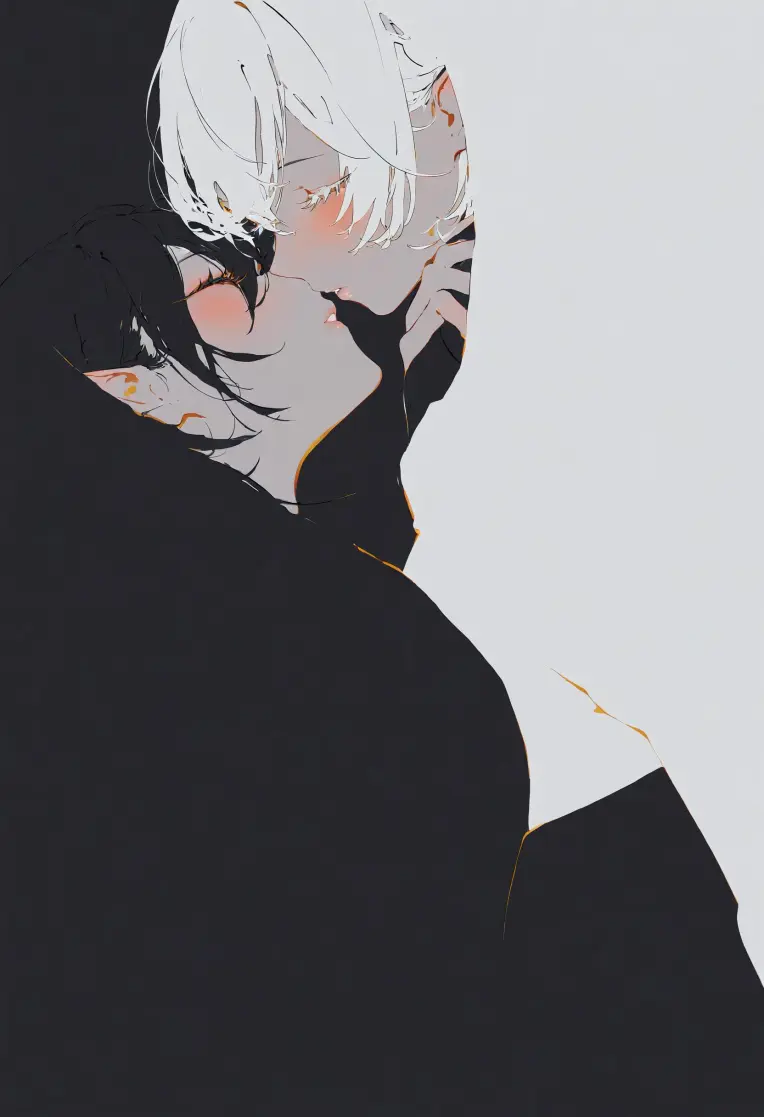 Image info
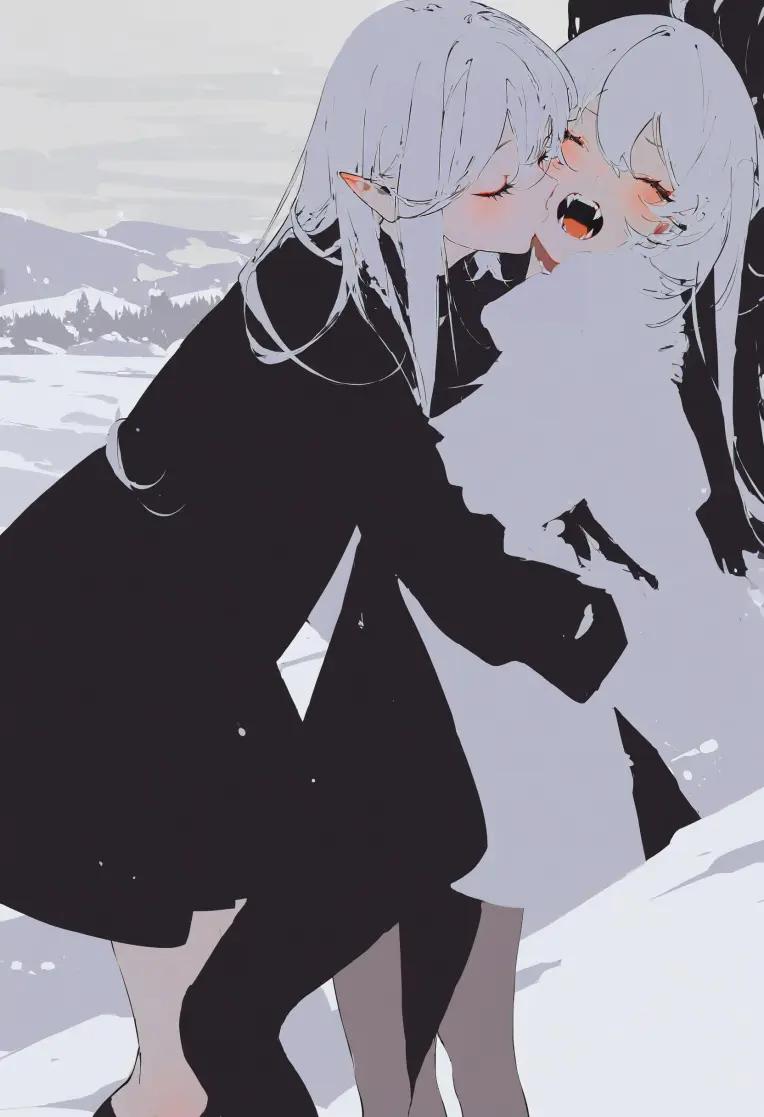 Image info
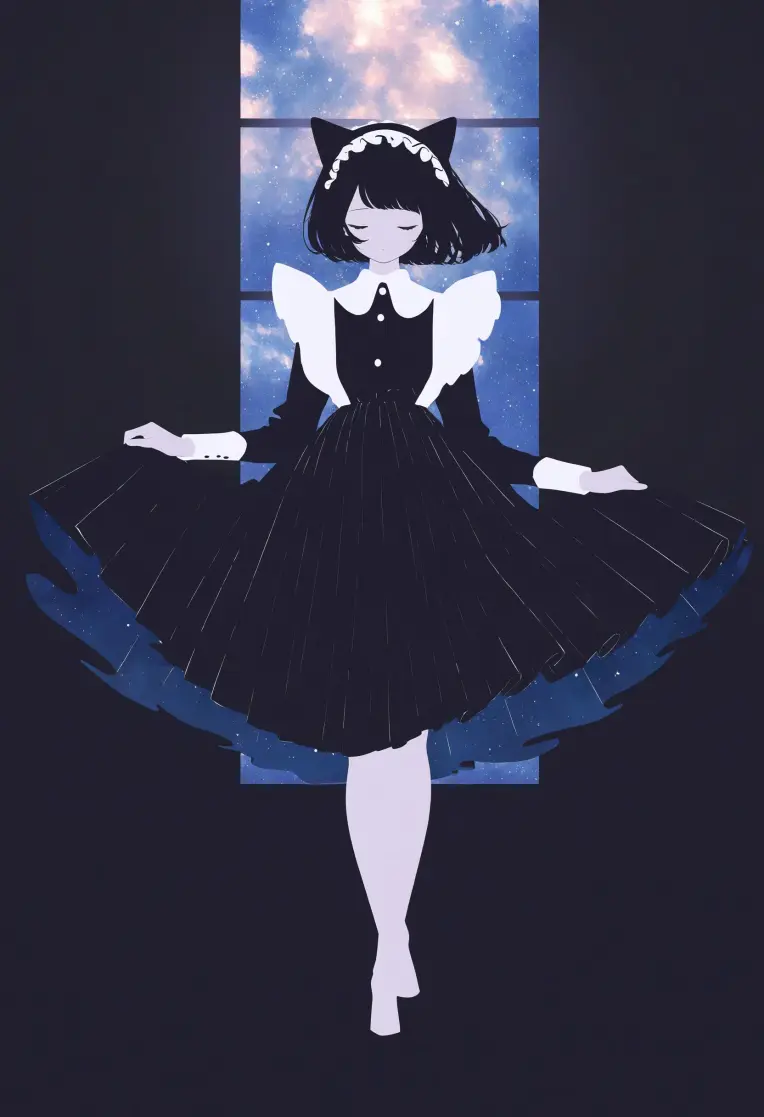 Image info
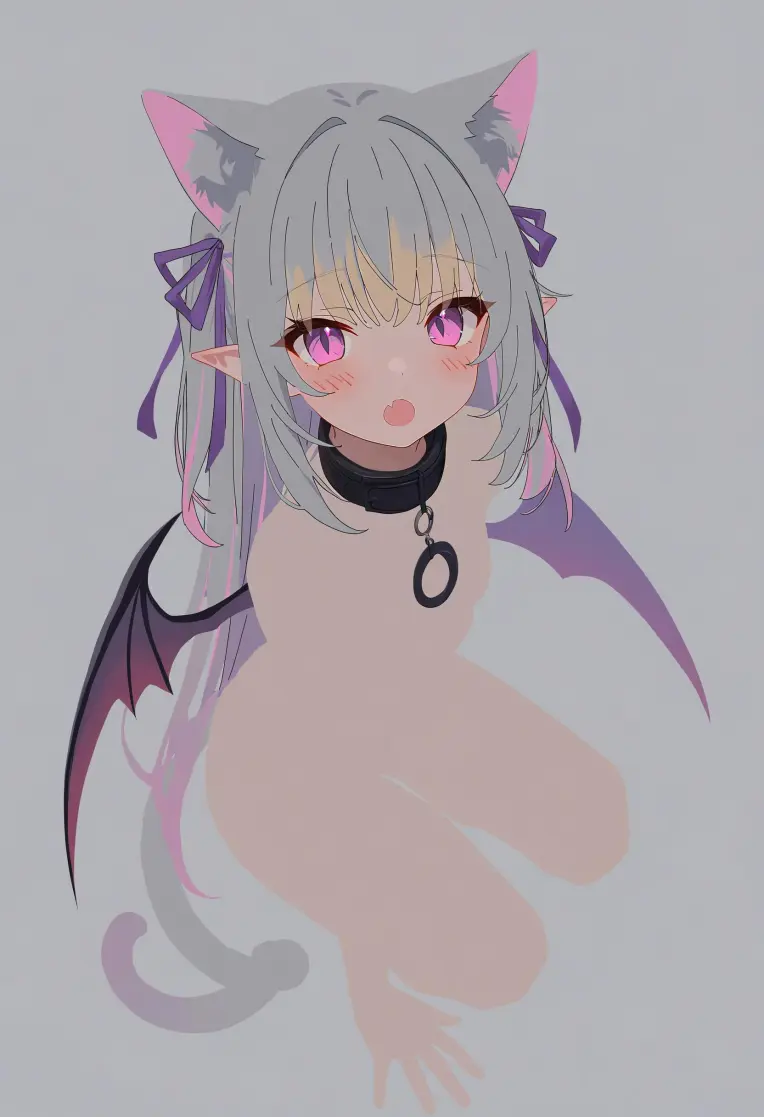 Image info
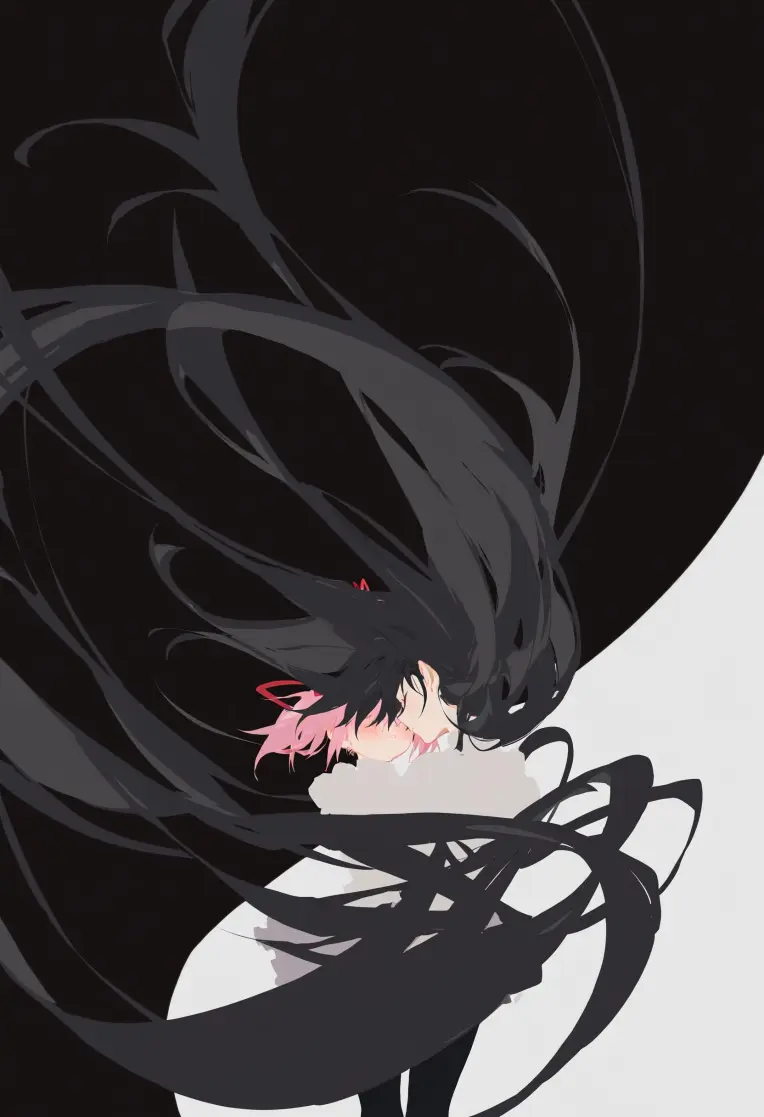 Image info
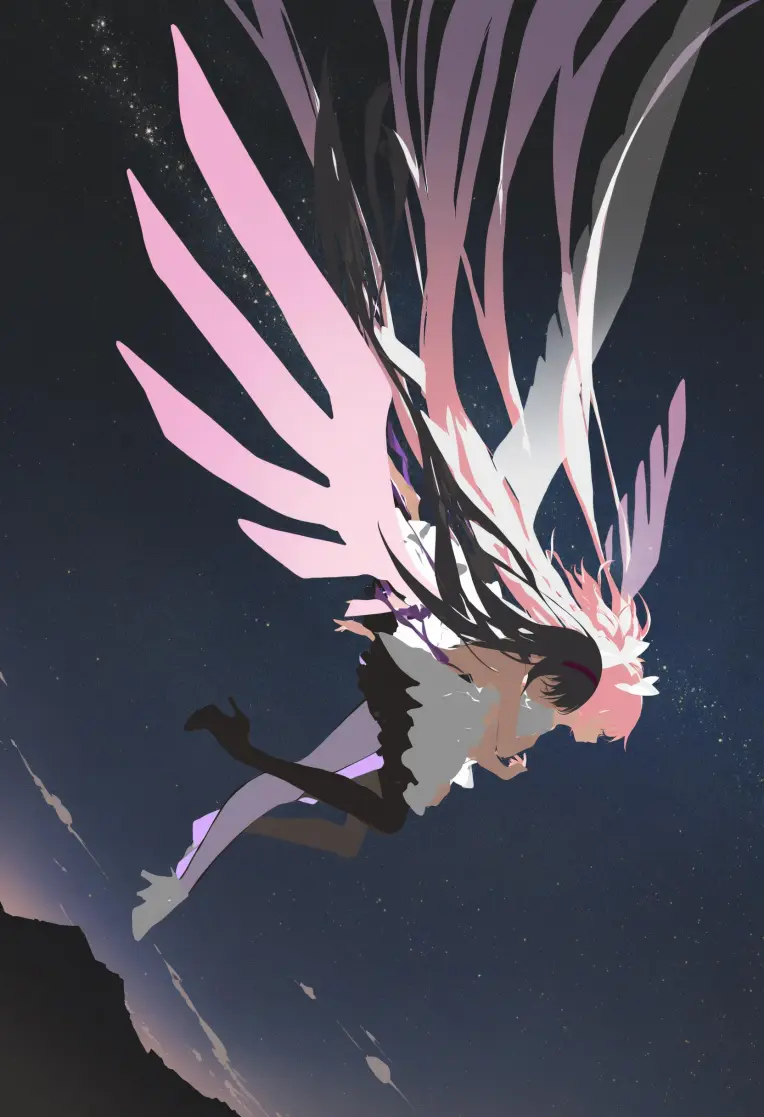 Image info
Blending - Style
Blending - pictures where the background and foreground, or otherwise two separate items blend together due to having the same colour with no border to separate them.
Commonly done with the character's hair being the same hue as the solid colour backdrop.
A possible result of no lineart and flat color - see: Flat Color - Style
Recommended prompt structure:
Positive prompt:
blending, flat color, no lineart, negative space,
{{tags}}
{{color}} background,
masterpiece, best quality, very awa, absurdres
Negative prompt:
(worst quality, low quality, sketch:1.1), error, bad anatomy, bad hands, watermark, ugly, distorted, censored, lowres, abstract, signature, bkubTrained on NoobAI-XL (NAI-XL) V-Pred 1.0-Version
With the kohya_ss dev branch, v_paratemization ,zero_terminal_ssr enabled, and noise offet set to 0.
Previews are generated in Forge with DynamicThresholding (CFG-Fix) Integrated enabled, settings:
dynthres_enabled: True, dynthres_mimic_scale: 5, dynthres_threshold_percentile: 1, dynthres_mimic_mode: Half Cosine Down, dynthres_mimic_scale_min: 1, dynthres_cfg_mode: Half Cosine Down, dynthres_cfg_scale_min: 3, dynthres_sched_val: 1, dynthres_separate_feature_channels: enable, dynthres_scaling_startpoint: ZERO, dynthres_variability_measure: STD, dynthres_interpolate_phi: 1A ComfyUI workflow reference with DynamicThresholding, Upscaling, and FaceDetailer can be found here: https://civitai.com/posts/11457095