
Transforming Hunyuan-DiT Image Dataset
v1
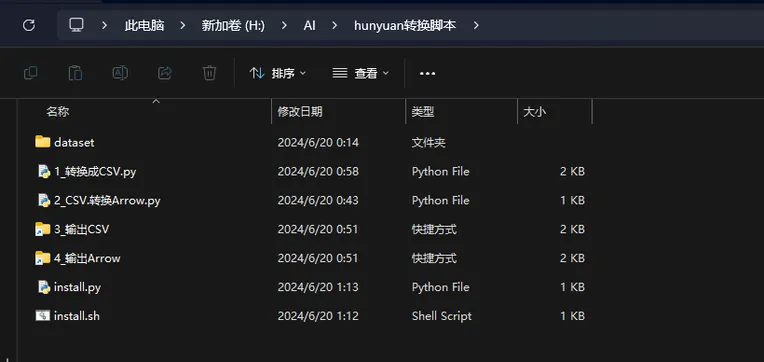
 Image info
 Image info
The data processing on Huan Yuan's GitHub seems a bit cumbersome, so I separated it out (Once you see this, you are no longer a beginner. I won't trouble you with additional environmental issues. Just follow the official GitHub tutorials to use this script for convenience)
The path to the training set needs to be opened manually, then run the first script to convert to CSV, right-click to open with Text, add the training set directory, and after that, do not change the location of training to avoid training set being not found.
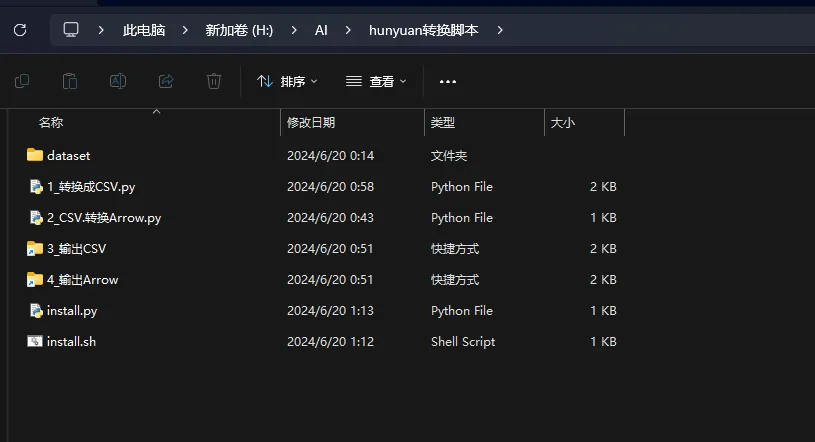
One-click conversion of normal image training set to CSV

Then convert the CSV to Arrow
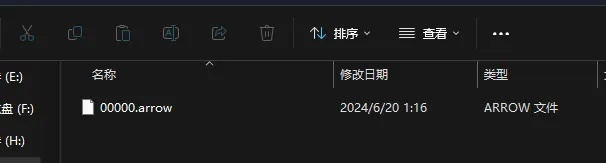
Then it can be used for training.
Additionally, the official Arrow script provides parameters for running 500 processes at the same time. I reduced it because otherwise, most computers won't be able to handle it. If your computer has a high configuration, you can manually adjust it.
The animated demo is with my standard training material. I used the English tag training set before. I don't know if the official Chinese tag script will simplify, if not, you will have to use the official tagging script to tag properly before converting it like this.