
Brushwork_Expanded_Dim_illustrious_Lora
V5
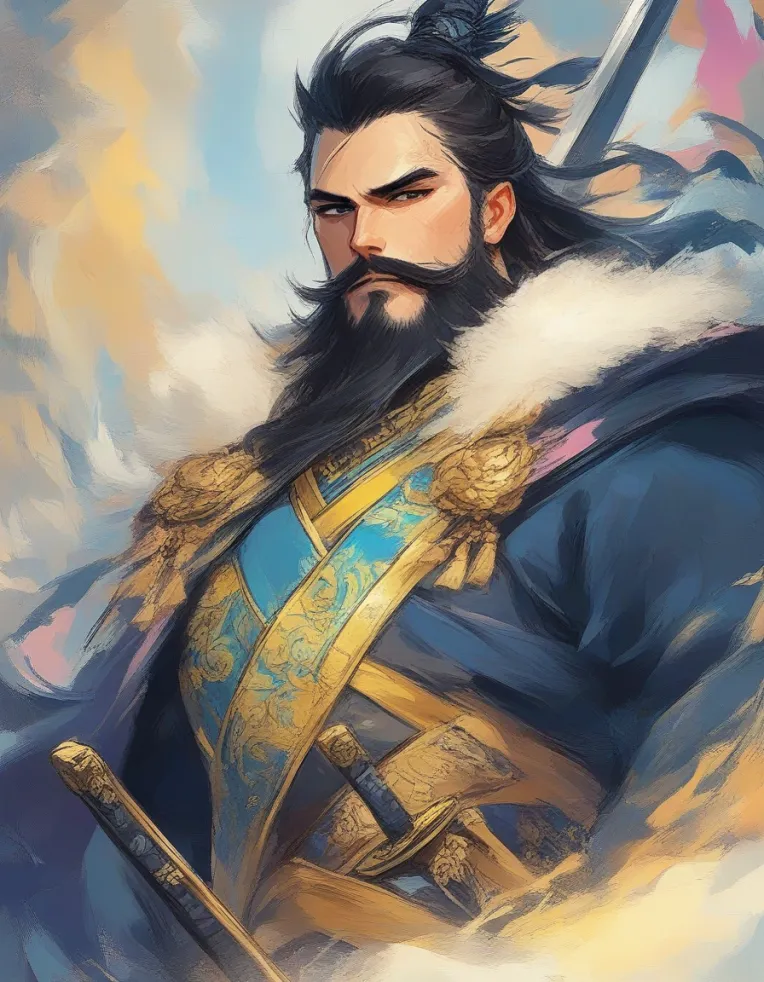
 Image info
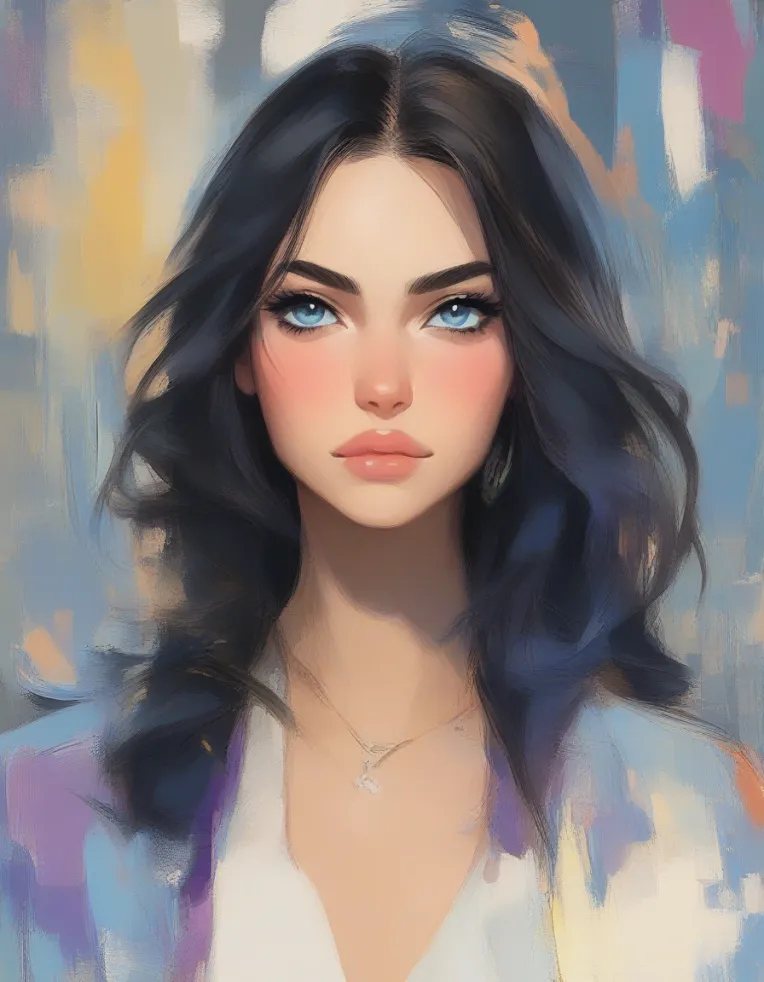 Image info
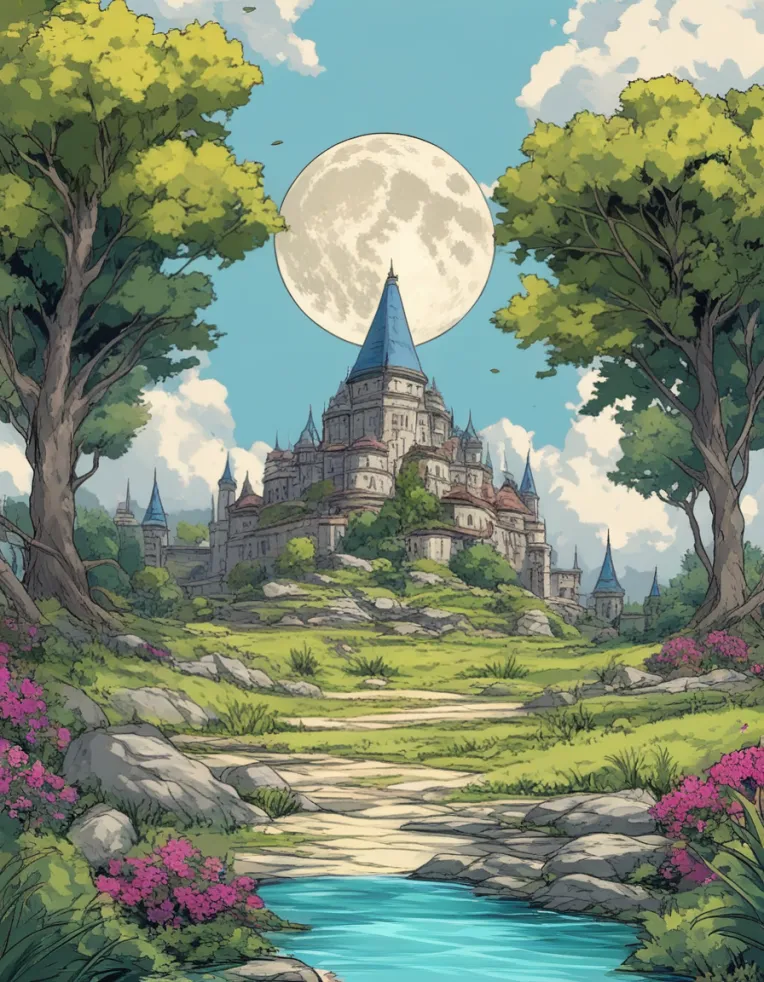 Image info
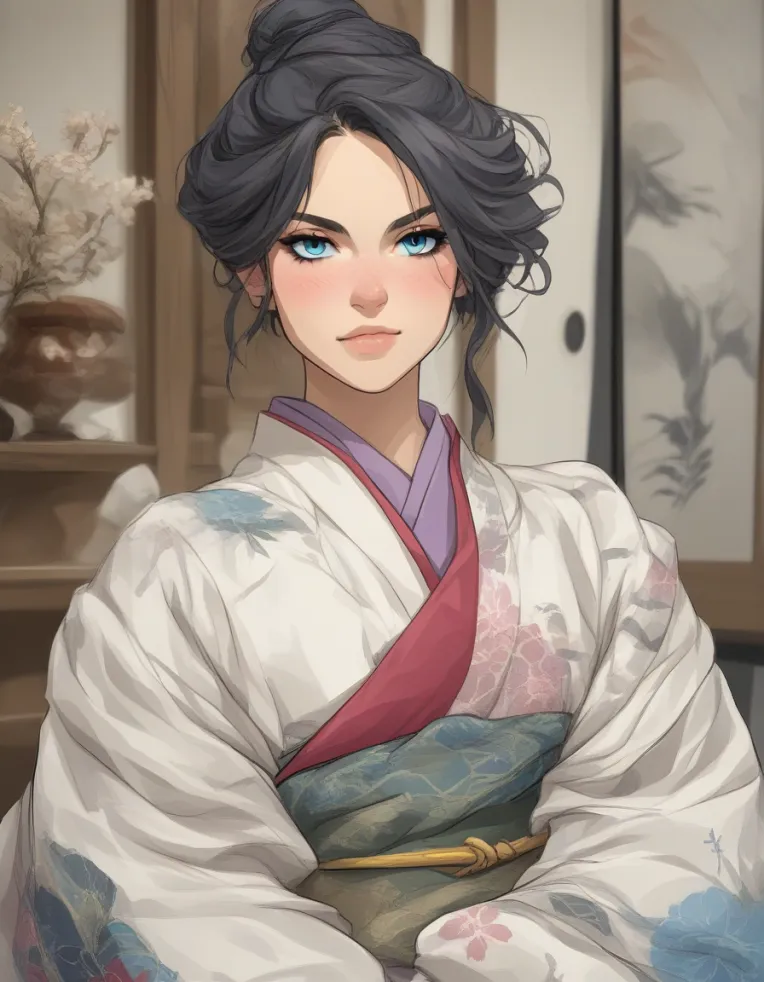 Image info
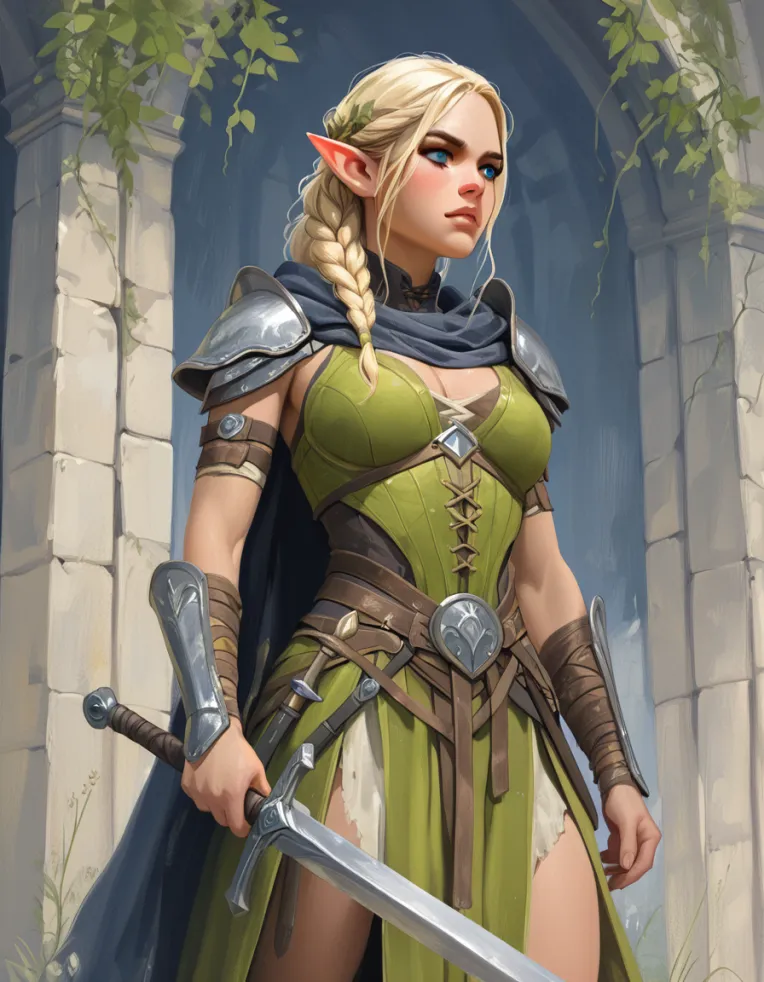 Image info
 Image info
This is a new attempt at training illustrious on images that have a bit more visible brushwork and attempting to overhaul the base style of illustrious to create a new checkpoint down the line. This LoRA is most likely going to be part of a larger release I have coming out down the line but I like to keep my stuff as open and available to other users.
This model is meant to create more loose sketches, watercolor, and more painting styles. This model is trained to over 20,000 steps and is meant to be an entire overhaul to the base illustrious. when used at full strength it completely changes the output of basically everything I've tried. Below on the left is my Lora applied with the same seed and prompt as the image on the right.

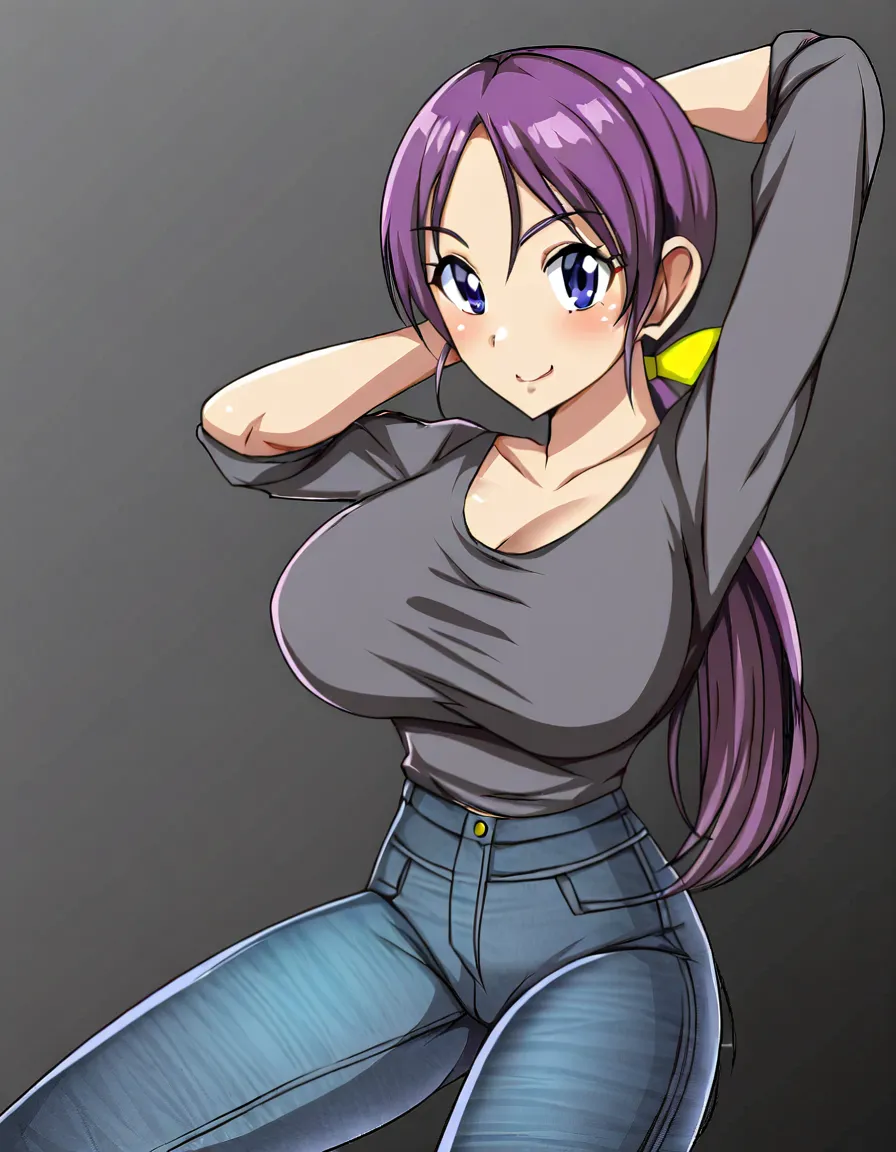
Its meant to entirely overhaul the model and create something that is more in line with watercolor and western graphic novels/comics and RPG art.
Due to this model being trained at a very high network dimension and making it an absolutely massive Lora, it is meant to have better expression of brushstrokes and not have the typical jittery behavior seen when training at lower Network Dimensions. For Example, the image below uses this model to give an enhanced painting effect.
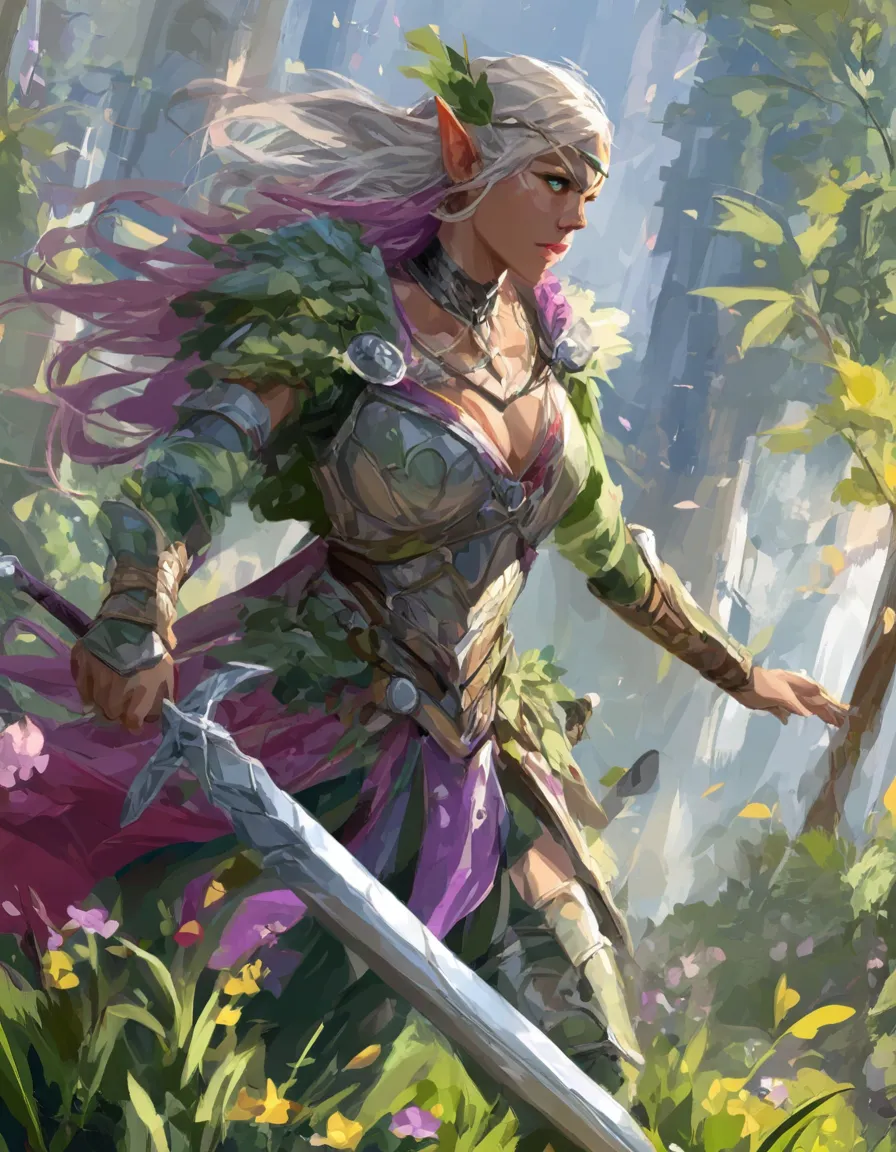
But the cost of this is that this LoRA is nearly a gig in size but that doesn't matter since my goal is to create a merge that will be typical checkpoint size.
Usage Guide.
Works on Base Illustrious2.0 with expected issues to hands, faces, body. Does not require a trigger word but I highly recommend exploring words like "Sketch, Watercolor, Brush strokes," and more. I recommend AVOIDING words like "Realistic, realism, photographic" as this model is about as far from realism as you can get before it becomes absurdist.
20 steps is a great start but feel free to go up much higher
euler a and DPM++ are worth exploring, they give VERY different output so test your prompts in both.
I run this model at full strength or 0.8. I've tested higher and it seems to work but it breaks once you go over 1.5 strength. I haven't really tested much lower strengths as I am really trying to push this painting and sketch style over the base model output.
I typically run between 5-6 cfg on my models but feel free to explore outside those ranges a bit.
Due to my machine already being used to train a new model I haven't had time to test this much outside of base illustrious but it seems to have a nice effect on other illustrious models like Hassaku and wai but will require a bit more fine tuning on settings than what I've given here.