
Happy Ai-Portrait Photography Realistic High Fashion Photo Filter Photo Adjustment Runway-V2-BF16
V2-BF16-HappyAi
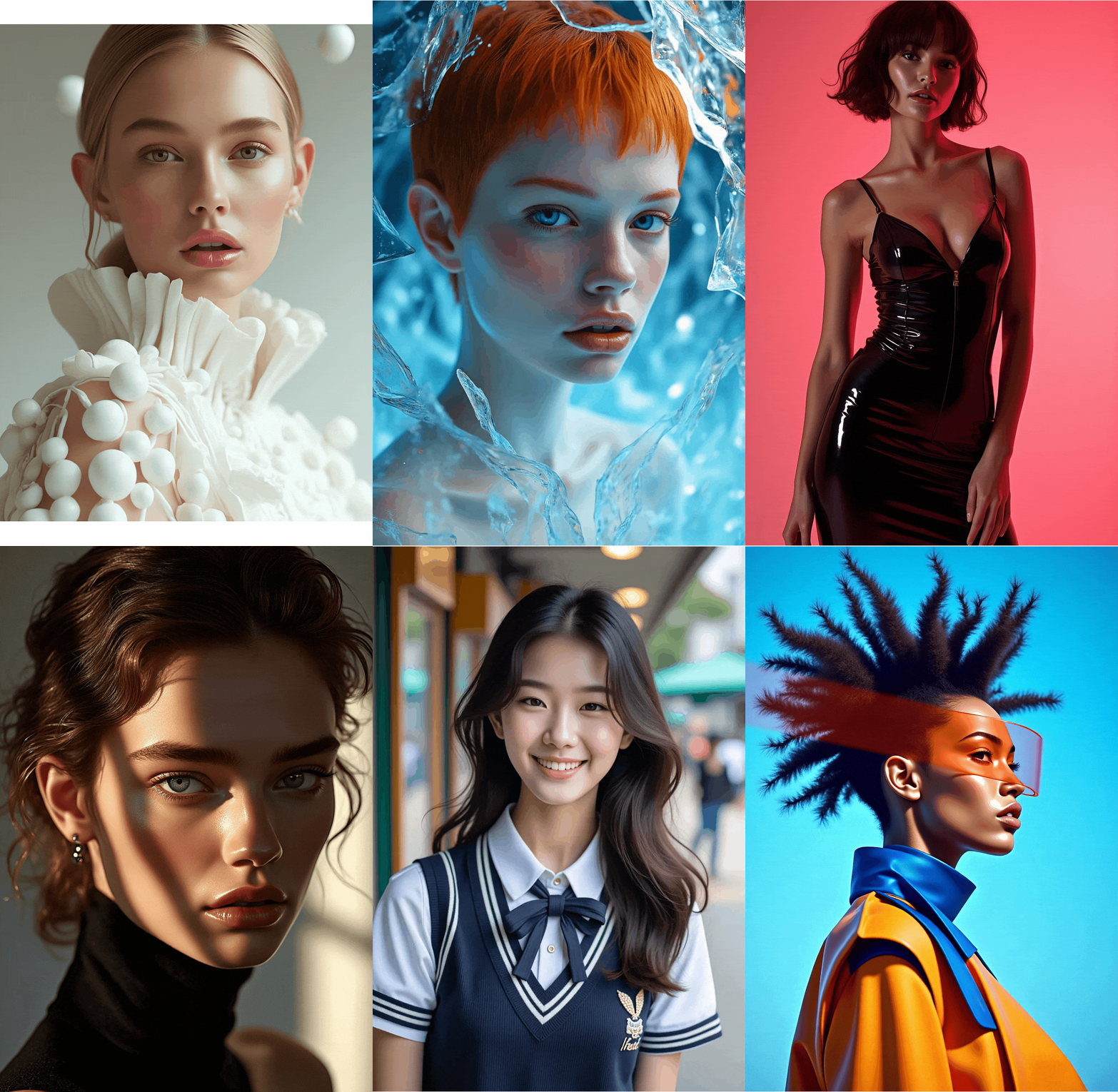
 Image info
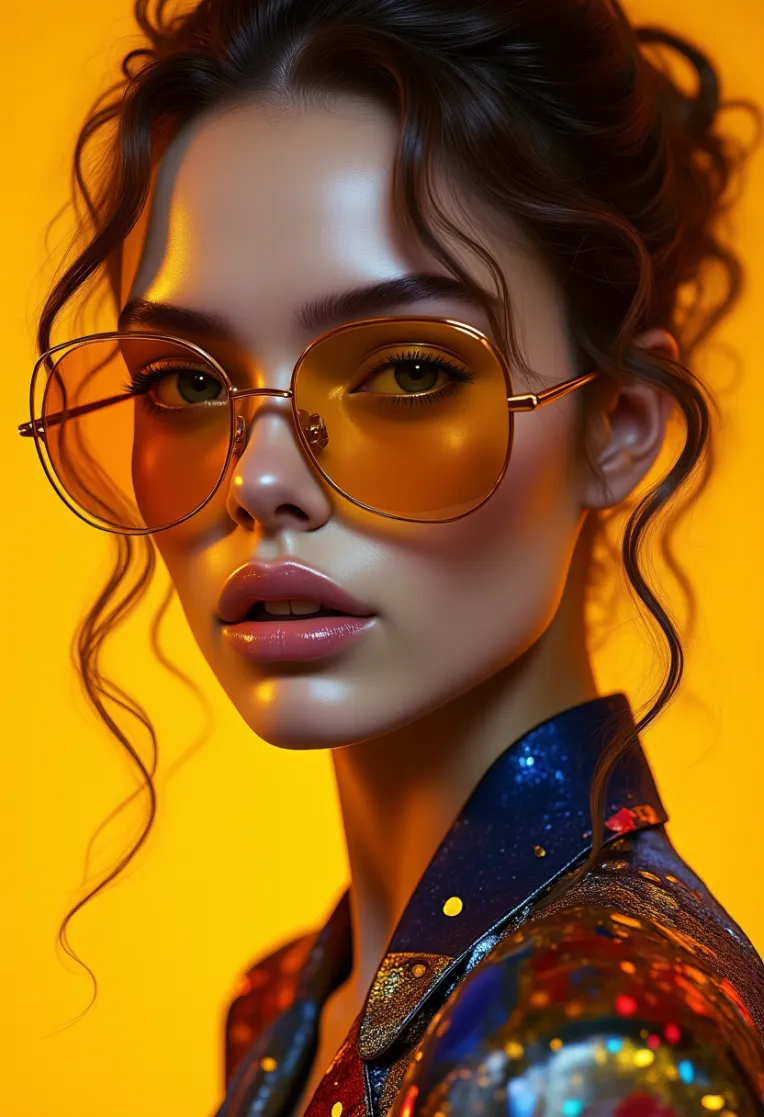 Image info
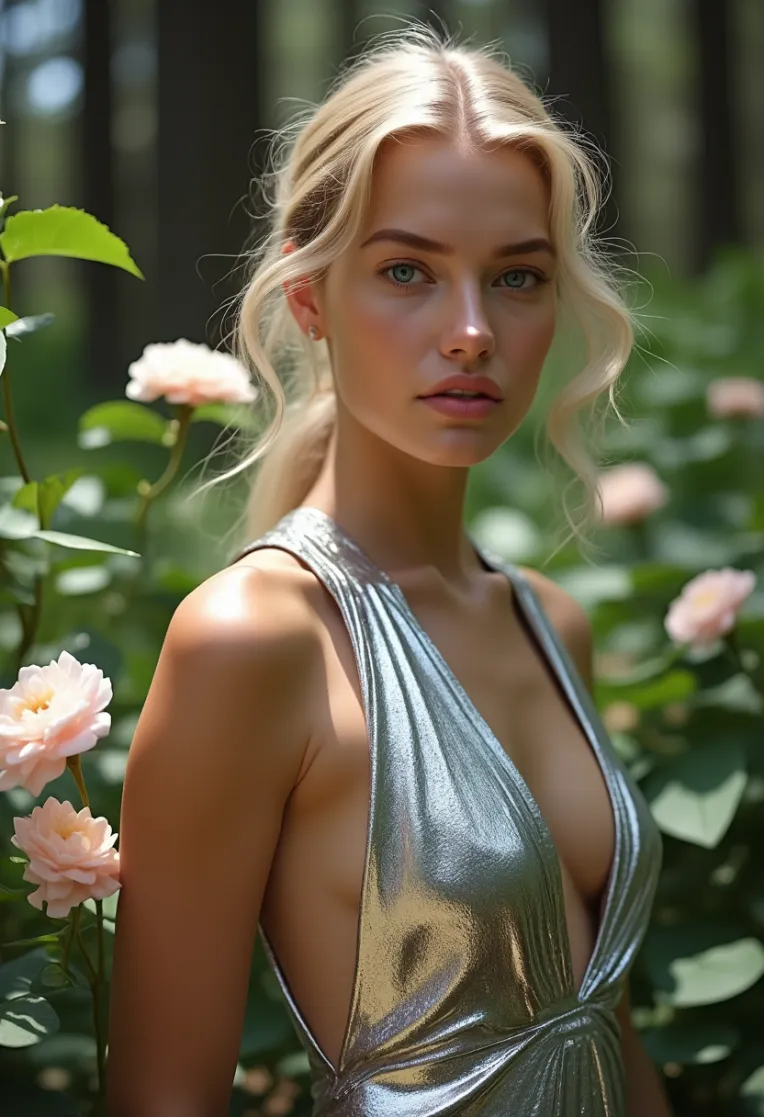 Image info
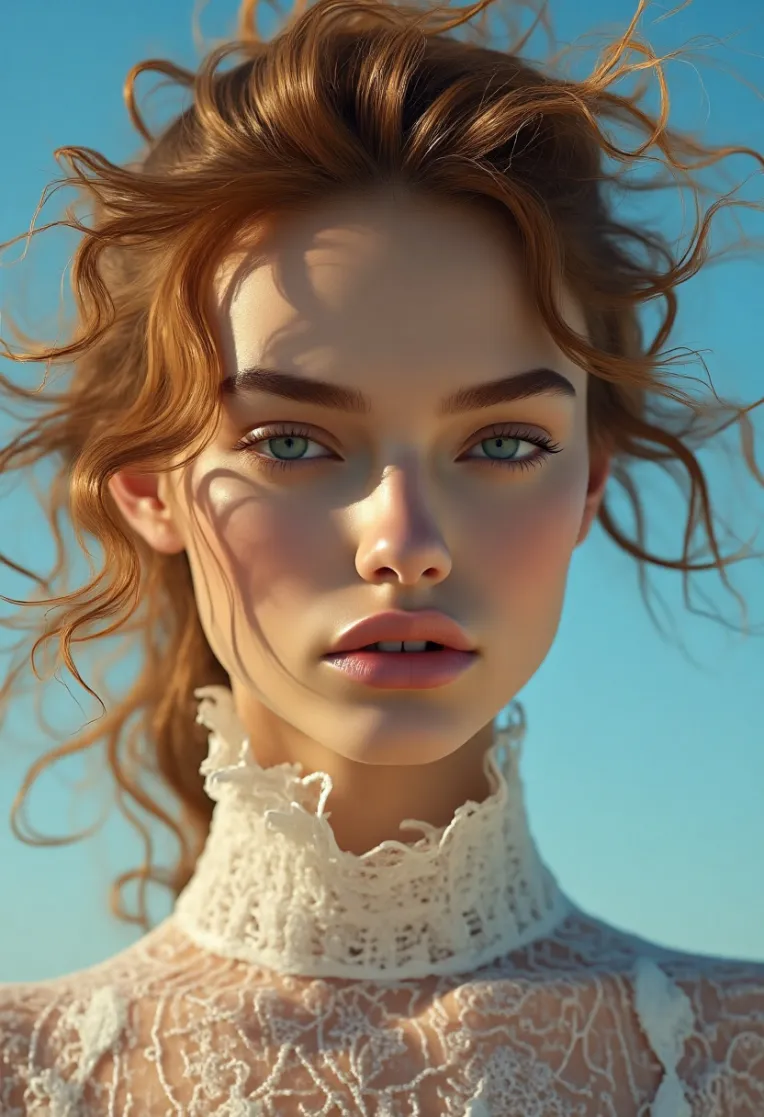 Image info
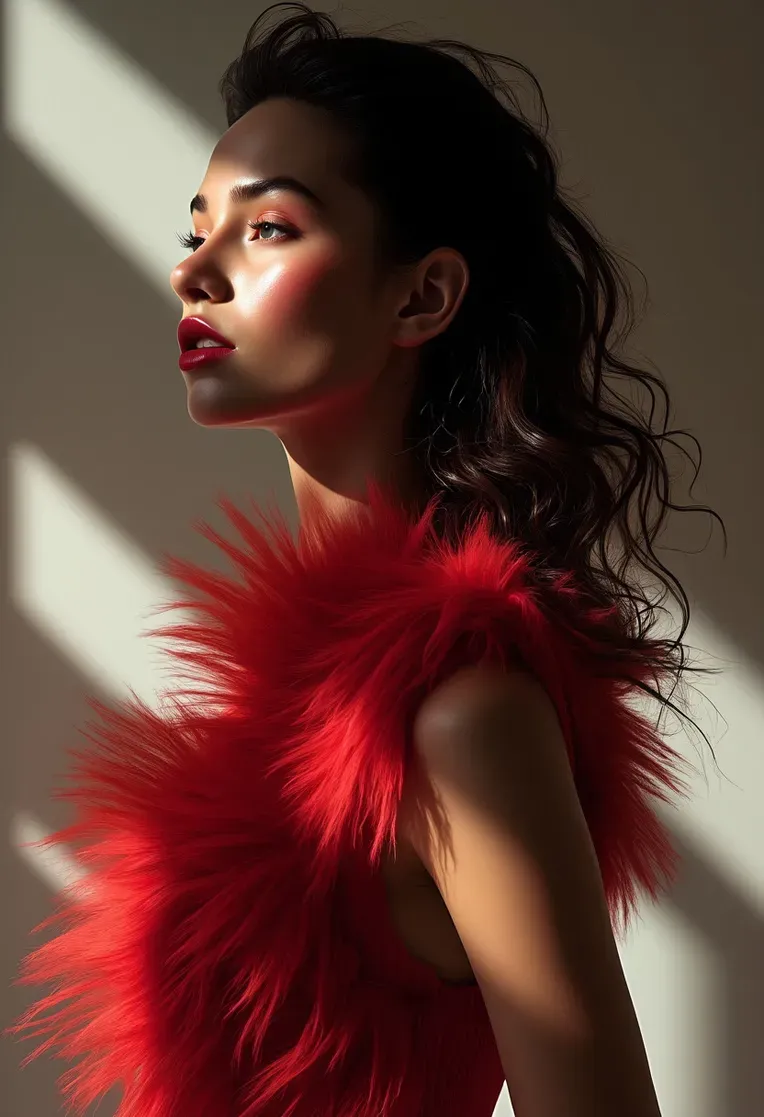 Image info
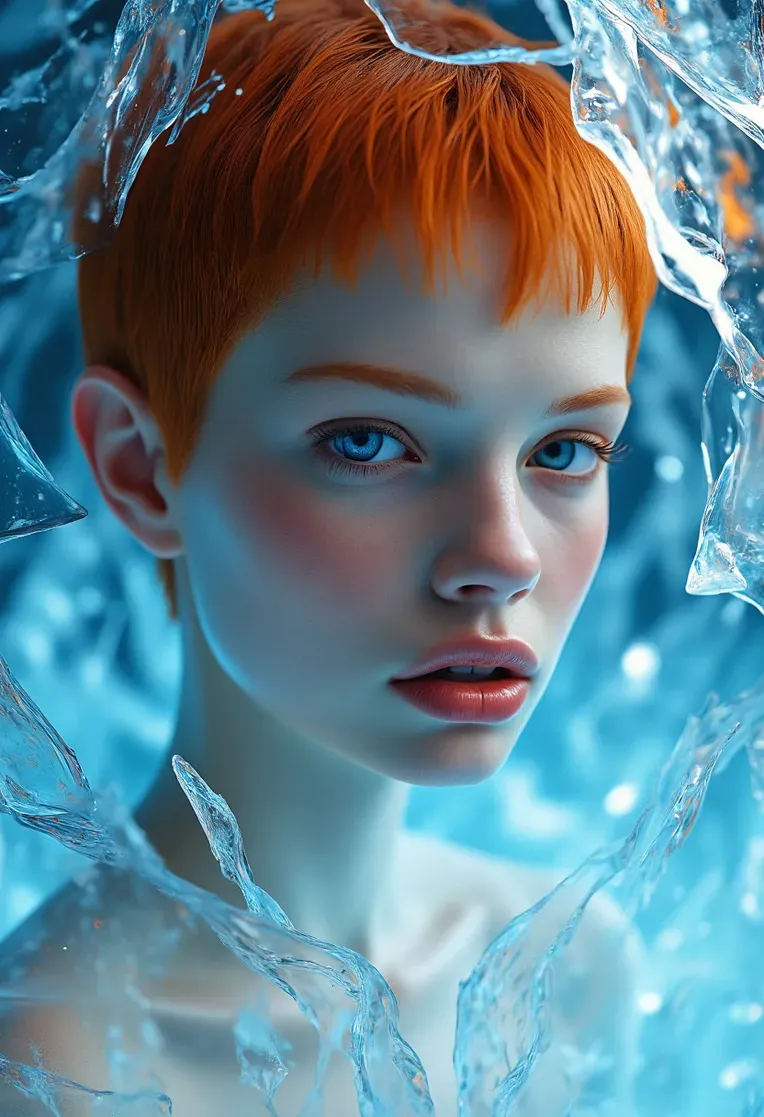 Image info
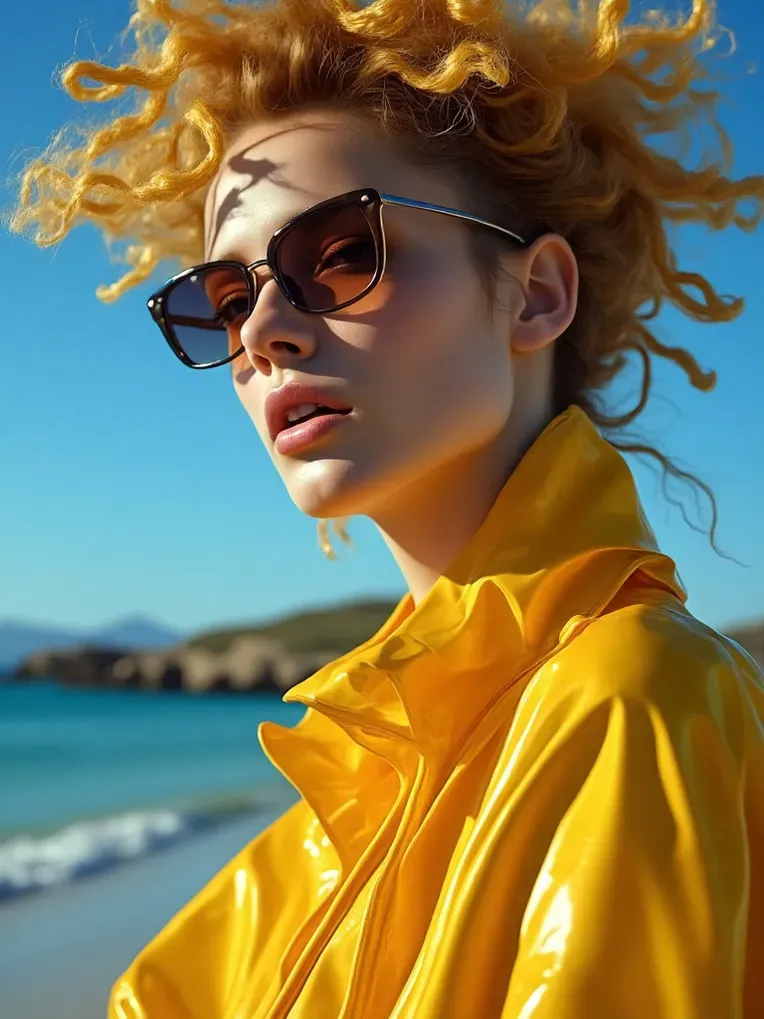 Image info
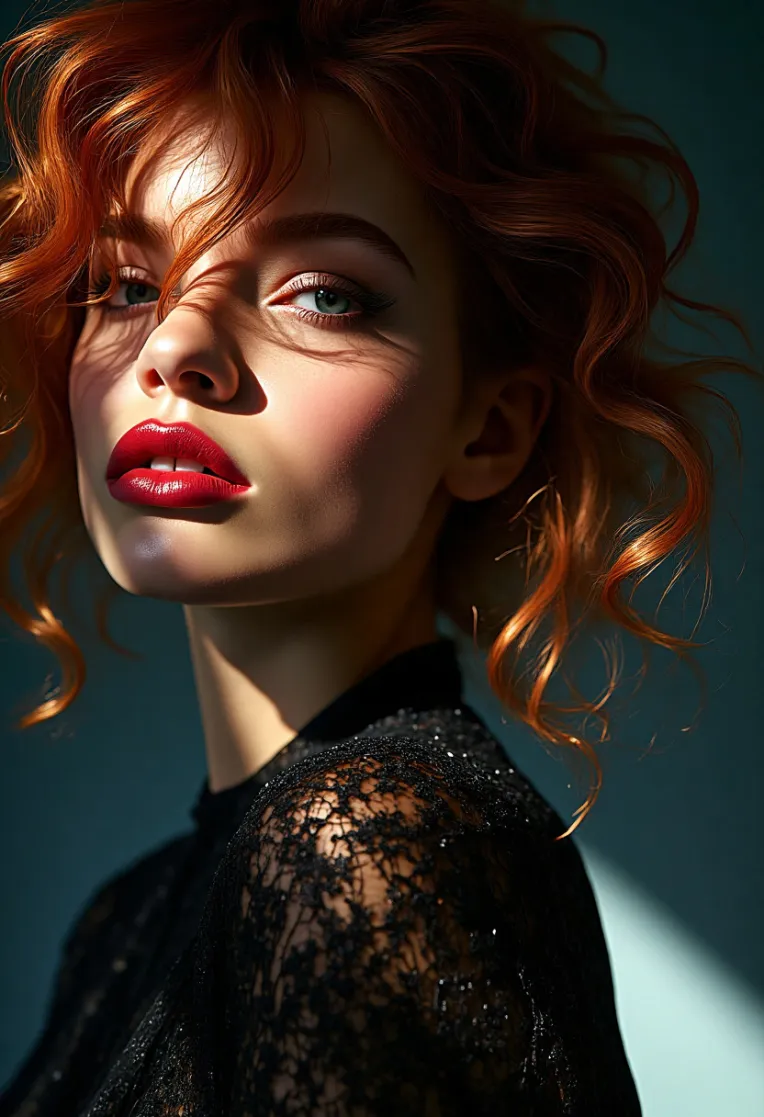 Image info
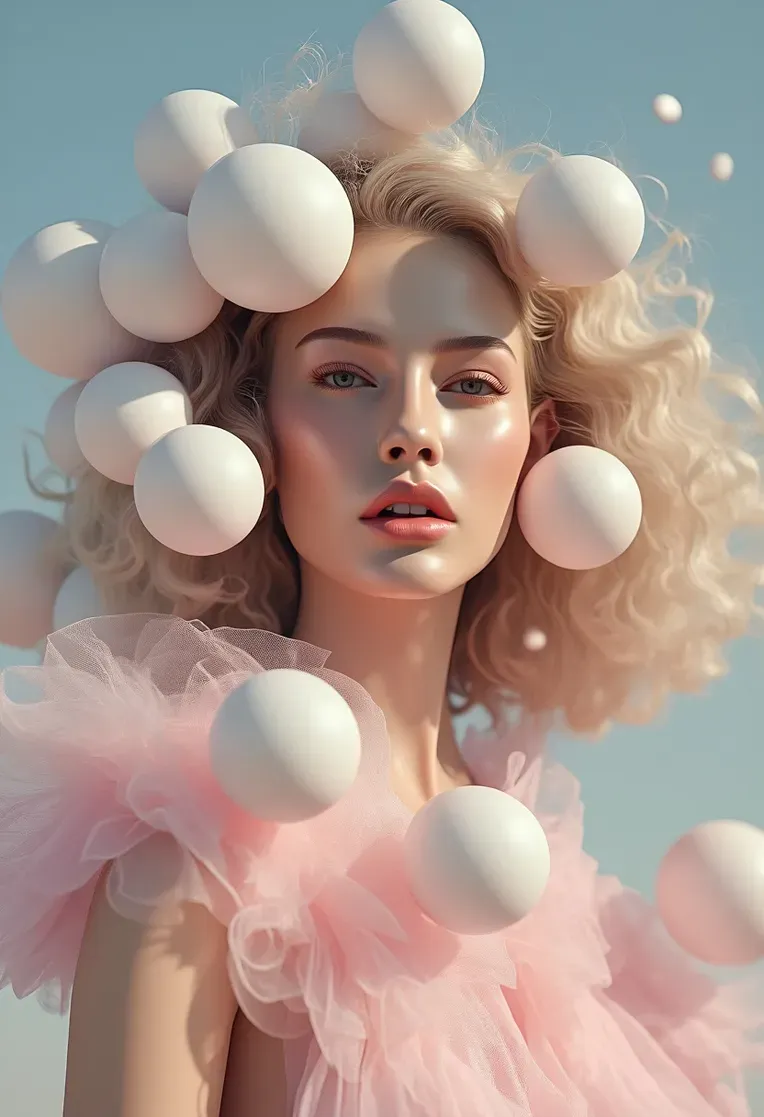 Image info
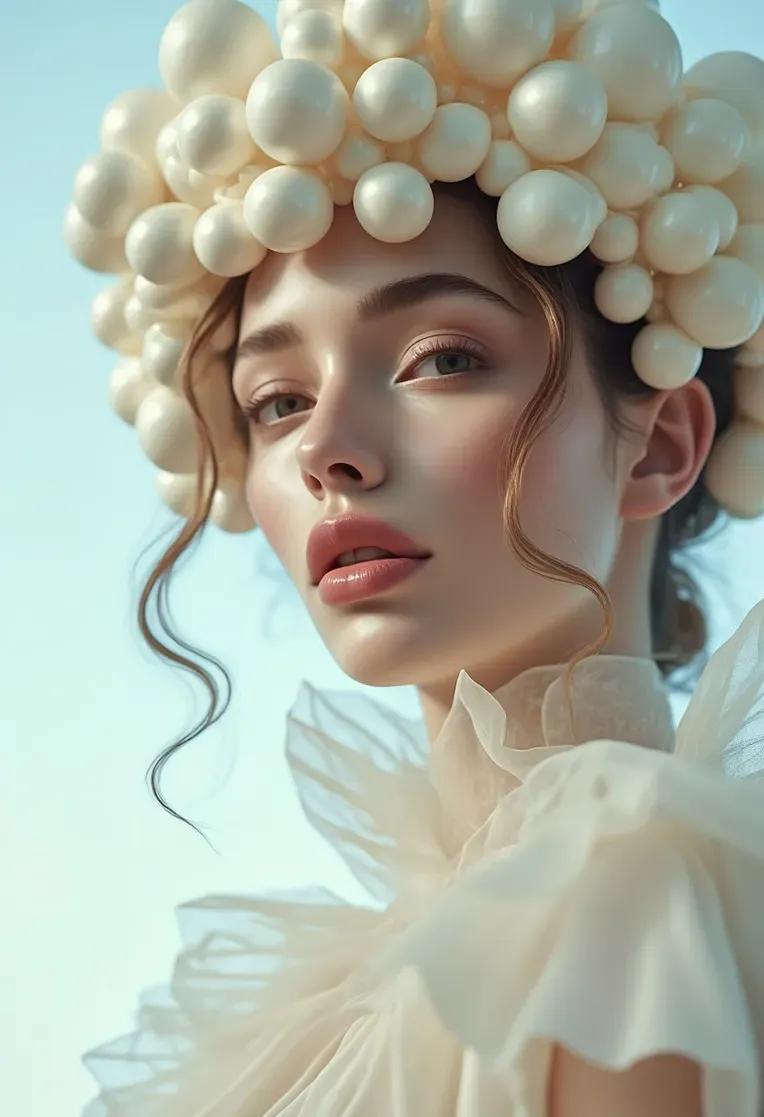 Image info
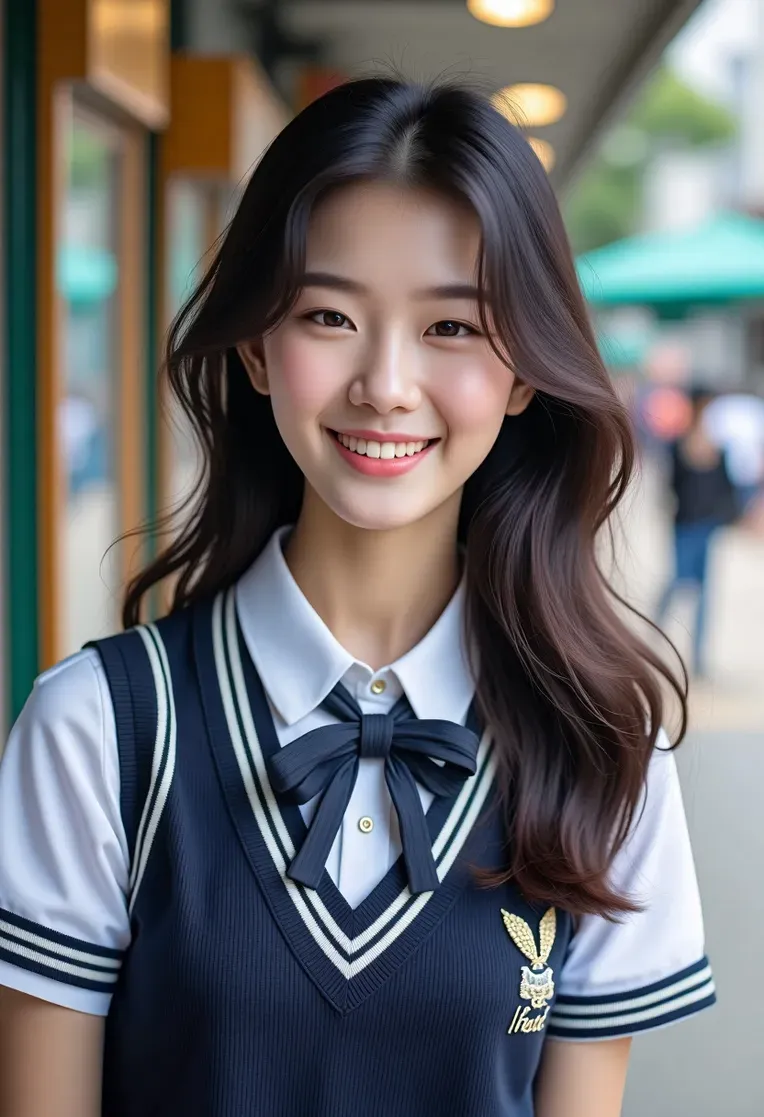 Image info
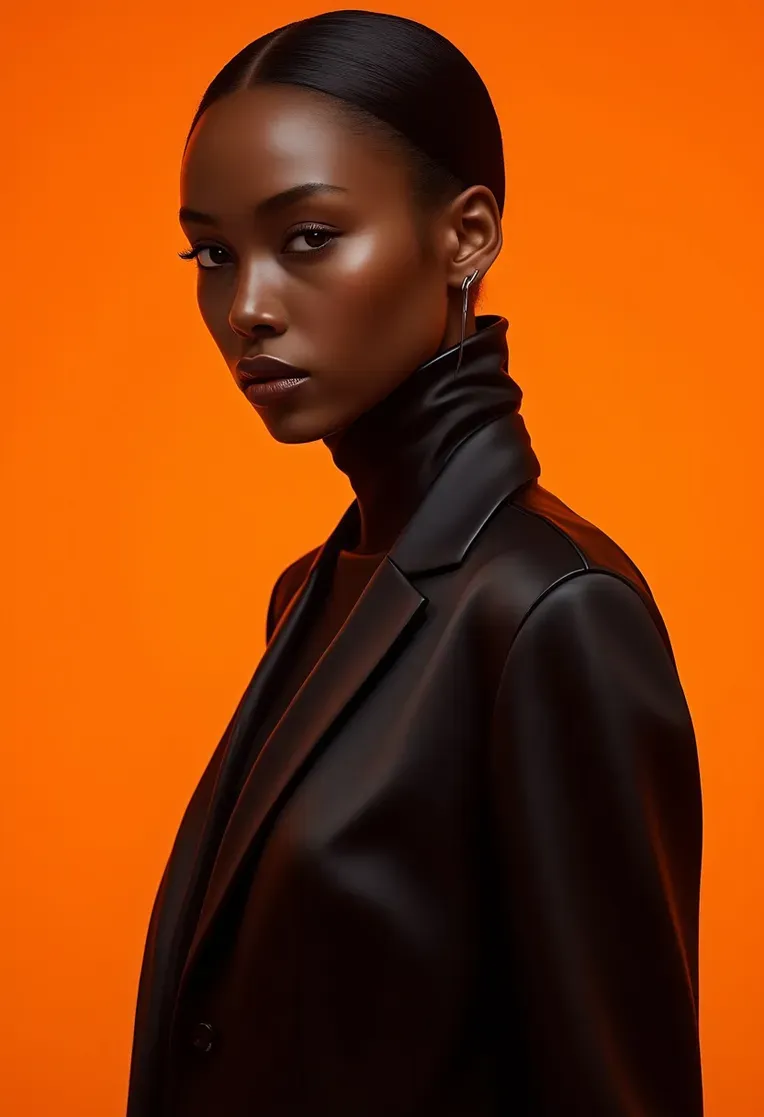 Image info
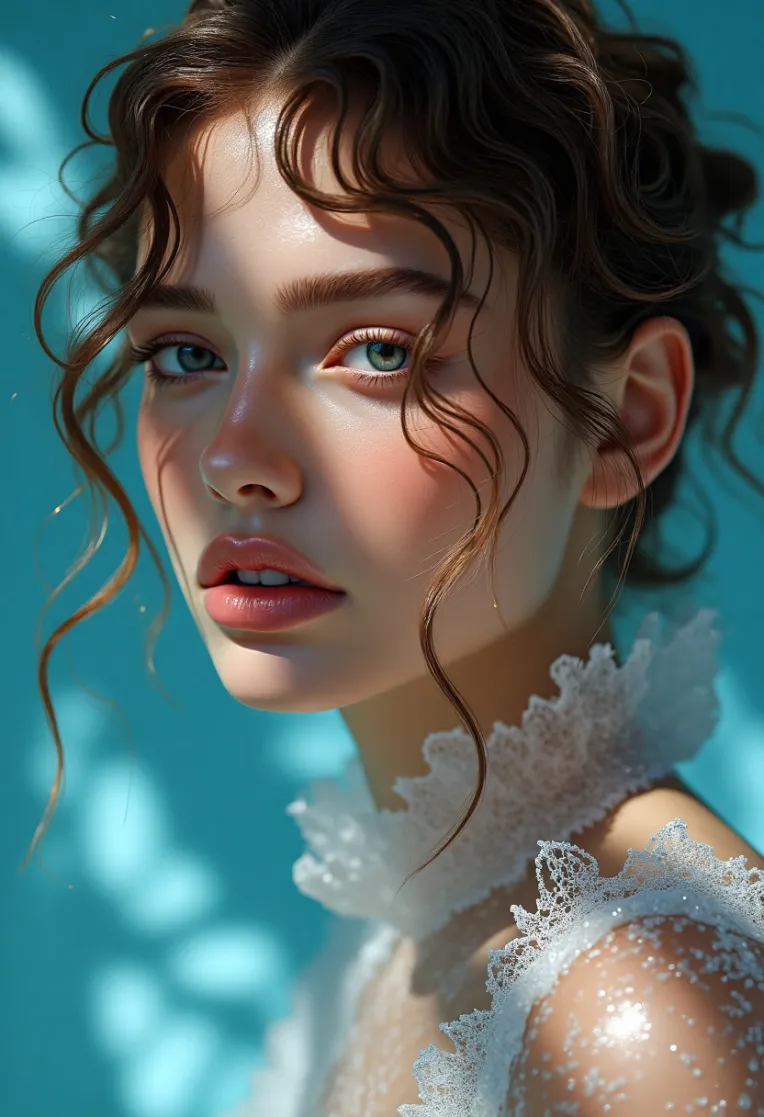 Image info
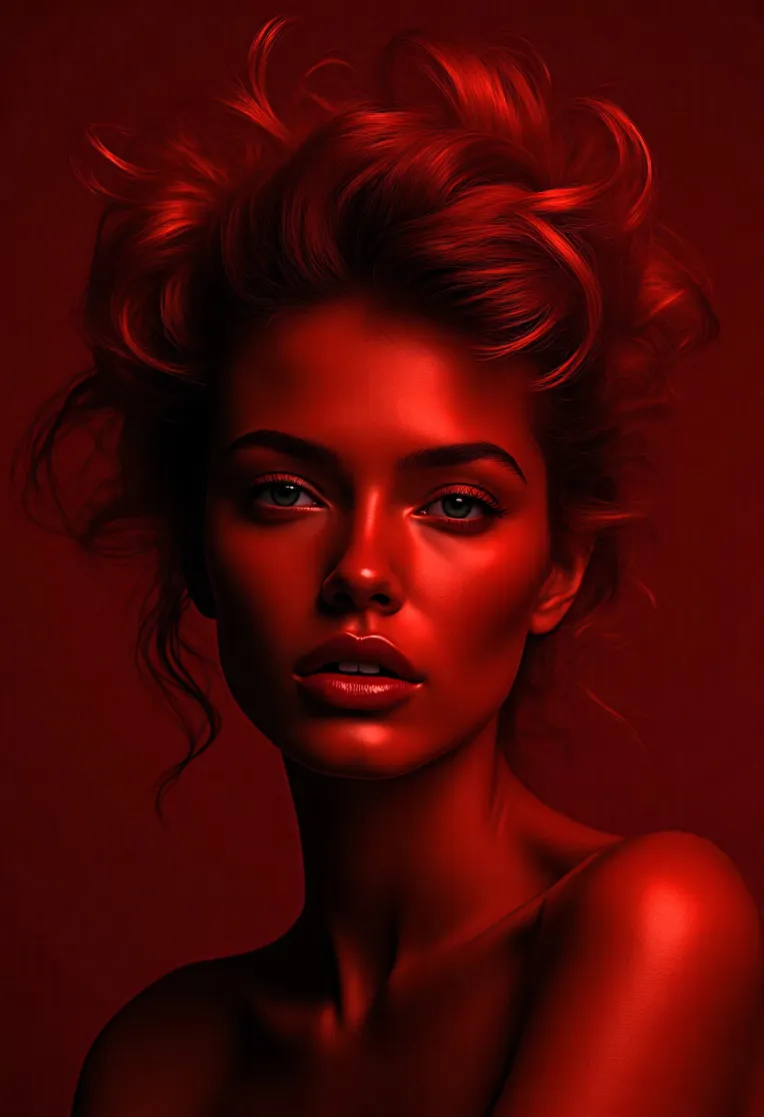 Image info
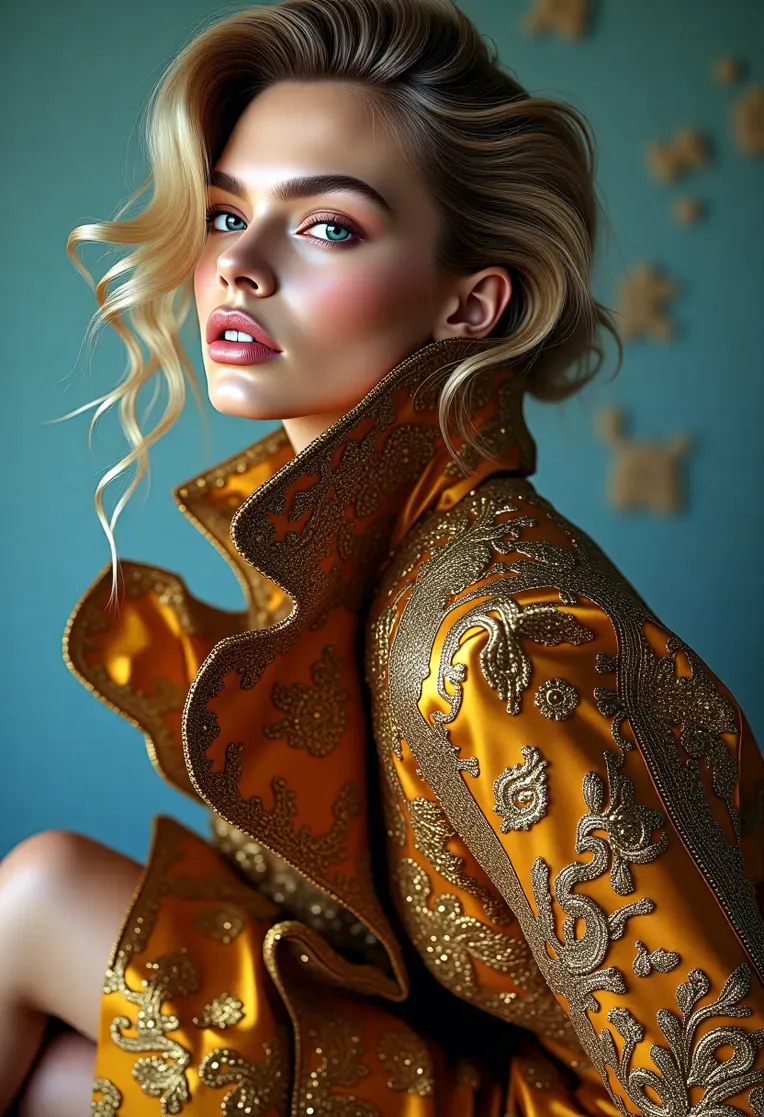 Image info
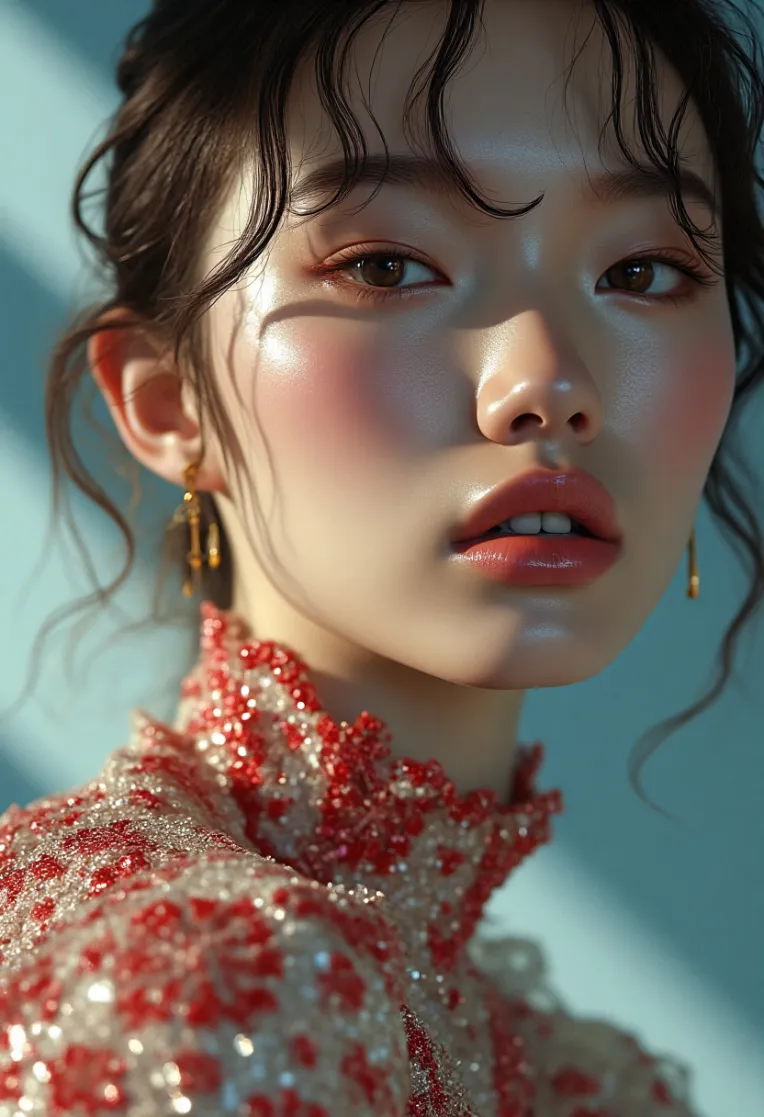 Image info
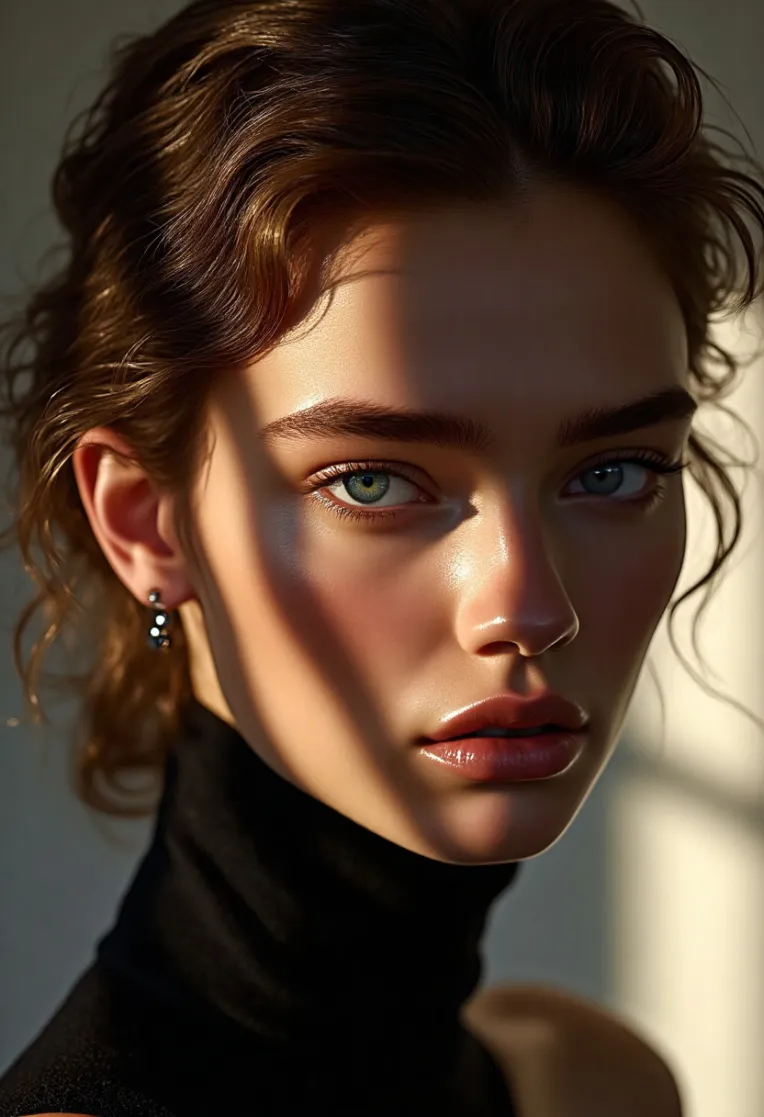 Image info
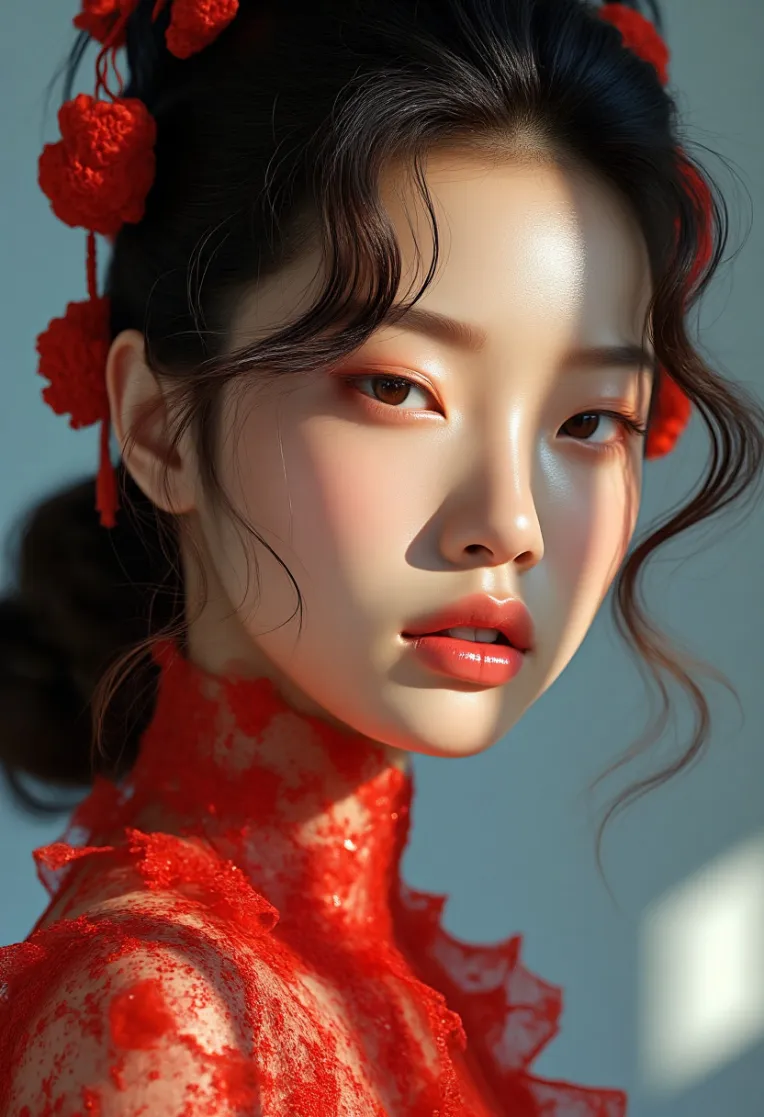 Image info
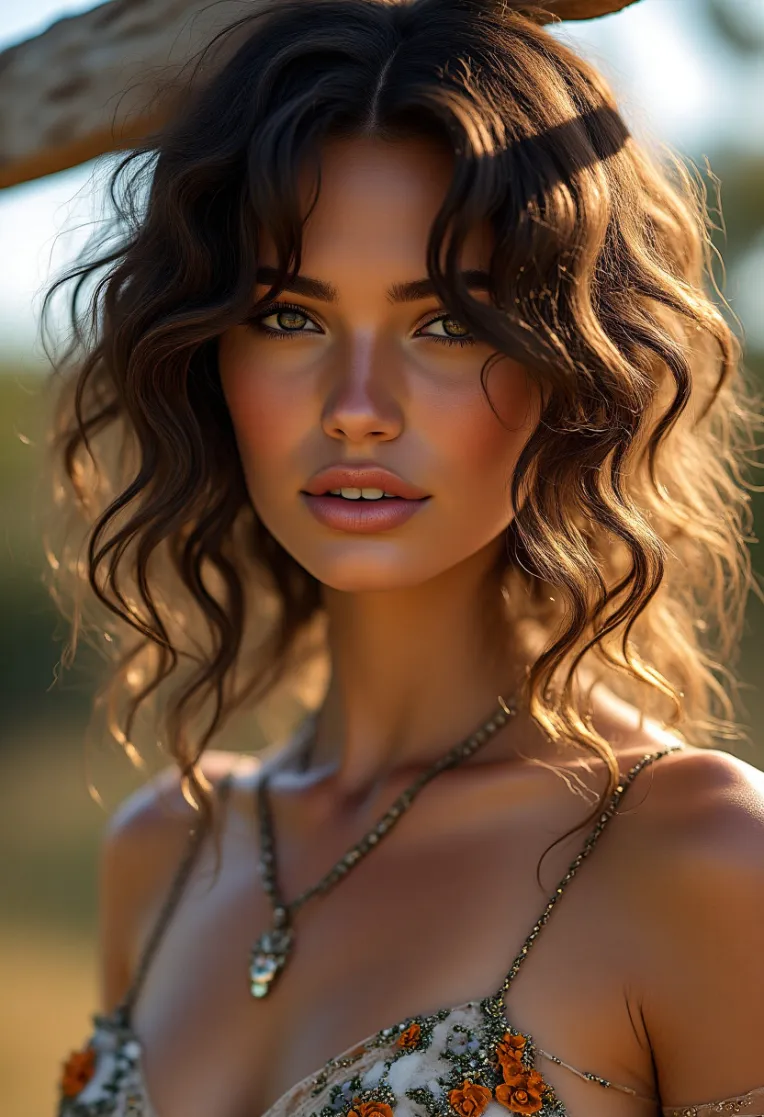 Image info
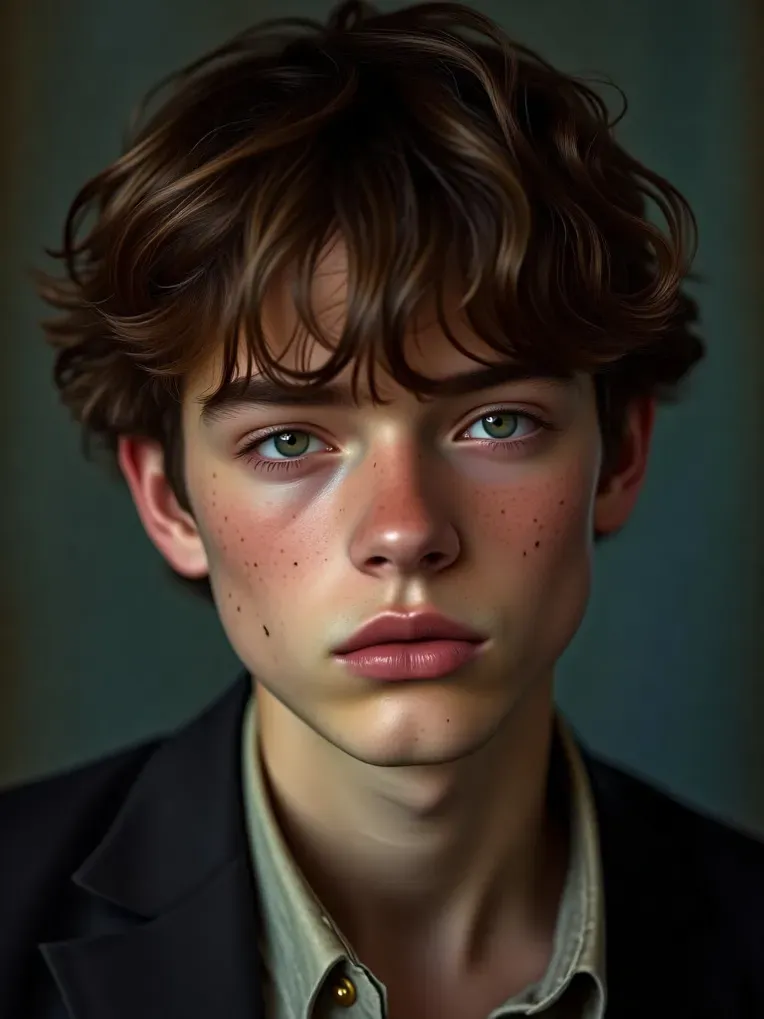 Image info
Just one click solution:
Step 1 click " Run Model"on the right side: 
and Step 2 click" Generate" on the top right:  ,
,
everything else is already set. If needed, change other elements like the width and height,and the prompt words.
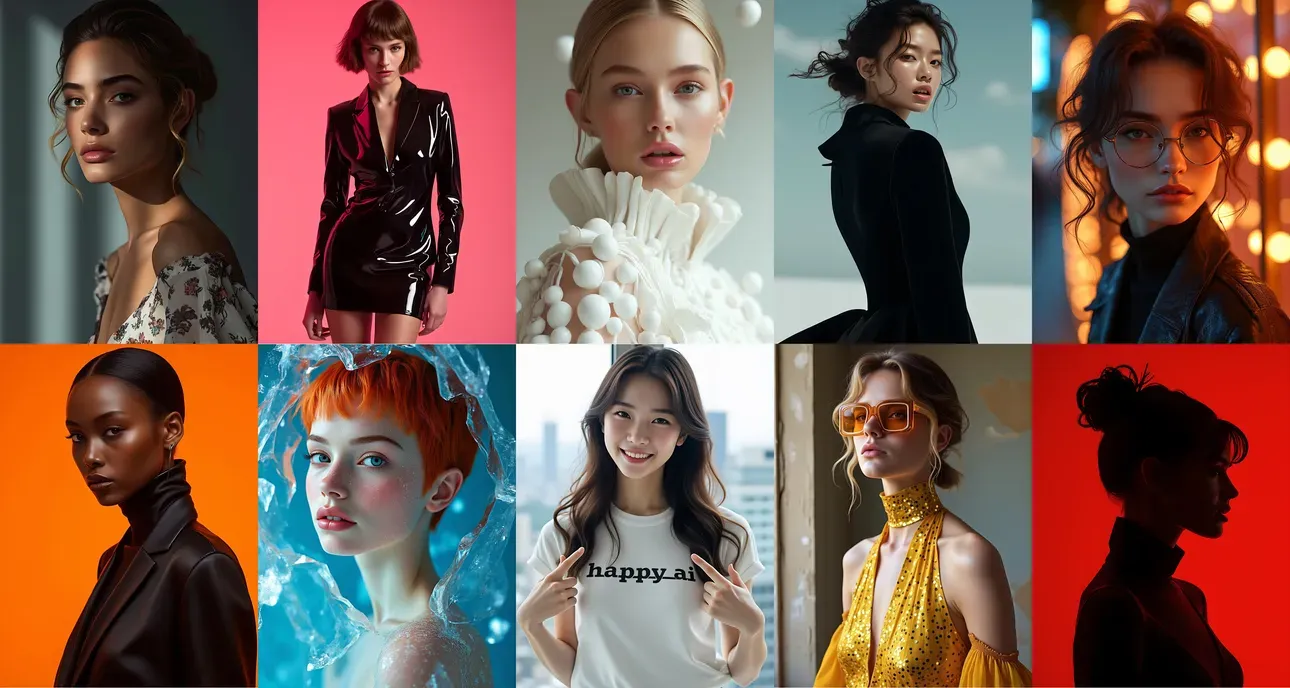
Fore more info about this model, pls refer to the model link
Newly upgraded! The V2 version is much better than the older version in terms of skin texture, artistic aesthetics & good photography composition. This model is trained based on the FLUX.1 DEV version, with optional precision formats of BF16 (recommended) or FP8 .This model not only creates a more aesthetic atmosphere but also provides greater flexibility and give something genuinely new and engaging to creators.I sincerely hope you like the model and enjoy using it.
Below is a comparison of the two models with the same prompts, seed and CFG values:
(left) FLUX.1-DEV-FP8
(right)V2-FP8-Happy Ai
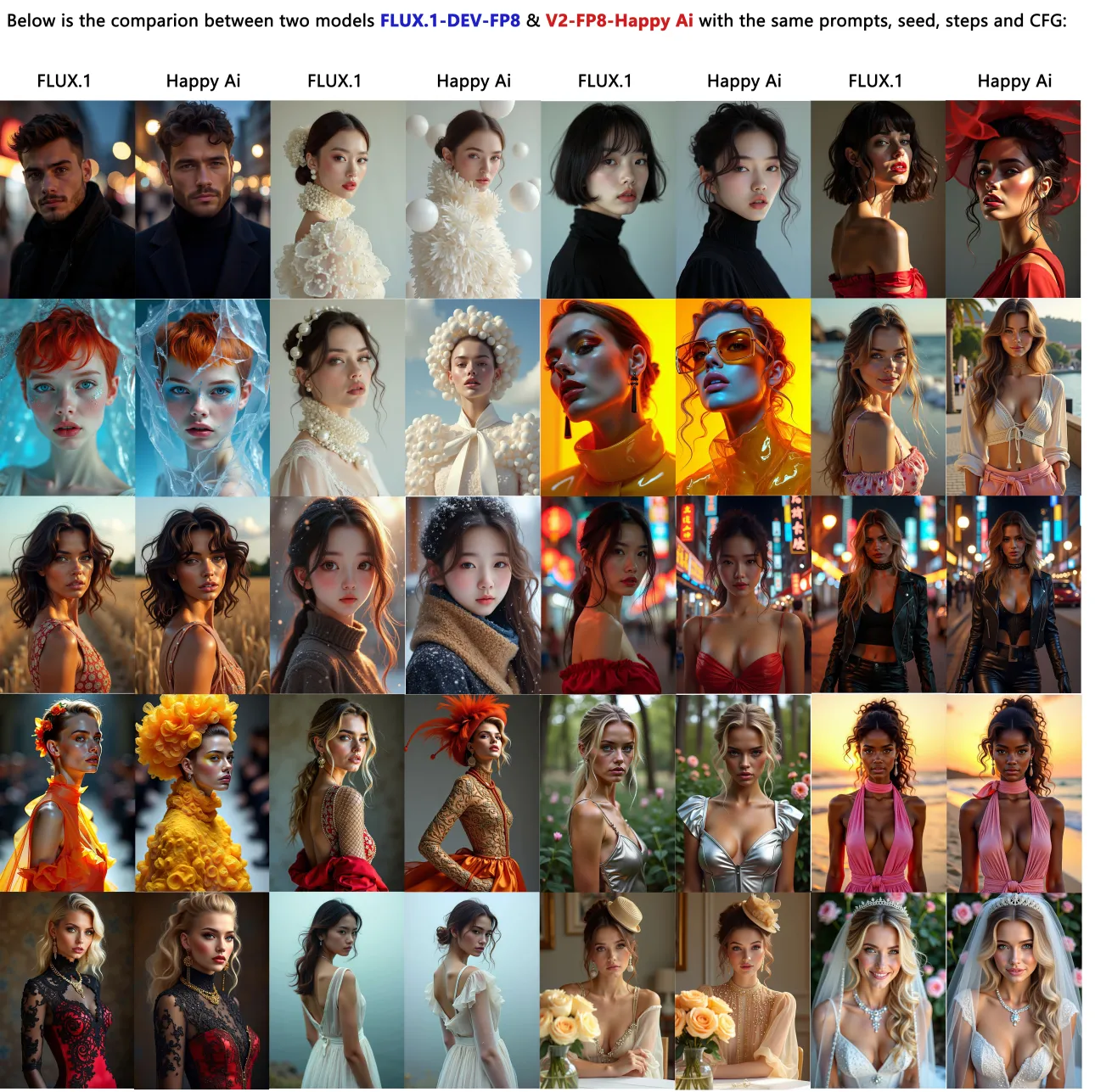
The following is a comparison showing two models with same prompts, seeds and CFG:
(left) V2-BF16-Happy Ai
(right)V2-FP8 -Happy Ai

Advantages of this model:
1. short prompts can generate high-quality images with good composition & aesthetics.
2. Strong flexibility, feel free to change gender, clothing, colors, actions, and scenes...etc.
3. High-res image can be generated directly ,so no additional highers fix is required.
4. Negative prompts are not required
---------------------------------------------------------------------------------
No Trigger is required:
But for the optimal generation results,highly recommend to add some prompts:
for portrait images, suggest to add : high fashion style_CHLO, portrait photography, realistic, realistic photography,
for non-realistic images, then the trigger words can be removed: for example, like the fantasy characters/monsters..etc
---------------------------------------------------------------------------------
Comfyui Parameter Suggestions:
Sampler: Euler (recommended)
FLUX Guidance CFG : 3.5 or 6 (recommended,Range 3.5-9)
CFG in Sampler: 1 ( It means Negative words are not needed)
for my personal use for this model, 6 is with more flexible effects but less realistic.
Steps: 30 ( Range 20---60 steps)
Size: 1024x1024, 832x1216, 832x1344,768x1024, 768x1344,1024×1152,1024×1536, and other normal sizes and it is better bigger than 1024.
Adding with lora: for realistic images, suggest to decrease lora weight to 0.5 as a start;
for non-realistic images, recommend to increase lora weight.
---------------------------------------------------------------------------------
Below is the instruction for the newbies of shakker.ai
How to choose the checkpoint ?
Step 1: Open the model link, add it into favorite
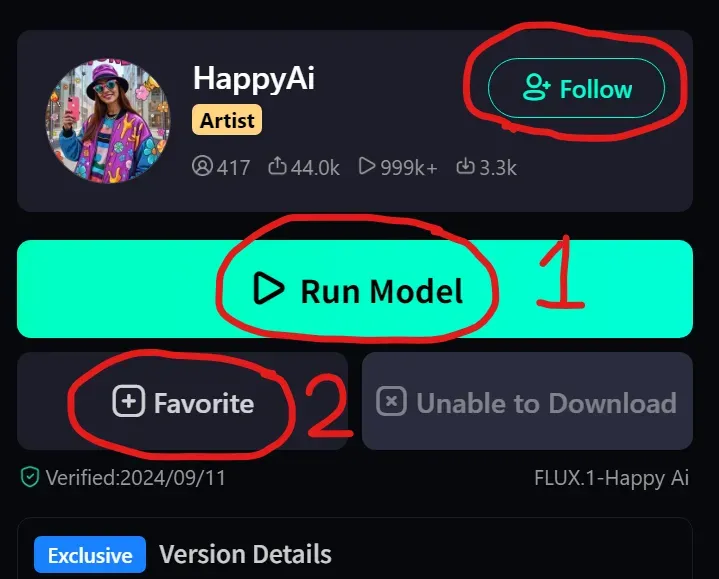
Step 2: click the checkpoint option
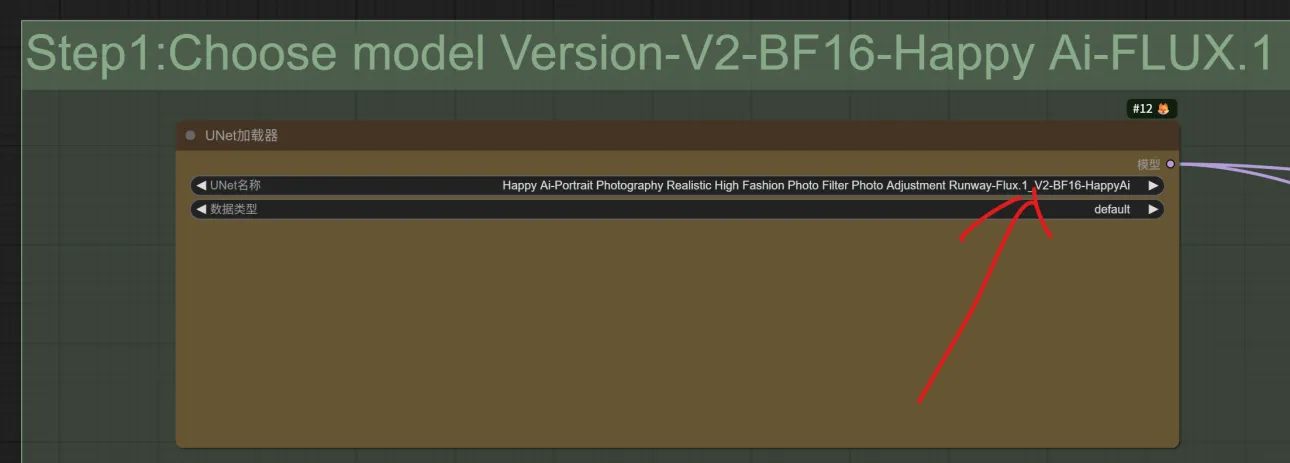
Step 3: choose “FLUX.1", and then the correct version " V2-BF16"
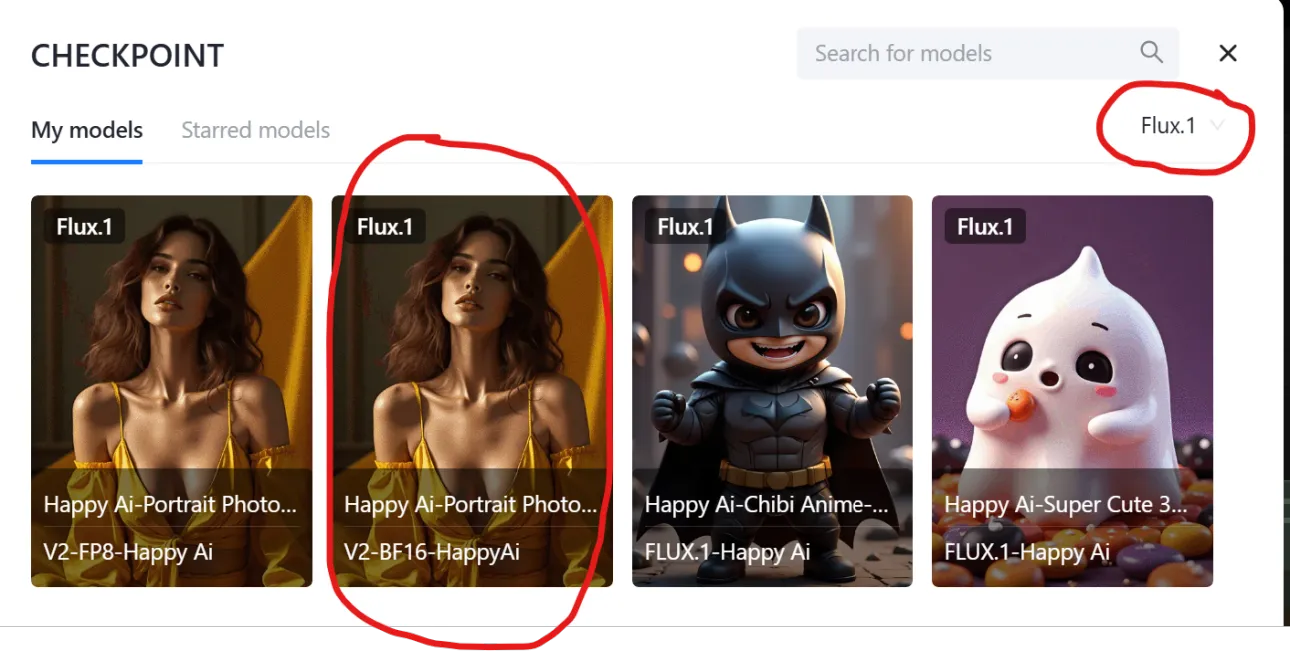
Model Usage Statement:
1. You cannot host this model and its derivative versions (such as fusion model versions) on websites/applications that plan to earn income or donations.
2. You cannot directly sell pictures generated by this model unless you have made sufficient manual modifications to the picture so that it can be completely determined as your personal work in a legal sense. If you violate this clause, you will be personally responsible for all legal consequences, and I will not be held responsible;
3. You cannot use this model to deliberately create or share illegal or harmful content for dissemination and output. Please abide by public order and morality and use this model for positive purposes.
Disclaimer:
This model follows the Flux-1-dev-non-commercial-license agreement. It is for study purposes only, not for commercial use. All images generated by the model are created by the users themselves, and the model author cannot control the images created by the users. The model author will not be held responsible for any potential copyright infringement or unsafe images.
-------------------------------------------------------------------------------------------------
Dear all friends, if search " happy ai" in the Shakker's home page, you can find all my models.

for inquiry,please contact: happyaiart@gmail.com