
3D Cartoon Vision | FLUX
V1
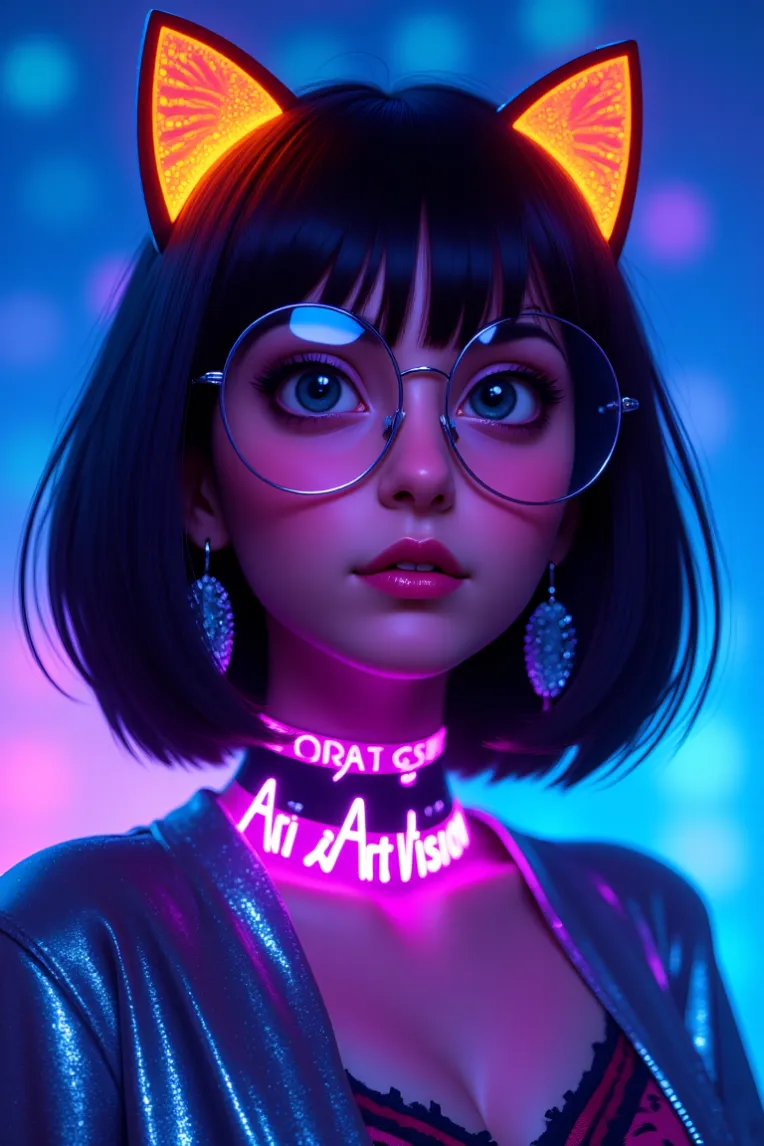
 Image info
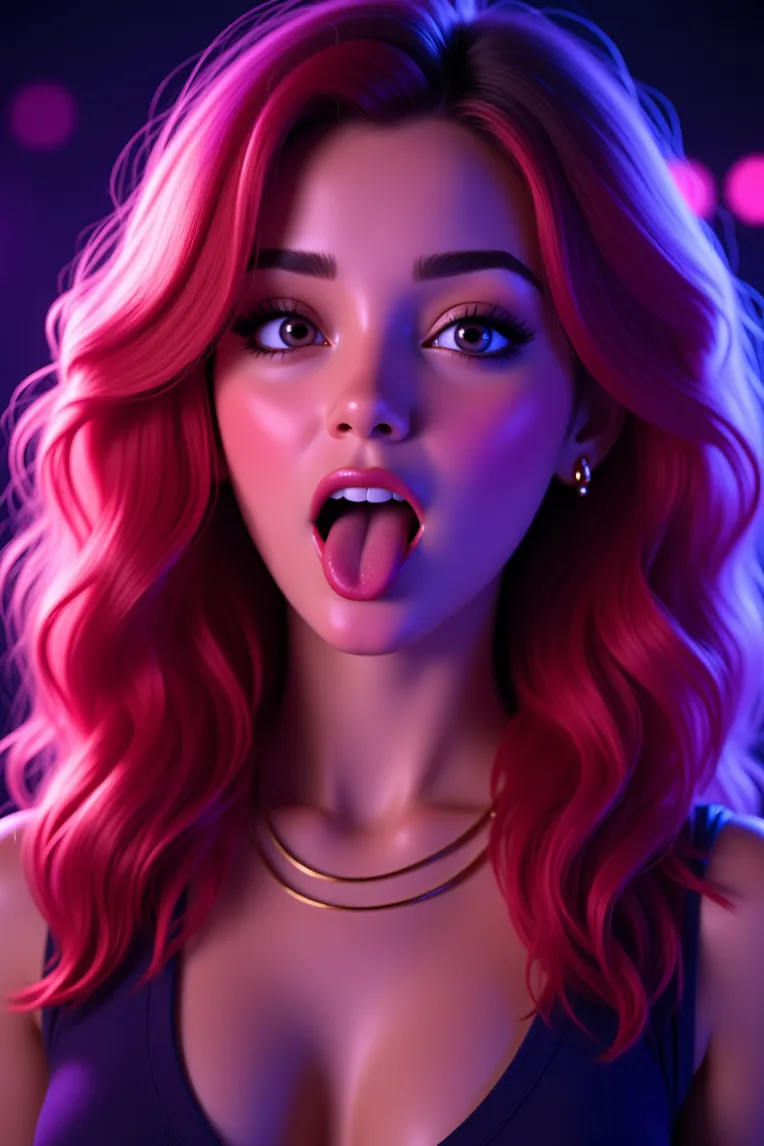 Image info
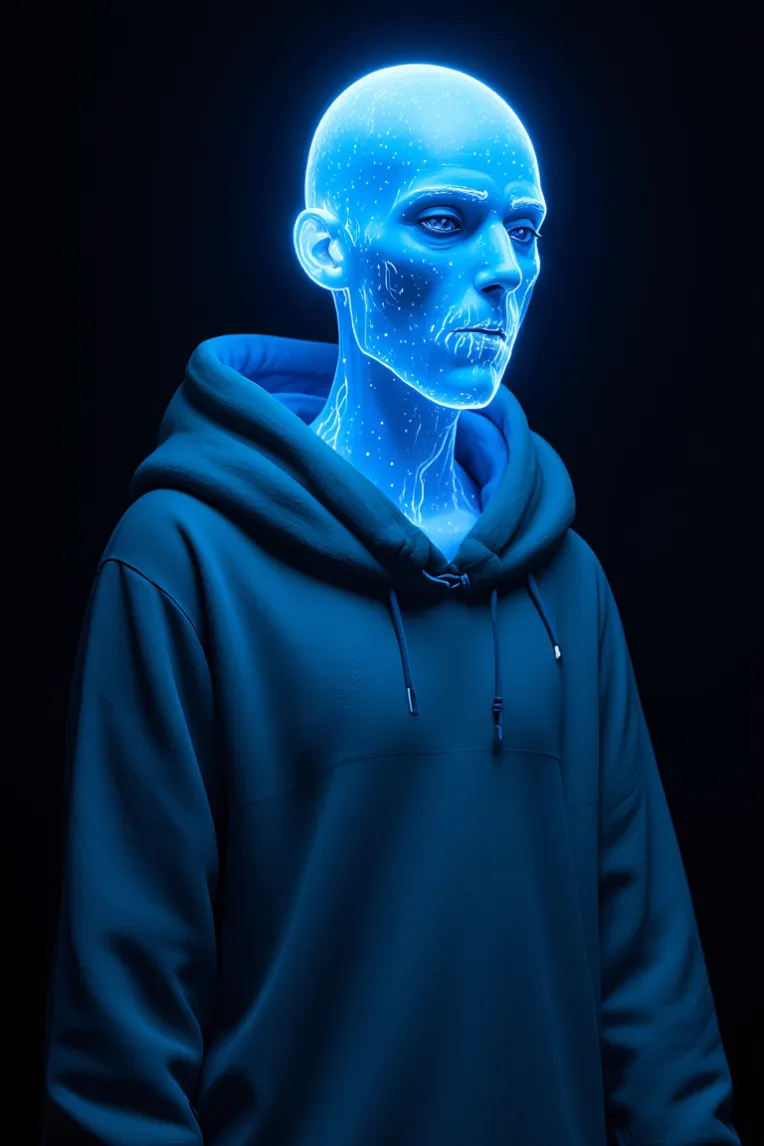 Image info
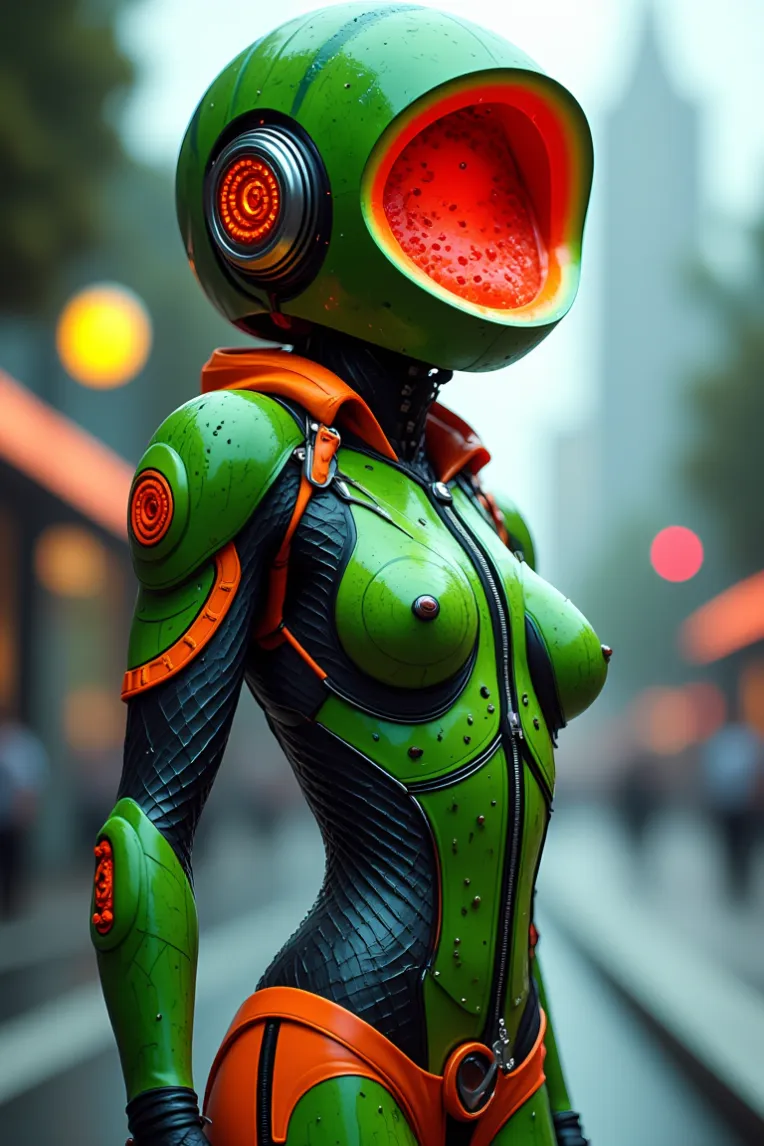 Image info
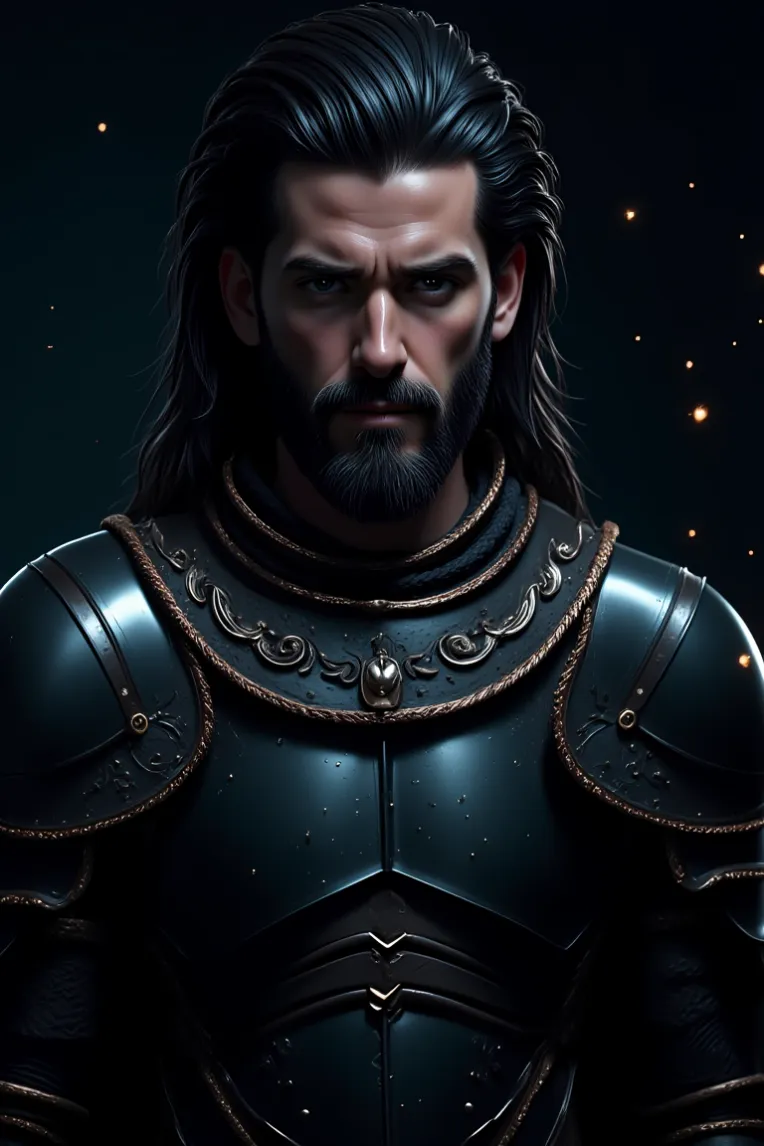 Image info
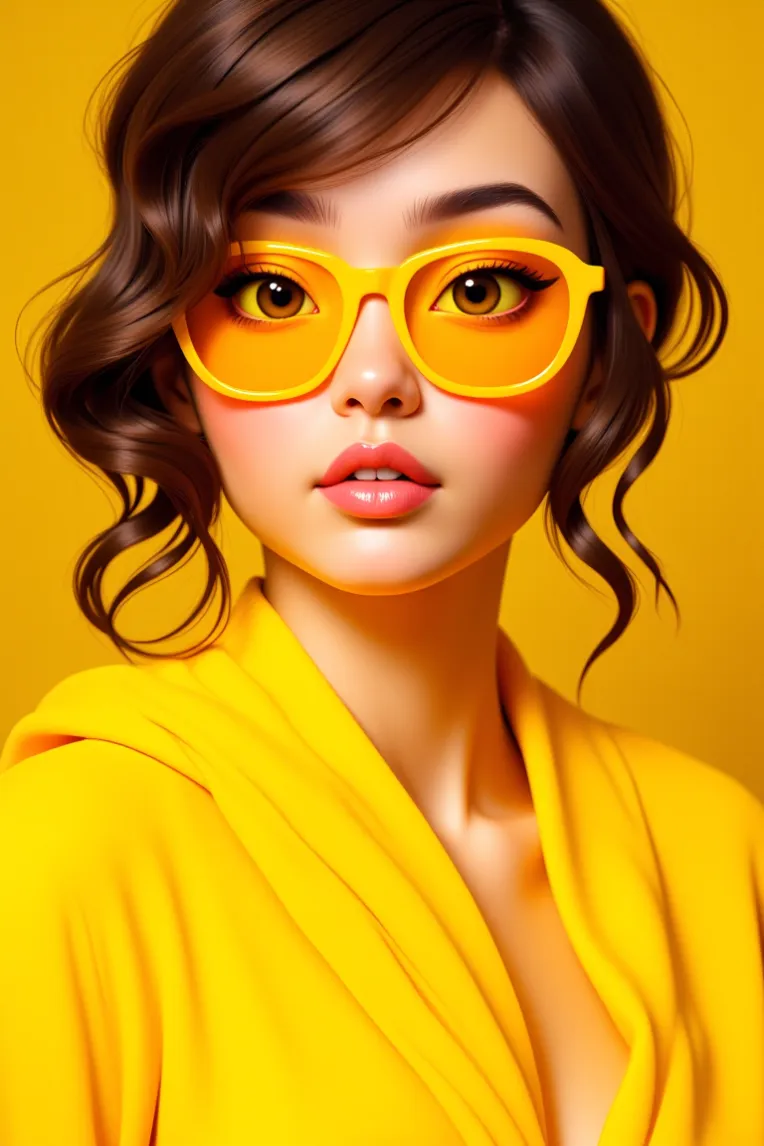 Image info
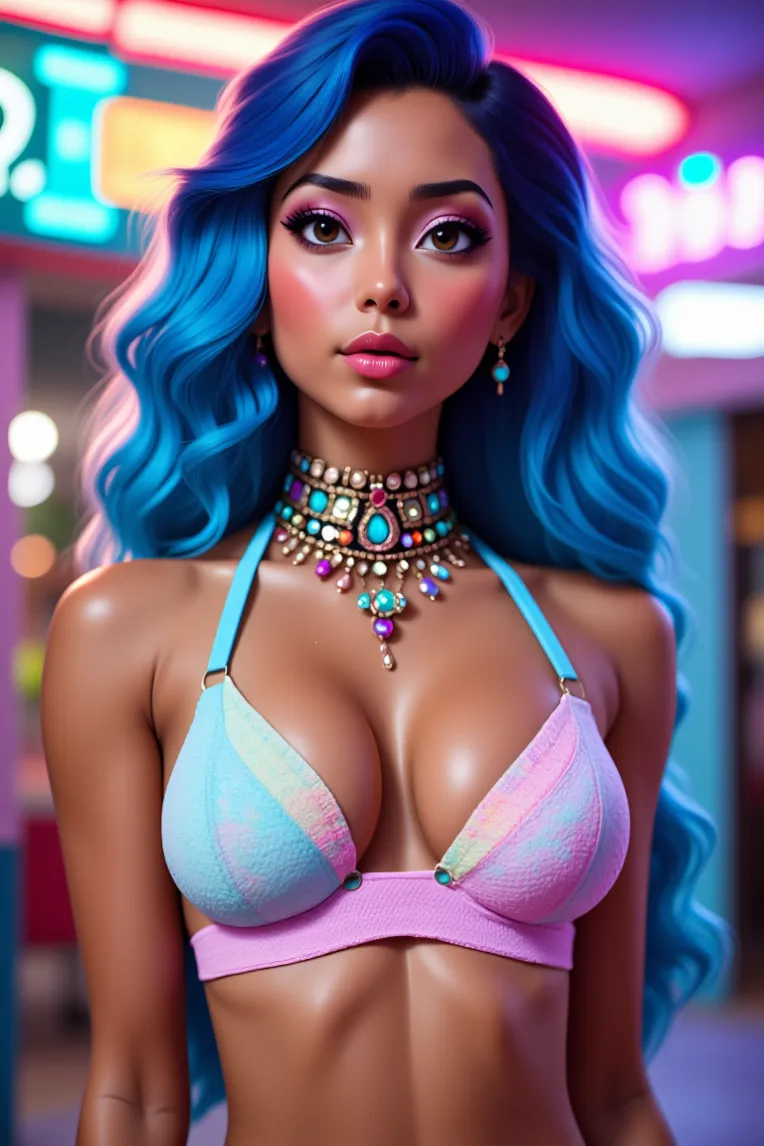 Image info
 Image info
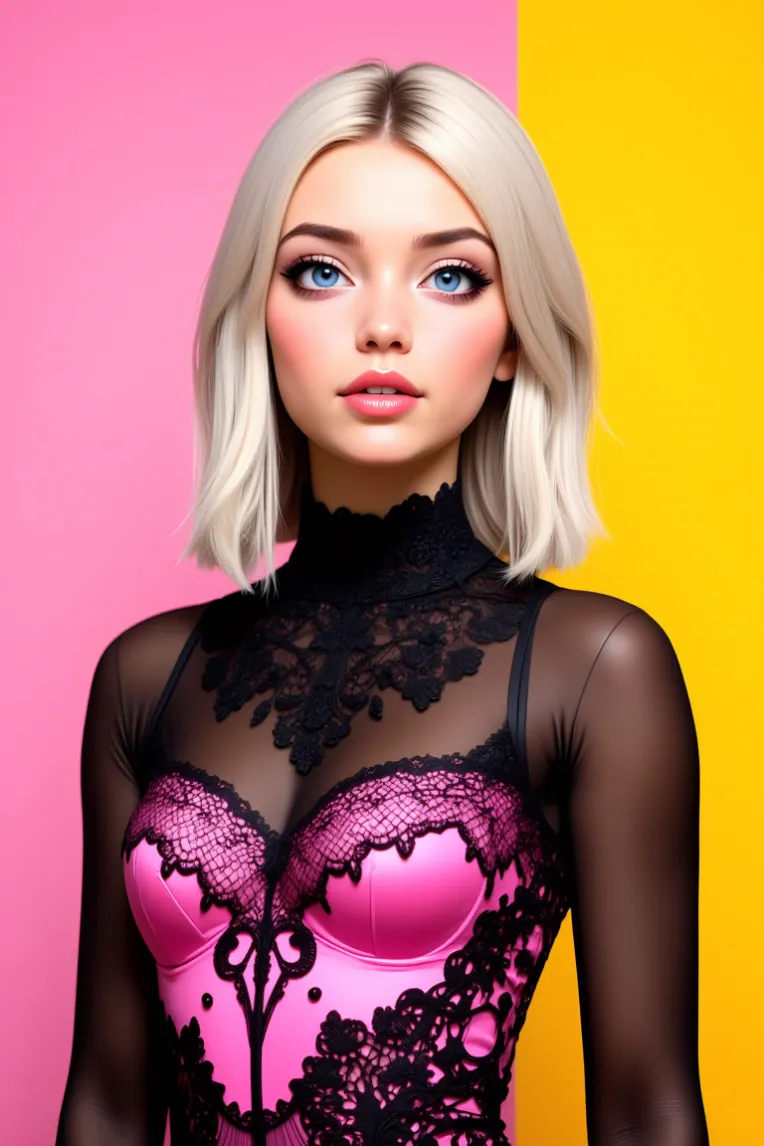 Image info
Sponsorship:
For sponsorship, please contact us on Discord. Your support helps us grow and improve future work.
Buy Custom Models:
If you're interested in buying a LoRA model, contact us—we can get it done in a short time.
3D Cartoon Vision | FLUX
I'm excited to introduce my latest creation, 3D Cartoon Vision. Unlike my previous model, Vision Realistic Flux dev fp8, which focused on photorealism, this model is specifically designed for generating high-quality 3D cartoon images.
Why 3D Cartoon Vision?
While my earlier work aimed at perfecting realistic imagery, I wanted to explore a different style with this model. 3D Cartoon Vision brings vibrant, detailed 3D cartoon visuals to life. The model handles textures, lighting, and character design in a way that sets it apart from more realistic models.
How I Made This Model:
I trained new LoRA models focused on 3D cartoon aesthetics and then merged them into three different versions of 3D Cartoon Vision to suit various needs:
- FP8 Model (No CLIP and VAE): 11.08GB – Ideal for users with lower GPU power, offering efficiency while maintaining quality.
- FP8 Model with Baked VAE & CLIP: 15.91GB – A balanced option with baked-in components for those who prefer an all-in-one model.
- FP16 Full Model (Without CLIP & VAE): 22.17GB – For those who want the highest quality and have the GPU power to handle it.
Note:
- If you downloaded the 11.08GB/22.17GB model, move it to ComfyUI\models\unet after downloading.
- If you downloaded the 15.91GB model, move it to ComfyUI\models\checkpoints after downloading.
All versions are built to perform efficiently on different hardware setups, giving you the flexibility to choose based on your system's capabilities.
How to Use This Model:
You can run this model on ComfyUI. I’ve only had time to test it on ComfyUI, so if you try it on something else, I’d love to hear about your experience in the comments.
Quick Parameters for ComfyUI:
- VAE: Already baked in
- Sampler: Euler
- Scheduler: Simple
- Sampling Steps: 20
- CFG Scale: 1
Workflow
 fp8 baked clip+vae