
Mavuika | Genshin Impact | Character LoRA XL
0
0
0
0
Anime StyleGirlPhysical/Facial feature
v1.0
อัปเดตเมื่อ เผยแพร่ครั้งแรก:
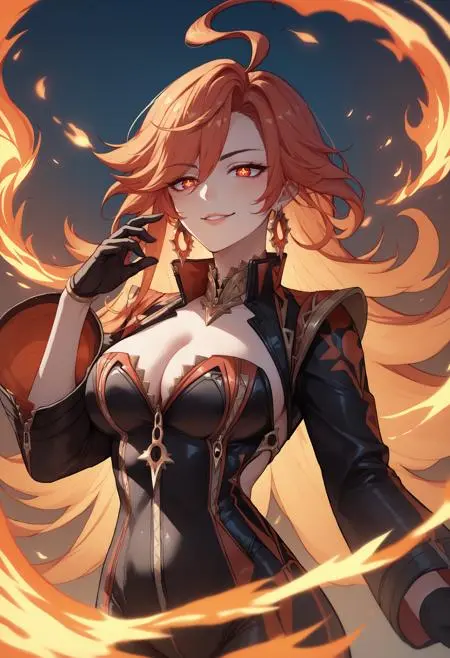
 Image info
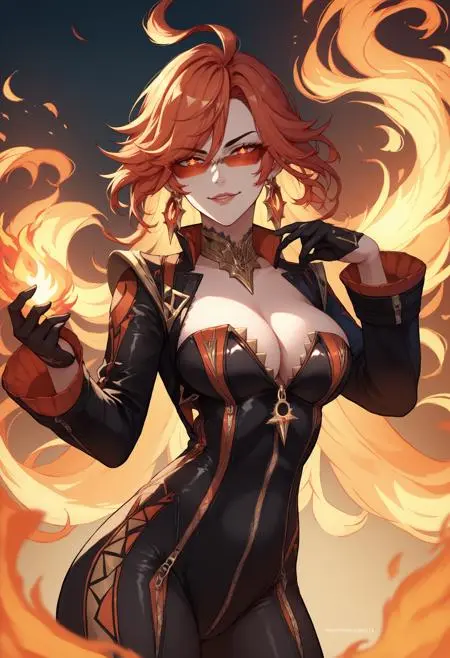 Image info
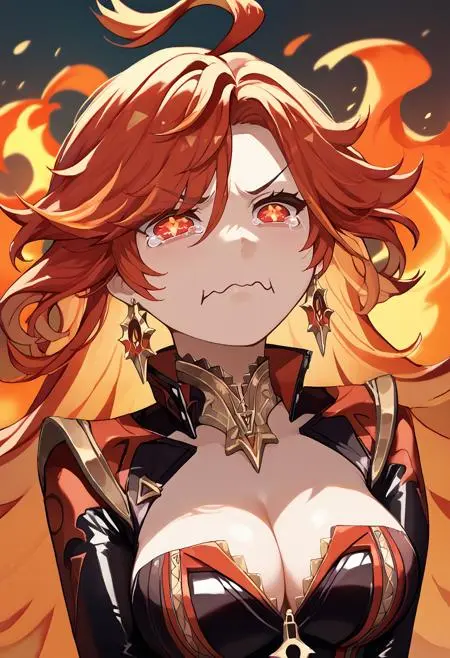 Image info
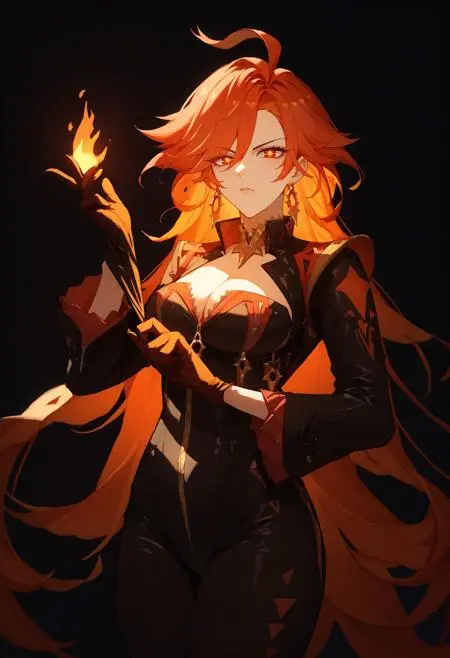 Image info
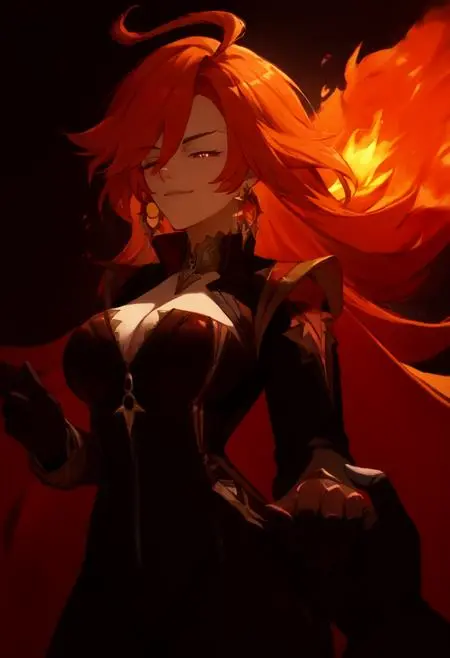 Image info
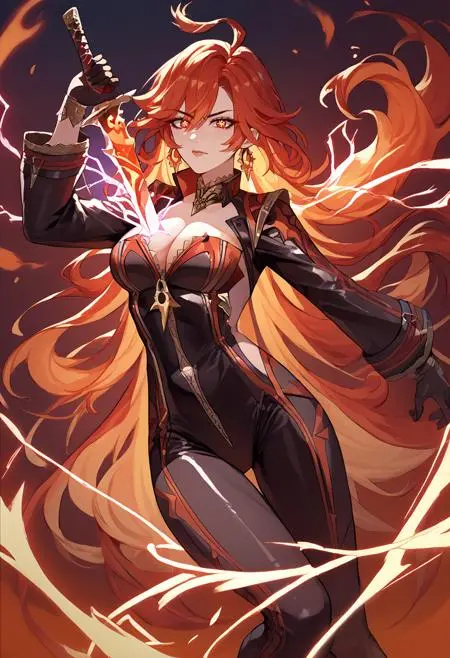 Image info
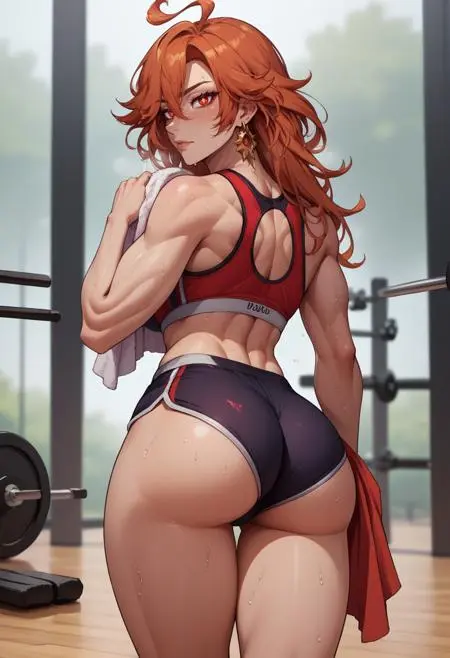 Image info
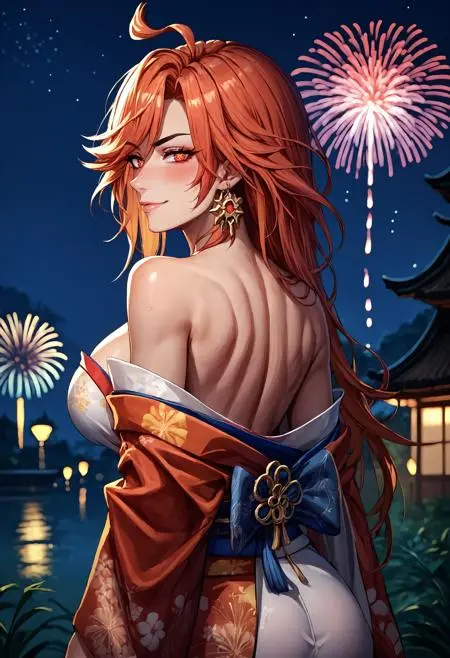 Image info
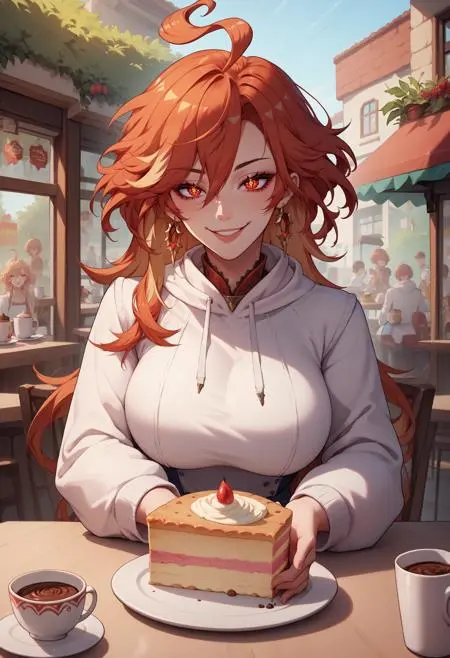 Image info
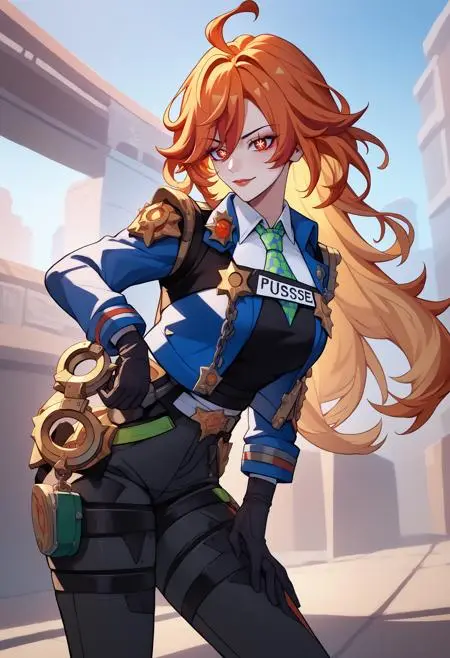 Image info
Mavuika | Genshin Impact | Character LoRA XL
Weight can go from 0.6 up to 1.0. I recommend 1. Works with almost every Style, Concept and Photorealistic Models. Her symbol-shaped pupils are not 100% accurate all the time. I would recommend to use eye adetailer to make it more accurate.
Trigger Word:
Mavuika, symbol-shaped pupils, red eyes, large breasts, long hair, ahoge
Outfit Prompt:
jewelry, earrings, choker, zipper, bodysuit, clothing cutout, cleavage, black gloves, long sleeves
Optional Prompt:
tinted eyewear
How to use LoRA's in auto1111:
Download LoRA
Copy the file to
stable-diffusion-webui/models/loraSelect your LoRA and use the triggerword
Make sure to change the weight if needed (by default it's
:1)Have Fun!
การอภิปราย
ที่นิยมมากที่สุด
|
ใหม่ที่สุด
ส่ง
เร็วๆ นี้
ดาวน์โหลด
(0.00KB)
รายละเอียด
ประเภท
จำนวนการสร้างรูปภาพออนไลน์
0
ดาวน์โหลด
0
พารามิเตอร์ที่แนะนำAdd
แกลเลอรี
ที่นิยมมากที่สุด
|
ใหม่ที่สุด