
F.1 Kids' Origami Handcraft Class
0
0
0
0
IllustrationCraft StyleGirlObject Enhance
 v1.0
v1.0
อัปเดตเมื่อ เผยแพร่ครั้งแรก:
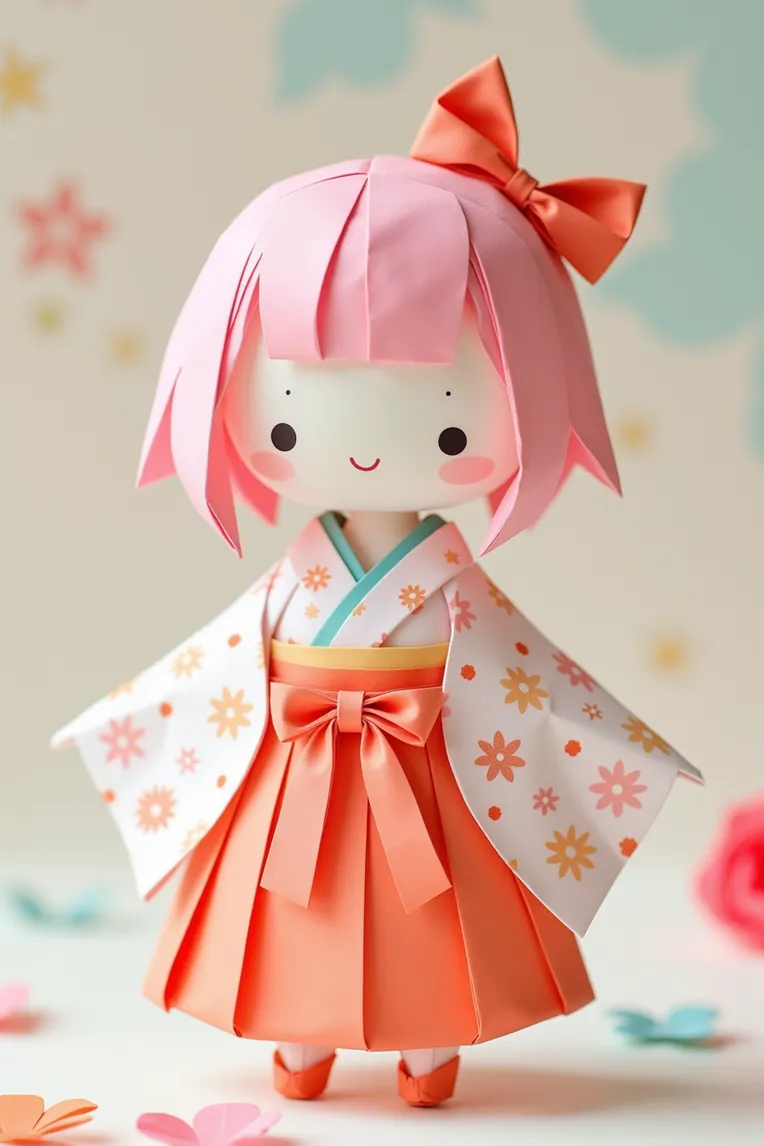
 Image info
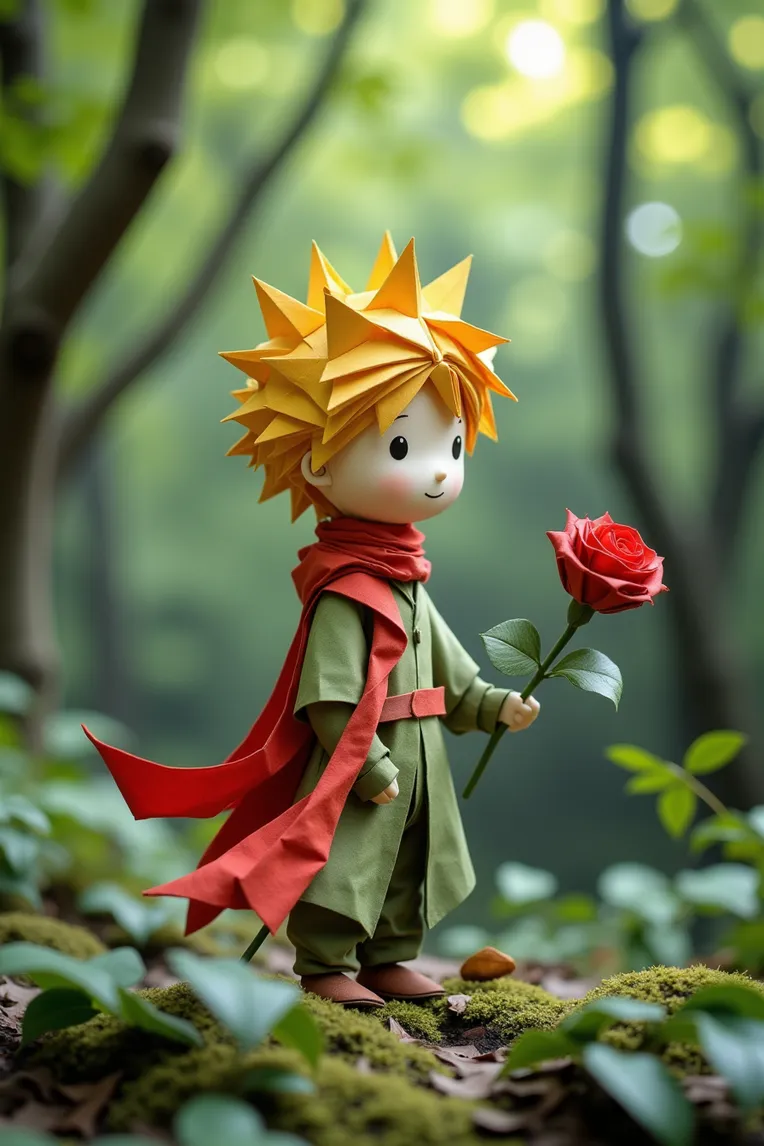 Image info
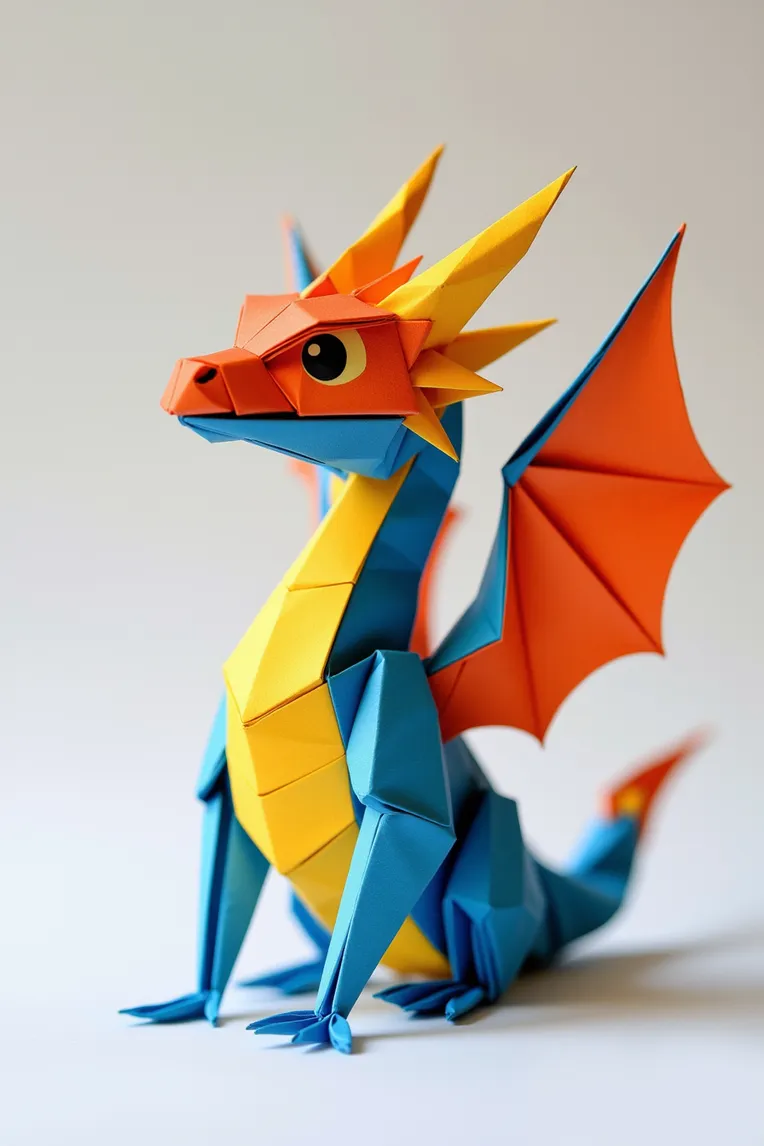 Image info
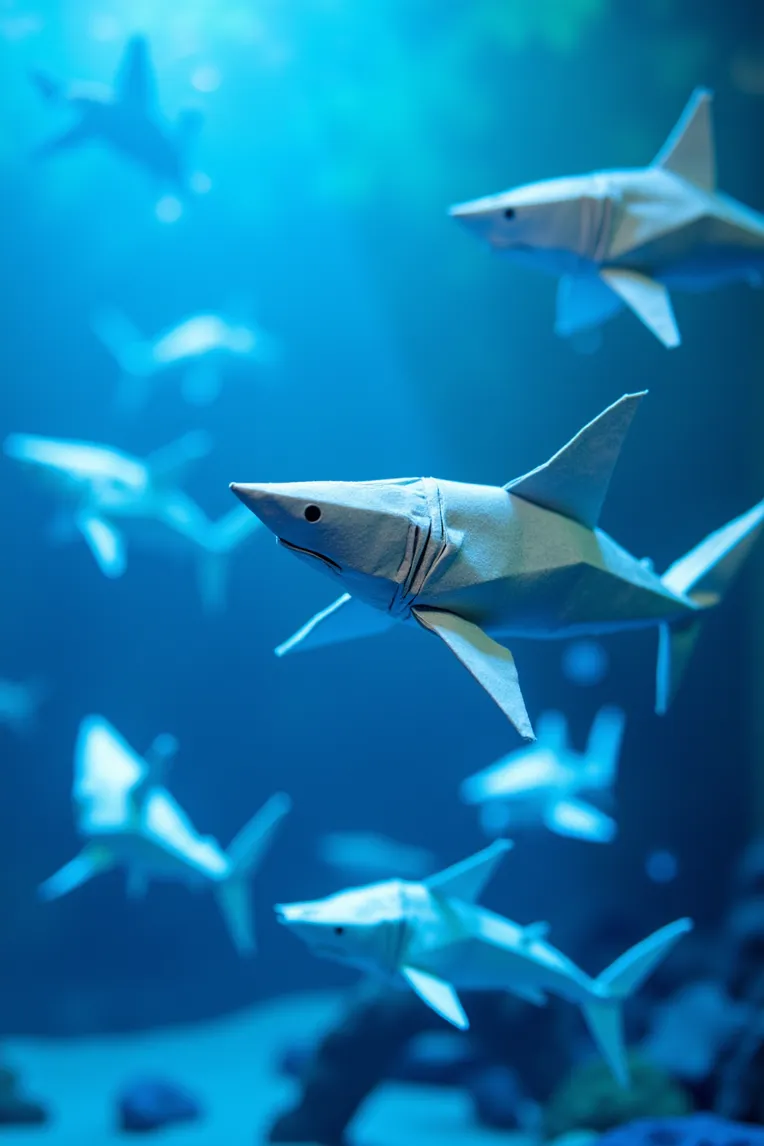 Image info
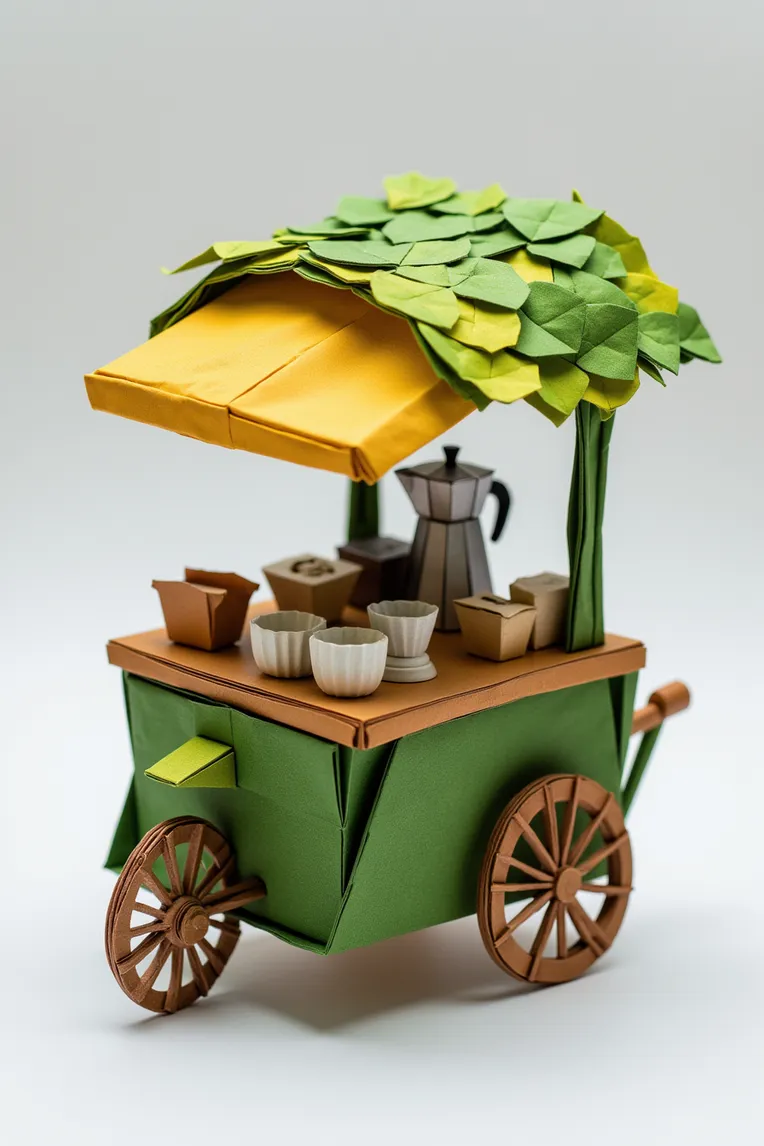 Image info
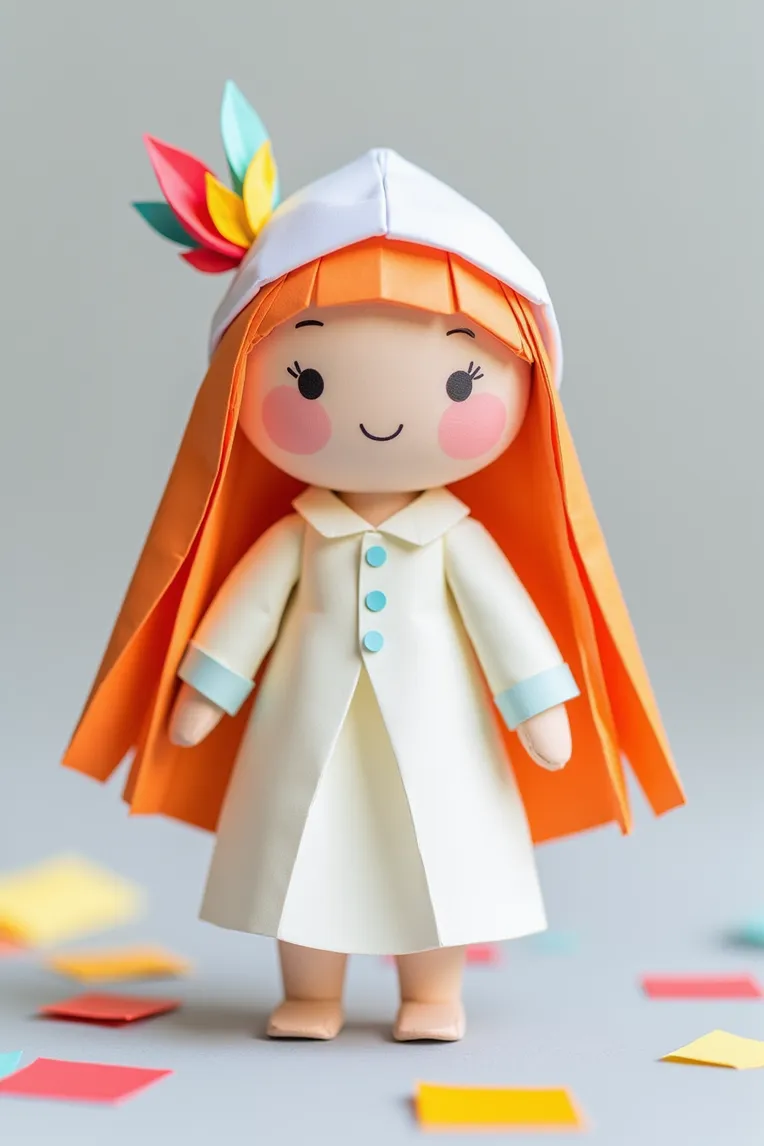 Image info
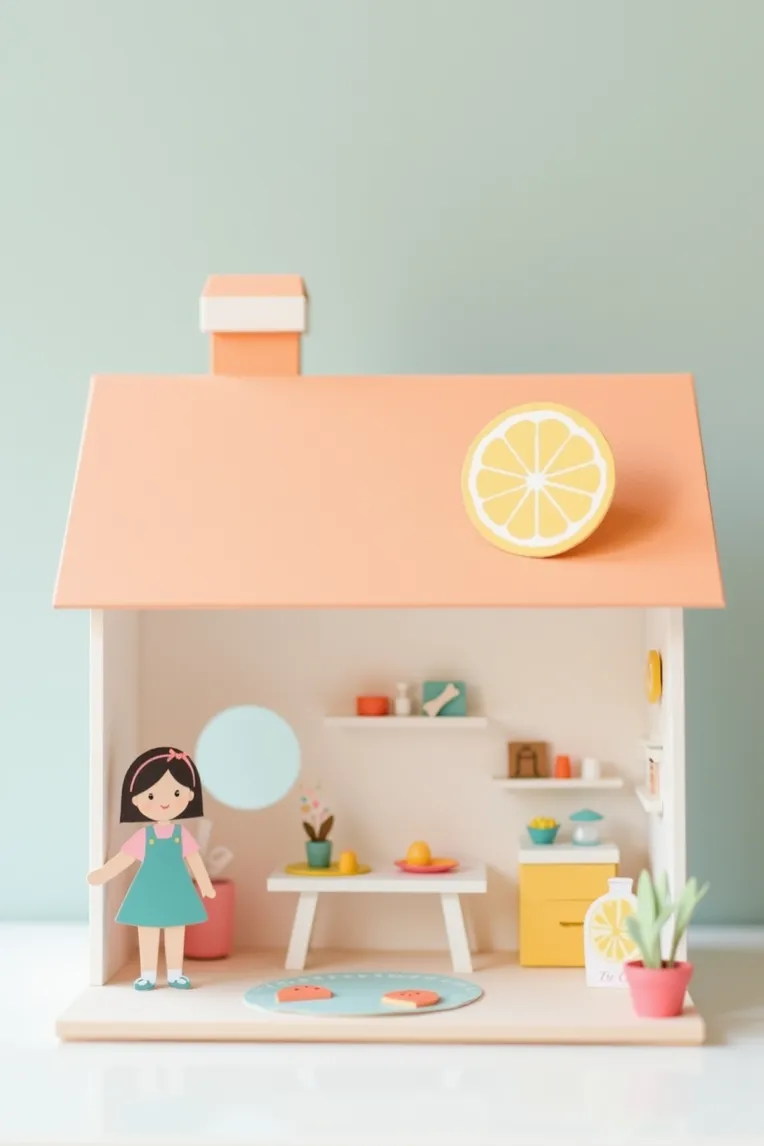 Image info
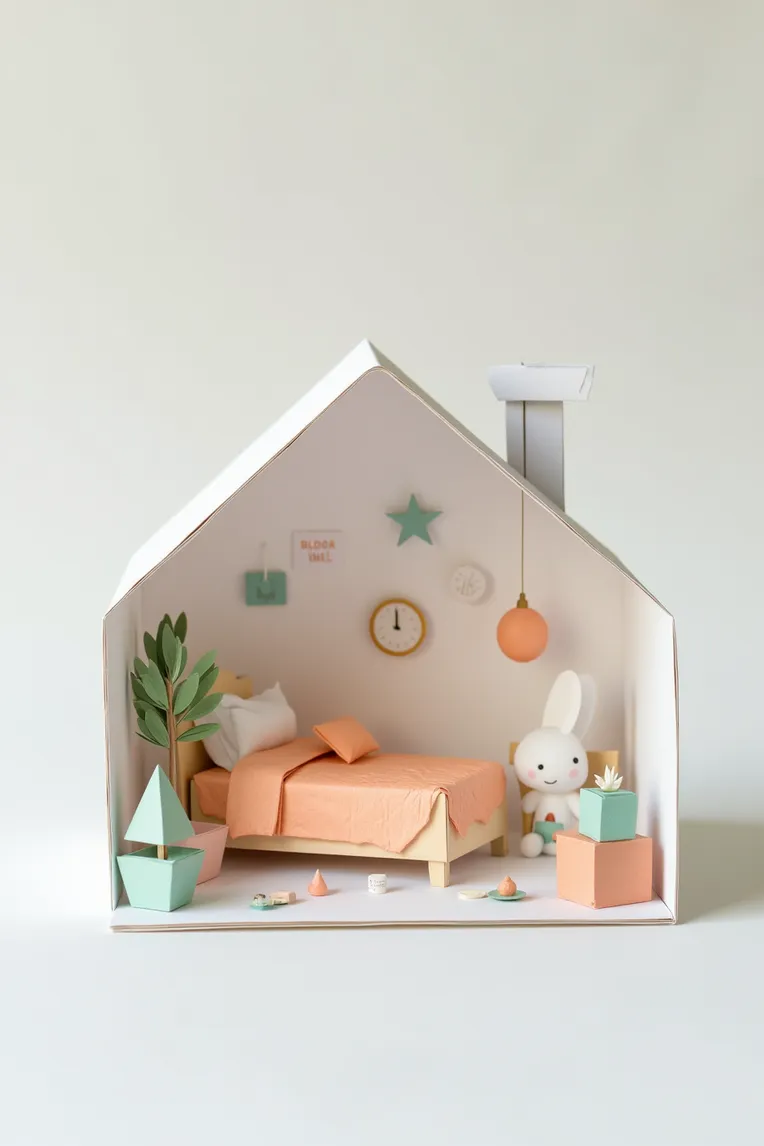 Image info
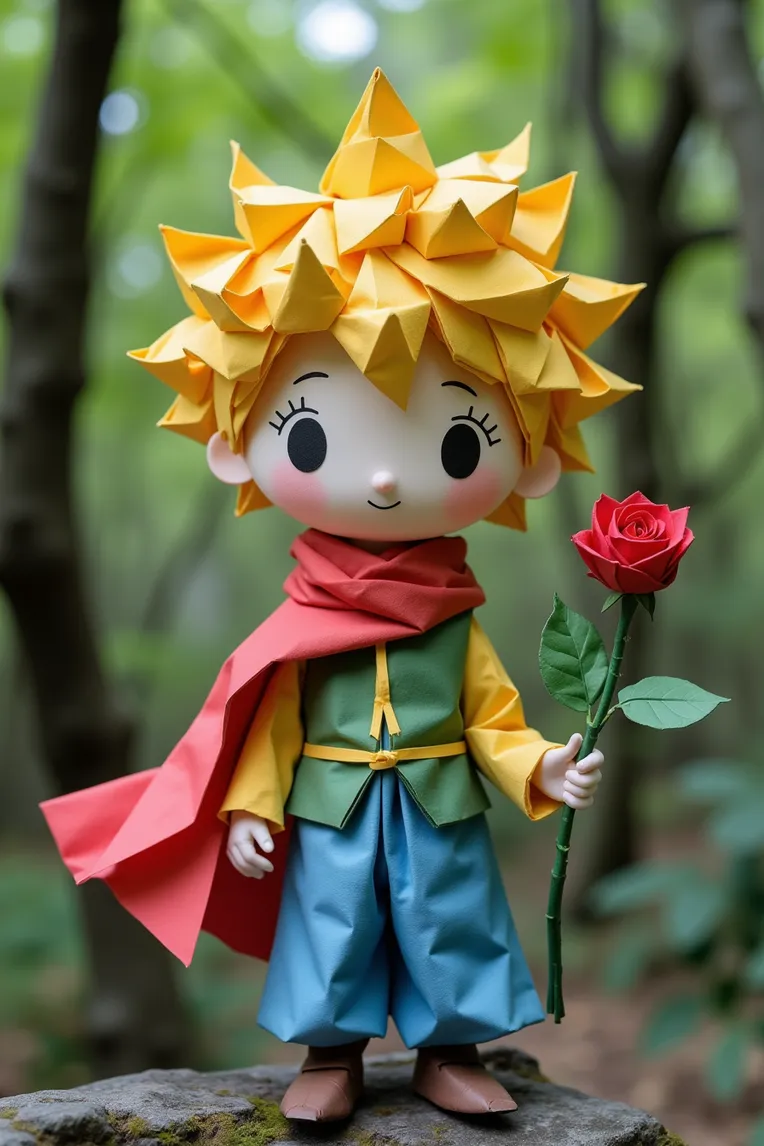 Image info
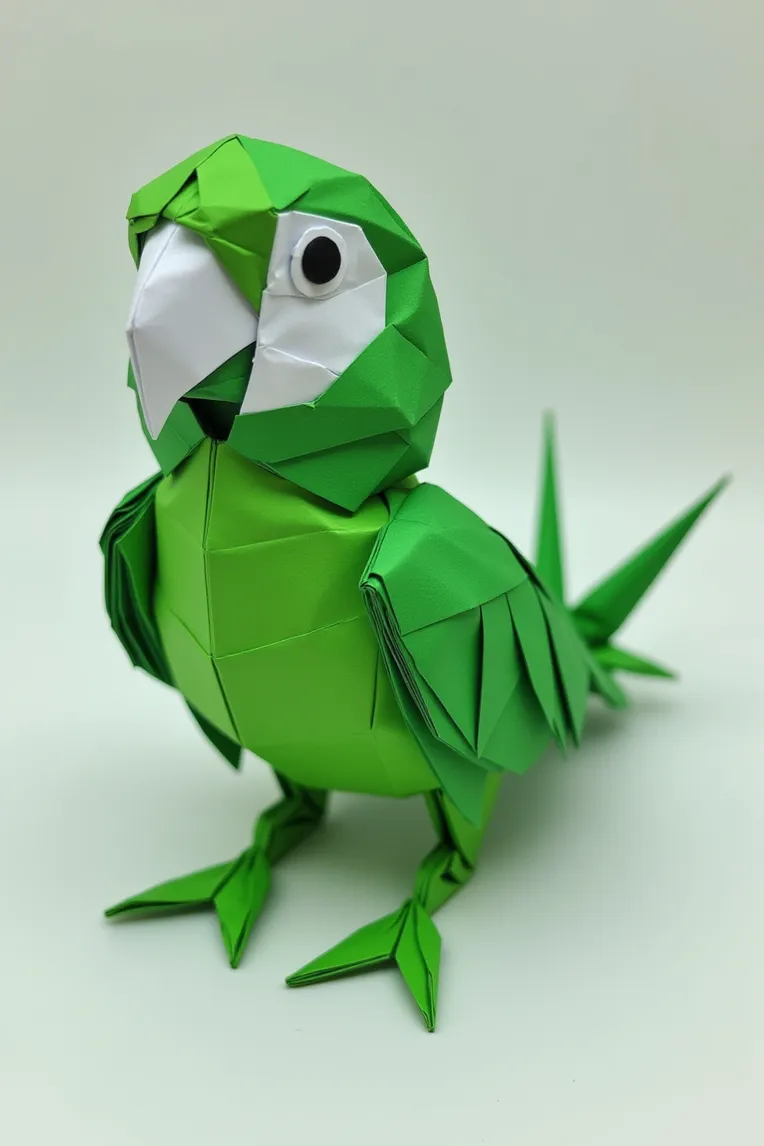 Image info
Children's Origami Art Class Materials
Tips:FLUX needs detailed and precise tips to be effective, write tips like midjourney, keep the parameters in line with the official default configuration of Lilbu WebUI, as follows:
Weight: about 0.8-1
Positive term example: an origami model of a bird, specifically a parrot. The bird is predominantly green with white facial features including its eyes and beak. The origami design is intricate with detailed feathers and a realistic appearance.
Negative terms: FLUX does not require negative quality terms.
Resolution: Recommended: 896x1344, FLUX differs from SD1.5, no need for high-definition restoration.
Steps: 25-30
CFG: 3.5
It is recommended to use Lilbu WebUI to generate images
การอภิปราย
ที่นิยมมากที่สุด
|
ใหม่ที่สุด
ส่ง
เร็วๆ นี้
ดาวน์โหลด
(0.00KB)
รายละเอียด
ประเภท
จำนวนการสร้างรูปภาพออนไลน์
0
ดาวน์โหลด
0
พารามิเตอร์ที่แนะนำ
การจับคู่ ที่แนะนำCheckpoint
ไม่มี
น้ำหนักที่แนะนำ
0.8
CFG
3.5
VAE
ไม่มี
แกลเลอรี
ที่นิยมมากที่สุด
|
ใหม่ที่สุด