
furina (Ousia + Pneuma + focalors)SD1.5
V1.0

 Image info
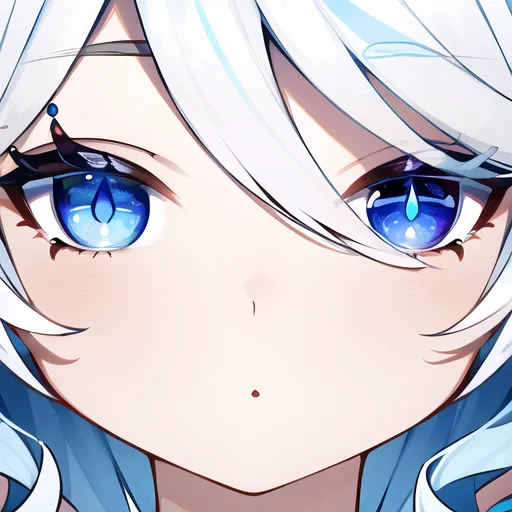 Image info
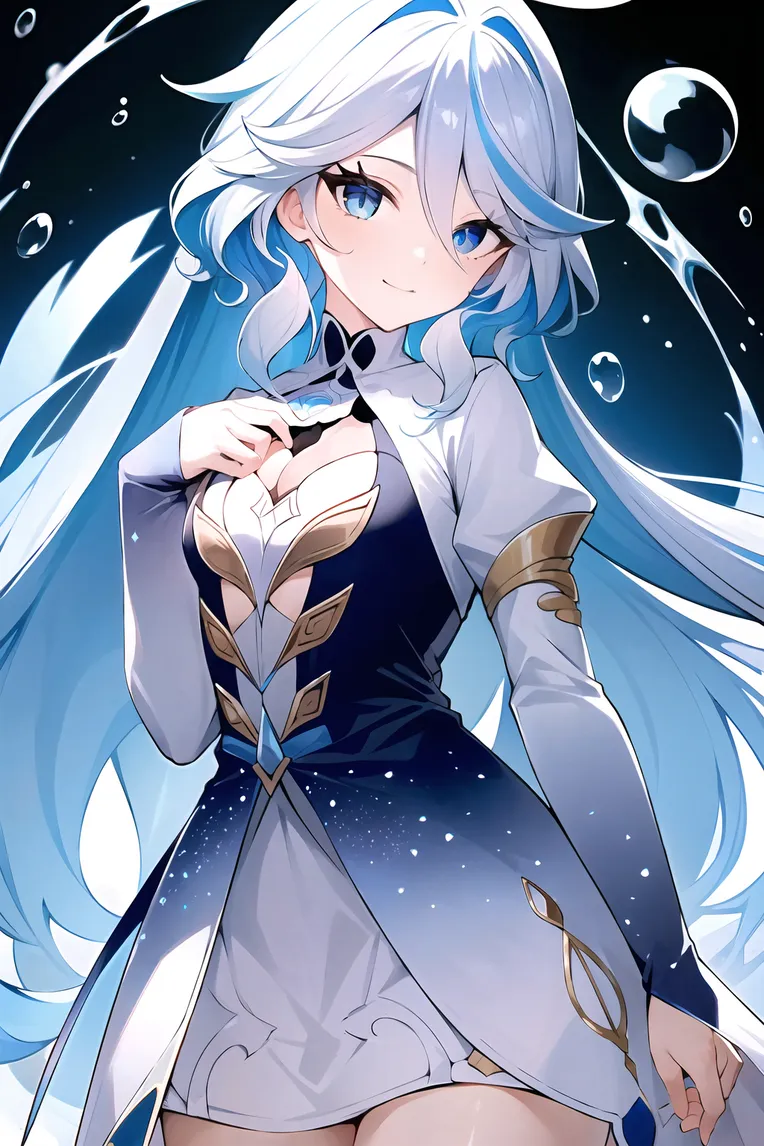 Image info
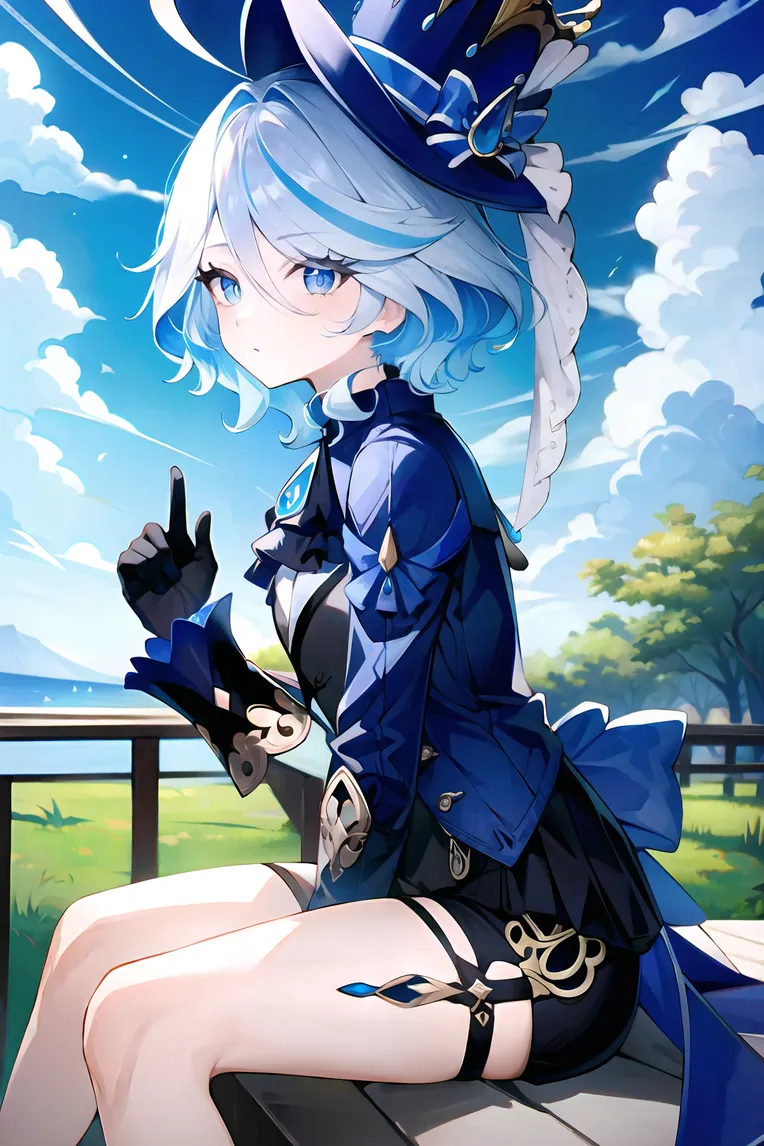 Image info
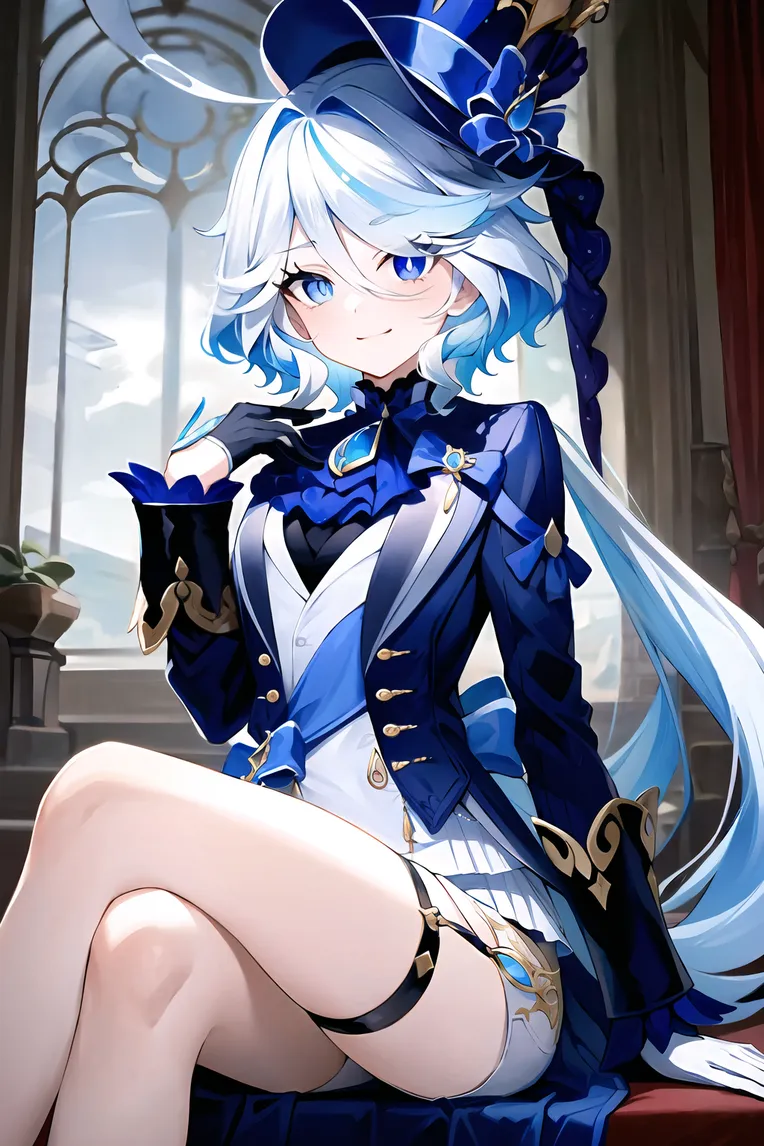 Image info
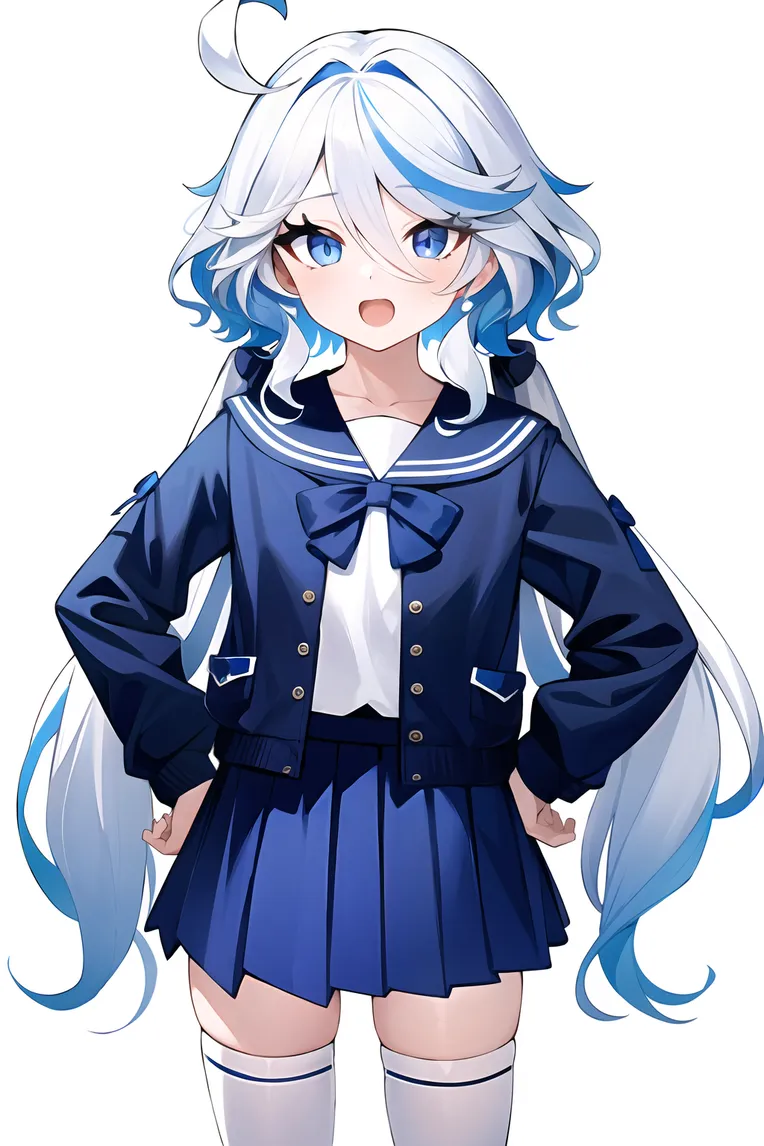 Image info
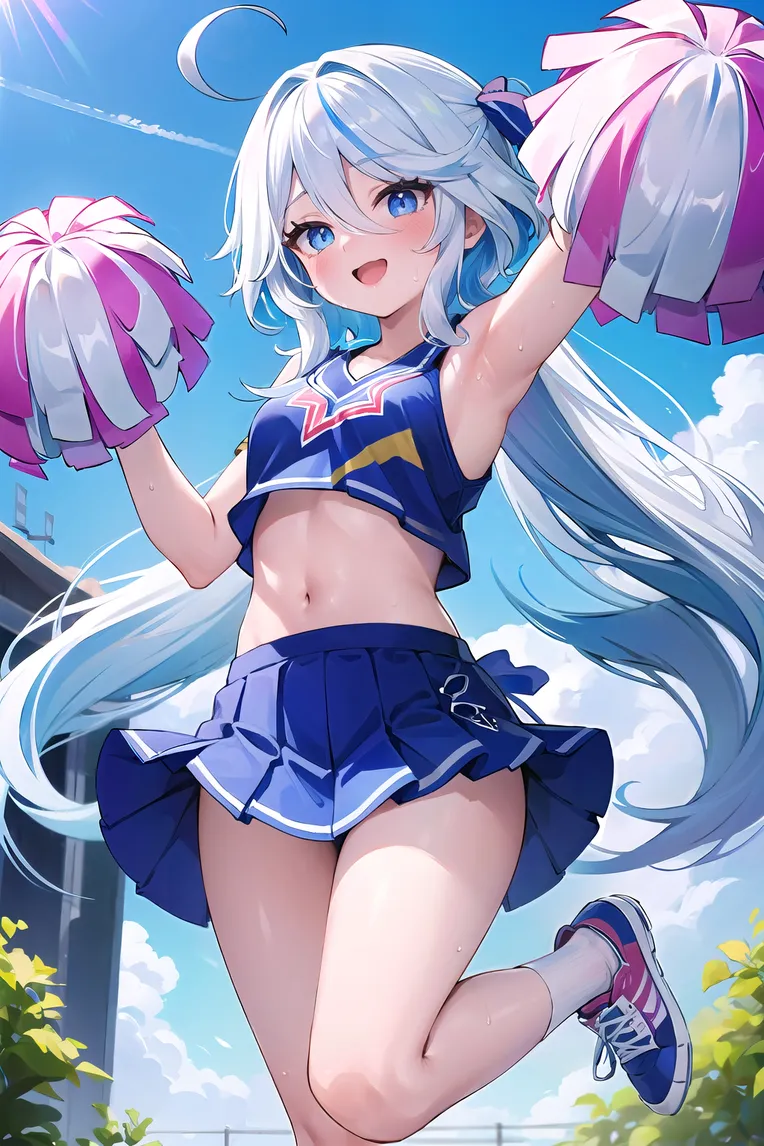 Image info
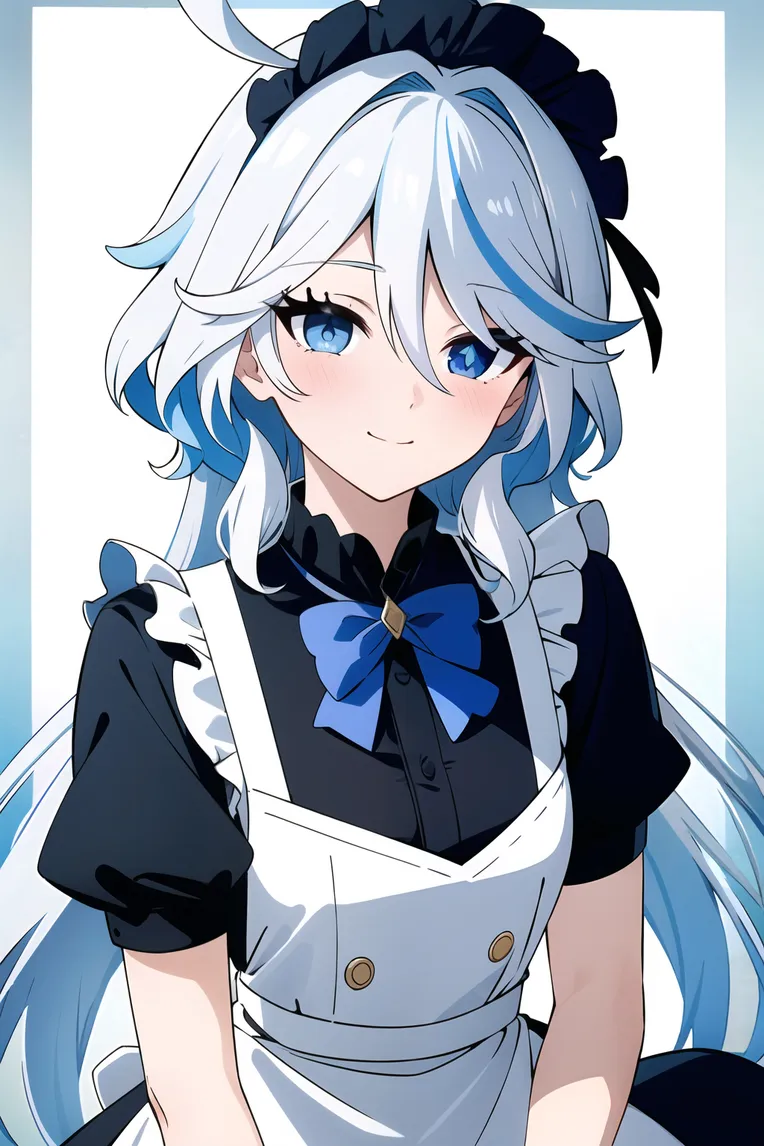 Image info
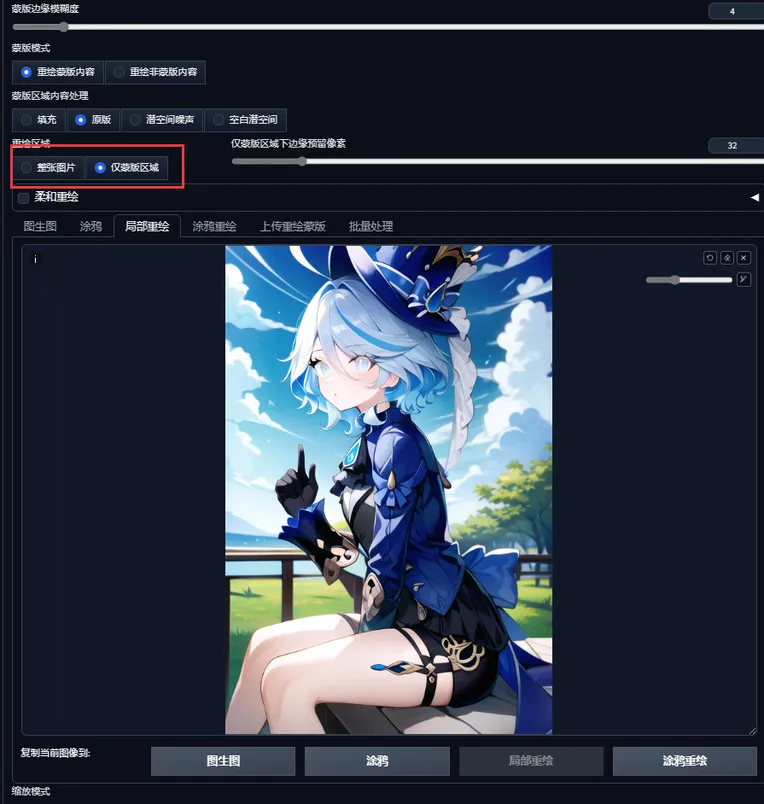 Image info
 Image info
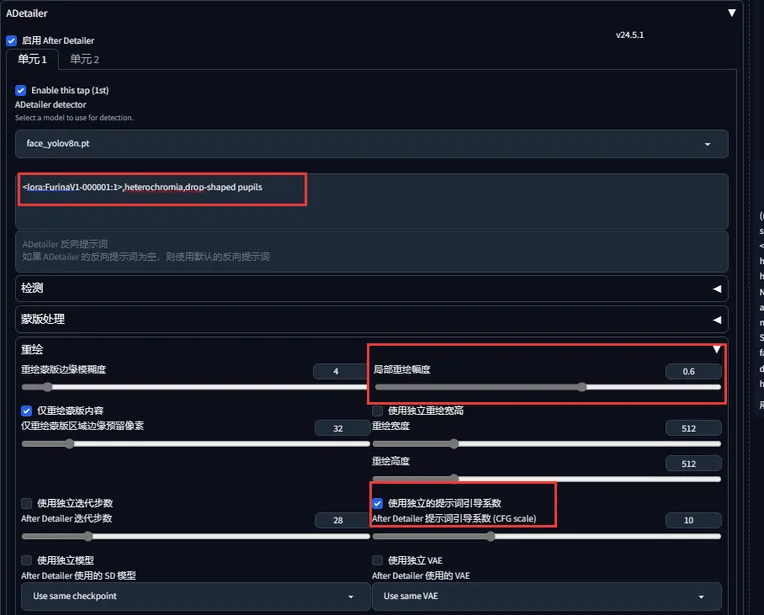 Image info
Training base film: novelai, weight adjustment to 1 when in use
Positive prompts:
Focalors: focalors \(genshin impact\) \(focalors\), 1girl, solo, heterochromia, white hair, long sleeves, barefoot, nail polish, gradient dress, gradient dress, puffy sleeves, juliet sleeves, long hair, streaked hair, drop-shaped pupils,
Furina (Ousia): furina \(Ousia\), furina \(genshin impact\),1girl, solo, blue hat, high heels, gloves, heterochromia, thigh strap, jacket, long sleeves, black shorts, short hair, neck ruff, mismatched gloves, leg garter, drop-shaped pupils
Furina (Pneuma): furina \(Pneuma\), furina \(genshin impact\),1girl, solo, blue hat, high heels, gloves, heterochromia, thigh strap, jacket, long sleeves, white shorts, long hair, neck ruff, mismatched gloves, leg garter, drop-shaped pupils,
If you need to switch clothes, add the type of clothes that need to be switched to the positive prompts, and delete the extra prompts, intensity adjustment to 0.7-0.9
Special training on Furina's drop-shaped eyes
If only generating images of the facial area, even with a size of 512*512, it can still generate drop-shaped eyes very well.
To have full-body images with drop-shaped eyes, this model has two methods
First method: Enable facial redraw, facial redraw settings are as shown in the image, redraw magnitude should be set at 0.6 or above (the larger the effect, the better, but also prone to strange things), prompt term guidance coefficient adjusted to 10, After Detailer model of facial redraw can be used, however, different facial redraw models yield different effects
Second method: If some images cannot use facial redraw. Send the generated images to GANPaint, use the local redraw function to redraw the eye area, local redraw settings are as shown in the image, redraw magnitude should be set at 0.6 or above (the larger the effect, the better, but also prone to strange things), prompt term guidance coefficient adjusted to 10
With the above methods, drop-shaped eyes can appear without the need for a large size,
The example images are all generated using these two methods to create drop-shaped eyes and then enlarged with SD, some have low resolutions and are not enlarged