
Mavuika | Genshin Impact | Character LoRA XL
0
0
0
0
Anime StyleGirlPhysical/Facial feature
v1.0
最近更新:首次發布:
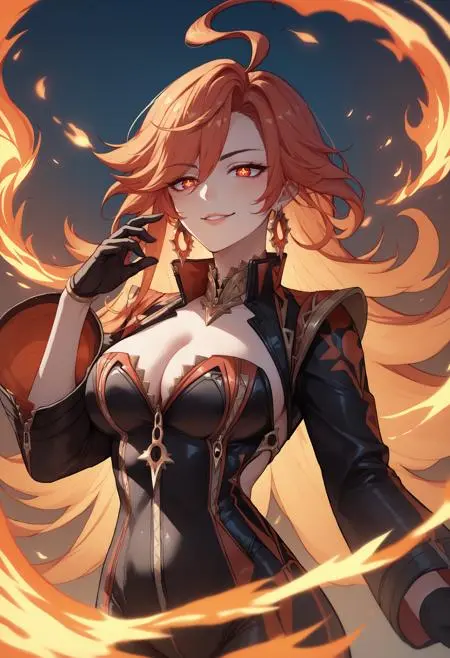
 Image info
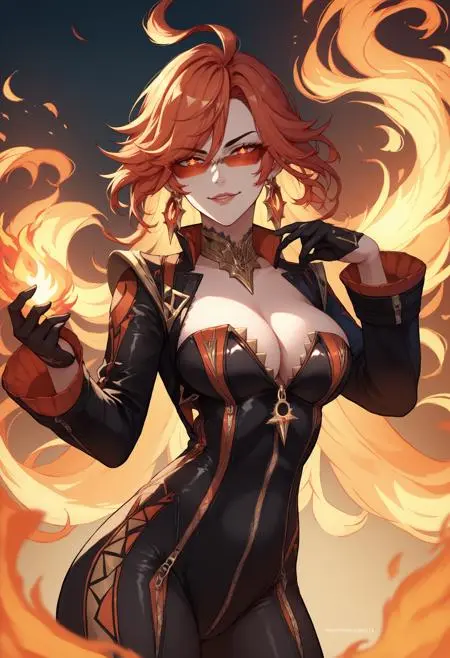 Image info
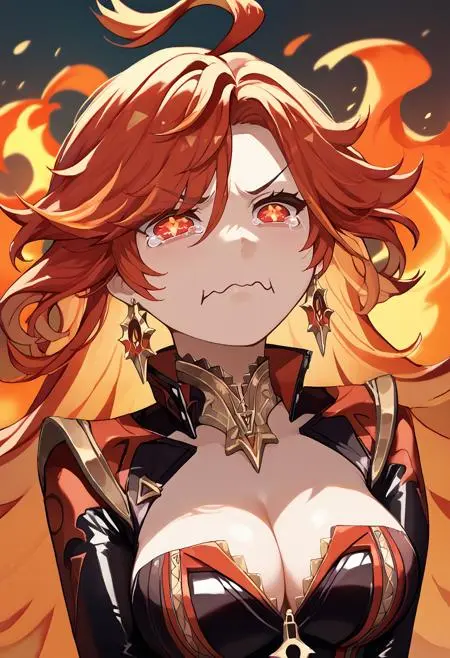 Image info
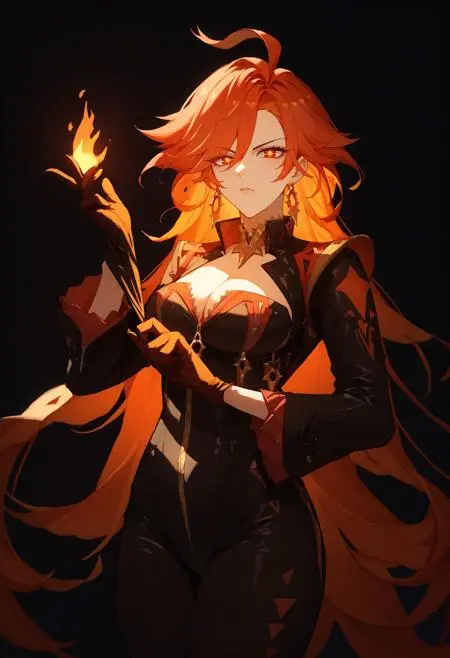 Image info
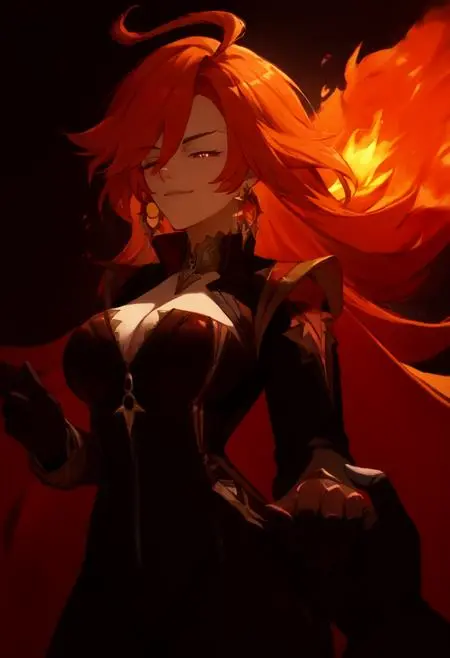 Image info
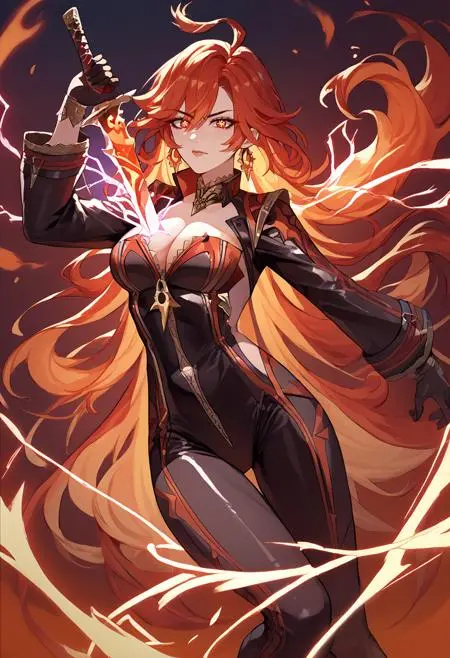 Image info
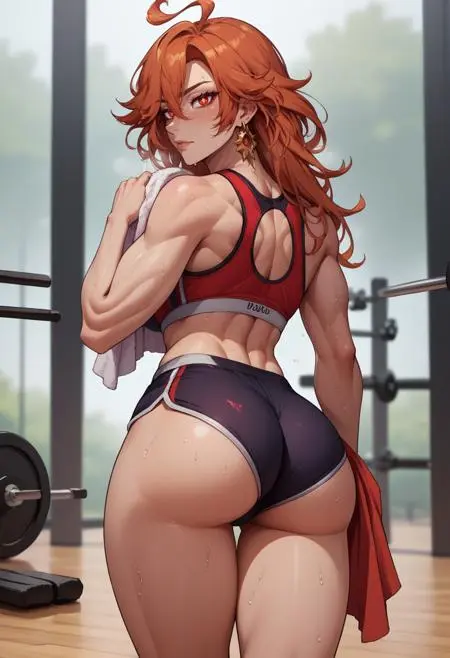 Image info
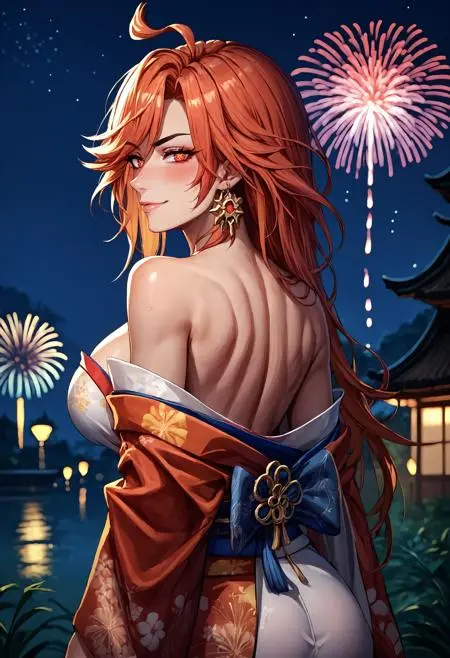 Image info
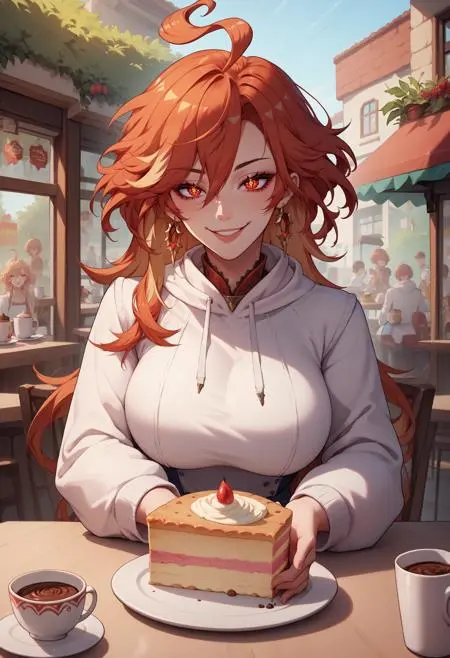 Image info
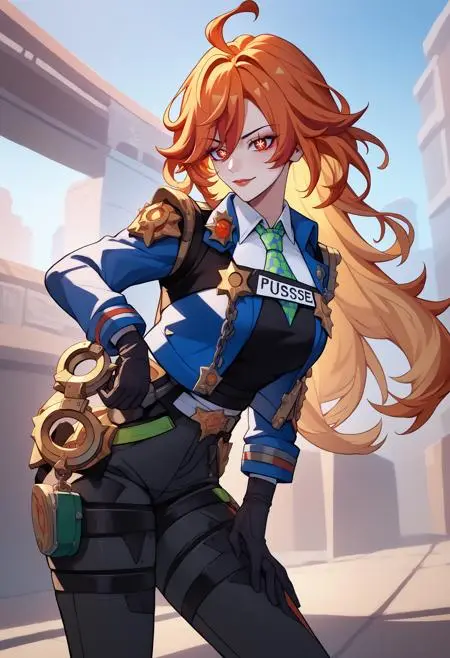 Image info
Mavuika | Genshin Impact | Character LoRA XL
Weight can go from 0.6 up to 1.0. I recommend 1. Works with almost every Style, Concept and Photorealistic Models. Her symbol-shaped pupils are not 100% accurate all the time. I would recommend to use eye adetailer to make it more accurate.
Trigger Word:
Mavuika, symbol-shaped pupils, red eyes, large breasts, long hair, ahoge
Outfit Prompt:
jewelry, earrings, choker, zipper, bodysuit, clothing cutout, cleavage, black gloves, long sleeves
Optional Prompt:
tinted eyewear
How to use LoRA's in auto1111:
Download LoRA
Copy the file to
stable-diffusion-webui/models/loraSelect your LoRA and use the triggerword
Make sure to change the weight if needed (by default it's
:1)Have Fun!
討論
最熱門
|
最新
發送
即將推出
下載
(0.00KB)
詳細資訊
類型
線上生成次數
0
下載次數
0
推薦參數添加
圖庫
最熱門
|
最新