
Photorealistic Pony XL
Release V2.1
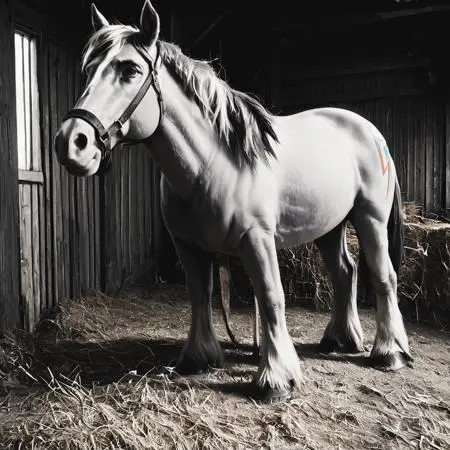
 Image info
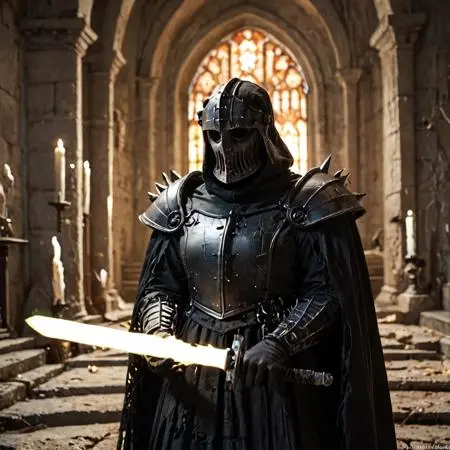 Image info
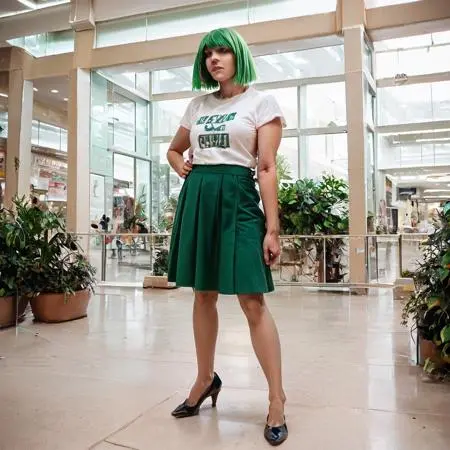 Image info
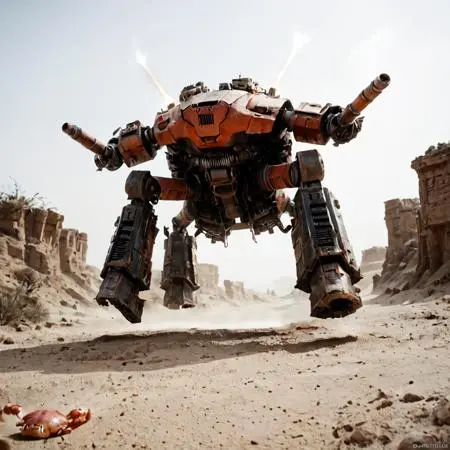 Image info
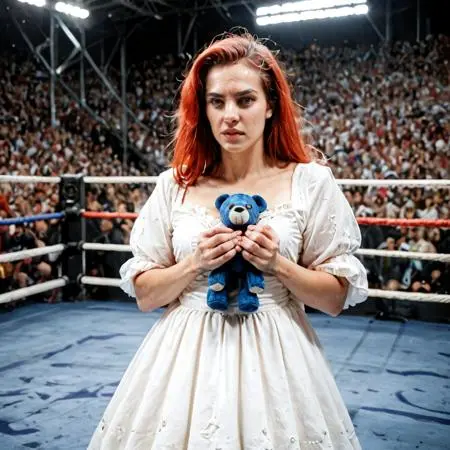 Image info
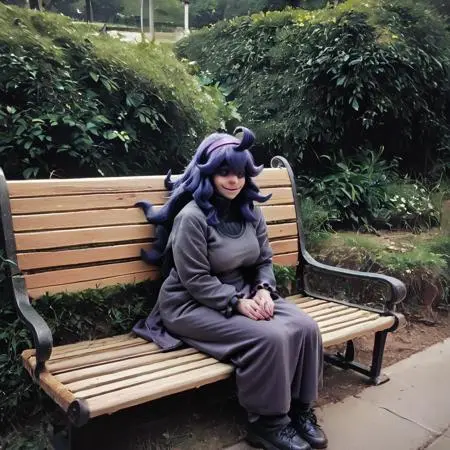 Image info
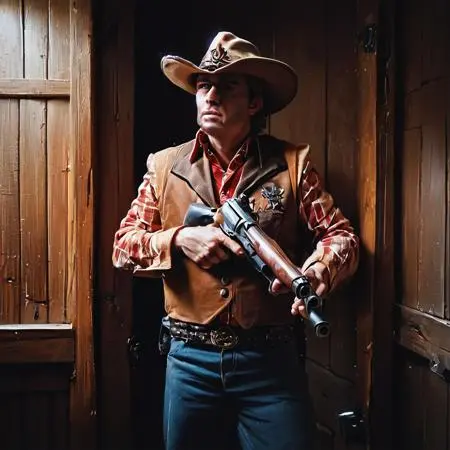 Image info
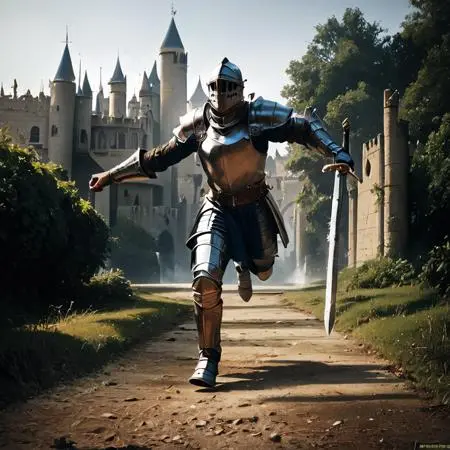 Image info
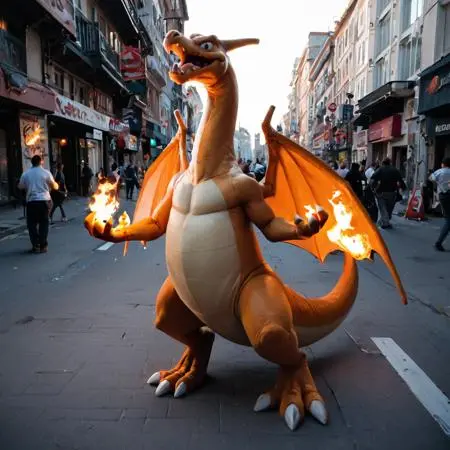 Image info
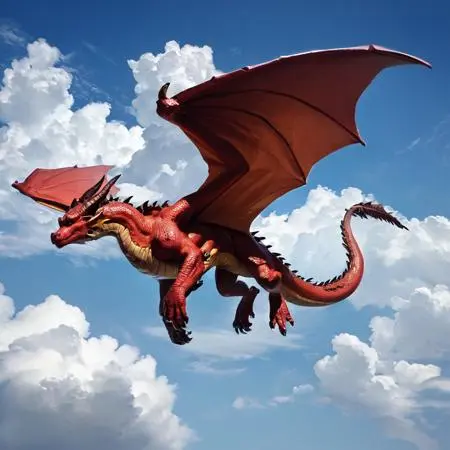 Image info
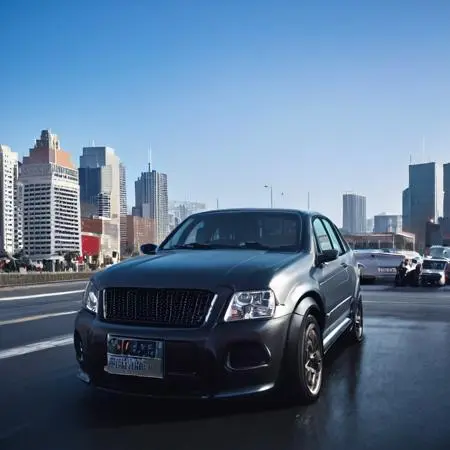 Image info
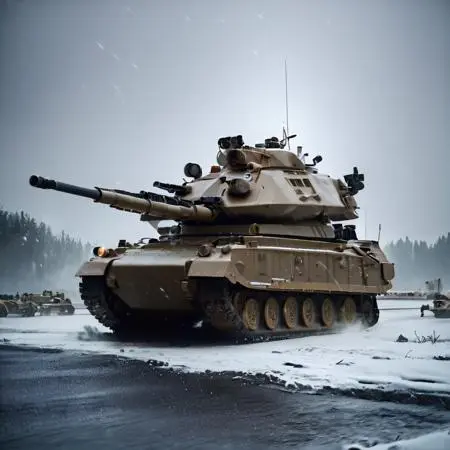 Image info
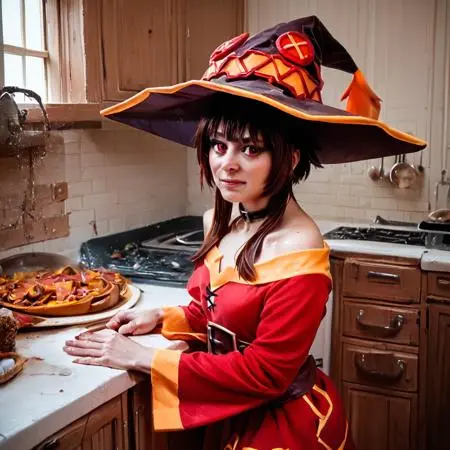 Image info
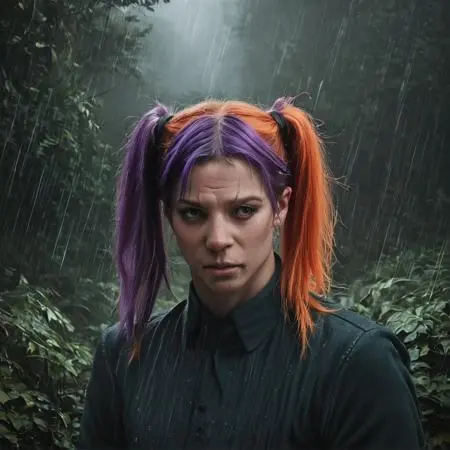 Image info
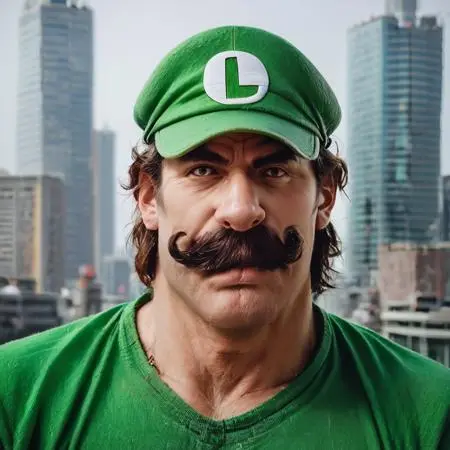 Image info
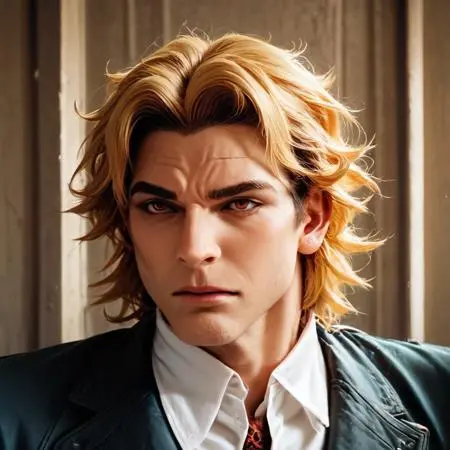 Image info
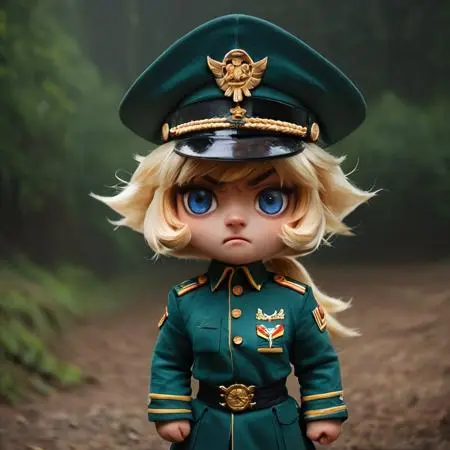 Image info
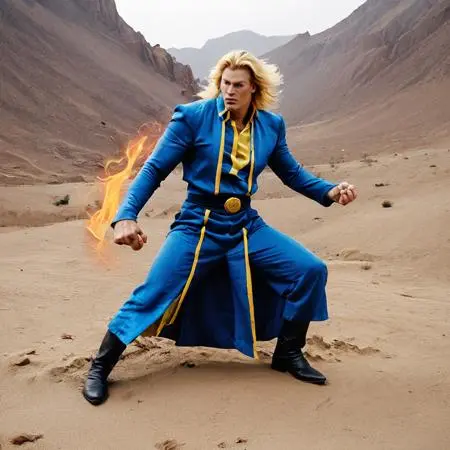 Image info
Ponydiffusion is an excellent model for 2d content, but it seems rather inconsistent with 3d. This model is designed to more consistently produce photorealistic 3d images of a variety of subjects. Currently, the beta version still produces a more CGI effect as I do not believe I have enough sample images, but hopefully future versions will be more realistic. I would recommend checking the description of each version to see what it does and what its drawbacks are for the time being for more detailed info.
While I am calling this release 2.1, theres a fairly significant number of changes to it. For one, ive shortened the trigger tag to "source_photo" for ease of use (though I could probably just drop it to just "photo" in the future), and used Booru tags instead of sentence captions for the images. Its still capapable of processing sentence style prompts, obviously, though it does seem to like booru tags when specifying backgrounds. This version also doesnt need an excess of negatives like the prior versions, and seems to function best with a CFG scale at 4-5 and the DPM++ 2M Karras sampler at around 15-17 steps. Some more testing might be needed to determine if theres a better sampler/cfg combo, but in general it seems to produce superior results to prior versions with those settings. Depending on the character, you may need to add more negative and positive tags to enforce realism and discourage it from doing a 2d or CGI effect. I also recommend putting
"plastic,plastic skin,overexposure,blurry" in the negatives for most prompts unless you like the shiny skin effect that most realistic AI models seem to give people.