
F.1 Lora+Controlnet Realistic Black Wukong Workflow
FLUX+Controlnet
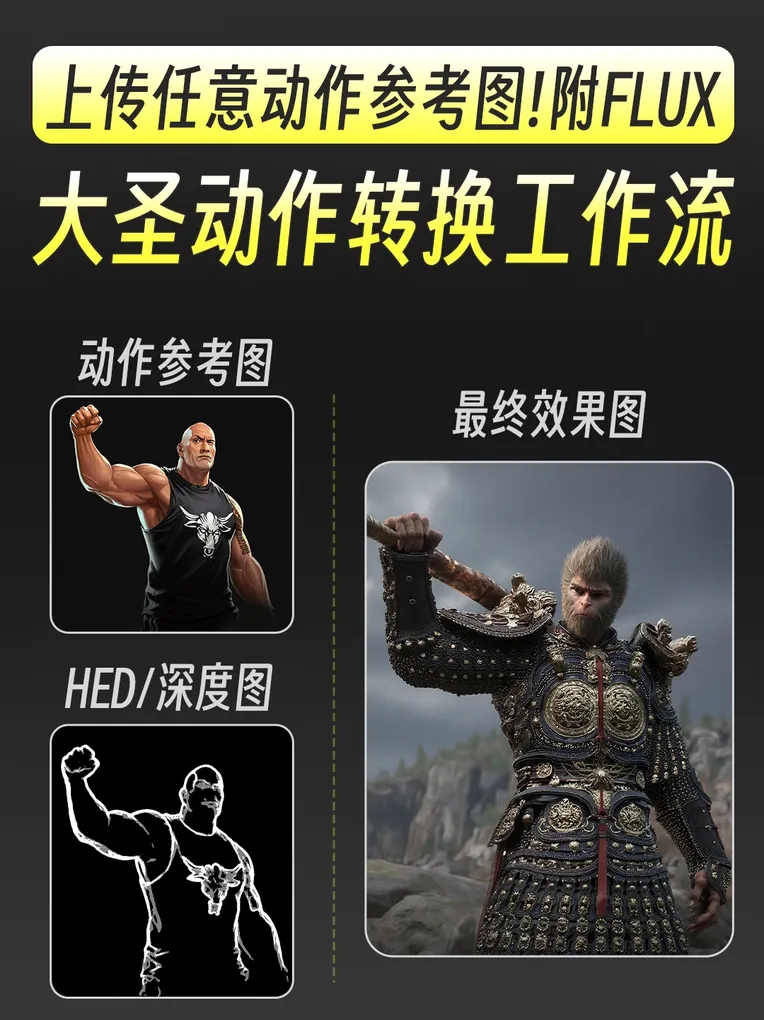
 Image info
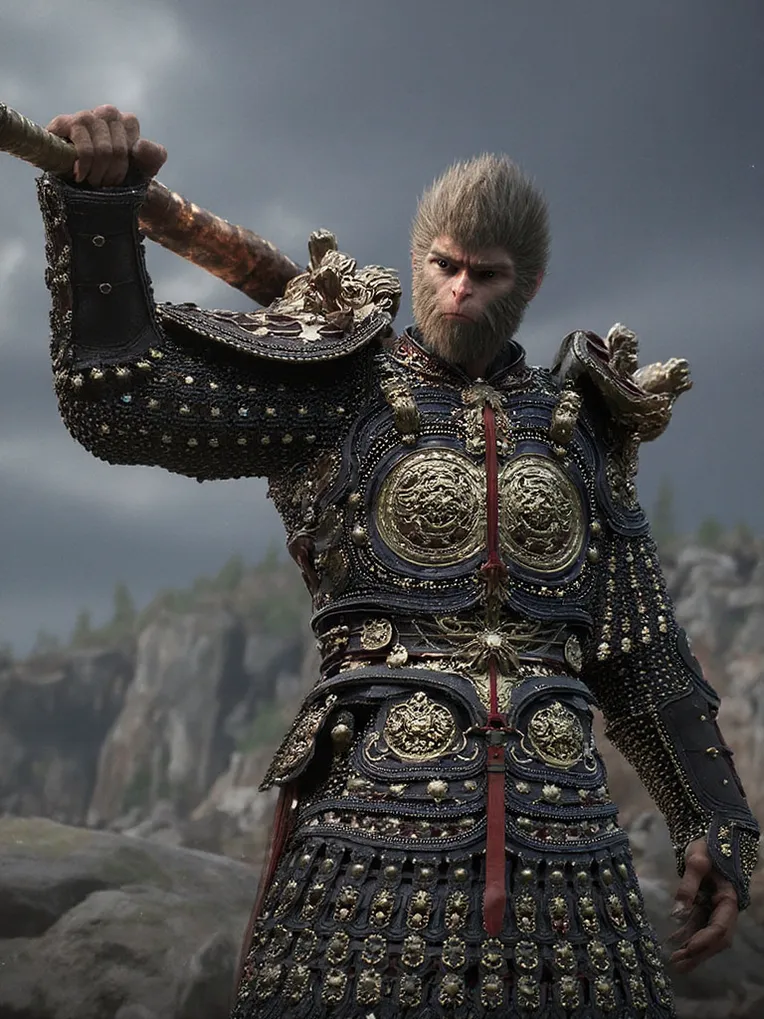 Image info
 Image info
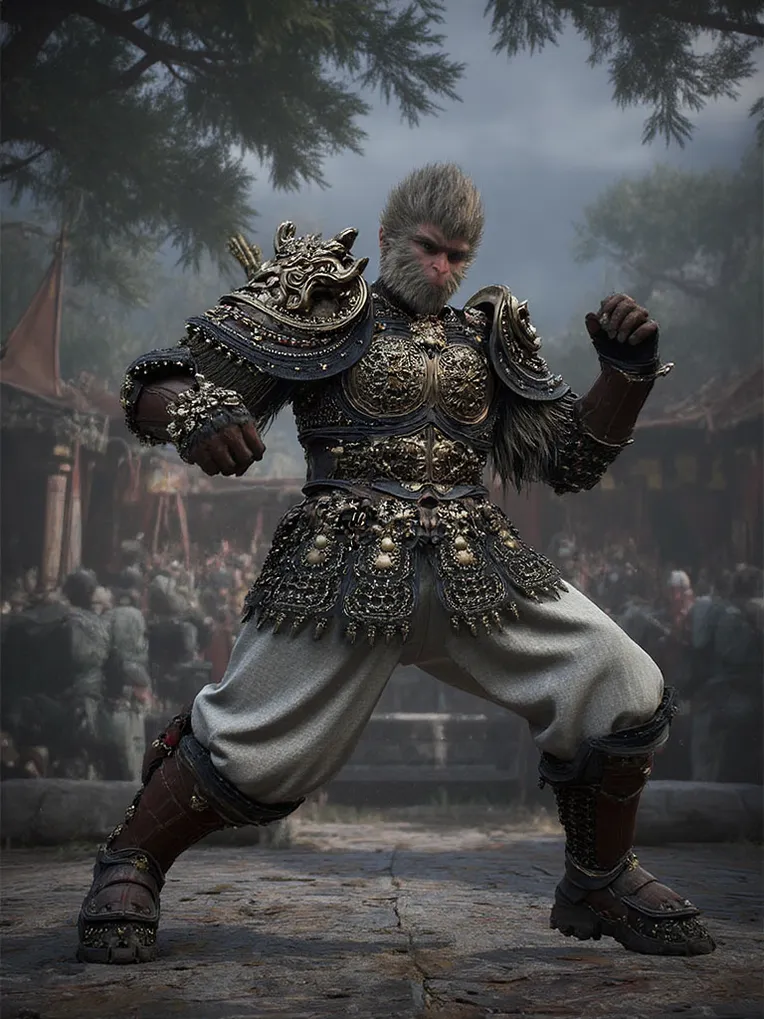 Image info
This workflow supports running liblibai online, achieving the effect of generating the character of Black Goku by using the flux large model + flux lora combination.
Flux lora: FLUX1-Ultra-realistic Black Goku-Online Image Generation Supported
lora author: AIGAME Bear
Workflow Usage:
Step 1: Select the correct models, choose the flux1 large model and Black Goku flux lora in the "unet loader" module and "lora loader (model only)" module respectively. Then select the t5xxl fp8 model and clip L model in the "double clip loader" module, and choose the ae.sft model in the "vae loader" module. Finally, select the xlabs flux depth controlnet v3 model in the "load flux controlnet" section.
Step 2: Upload a character image for composition control of the picture.
Step 3: Click on generate, and wait for the image to be generated.
Workflow organized and published by 【Designers Learn AI】
If you like this workflow, remember to follow it. There are more workflows published on my homepage.