
Chasing the Wind_Dynamic Blur
 v1
v1

 Image info
 Image info
 Image info
 Image info
 Image info
 Image info
 Image info
 Image info
 Image info
 Image info
 Image info
 Image info
 Image info
 Image info
 Image info
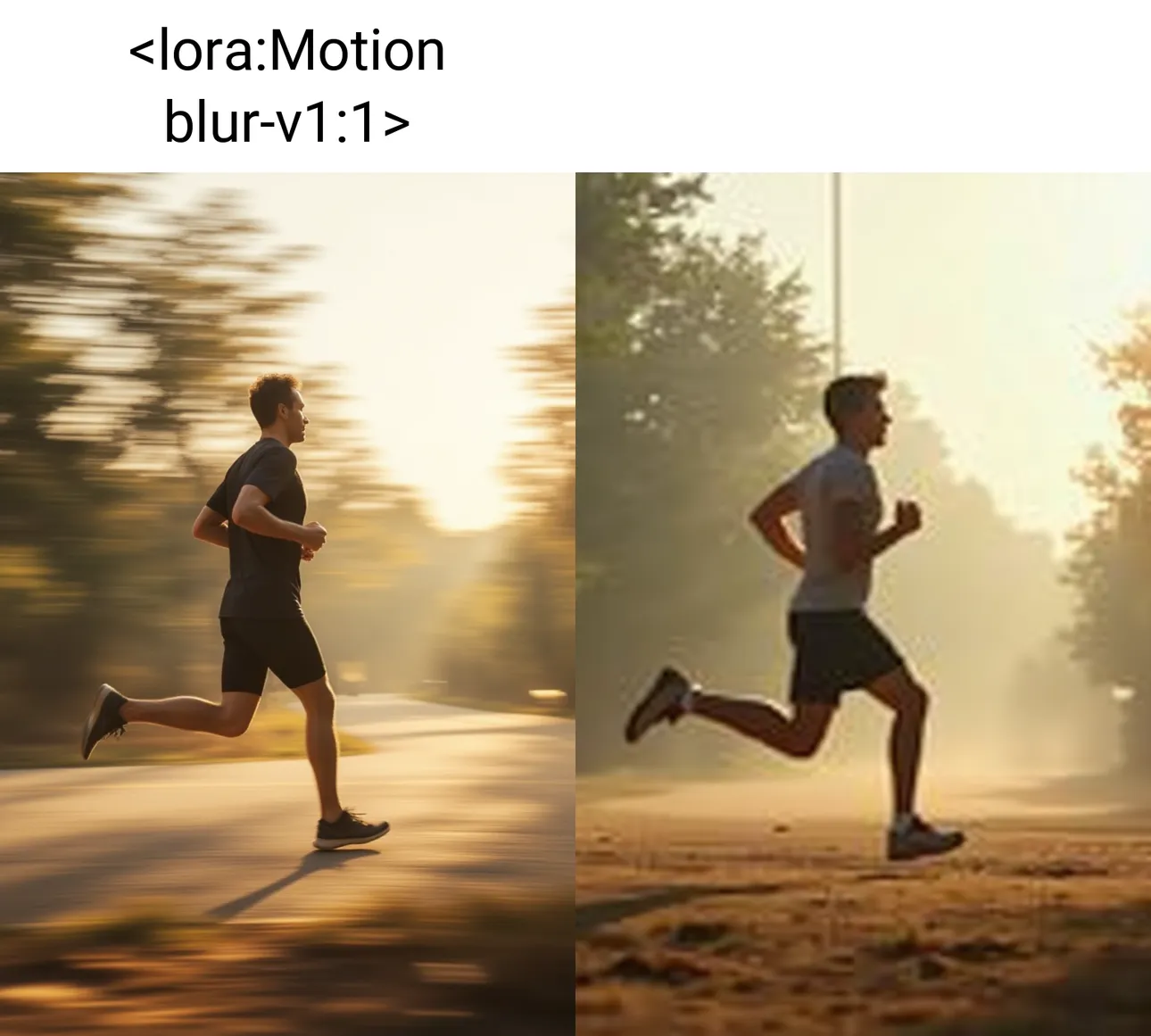
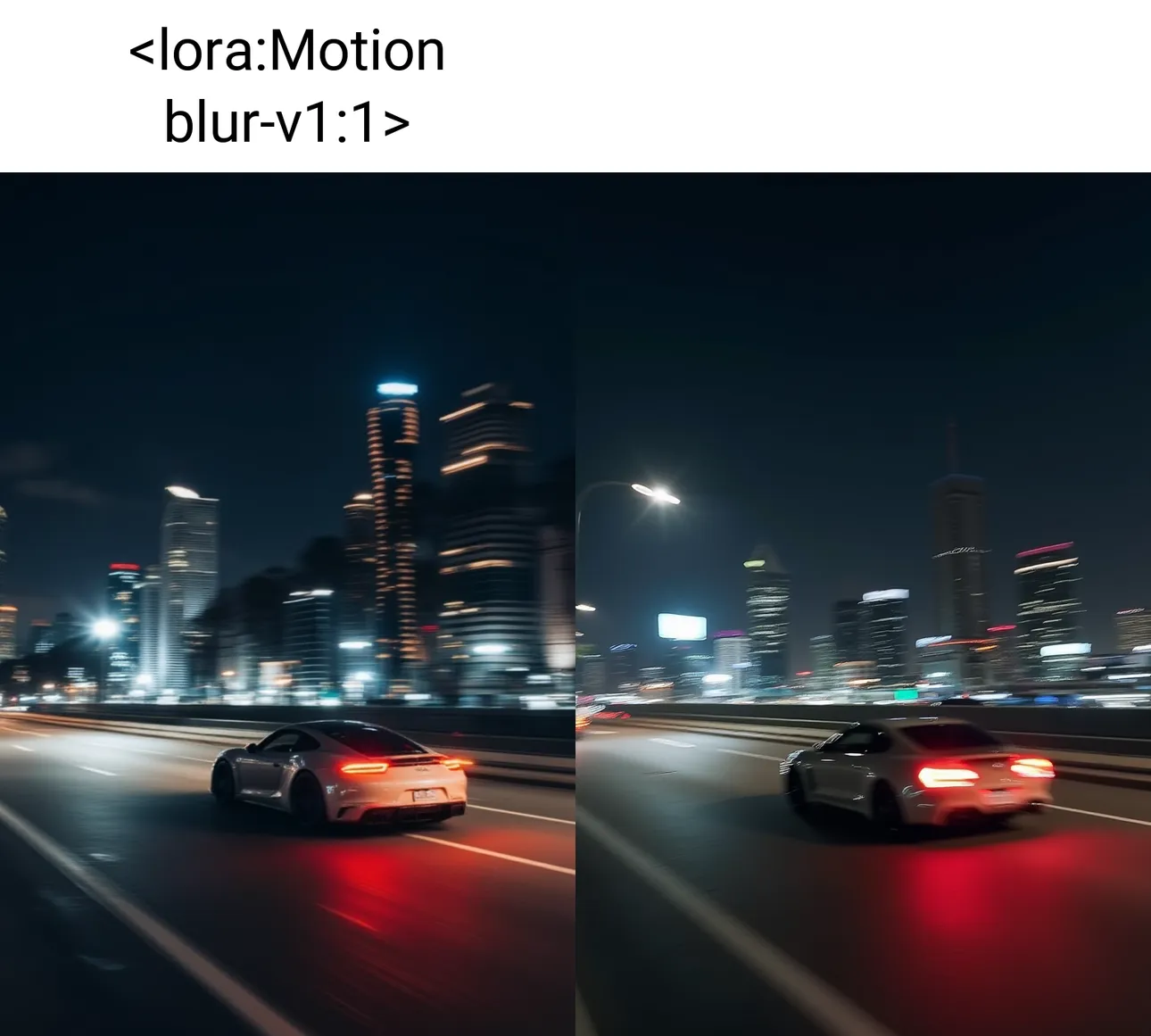
A Lora with a motion blur filter style has little impact on the base model, perfectly correcting the shortcomings of Flux.1's official model in producing images with a motion blur style.
When the official model produces this style of image, the subject usually appears blurry, but adding Lora highlights the subject, making it clear, while also enhancing the details of the motion blur, perfectly replicating the focus-pulling shooting technique.
Instructions for use:
1. Use the fp8-dev base model (including F.1 Compact _ CLIP and VAE included_Flux.1-Dev fp8), or a large model fine-tuned based on fp8-dev. It is not recommended to use alt, schnell, nf4, or similar types.
2. Use weight 1.
3. Trigger word: motion blur.
4. Output image size is customizable.