
IPAdater PLUS powerful style migration workflow
 IPAdapter plus
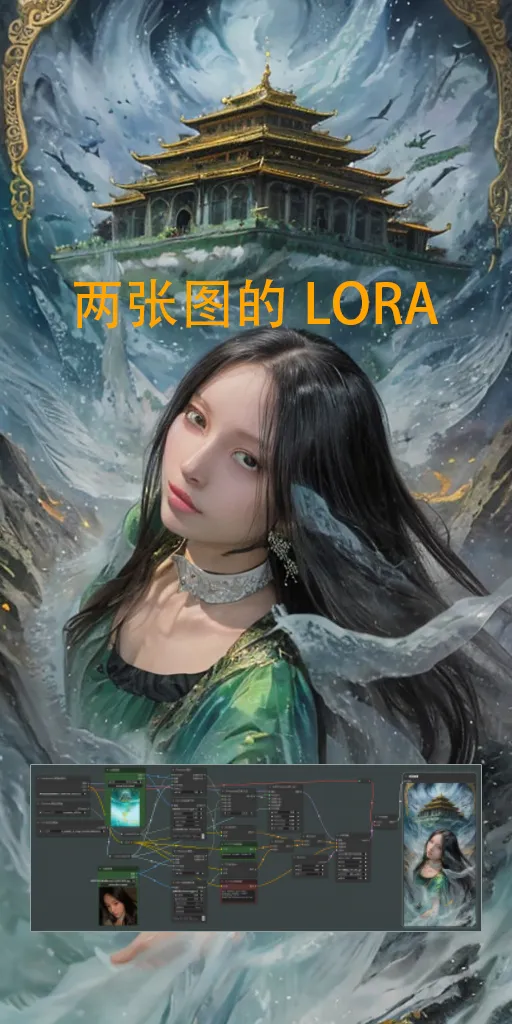
 Image info
 Image info
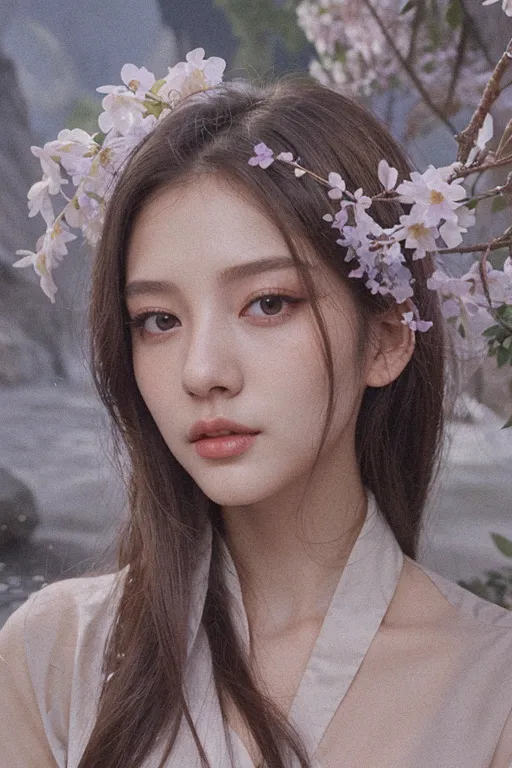 Image info
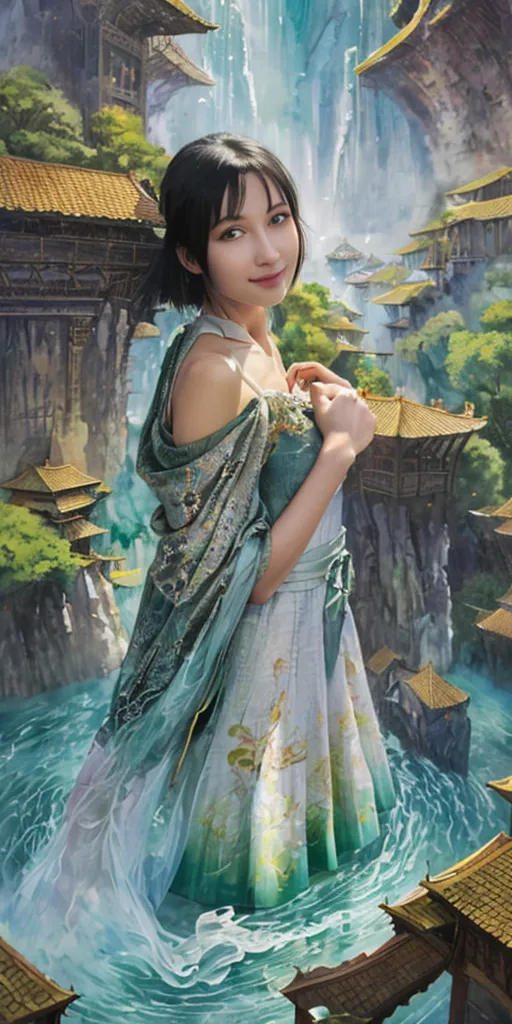 Image info
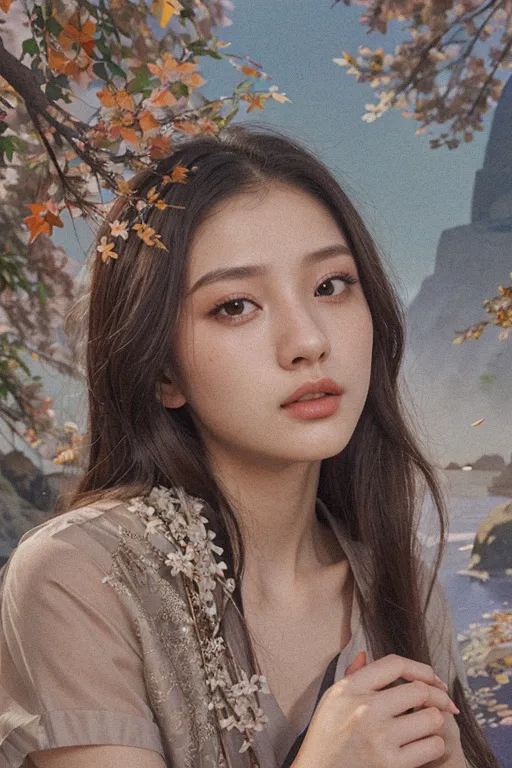 Image info
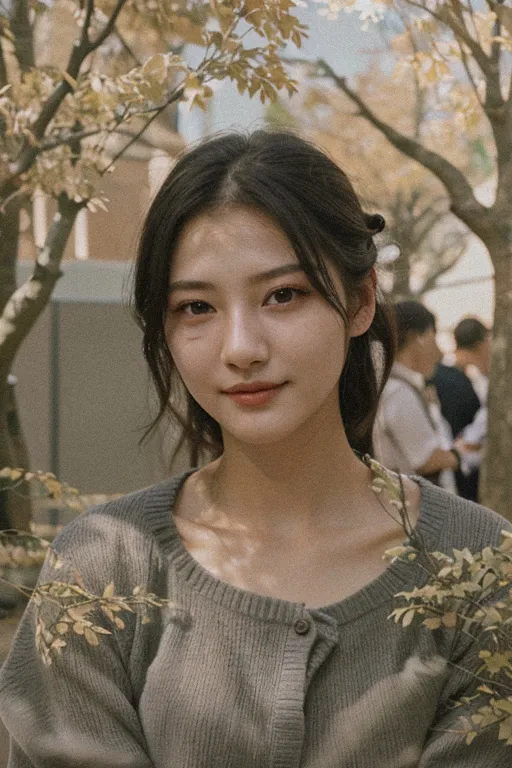 Image info
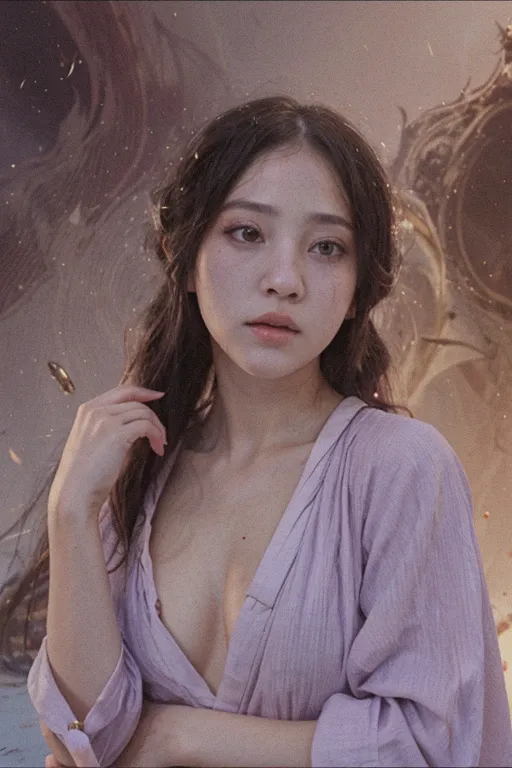 Image info
This workflow is a super style transfer workflow based on IPAdater Plus components.
The machine I use for this workflow is a laptop with 4G graphics memory, and it runs quite smoothly.
The operation is simple, and the output effect is stunning.
Before using this workflow, please make sure your comfyui has installed the comfyui manager plugin for easy importing and one-click installation of required plugins.
Using this workflow is not difficult, mainly needing to download a few models:
IPAdapter's ip-adapter-plus_sd15
https://huggingface.co/h94/IP-Adapter/tree/main/models
clip's: ip-adapter-image_encoder
https://huggingface.co/InvokeAI/ip_adapter_sd_image_encoder/tree/main
wd14's prompt words: wd-v1-4-convnextv2-tagger-v2, wd-v1-4-moat-tagger-v2
https://huggingface.co/SmilingWolf
These should be the main models to put in the corresponding model folders. Please note that the IPA models should be placed in the ipadter folder under the model folder of the comfyui directory. Create a new one if it does not exist.
About usage instructions and parameters:
The usage is very simple, just upload two images, one is a scene image and the other is a character image. The workflow references the characteristics of these two images and creates based on the content of the prompt words.
The first uploaded image will affect the background, environment, and character decoration of the creation.
The second uploaded image will affect the character's actions, clothing, style, etc.
If you are skilled, you can add a third and fourth image as it already provides an interface for that.