
Workflow: Face_aging
1.0

 Image info
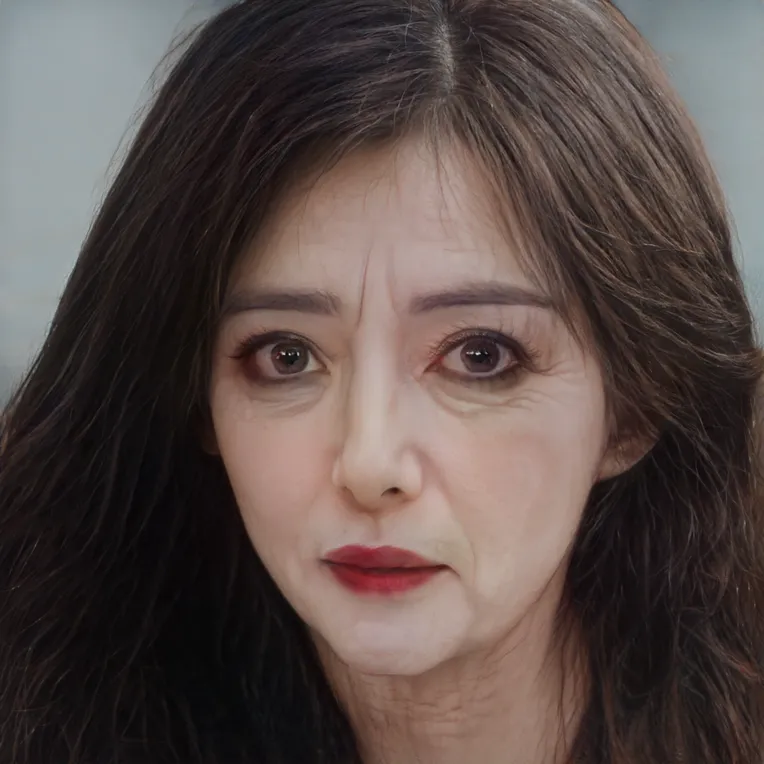 Image info
Here is a note on pitfalls, purely a toy plugin
1. The face_aging plugin README.md states you can ignore it
2. Download the required models to the models/face_aging directory, download link: https://hf-mirror.com/thang101020/aging/tree/main
3. Install dlib and ninja
4. For dlib installation reference (I use a cloud virtual environment managed by conda)
conda activate ComfyUI # Activate the virtual environment, using your actual name
conda install -c conda-forge dlib
pip install ninja
5. It is essential to upload the models first before restarting, as the plugin will load the checkpoint at startup, plugin load will fail if the model is not loaded
6. The generated results do not only change the face, so this is what I mean by saying it's purely a toy
The above information is for reference only (personal opinion: don't install this plugin, it's a waste of your time)