
Minion Style SDXL - Make your own Minions!
v1.0
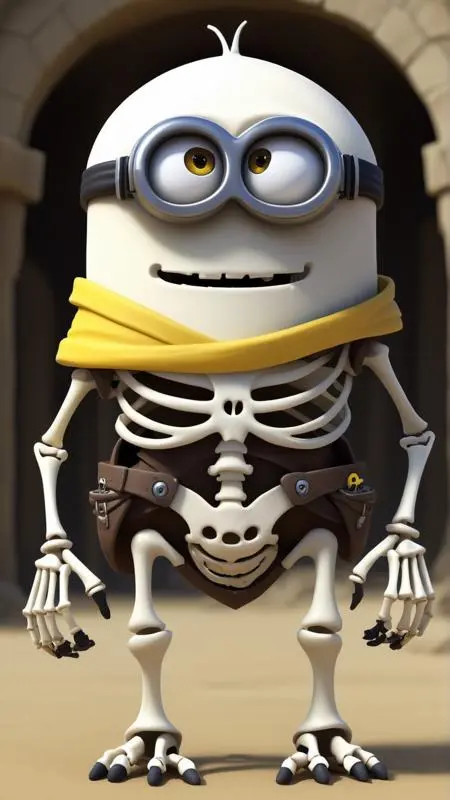
 Image info
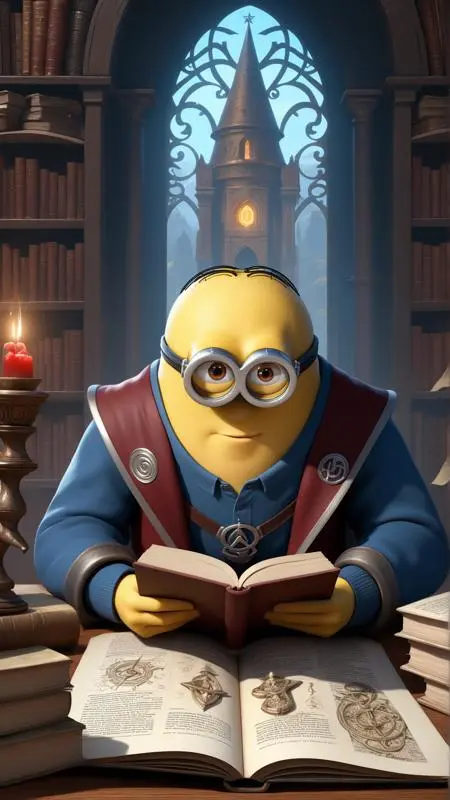 Image info
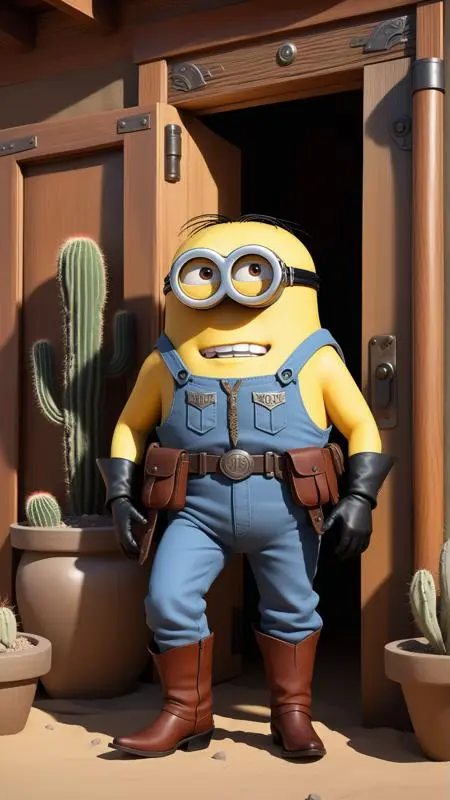 Image info
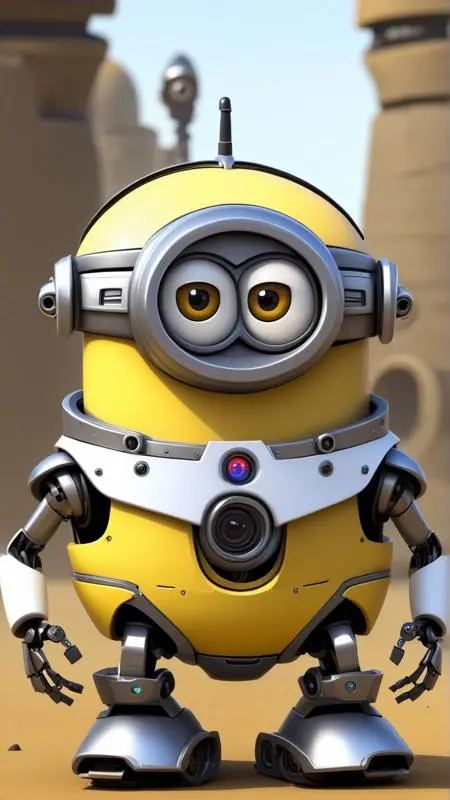 Image info
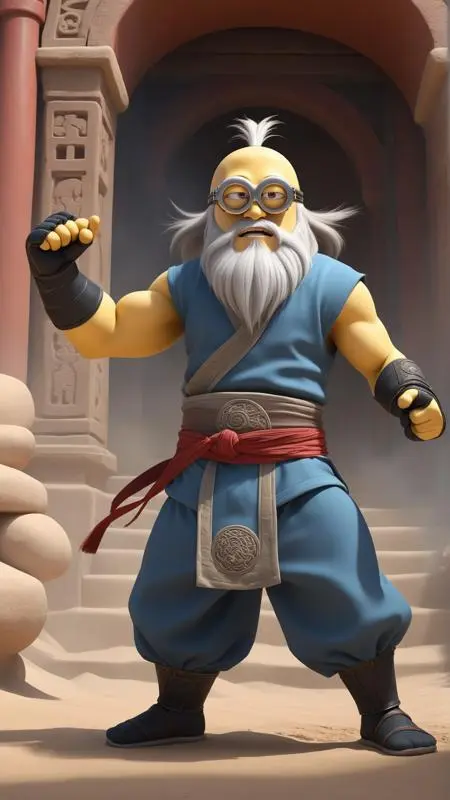 Image info
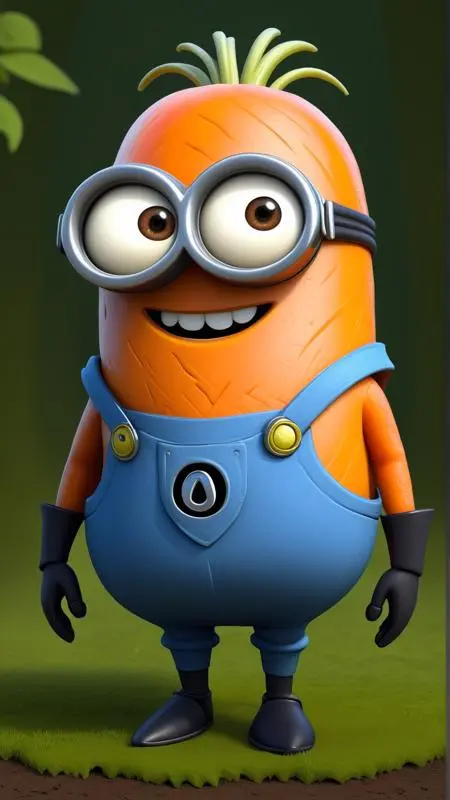 Image info
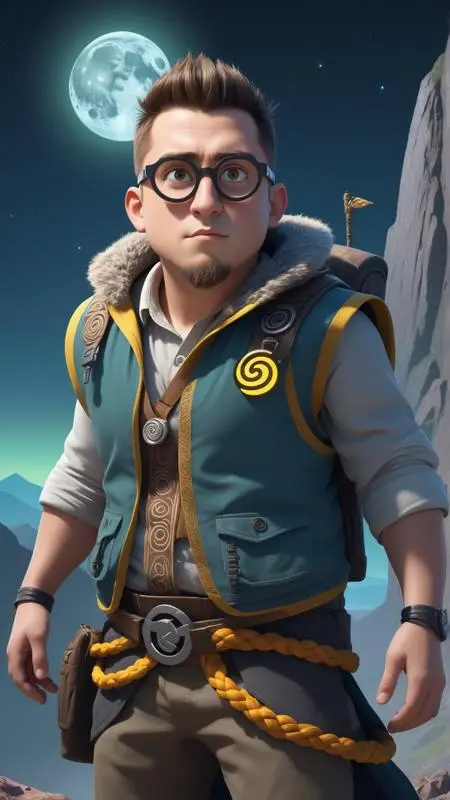 Image info
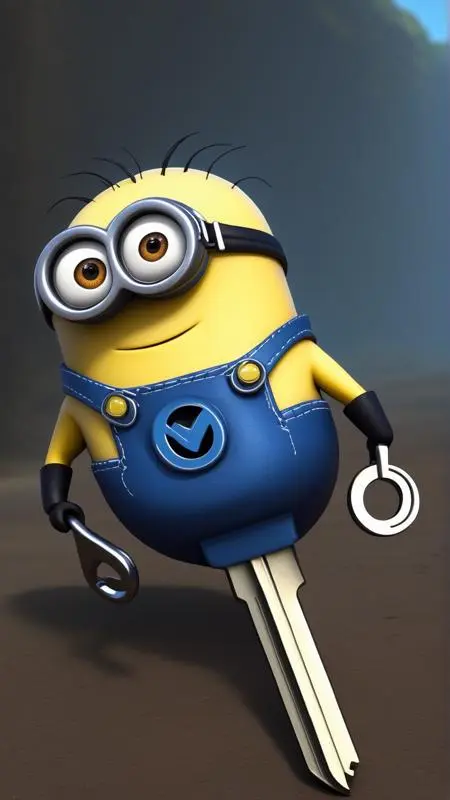 Image info
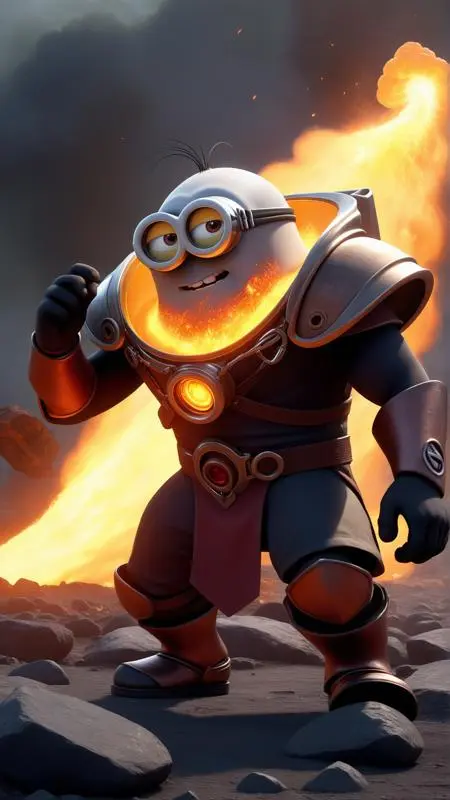 Image info
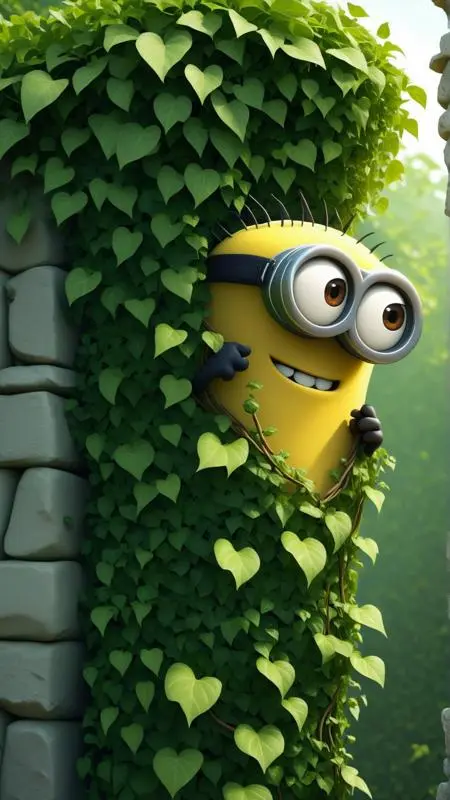 Image info
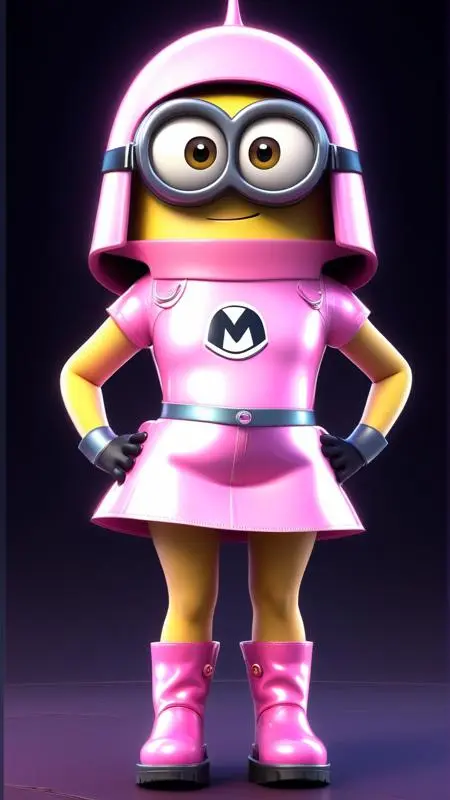 Image info
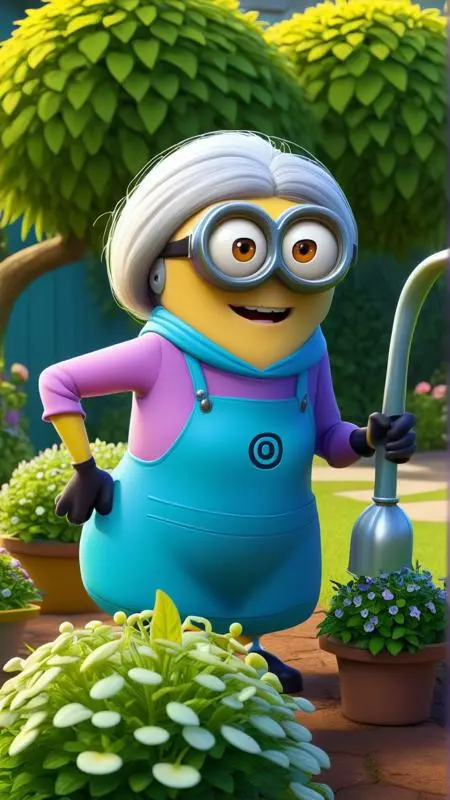 Image info
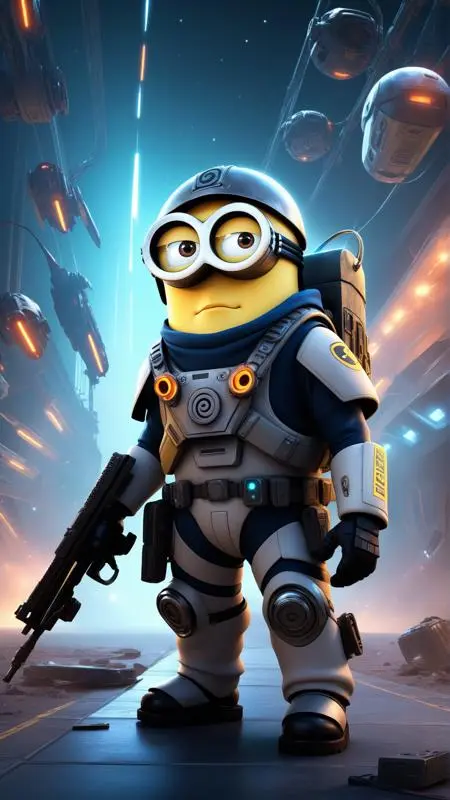 Image info
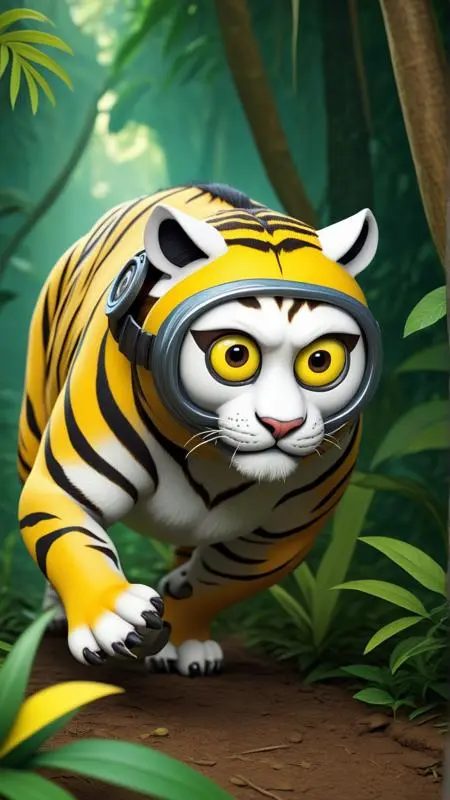 Image info
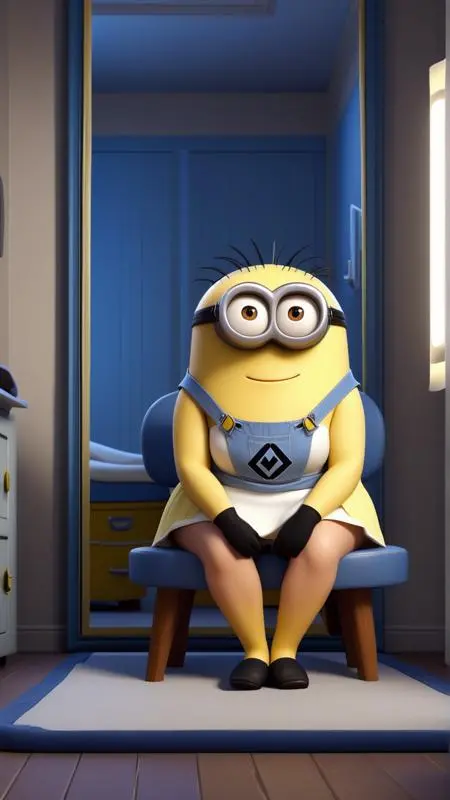 Image info
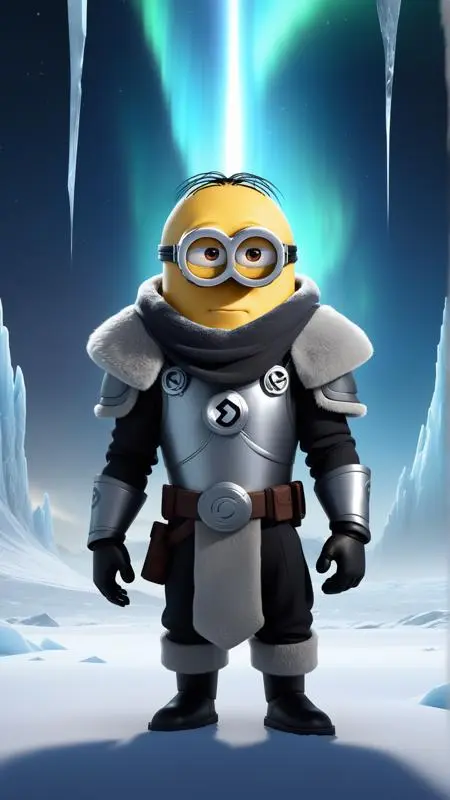 Image info
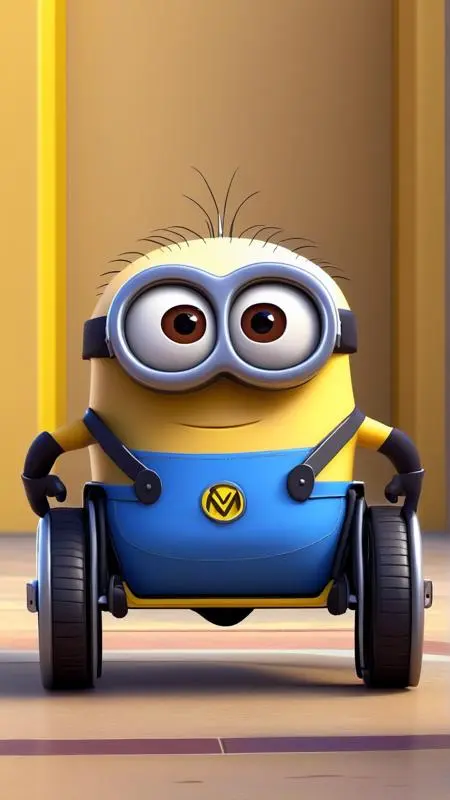 Image info
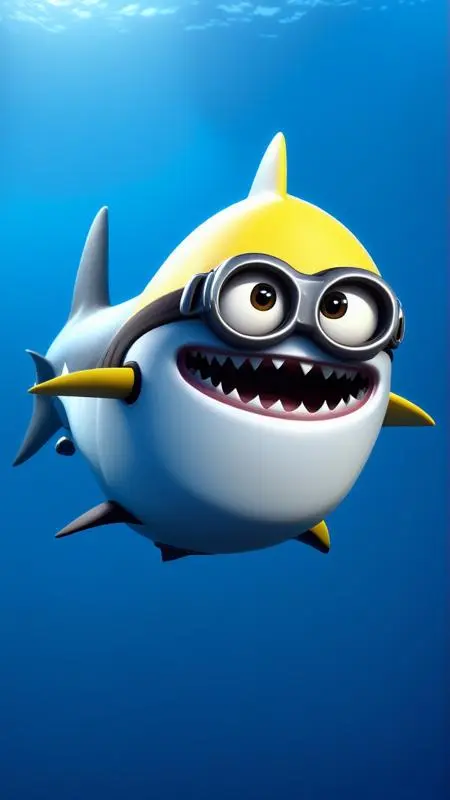 Image info
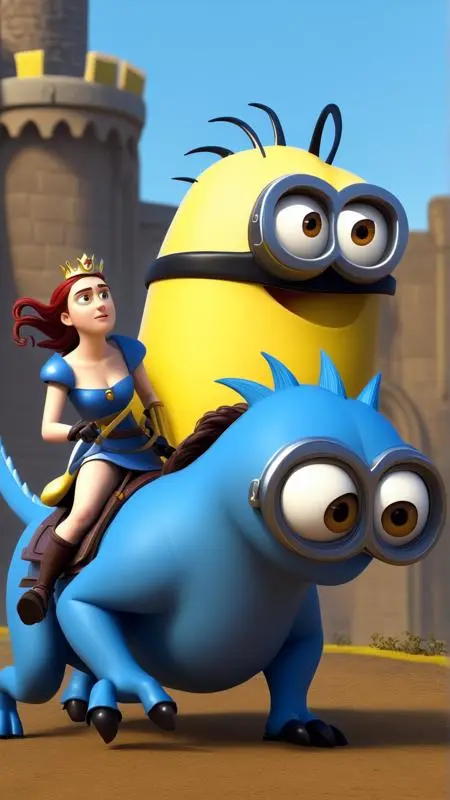 Image info
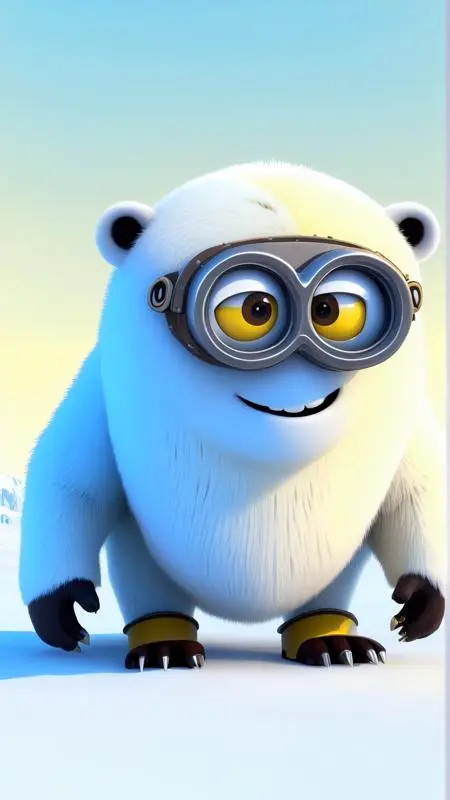 Image info
BANANA!
What are these things and why are they following me around, calling me master?
Strange... anyway... If you're in need of minions for your nefarious deeds, fear not, this LoRA has your back! You're gonna get so many eyes you'll have nowhere to hide from them...
Usage
Use the trigger word: "MinionStyle" along with the LoRA to activate it.
Example prompt: MinionStyle pink pony <lora:MinionStyleXL:1>
I've found that most settings work well with this model. No special samplers or CFG-scale.
This LoRA supports RGB color changes. Simply prompt any color after the activation keyword, and before your subject, as seen from the examples.
Note:
I may be using the following extensions in the reference images: FreeU or ADetailer / Face Editor. I may also be using a specific Hires Checkpoint (swaps to another model when doing the hires steps). If your results don't match mine exactly, this may explain why.
Tips and tricks
You can try the following in your negative prompt to try and reduce the amount of minion-ness, if you want more of the morphing:
minion, humanoidIf you want more minionizing, you can try the following into your positive prompt:
minion, big round eyesHere's a list of keywords you can use to enhance the different effects of the model.
colorfulTraining Data attached.
Like it?