
HIRO Line Art to Leather Texture Icons
 v1.0
v1.0
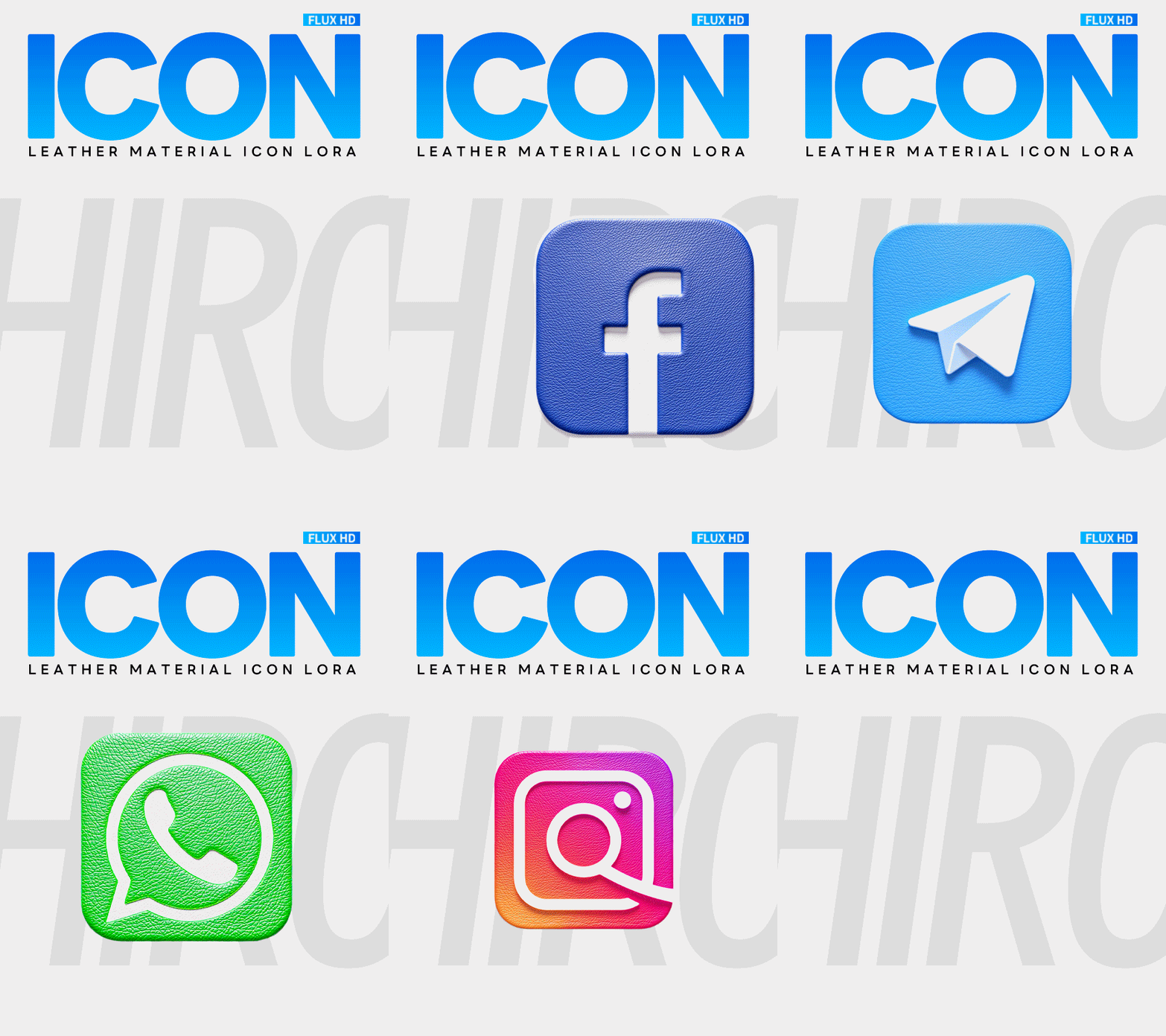
 Image info
 Image info
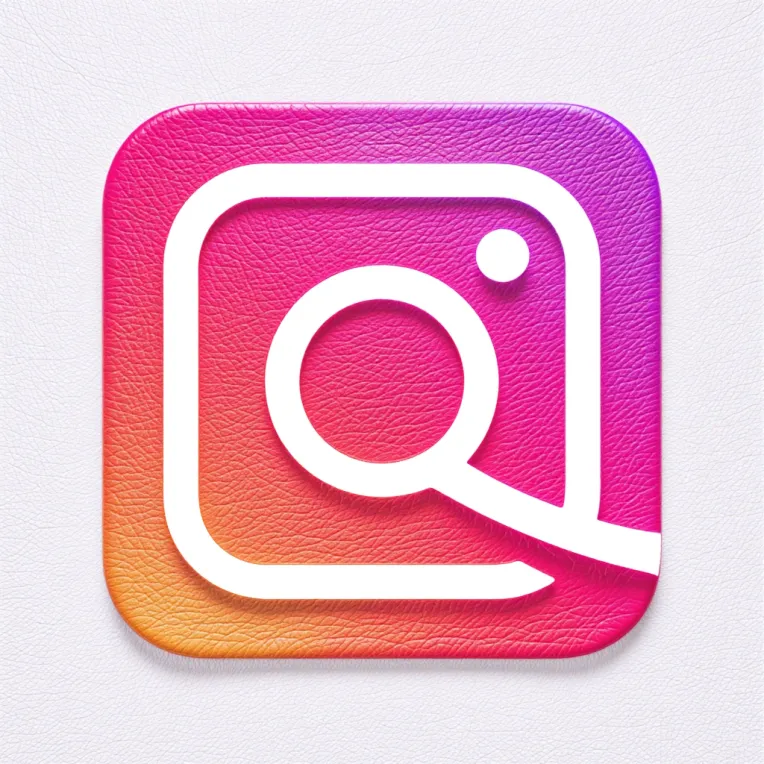 Image info
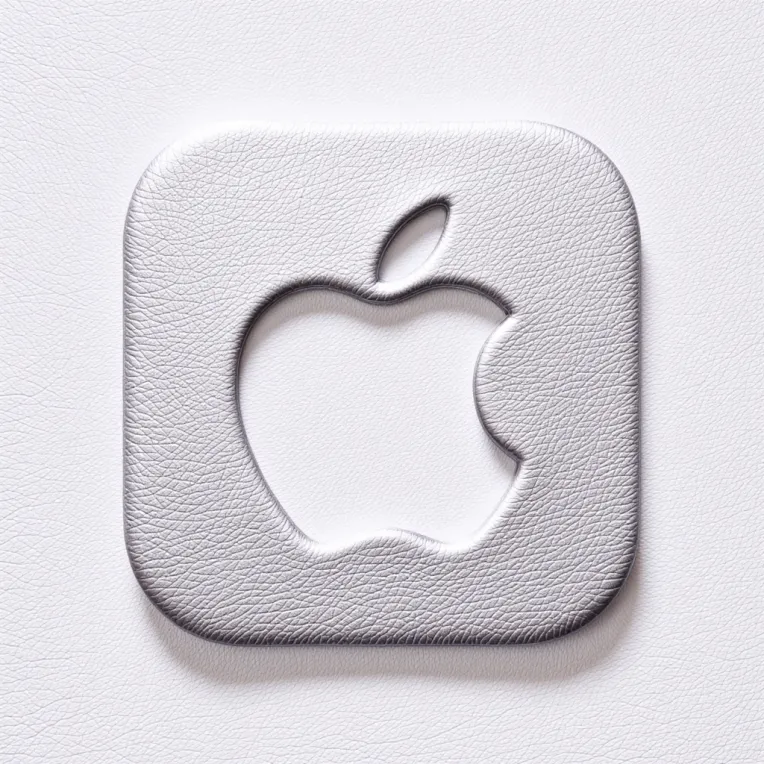 Image info
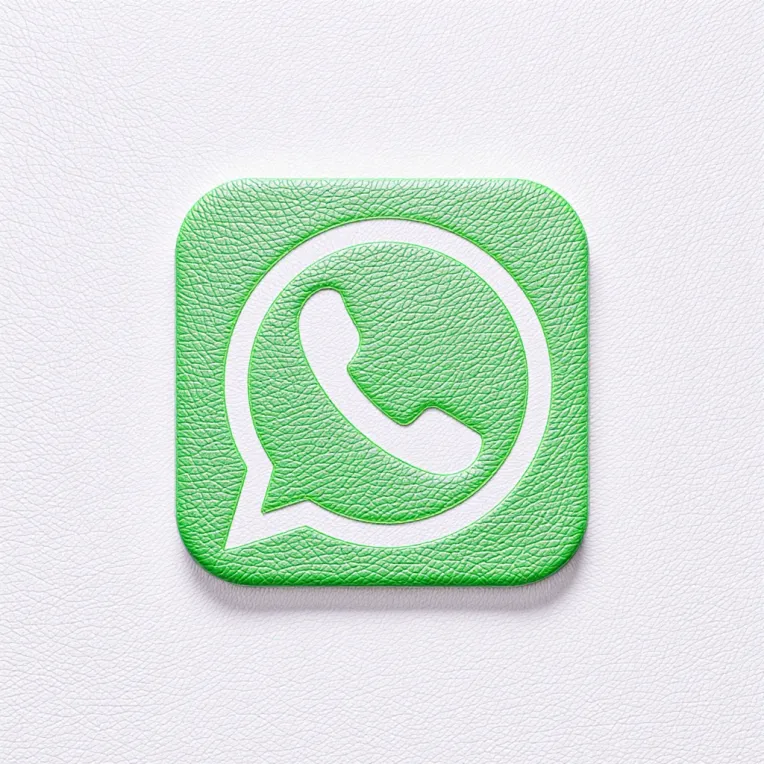 Image info
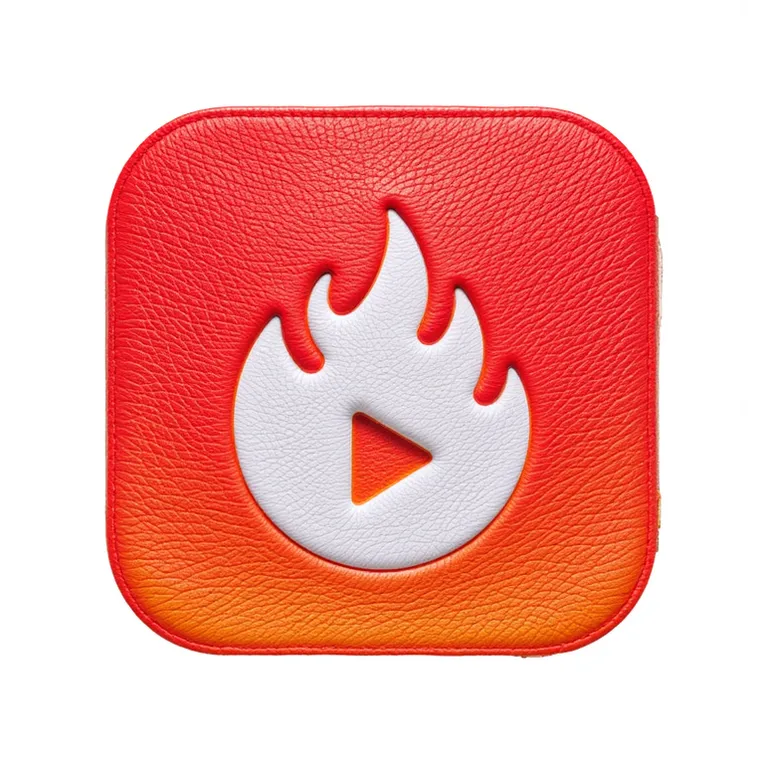 Image info
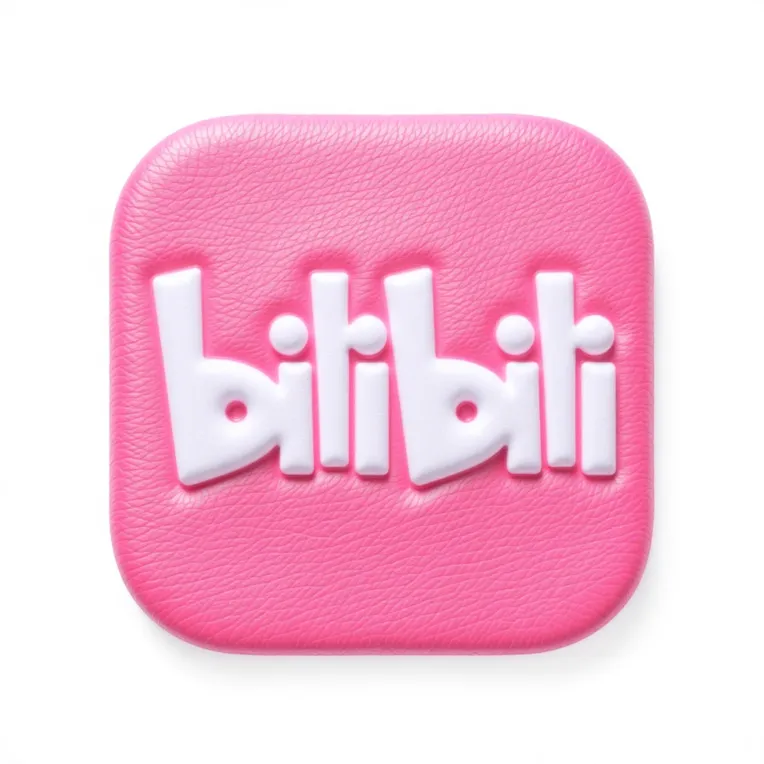 Image info
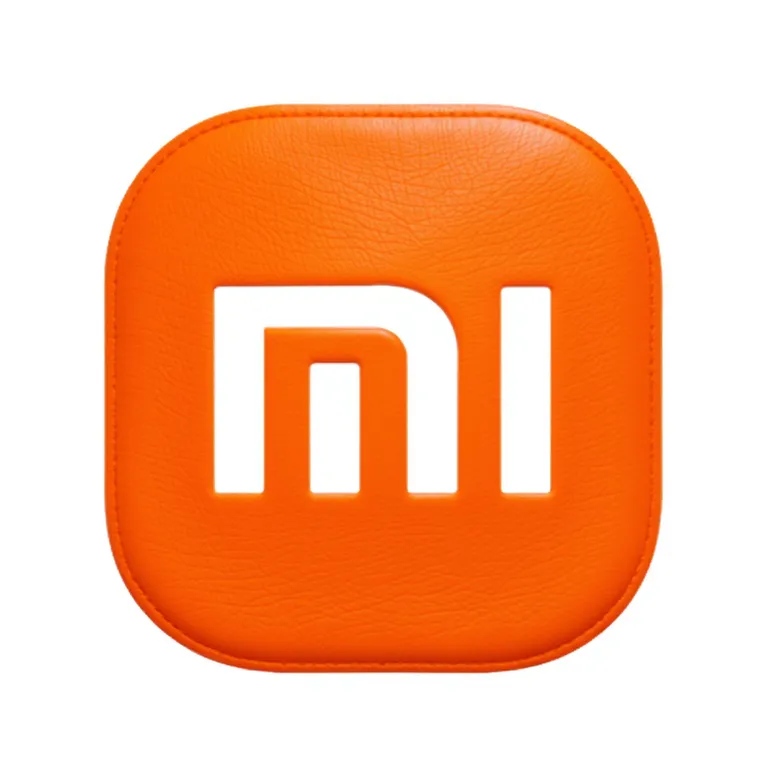 Image info
 Image info
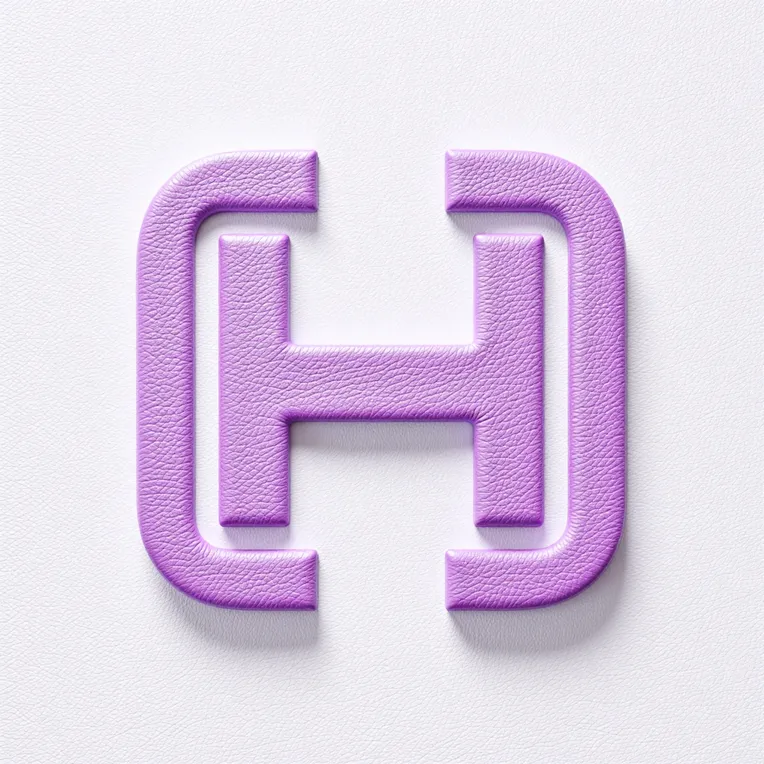 Image info
 Image info
 Image info
 Image info
 Image info
 Image info
 Image info
 Image info
 Image info
 Image info
 Image info
🌟 HIRO Line Art to Leather Texture Icons Flux LoRA Model Introduction 🌟
🔥 Model Overview:
This AI-powered tool specializes in leather texture and 3D icon generation, transforming flat line art into realistic leather-textured 3D icons with one click! Perfectly renders vintage embossing, stitching details, and matte/gloss finishes 👞✨. Ideal for brand logo design, product packaging, game UI, and more—elevate your creativity with premium leather aesthetics!
Turn AI into your "digital leathercraft tool"—from line art to high-end leather icons, just one click away! 🖼️→👜
🛠️ Key SD-Specific Settings
Sampler: Euler
Sampling Steps: 40 (lower steps may cause blurring)
CLIP Skip: 2
CFG Scale: 3.5
⚙️ Usage Notes
Local Deployment: Requires ComfyUI or Forge (16GB+ VRAM recommended).
ControlNet Tips: Use Canny (weight 0.6-0.8) to lock line art structure.
📢 Community & Support
Join our QQ groups for discussions and troubleshooting:
Groups 1-10: 673219799, 705326400, 878065899, 977100631, 639019784, 699374359, 691764464, 967073416, 2162015322, 995320030
Verification Answer: IP branding design
⚠️ Disclaimer
Intended Use: For non-commercial learning and experimentation only.
Compliance: Users are solely responsible for ensuring generated content adheres to intellectual property laws and relevant regulations.
Redistribution Prohibited: Do not integrate this model into third-party software/services or disclose its association with generated content without written permission. Violators may face legal action.