
341-DA-REAL-G25-DangerAngel
 G25
G25
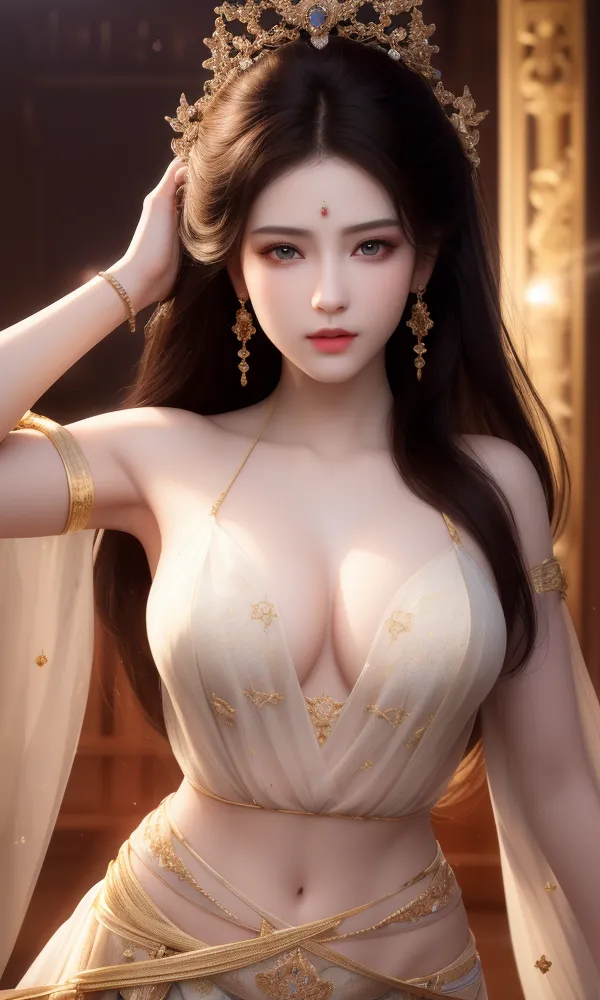
 Image info
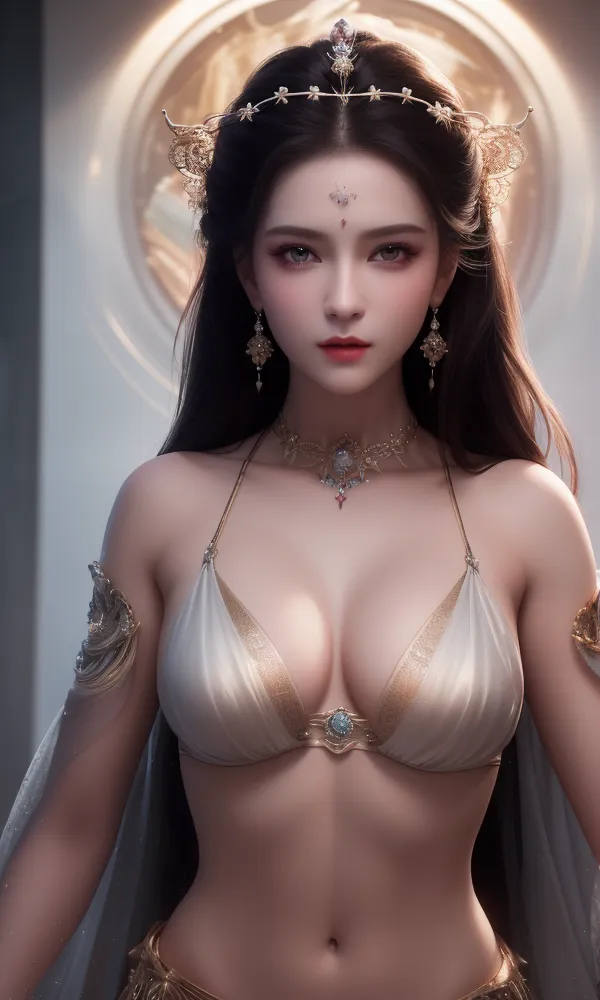 Image info
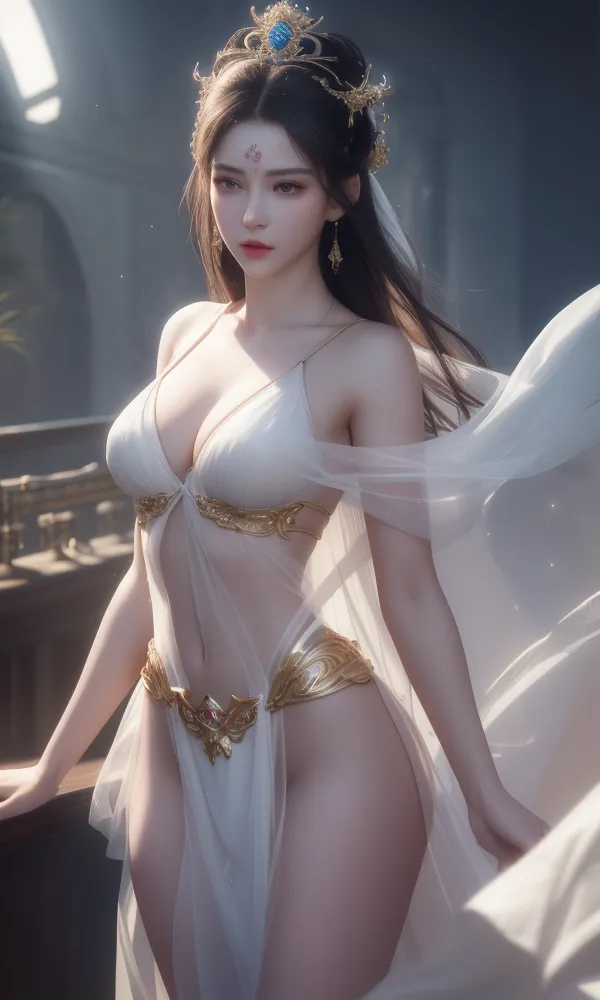 Image info
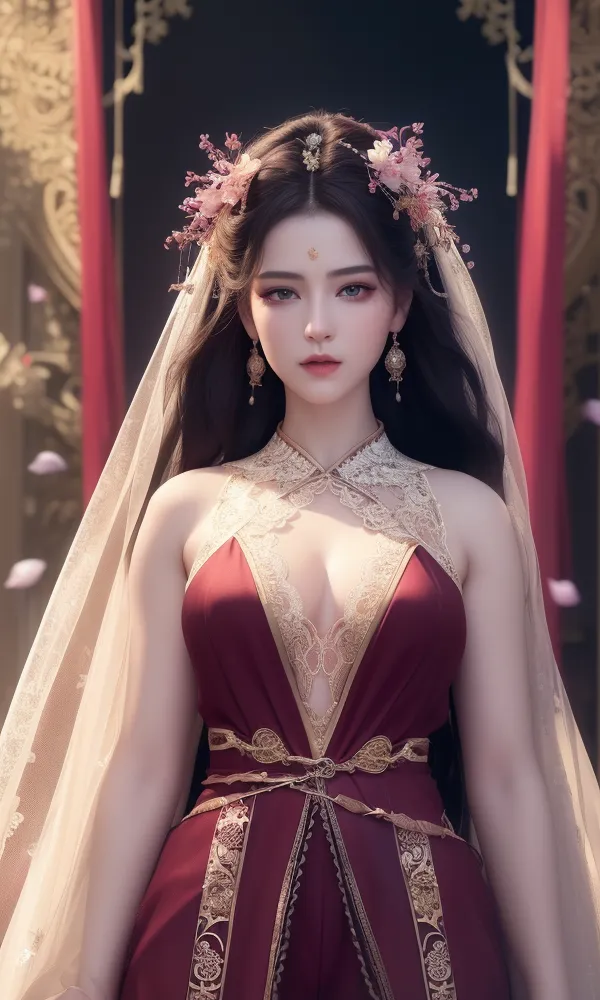 Image info
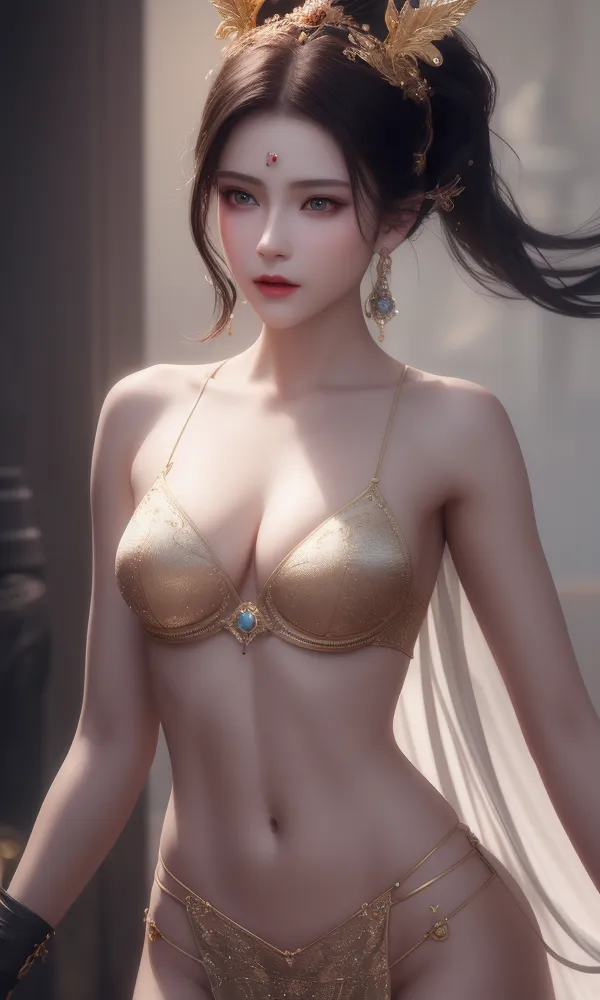 Image info
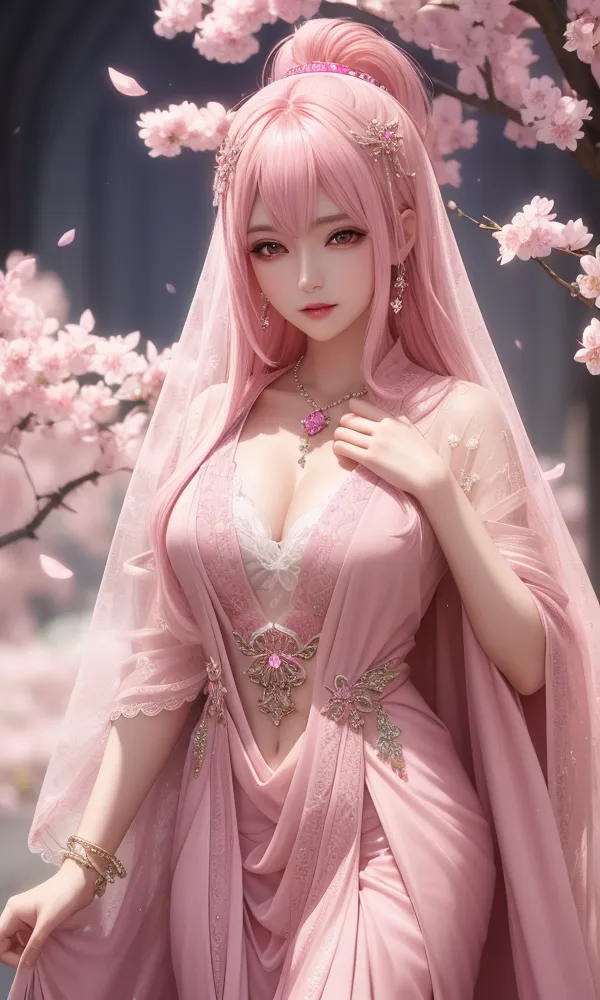 Image info
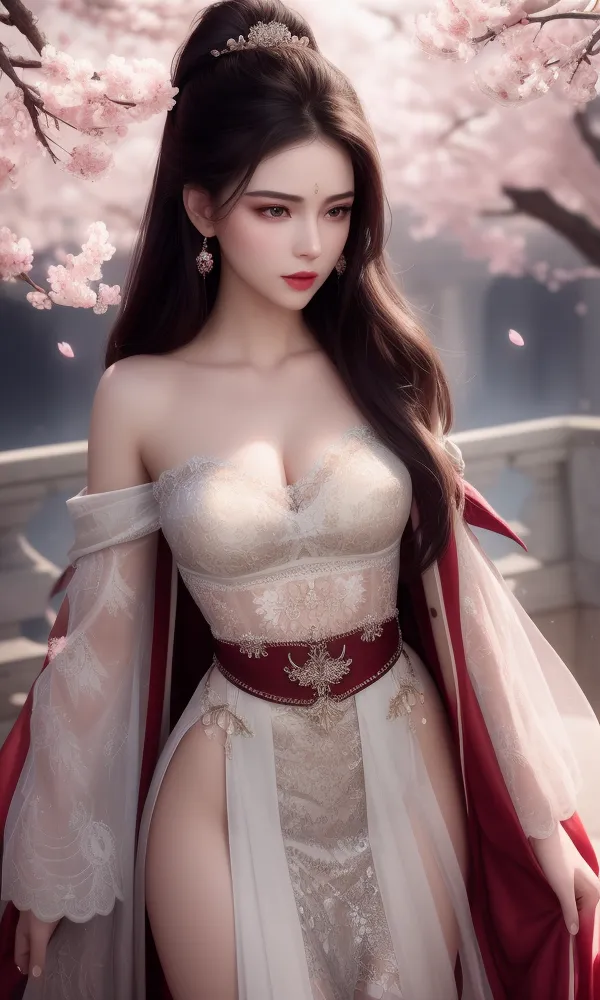 Image info
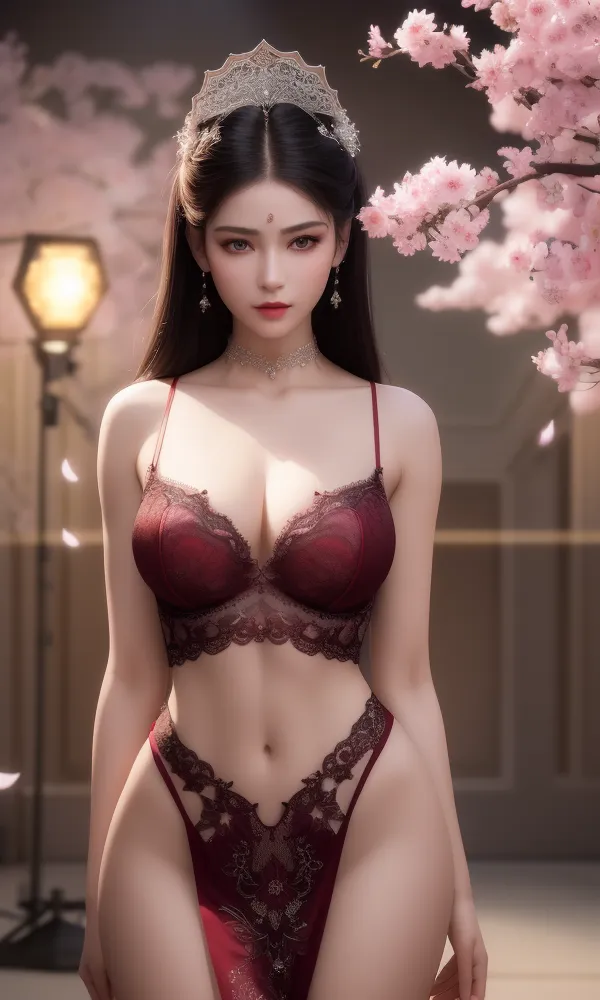 Image info
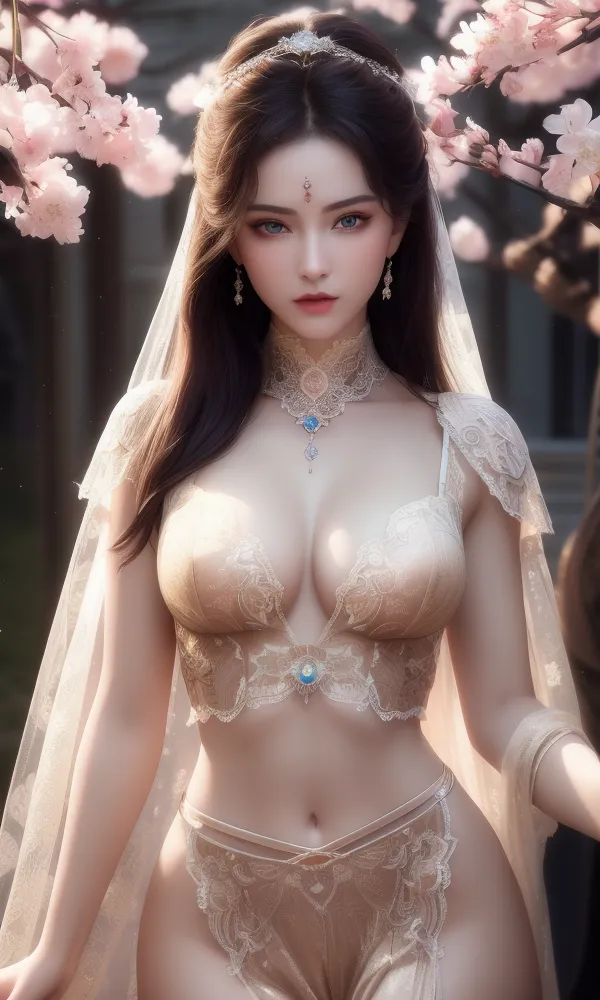 Image info
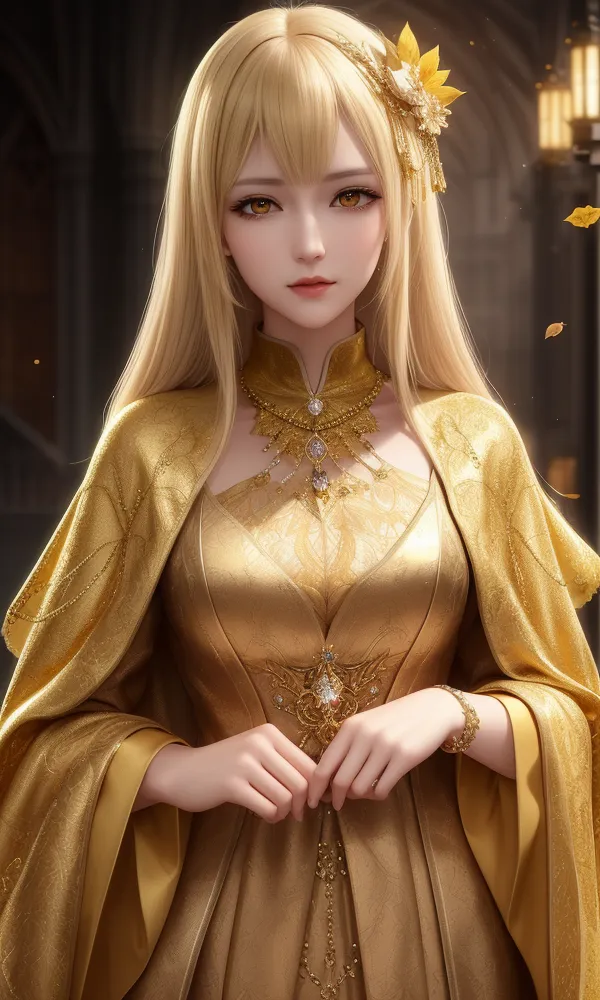 Image info
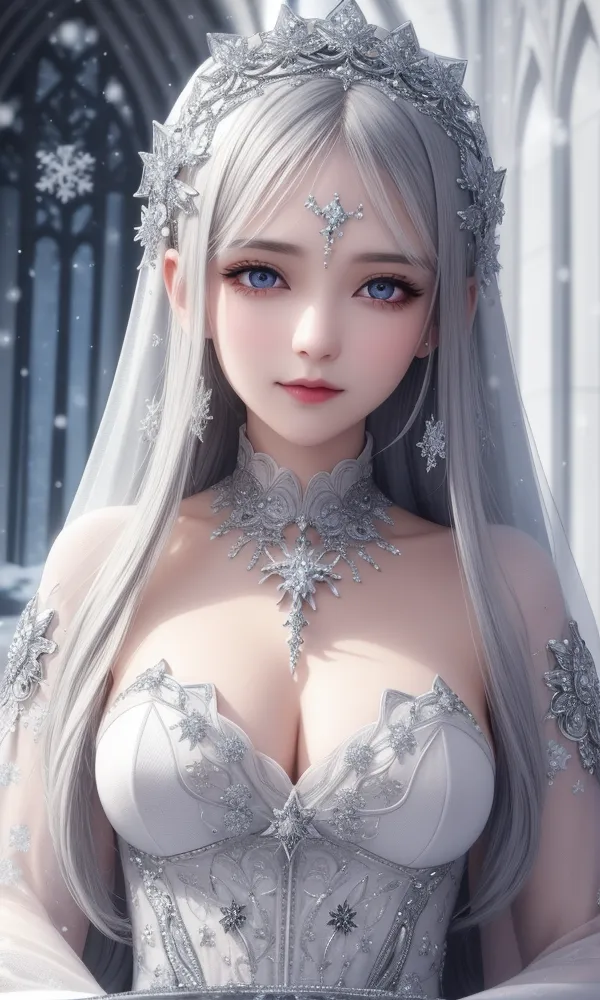 Image info
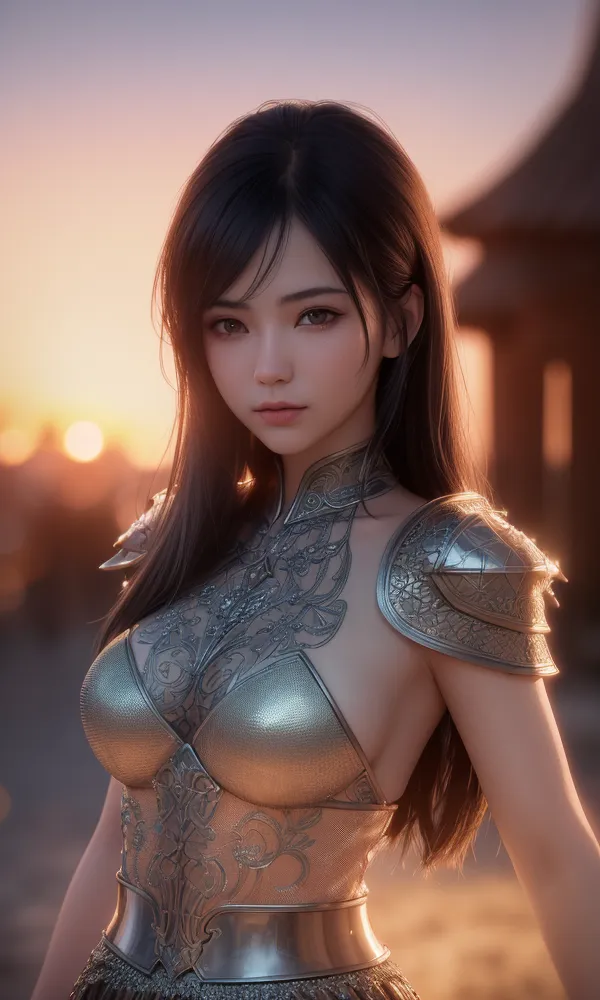 Image info
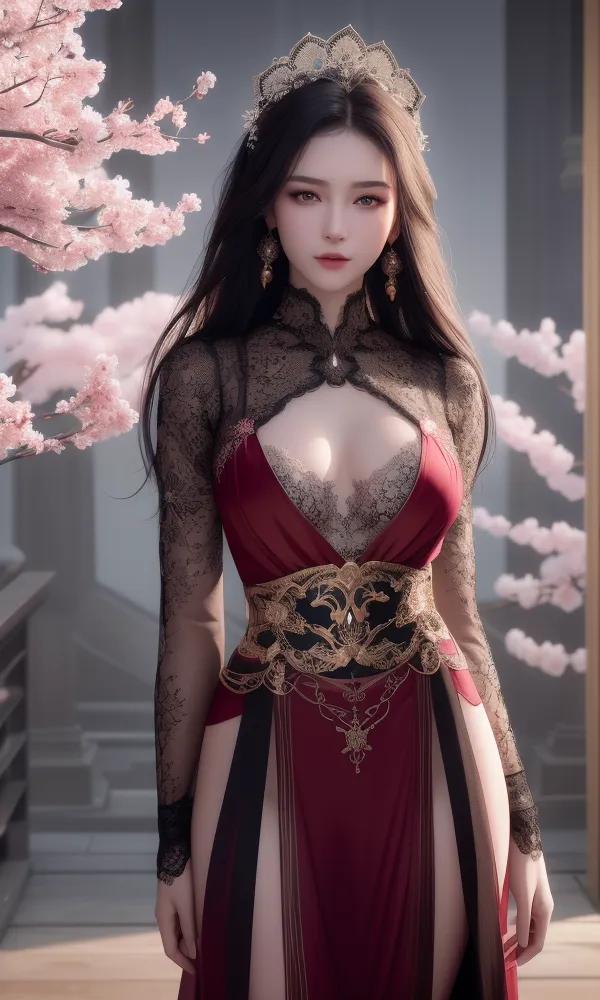 Image info
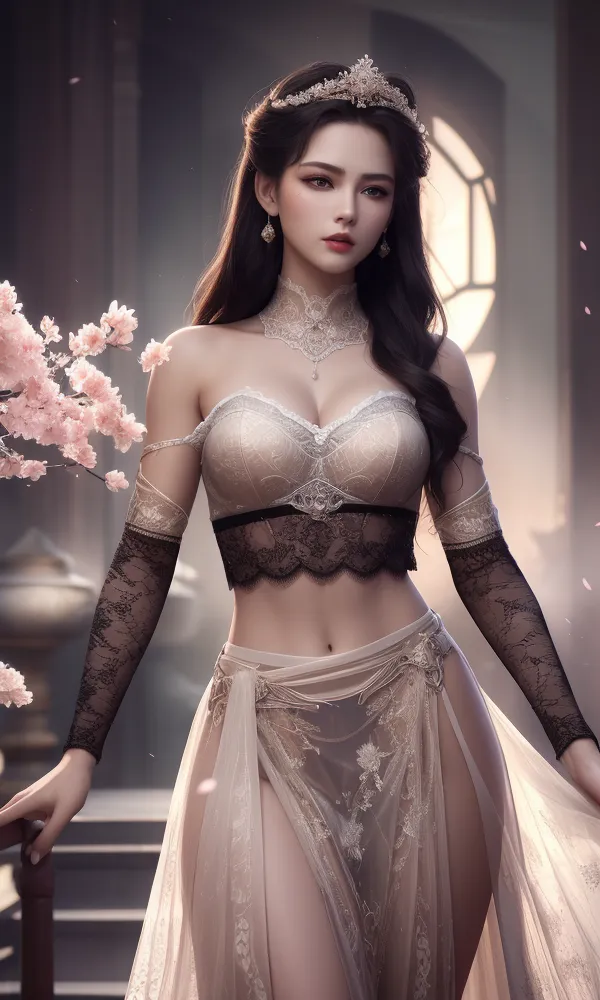 Image info
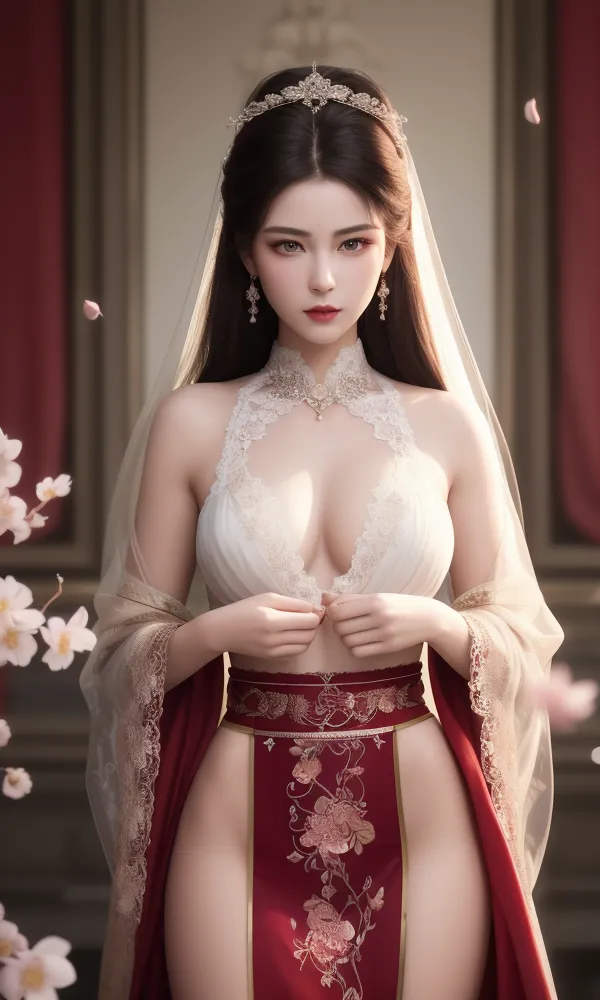 Image info
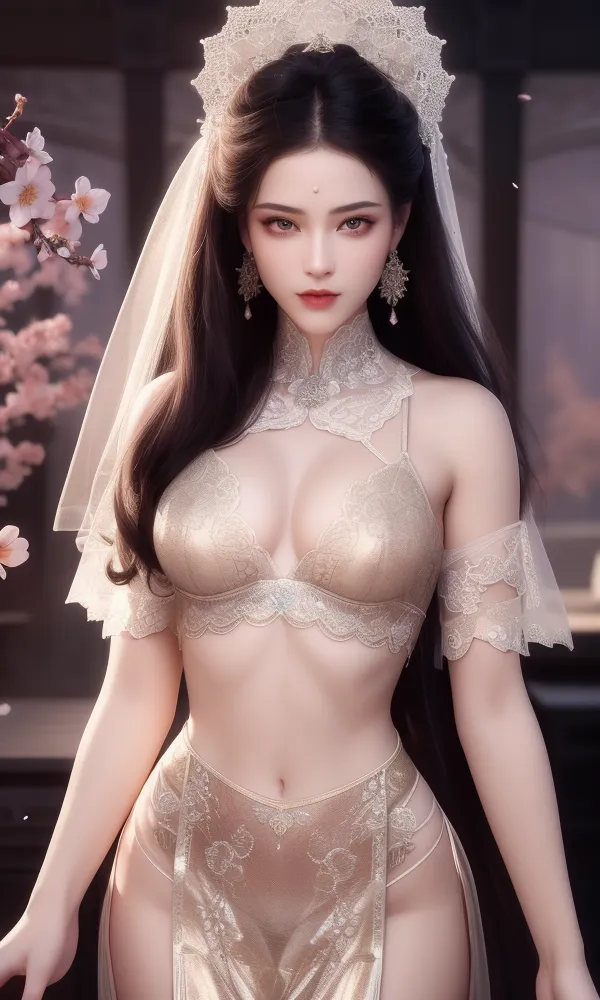 Image info
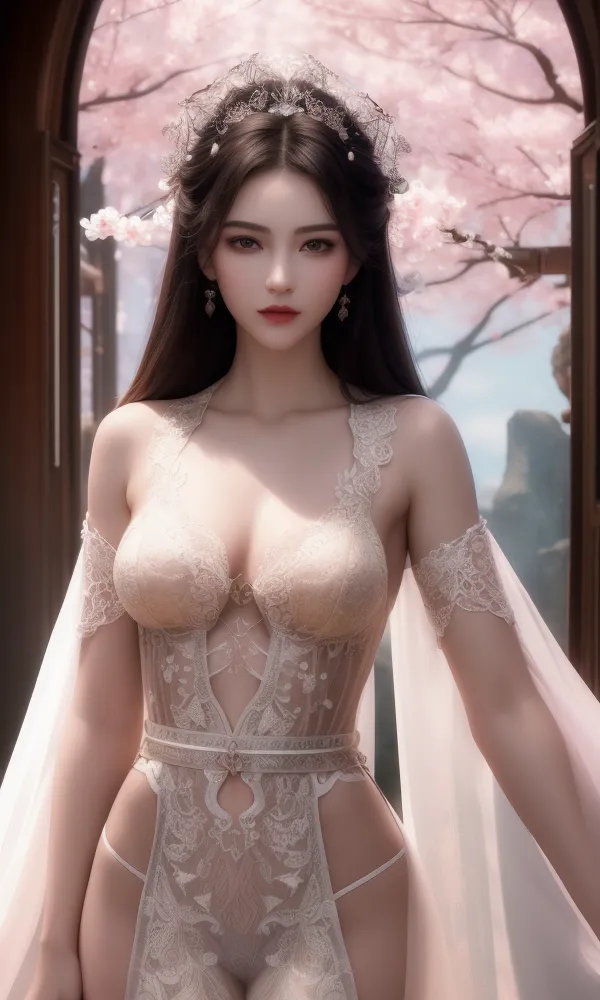 Image info
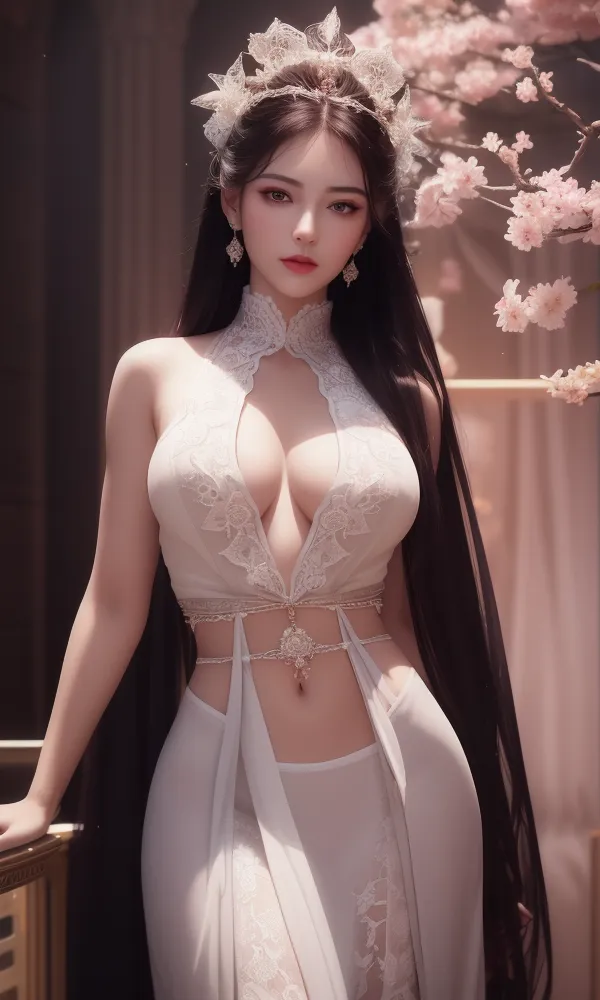 Image info
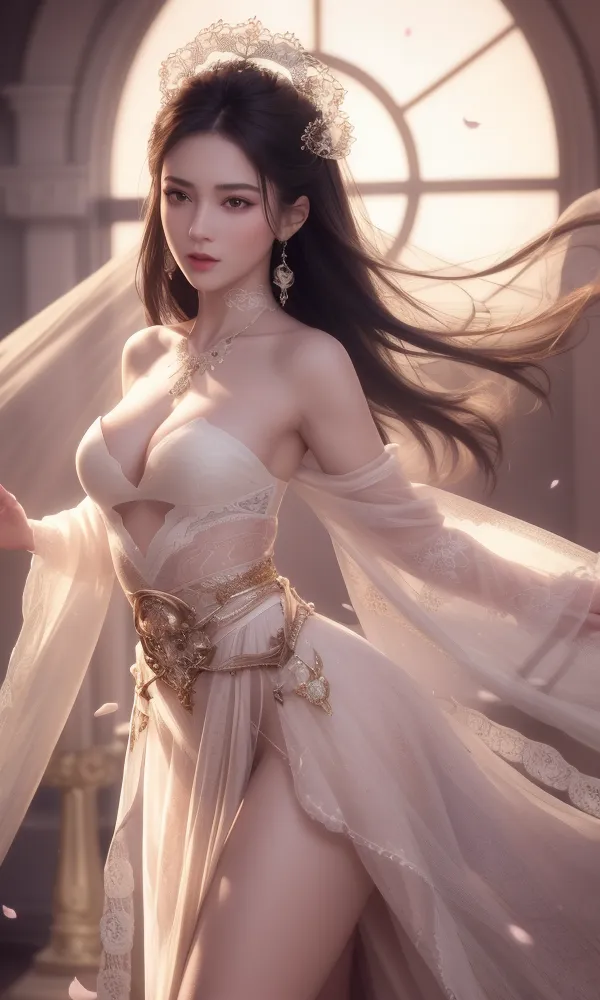 Image info
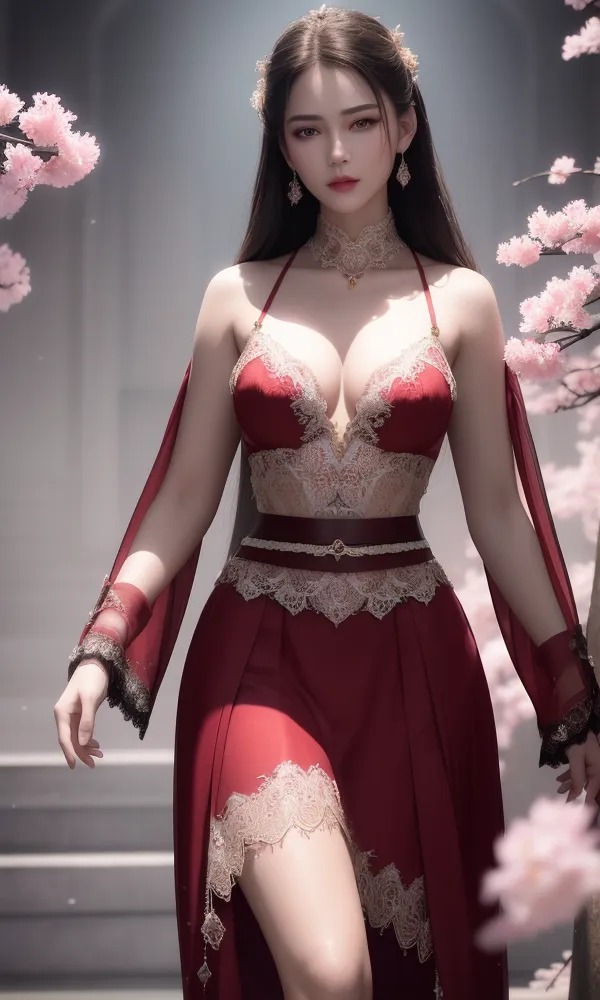 Image info
Introduction: G25 - Adjusting the shapes of beautiful women's breasts and the reflection and gloss of their skin, making it easier to create NSFW images.
The goal is to produce larger high-definition images (1280 X 1280) directly, with the direction of making it 100% compatible with 2.5D real human LORA. It should not replace LORA's original facial features. It should also be compatible with spatial architectural LORA. All my LORA images are crafted and produced using the DangerAngelSavour series CheckPoint.
Spell prompts for use -> https://www.liblib.ai/modelinfo/bef171ec926d4848986aefbcecb1b326
Portrait generation suggestions:
1. It is recommended not to exceed 1280 X 1280 in size for maximum image output.
2. For full-body portraits, recommended size: 768 X1280. The width of the image can be adjusted but should not exceed 80% of the height. Maintain the height unchanged.
3. For upper-body portraits, recommended size: 832 X 1080. The width of the image can be adjusted but should not exceed 80% of the height. Maintain the height unchanged.
4. Typically, for portraits, using the maximum height of 1280 will automatically adjust the portrait to show from the upper body to the knees.
5. Include accessories such as jewelry, diamonds, gold, pearls, gemstones, etc. Beauties should wear accessories from head to toe.
Light and shadow generation suggestions:
1. It is recommended to use white-haired beauties wearing white clothes, as white produces a strong reflective effect.
2. Lighting effects can include sunlight, moonlight, and artificial lights (most can be omitted as AI will adjust automatically).
3. Create a high gloss effect when portraying beauties in scenarios such as rain, sweat, or a completely wet state.
Space generation suggestions:
1. When depicting beauties, backgrounds with various types of blooming flowers (blossoms) like cherry blossoms, plum blossoms, strawberry flowers, etc., complement the beauties.
2. Include both Eastern and Western architectural styles.
3. Can be used with Vintage architectural LORA, Modern architectural LORA, and Conceptual architectural LORA
If you find this useful, remember to give me feedback and show me some images!! Also, don't forget to like and follow.