
Diamond Material Dream Filter Flash Character Effect Highlight Background|revAnimated
 v1.0
v1.0
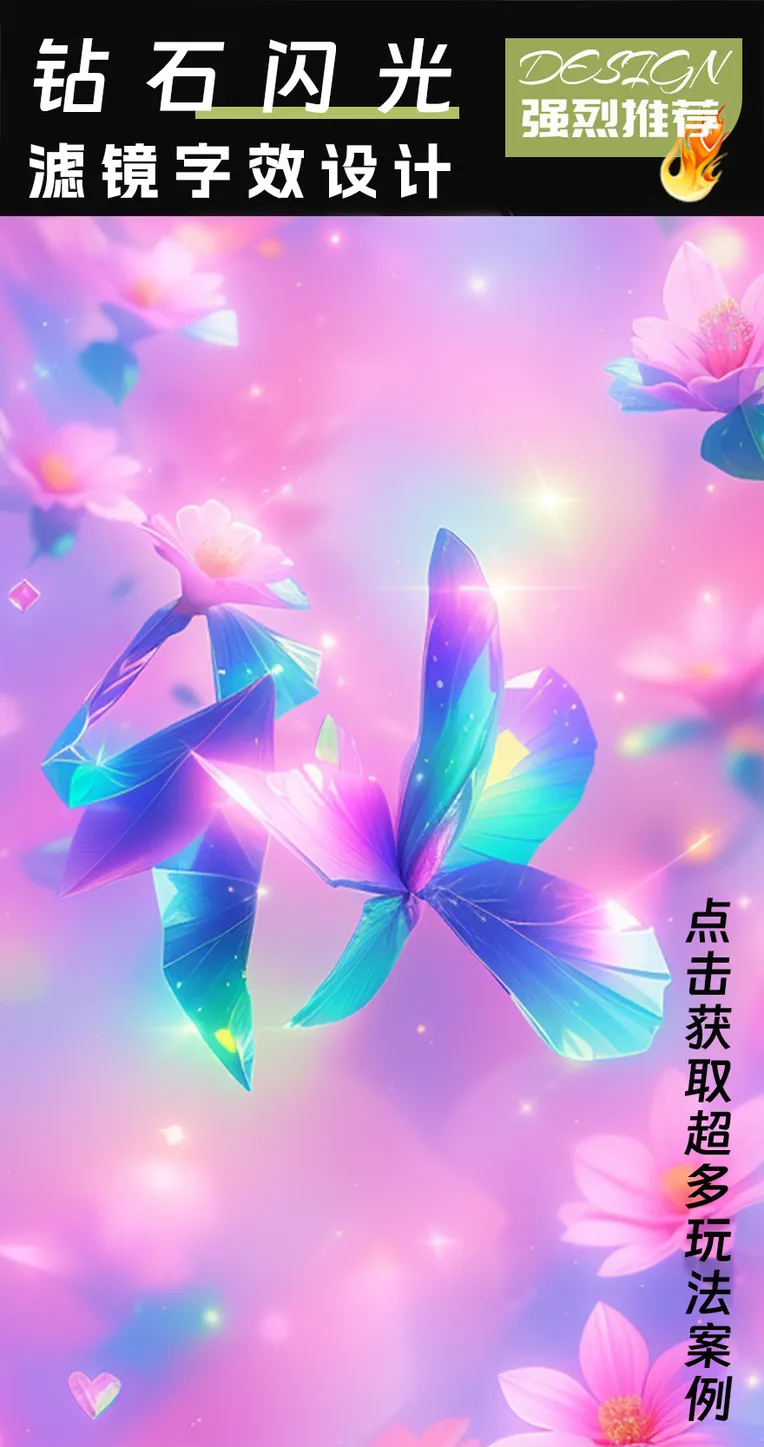
 Image info
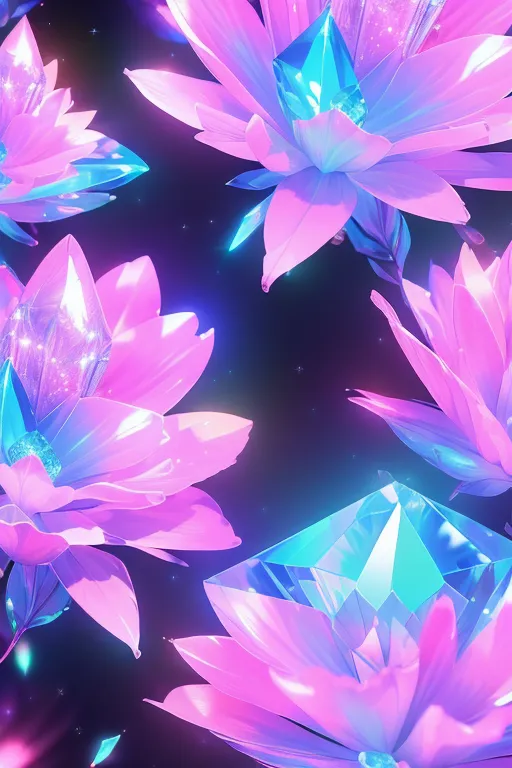 Image info
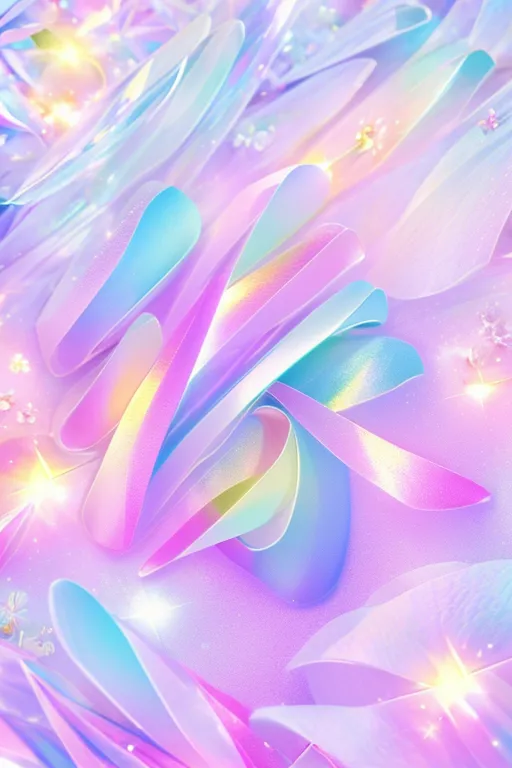 Image info
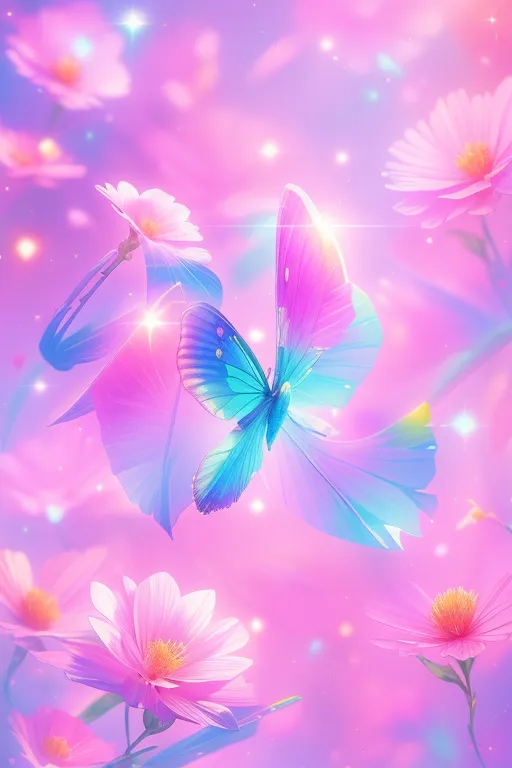 Image info
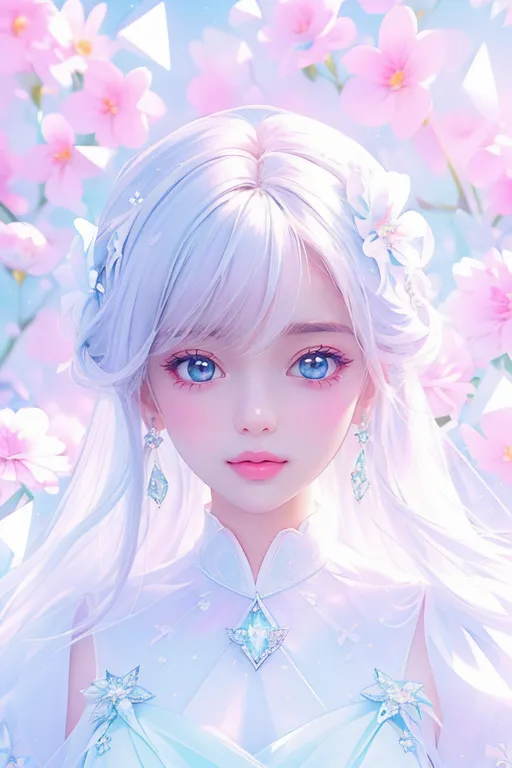 Image info
 Image info
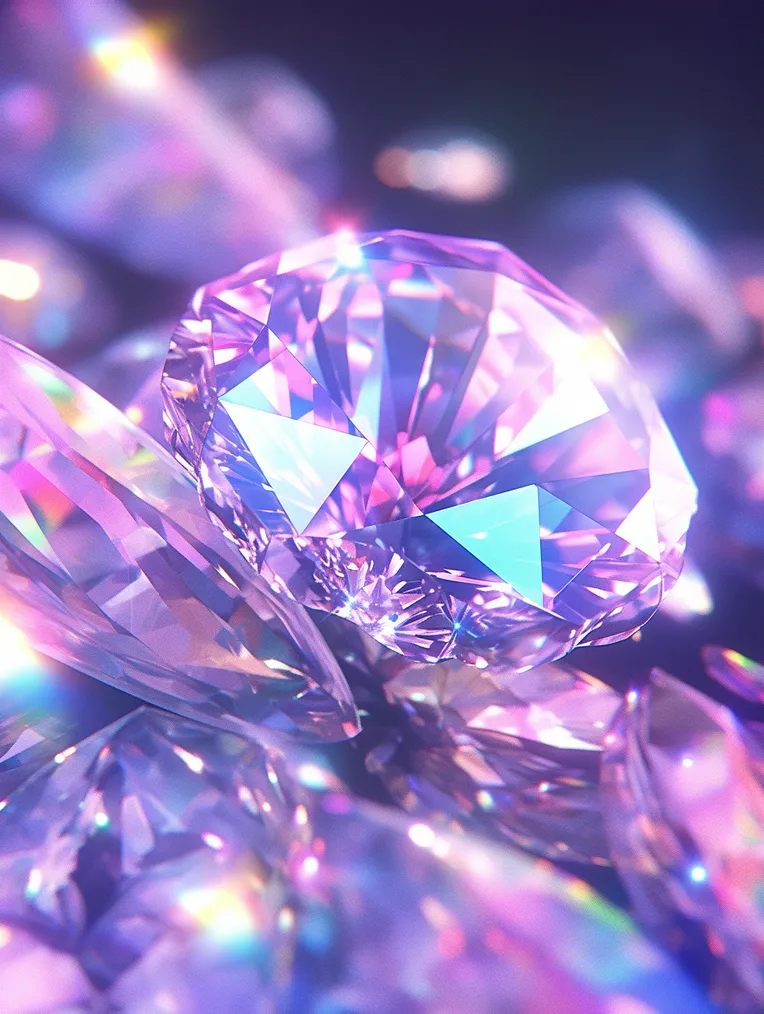 Image info
Any illegal act
using this model is prohibited, reprinting at will is prohibited, and only shared as an achievement. Violators are responsible for the consequences! (Fans can receive drawing guides, authorizations, and business cooperation on behalf of Lora plus me VX: 158712235
).
Description: This model is a diamond material, LORA. It can draw diamond elements, add gorgeous colors to the picture, brighten the picture, and instantly make it fantastic. There are red, orange, yellow, green, blue, and purple, gradient colors, neon colors, etc. Suitable for RevAnimated, there are also realistic models, such as my realistic style models, such as high-definition transparent and exquisite stereoscopic photographs, Oriental beauty 2.5D. It also applies to large two-dimensional models. If you like it, please like, repost, and recommend more. It does not pollute the face, can be used simultaneously with other high-quality face Lora, and can produce many different effects, bringing unexpected surprises.
[Please use your imagination and post more beautiful pictures] Use the RevAnimated model to create the full picture of the diamond. Click on the key point: clip, select 1 [Default is 2, needs to be adjusted]. Under the RevAnimated model, the weight is about 0.8, and the weight is between 0.5-0.7 under other models. Probably adjusted according to the actual situation
.
Examples of positive words: (masterpiece, top quality, official art, beautiful and aesthetic: 1.2), z, diamond, gradient theme, full of diamonds background
Common terms for changing colors: cyan theme, white theme, orange theme, blue theme, neon theme, and so on
When designing an analogy character effect, clip is selected as an example of a positive prompt. The following examples all take the sampler DPM++2M KARRAS as an example: (masterpiece, top quality, best quality
, Official Art, Beautiful and Aesthetic: 1.2), zs, diamond, pink theme, full of diamonds background, flowers
controlnet upload using black on white
, Lineart to guide. The default parameters are sufficient,
and the selection is biased towards CN.
Font effect design, clip selection 1, light brown effect, example:
(masterpiece, top quality, best quality, official art, beautiful and aesthetic: 1.2), zs, ( diamond), brown theme, (full of diamonds background), flowers, no human
recommended negative vocabulary: (worst quality), (low quality: 1.4), deformed, malformed, deformed face, bad teeth, bad hands, bad fingers, bad eyes, long body, blurry, duplicate, cloned, duplicate body parts, disassembled, extra damaged, fused fingers, extra fingers, twisted, distorted, malformed hands, mutated hands and fingers, conjoined, missing joints, bad anatomy, bad joints, logo, watermark, text, copyright, signature, lowres, mutated,
mutilated, artifacts, gross, ugly, artist_name, signature, artist_logo, watermark, nsfw iteration steps: If you want to pay more attention to details, you can adjust to 30-50 steps. Recommended sampling methods: DPM++ 2M Karras, DPM++ SDE Karras
, Euler a are highly adaptable.
Key points: enable Adetailer face restoration when drawing faces, select: mediapipe_face_full, or face_yolov8n_v2. Do not check facial restoration. If you are drawing with multiple people, it is highly recommended to start adetailer. It is recommended
to generate 4 images at the same time. You can skip clip and select 2 by default.
If you want to enlarge the image, you can check the high-resolution restoration. The recommended magnification algorithm: 4x-ultrasharp, fix the ideal seed value, and redraw amplitude of about 0.3-0.5.
If you want to make small changes, redraw the
personal homepage by 0.3 and there are many other easy-to-use models: Various models on the homepage
[Welcome to use, return to the US] can view other people's generated information in the return area~
Model Use Statement
1. You must not host this model and derivative versions (such as fusion model versions) on websites/apps that plan to earn revenue or donations.
If you need to use this model and its pedestrian version for commercial purposes (such as generative services, selling images, using images for publicly published articles or publications, etc.), please contact me via WeChat (158712235) 2. You may not directly sell images generated by this model. If you violate this section, you are personally responsible for all legal consequences, and I am not responsible for it. You must not use this model to intentionally create or share illegal or harmful output or content; please abide by public order and morals and use this model
for positive and positive purposes.