
Kwon Eunbi
v1

 Image info
 Image info
 Image info
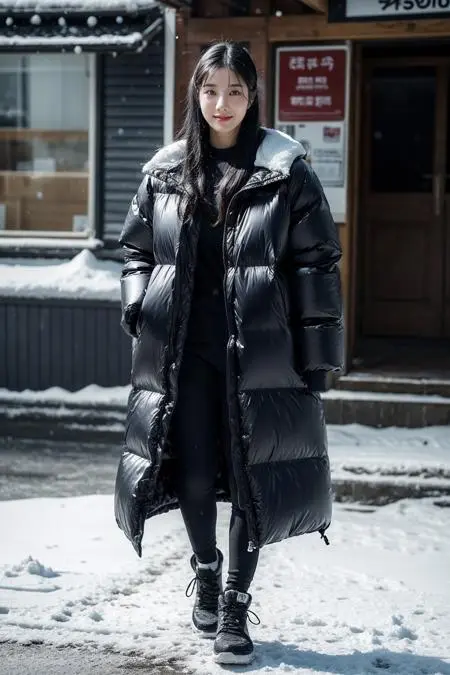 Image info
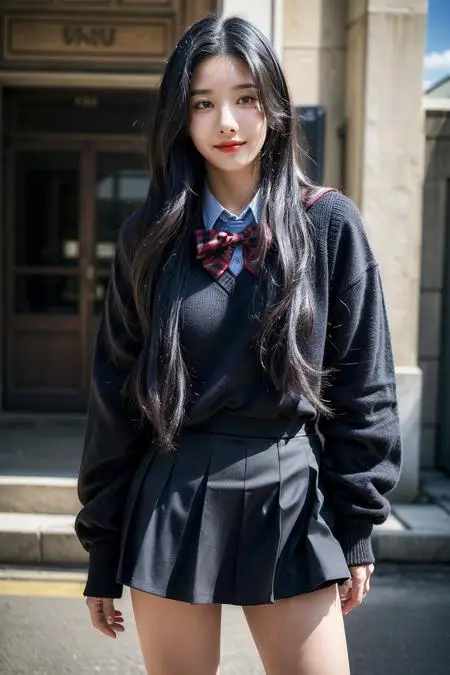 Image info
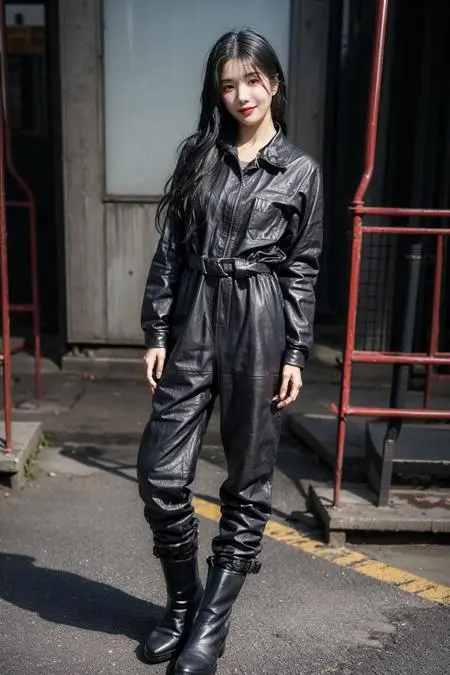 Image info
 Image info
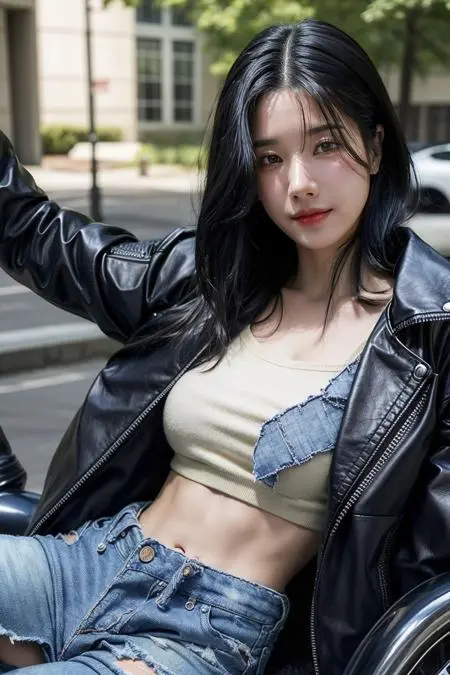 Image info
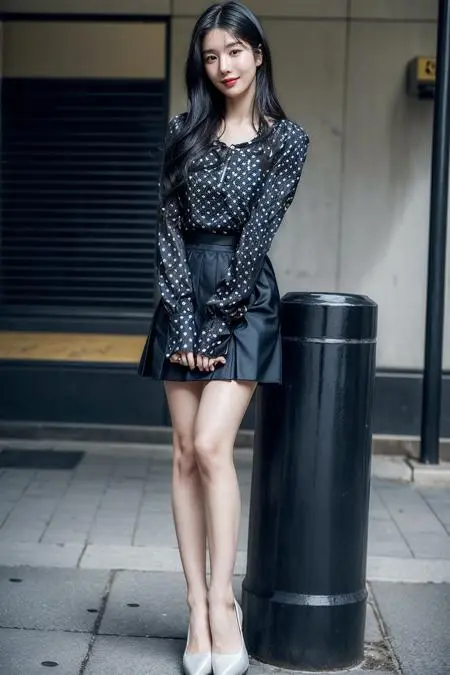 Image info
 Image info
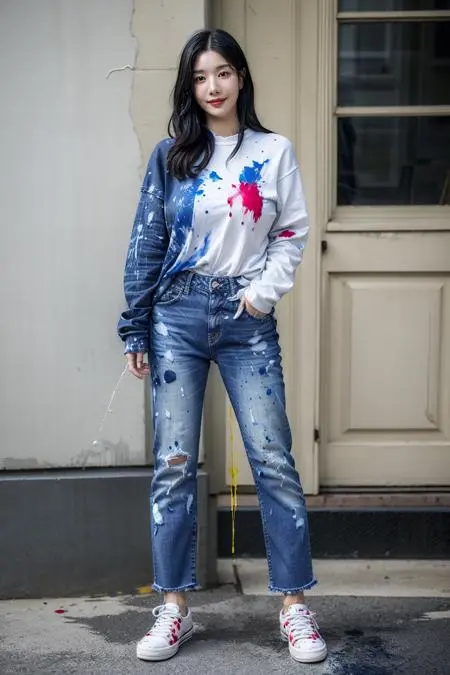 Image info
 Image info
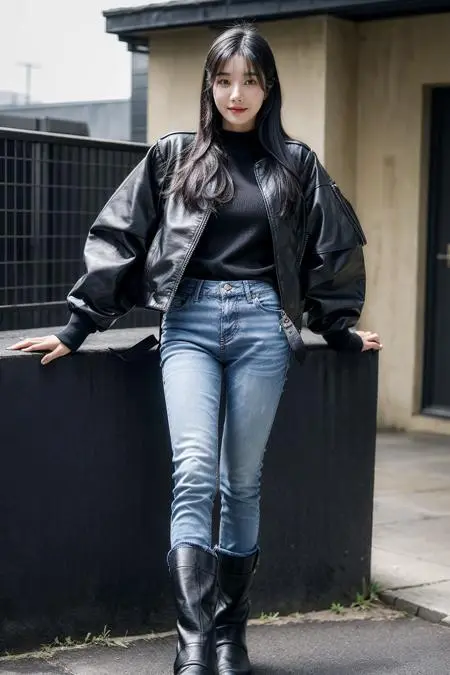 Image info
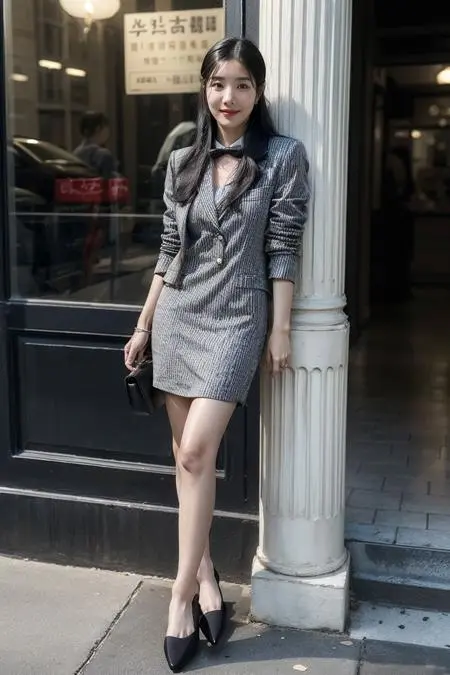 Image info
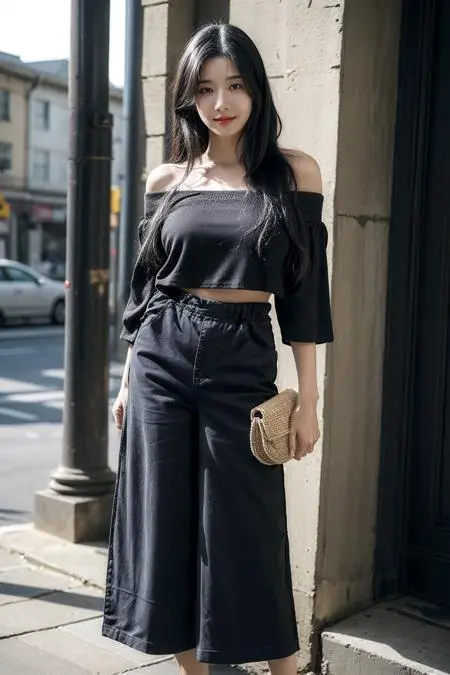 Image info
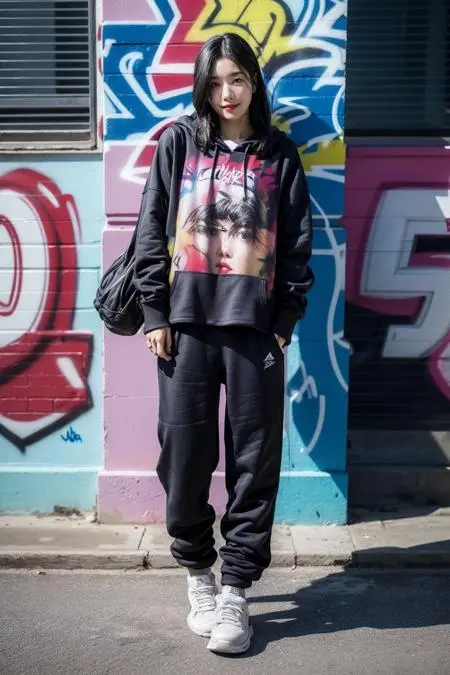 Image info
 Image info
 Image info
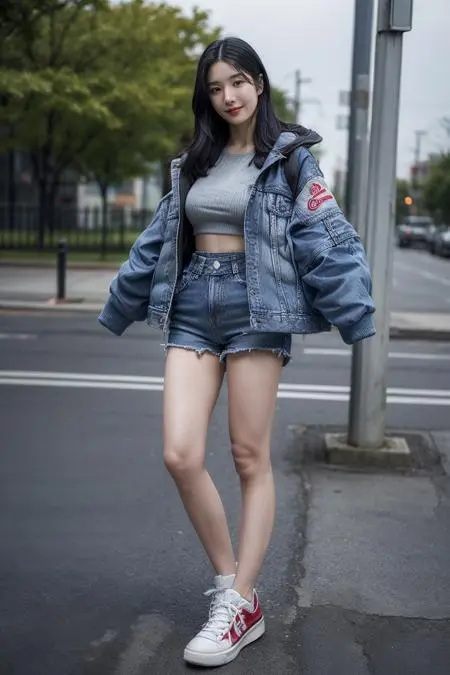 Image info
 Image info
Hello it's OKGC, kpop girls/actress lora maker. I speak Mandarin, English, and a little Korean. Follow the info below to get better result. Feel free to ask for help.
Recommended checkpoints:
supashy mix - https://civitai.com/models/156202/supashymix
final version works best (what I'm using), get it on supashy's gumroad to support him please - https://supashy.gumroad.com/l/supashy_mix_final?layout=profile
Moonfilm Reality 3.0 - https://civitai.com/models/43977?modelVersionId=73071
majicMIX realistic v7 - https://civitai.com/models/43331?modelVersionId=176425
Recommended parameters: (works best in my opinion)
Trigger word: kwoneunbi
Sampling Method: Euler
Steps: 50
Hires. fix Upscaler: 4x_NMKD-Superscale-SP_178000_G - https://huggingface.co/gemasai/4x_NMKD-Superscale-SP_178000_G/tree/main
Put it in folder models/ESRGAN
Hires upscale: 2
Hires steps: 15
Denoising Strength (Hires): 0.25
Clip skip: 2
CFG scale: 7
Size: 512x768
vae: vae-ft-mse-840000-ema-pruned - https://huggingface.co/stabilityai/sd-vae-ft-mse-original/blob/main/vae-ft-mse-840000-ema-pruned.ckpt
Put it in folder models/Vae
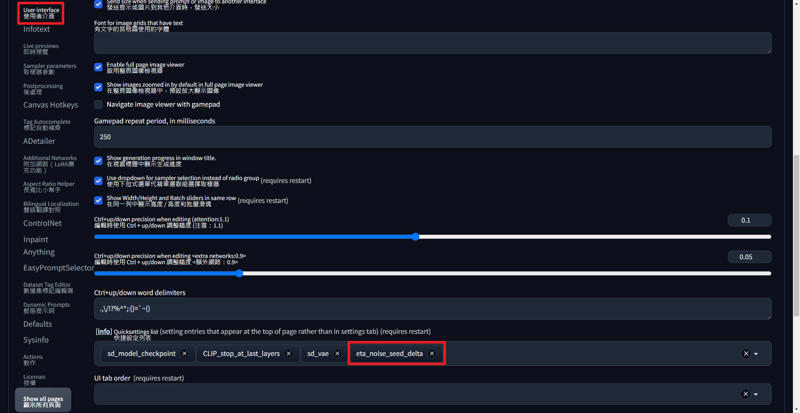
Eta noise seed delta (ENSD: 31337)
Find it in SD webui/Settings

If the face comes out badly, use adetailer to fix it.
https://github.com/Bing-su/adetailer
Recommended parameters: (works best in my opinion)
1st Adetailer model: face_yolov8n.pt
Inpaint denoising strength: 0.25
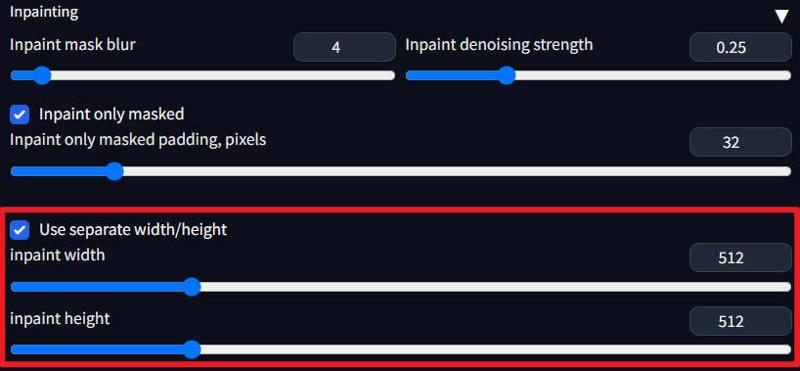

2nd Adetailer model: mediapipe_face_mesh_eyes_only
Inpaint denoising strength: 0.25
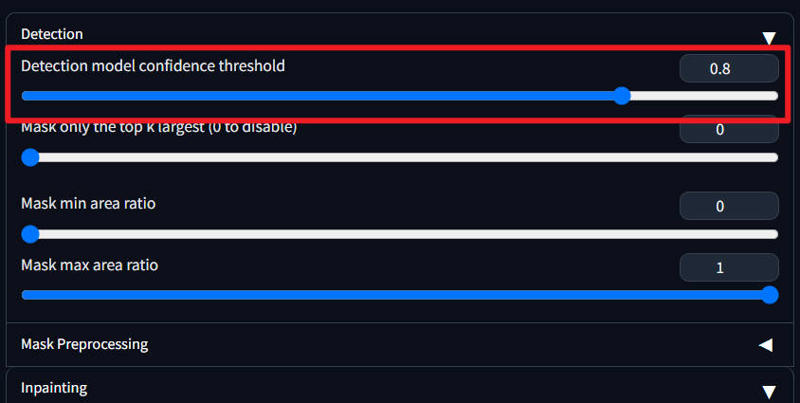
If the face detection of adetailer detects the face of other people in the background,
set Detection model confidence thereshold: 0.8~0.85
Used embeddings:
(how to use?: https://github.com/AUTOMATIC1111/stable-diffusion-webui/wiki/Textual-Inversion)
ng_deepnegative_v1_75t - https://civitai.com/models/4629/deep-negative-v1x
badhandv4 - https://civitai.com/models/16993?modelVersionId=20068 (add disfigured in negative prompt may also helps getting better hand)
bad_pictures - https://civitai.com/models/23178?modelVersionId=66043
Highly recommended tools: Lora Block Weight - https://github.com/hako-mikan/sd-webui-lora-block-weight
How to use?
<lora:lora name:1:lbw=IN02>
<lora:lora name:1:lbw=1,1,1,1,1,1,1,1,1,1,1,1,0,0,0,0,0,0,0,0,0,0,0,0,0,0>
Recommended parameters (name whatever trigger word you want, it's all about the block weight)
Body:
WINGS:1,0,0,0,0,1,0,1,1,1,0,0,0,0,0,0,0
BODY:1,1,1,1,1,1,1,1,0,0,0,1,1,1,1,1,1
BODY0.5:1,1,1,1,1,1,0.2,1,0.2,0,0,0.8,1,1,1,1,1
Face: (face shape, hair style, eye shape, eye colors, etc.)
EYE:1,0,0,0,0,0,0,0,0,1,1,0,0,0,0,0,0
MOUTH:1,0,0,0,0,0,0,0,1,0,0,0,0,0,0,0,0
FACE:1,0,0,0,0,0,0,0,1,1,1,0,0,0,0,0,0 (which I use for my lora)
FACE0.5:1,0,0,0,0,0,0,0,0.8,1,1,0.2,0,0,0,0,0
FACE0.2:1,0,0,0,0,0,0,0,0.2,0.6,0.8,0.2,0,0,0,0,0
Hands:
HAND:1,0,1,1,0.2,0,0,0,0,0,0,0,0,0,0,0,0
outfit: (with tags)
CLOTHING:1,1,1,1,1,0,0.2,0,0.8,1,1,0.2,0,0,0,0,0
pose: (with tags)
POSE:1,0,0,0,0,0,0.2,1,1,1,0,0,0,0,0,0,0
palette/color style: (with tags)
PALETTE:1,0,0,0,0,0,0,0,0,0,0,0.8,1,1,1,1,1
Character:
KEEPCHAR:1,1,1,1,1,0,0,0,1,1,1,1,1,1,1,0,0
Background:
KEEPBG:1,1,1,1,1,1,0.2,1,0.2,0,0,0.8,1,1,1,0,0
Reduce overfitting (same as OUTALL)
REDUCEFIT:1,0,0,0,0,0,0,0,1,1,1,1,1,1,1,1,1