
Flux Cyber Dream Style
0
0
0
0
Anime StyleStyle BoostMecha
v1.0
Recently Updated: First Published:
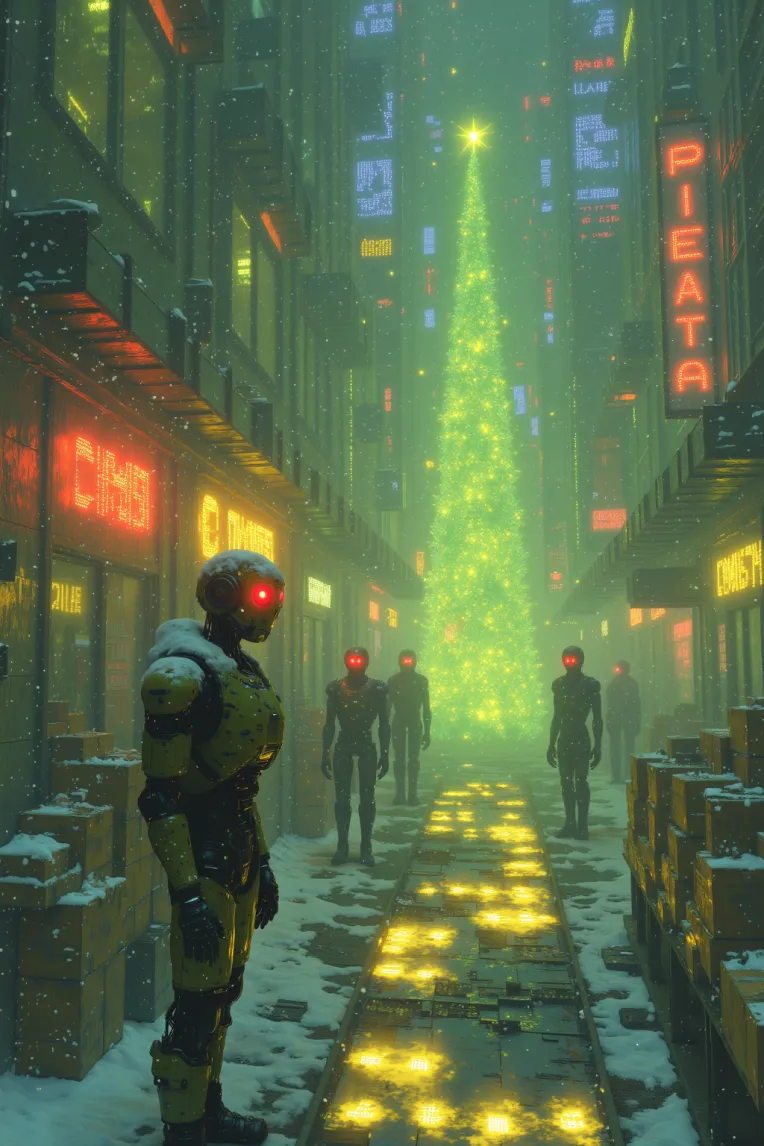
 Image info
 Image info
 Image info
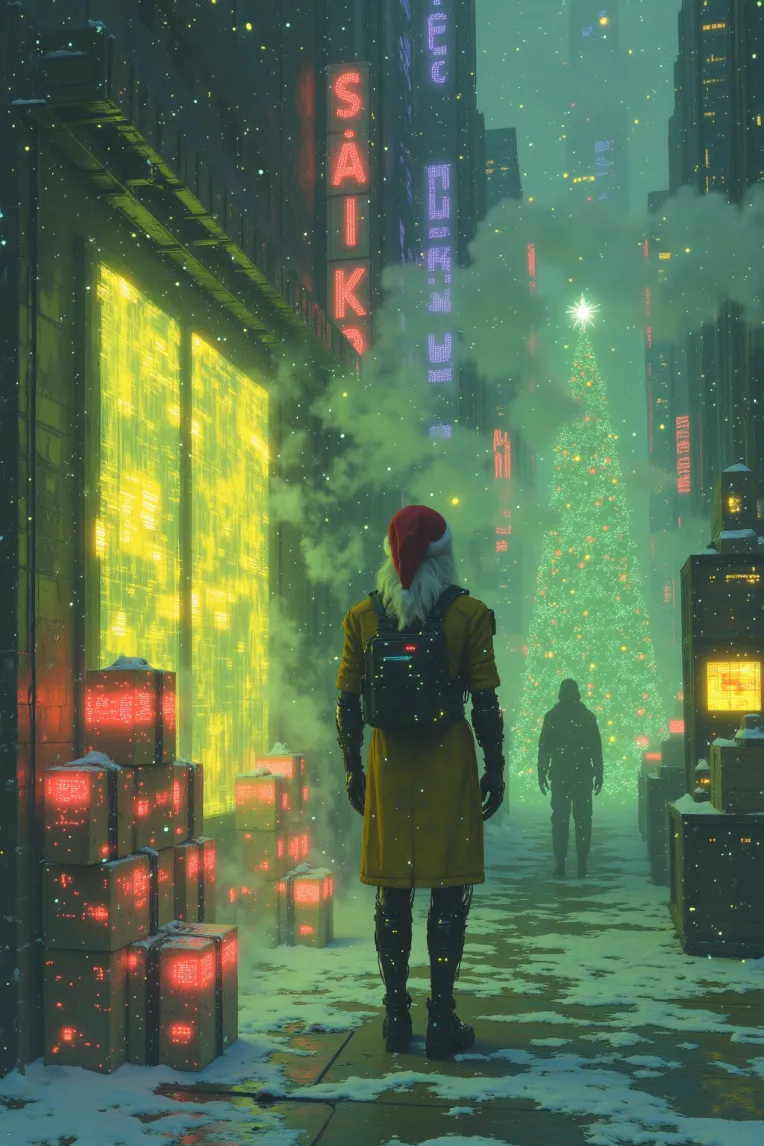 Image info
Detailed Workflow for Cyber Dream Style with LoRA and Second Sampling
- Load Model and LoRAModel: Use a model suitable for cyberpunk or sci-fi styles (e.g., Stable Diffusion with a cyberpunk-tuned checkpoint).LoRA: Apply LoRA LH Cyber Dream Style to achieve the Cyber Dream aesthetic, emphasizing neon elements and dreamy, surreal landscapes.
- Prompt and Negative PromptPrompt: Use keywords like “cyberpunk cityscape,” “neon lights,” “holographic aura,” “dreamlike fog,” and “digital glow.”Negative Prompt: Add terms to filter out unwanted elements such as “blurry,” “realistic,” and details not fitting the cyber style.
- Sampling ParametersSampler: Choose DDIM or Euler A for a smooth, dreamlike diffusion effect.Steps: Set to 30–50 steps for faster generation while maintaining necessary detail.CFG Scale: Set CFG Scale to 1 to minimize strict adherence to the prompt, allowing LoRA to better influence the style.Flux Guidance: Set Flux Guidance to 3.5 to enhance detail and sharpness in “flux” areas (regions with high variation in light and color), making the image more vibrant and contrasting.
- Second Sampling TechniqueFirst Sampling Pass: Create the initial image with prompt and LoRA, setting parameters to produce a cyberpunk backdrop with neon elements.Second Sampling Pass: Apply second sampling with additional steps (20-30) and maintain Flux Guidance at 3.5 to improve detail, especially in areas with contrasting light and color.
- Lighting and Color EffectsGradient Map or Color Adjustment Nodes: Use gradients with cool tones (e.g., blue, green) and neon highlights (e.g., pink, yellow) to achieve the Cyber Dream effect.Glow and Bloom: Add subtle glow around light sources to create a dreamy, surreal illumination.
- Enhance Detail and DepthDepth of Field: Apply slight blur to background elements to enhance depth and make primary subjects stand out.Overlay Layers: Add holographic or digital noise overlays to intensify the sci-fi atmosphere.
- Post-ProcessingDenoiser: Smooth out rough areas, balancing sharp detail and the dreamy effect.Enhancement Pass: Refine detail on main subjects to emphasize the digital and cyberpunk elements.
Additional Notes
- Flux Guidance at 3.5 helps create detailed highlights, making bright and shadowed areas stand out, which is essential for the Cyber Dream style.
- CFG Scale at 1 allows the image to retain the LoRA style influence without heavy prompt constraints.
Use this workflow in ComfyUI to create vibrant and detailed Cyber Dream Style images, emphasizing surreal “flux” areas for a futuristic and dreamlike effect.
Discussion
Most popular
|
Newest
Send
Coming Soon
Download
(0.00KB)
Version Details
Type
Generation Count
0
Downloads
0
Gallery
Most popular
|
Newest