
Simplify Pixel Art
v1.0
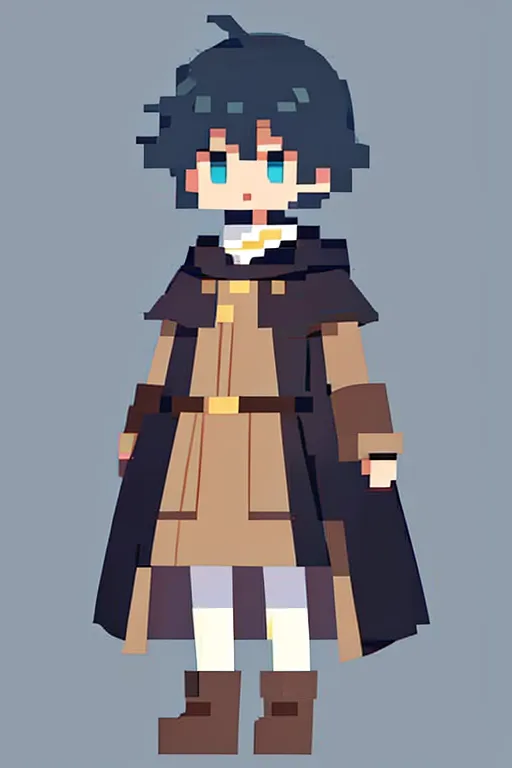
 Image info
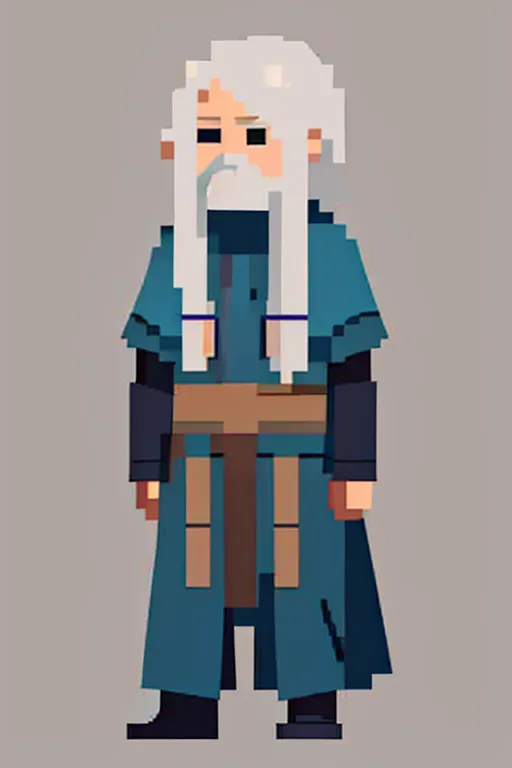 Image info
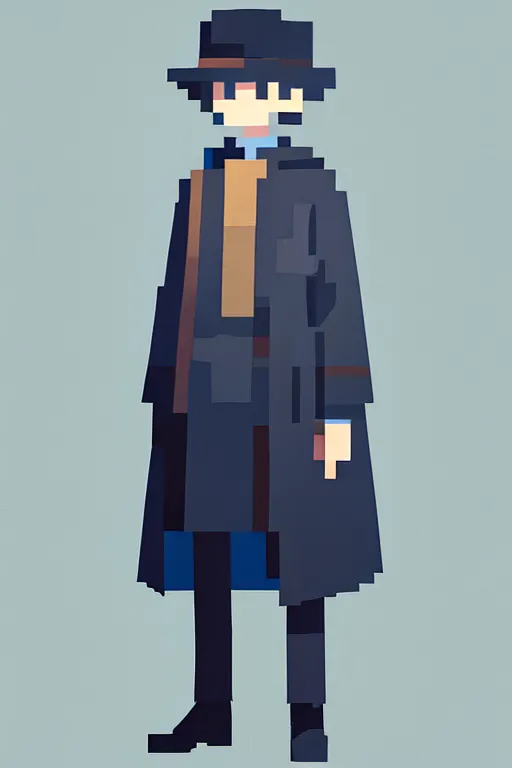 Image info
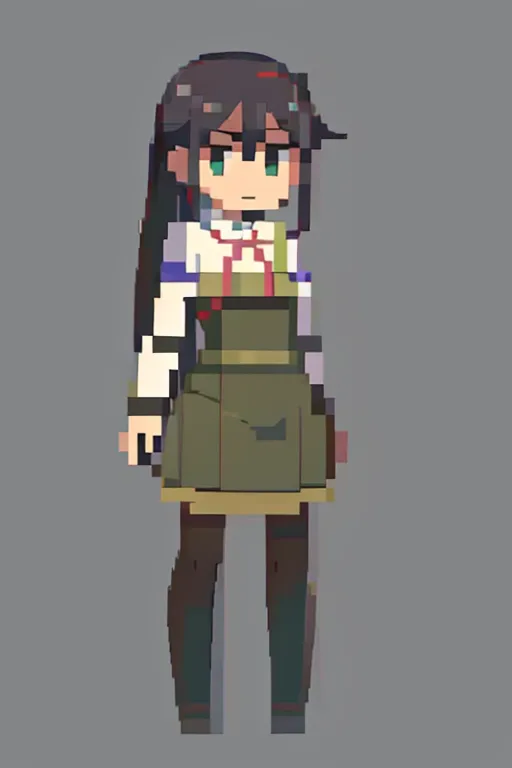 Image info
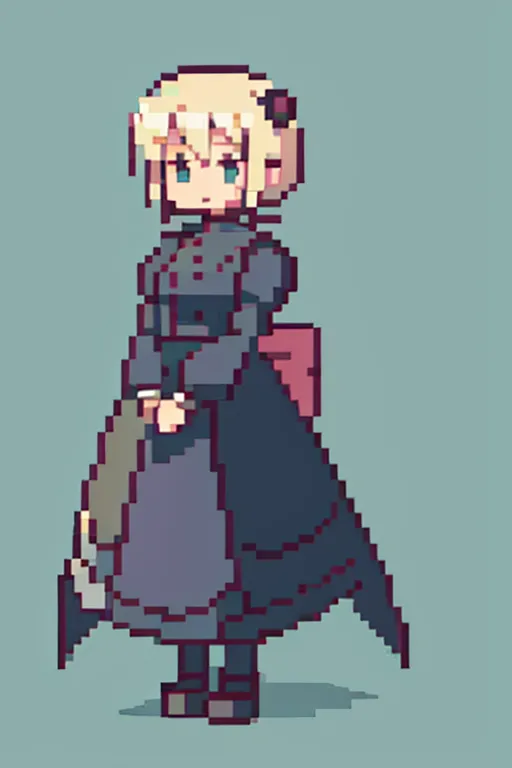 Image info
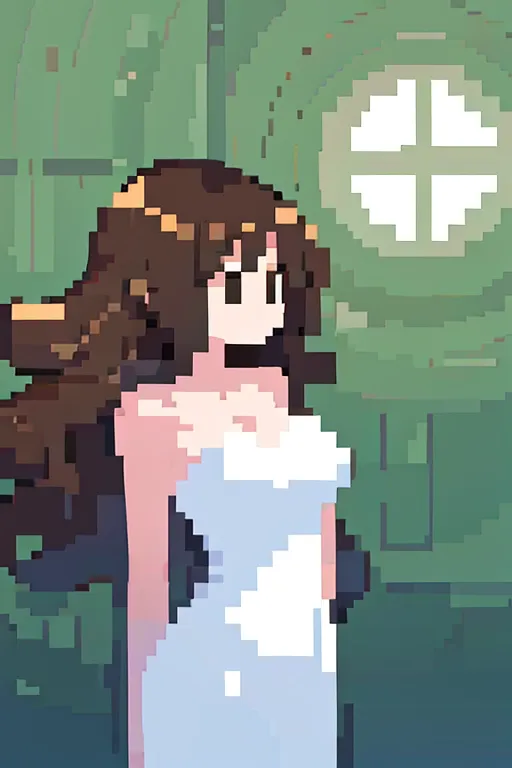 Image info
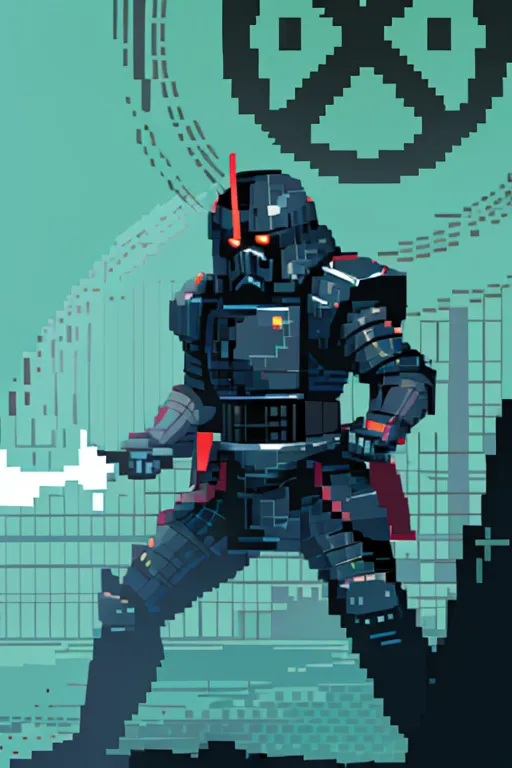 Image info
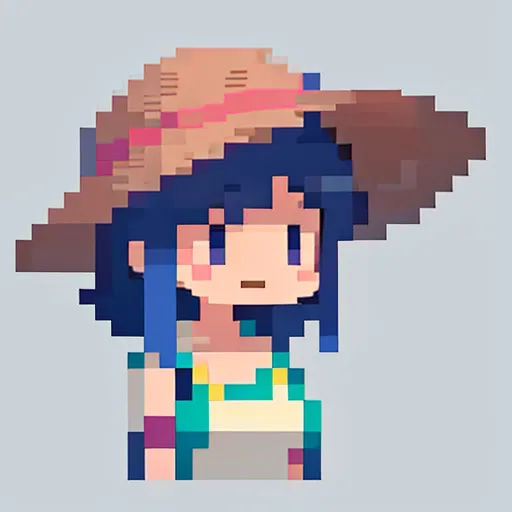 Image info
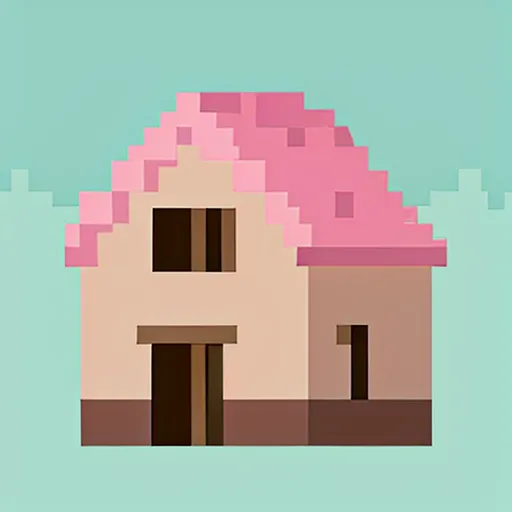 Image info
 Image info
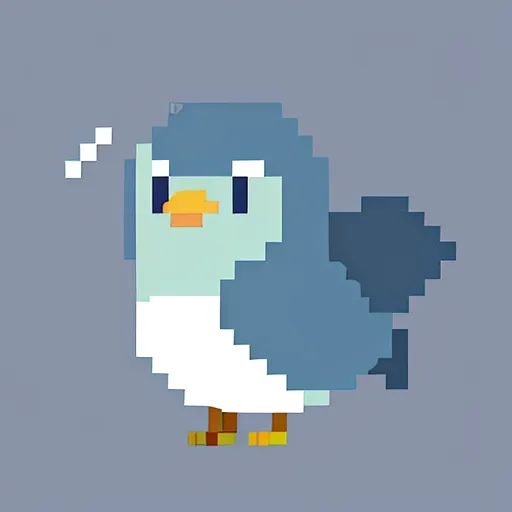 Image info
 Image info
 Image info
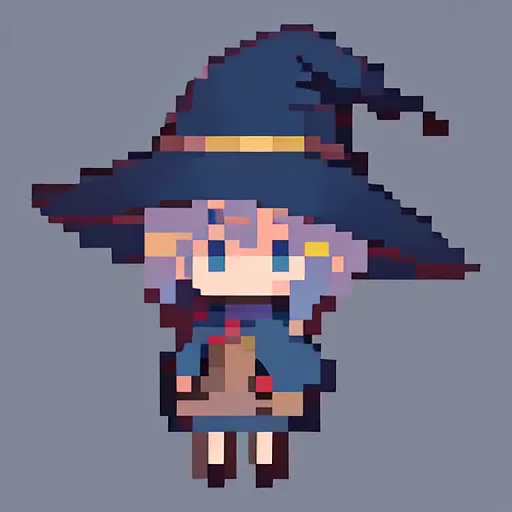 Image info
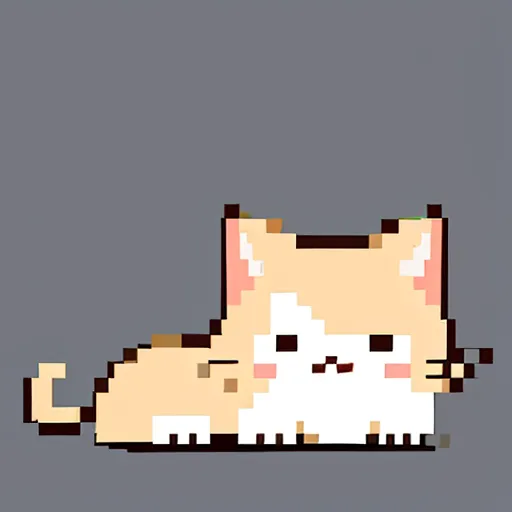 Image info
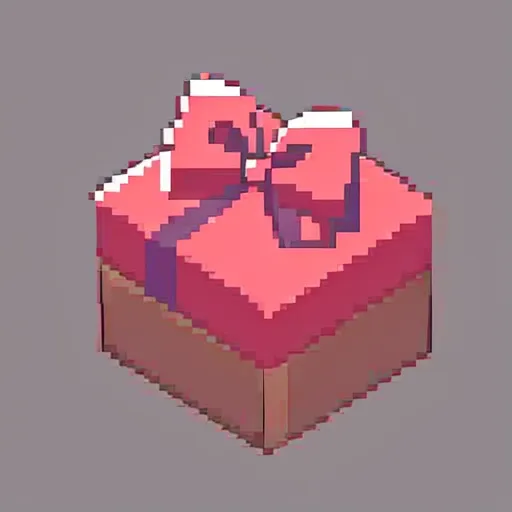 Image info
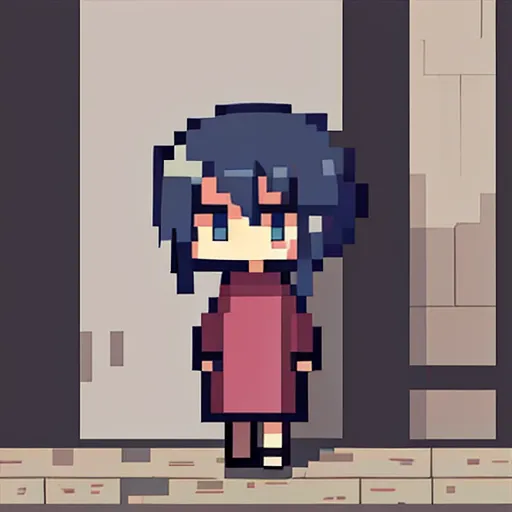 Image info
 Image info
This lora is designed to create some pixel-style artwork in a minimalist style, so the grid will be more obvious.
Avoid using high pixels, you can use 512*512, 512*768
Sampling method: DPM++ 2M Karras
It is recommended not to make the CFG too high, as it may make the grid dirty. Testing found that CFG 5 works well.
The base model used for testing is: AnythingV5V3_v5PrtRE You can also try other base models to see how they perform.
Use two embeddings for negative spells: verybadimagenegative_v1.3, badhandv4
Discovered two ways to create images:
1. Text-generated image can try the following spells:
1.1 Drawing a human figure: <lora:Pixelart_105:1.0>, pixelart, simple background, minimalism, a boy, cosplay Harry Potter, looking at viewers, full body,

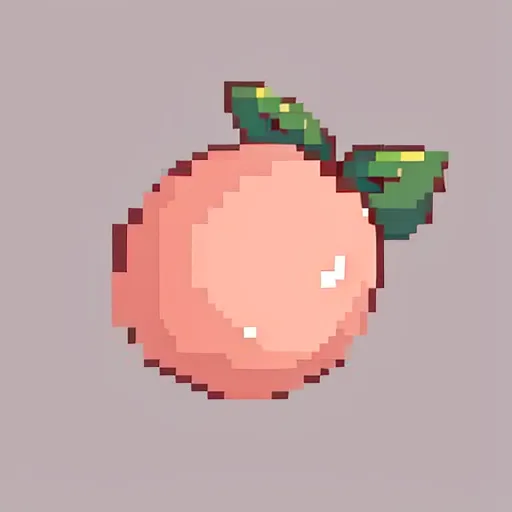
1.1 Drawing small objects: <lora:Pixelart_105:1.0>, pixelart, simple background, a peach,
2. Text-generated image + control net
By using different processors of the control net, images can be redrawn. However, the specific processor and model to use depend on the situation of the original image.
Since the original training was aimed at the minimalist style mentioned above, the effect of redrawing complex original images may be poor. Many details cannot be pixelated.
You can try cn's Depth, Normal, SoftEdge, Scribble, Tile for better results
Choosing "My prompt is more important" will give a better effect
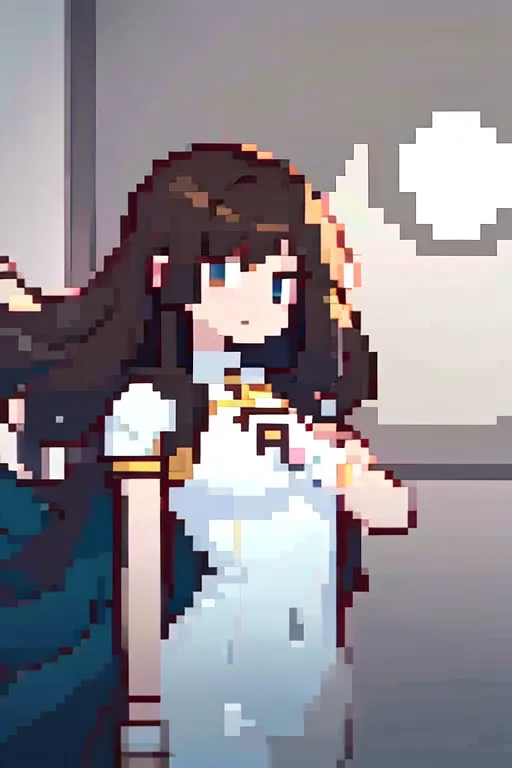

3. Text-generated image + character lora, you can try this combination:
Positive: <lora:Pixelart_105:1.0>, pixelart, simple background, minimalism, full body [Followed by character lora and trigger words]
Negative: verybadimagenegative_v1.3, badhandv4,[Two embeddings]
Sampling: DPM++ 2M Karras
CFG scale: 5
Base model: AnythingV5V3_v5PrtRE
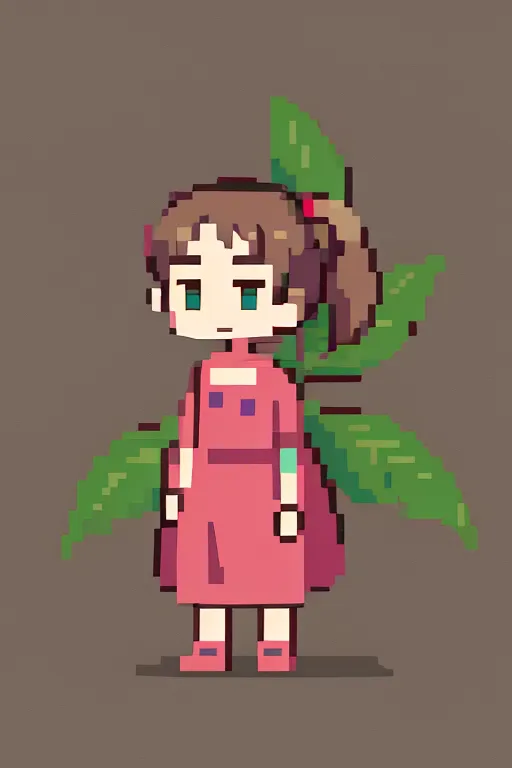
Now it's time for everyone to explore and have fun on their own.