
Beginner's Workflow - Image Upscaling
0
0
0
0
Anime CharacterGirlStyle Boost
V1.0
Recently Updated: First Published:

 Image info
 Image info
 Image info
 Image info
 Image info
 Image info
 Image info
 Image info
 Image info
 Image info
 Image info
 Image info
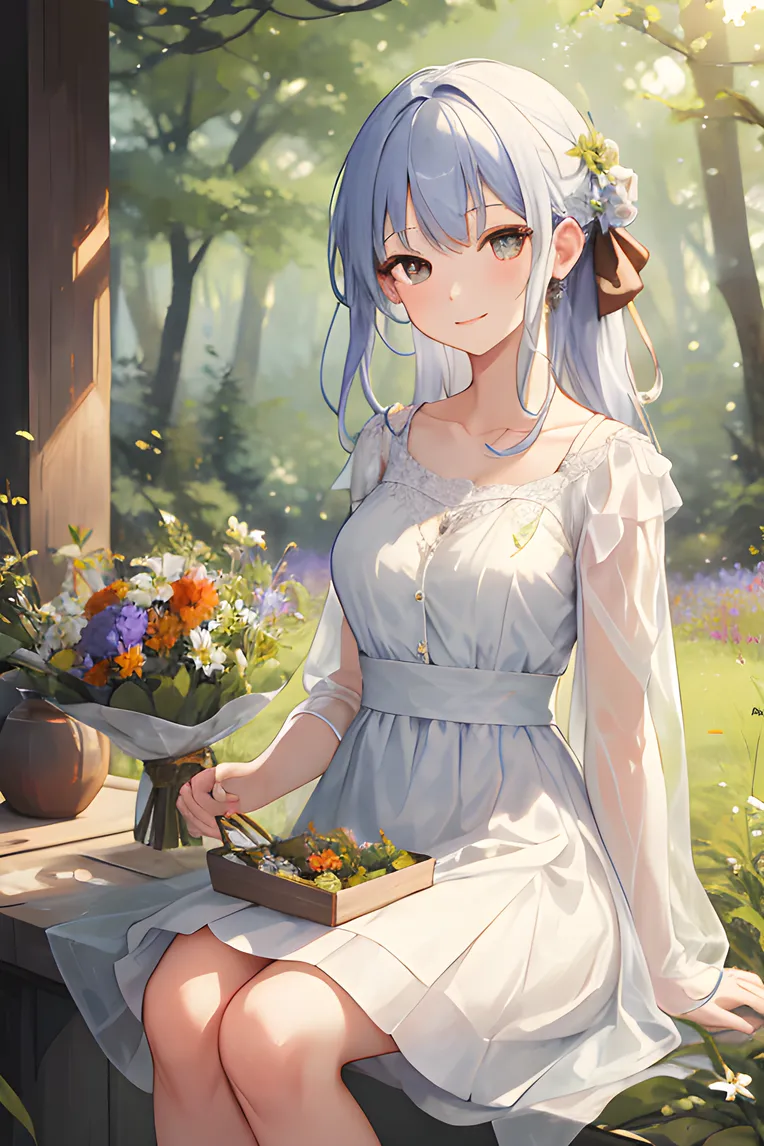 Image info
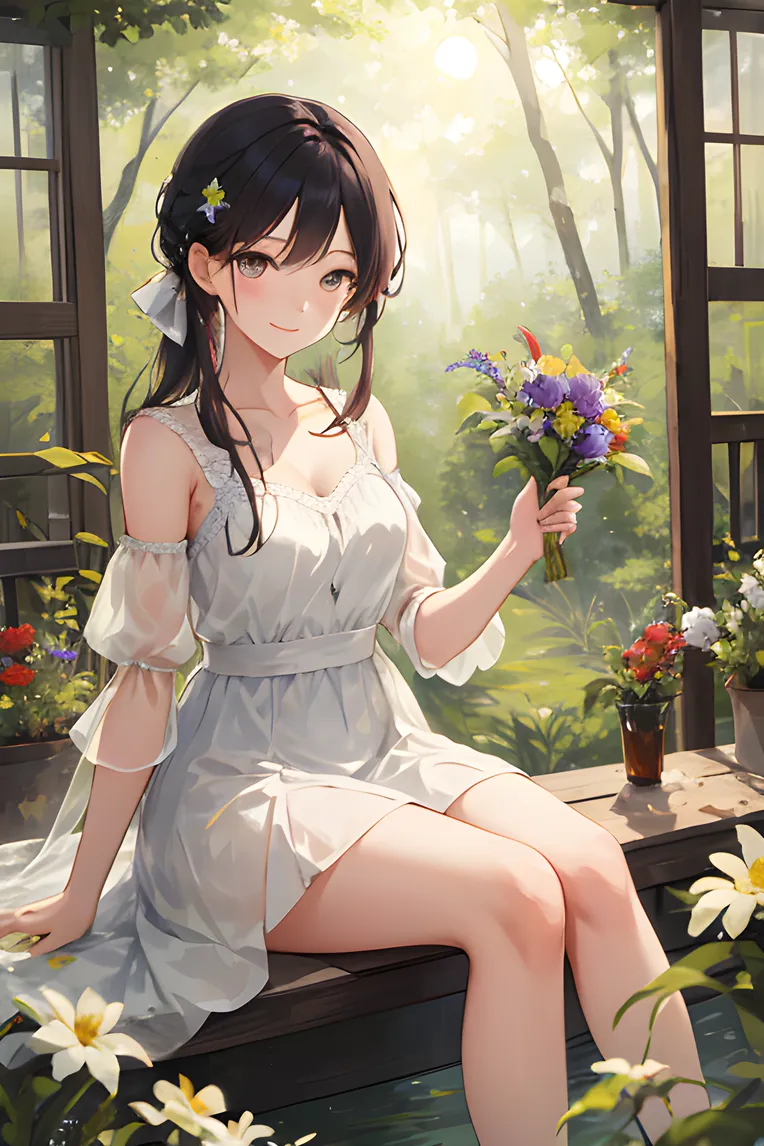 Image info
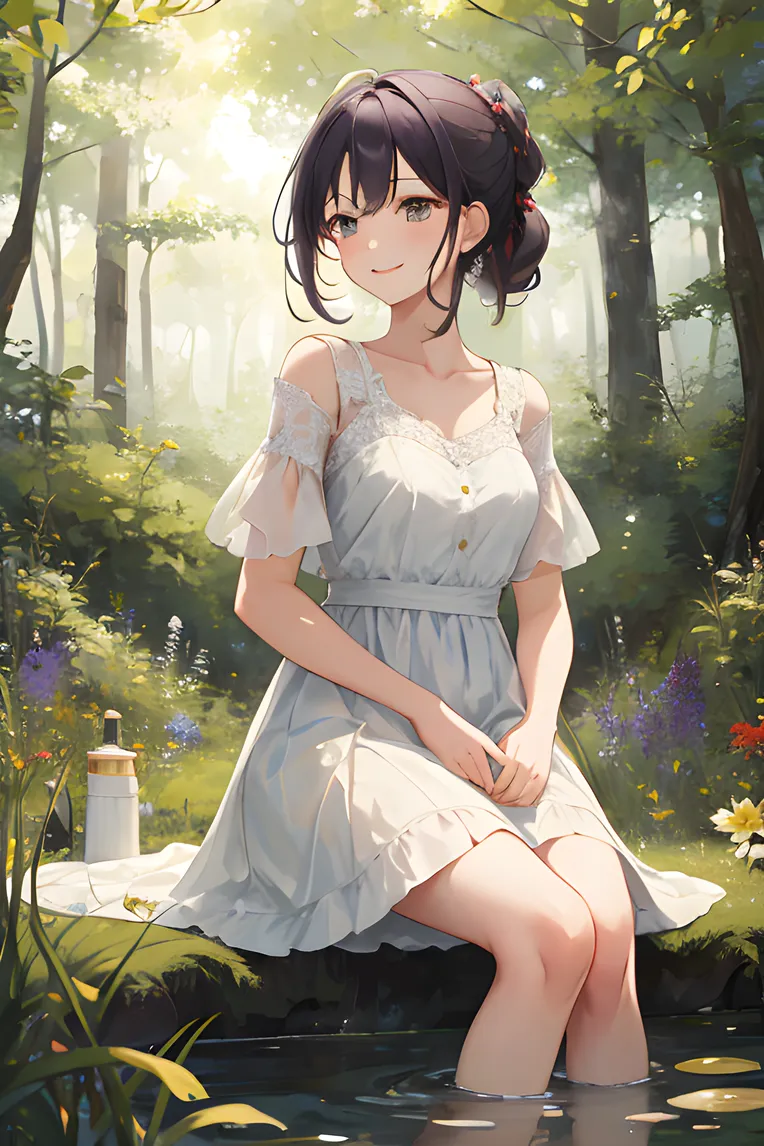 Image infoImage info
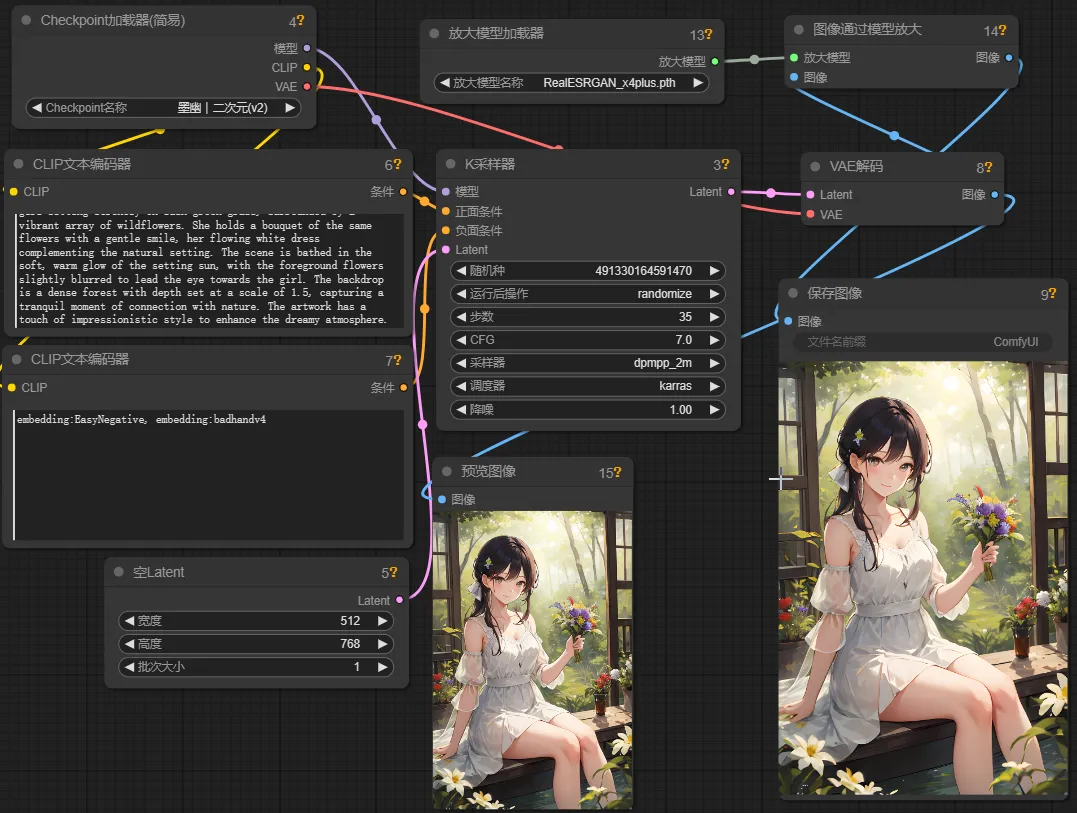
This is an example of how to use upscale models such as ESRGAN. Place them in the models/upscale_models folder, then load them using the UpscaleModelLoader node, and use them with the ImageUpscaleWithModel node.
Discussion
Most popular
|
Newest
Send
Coming Soon
Download
(0.00KB)
Version Details
Type
Generation Count
0
Downloads
0
Gallery
Most popular
|
Newest