
YFilter_PortraitEnhance
V1
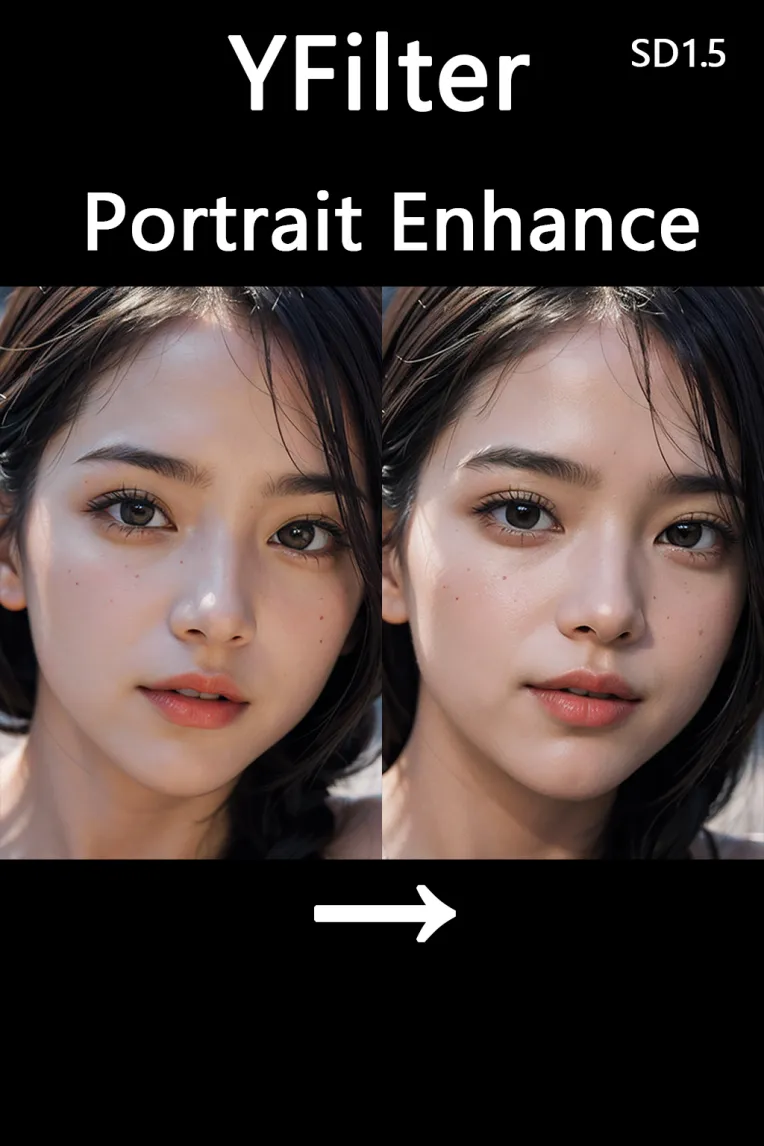
 Image info
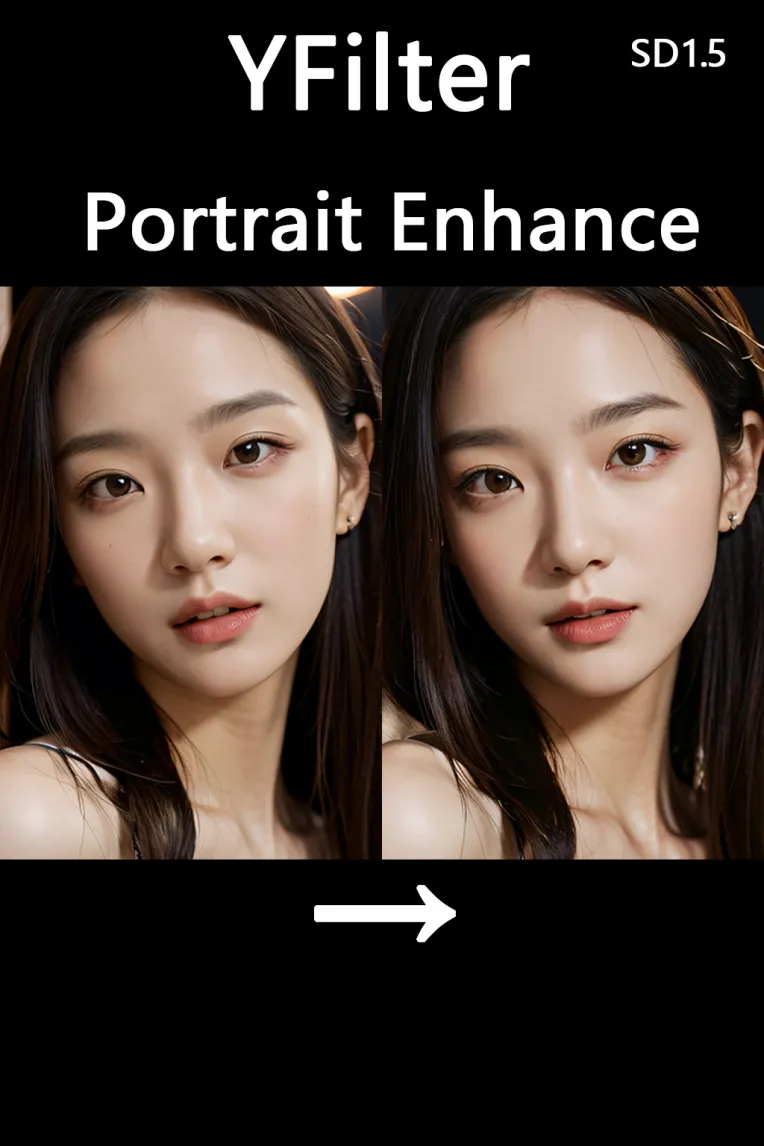 Image info
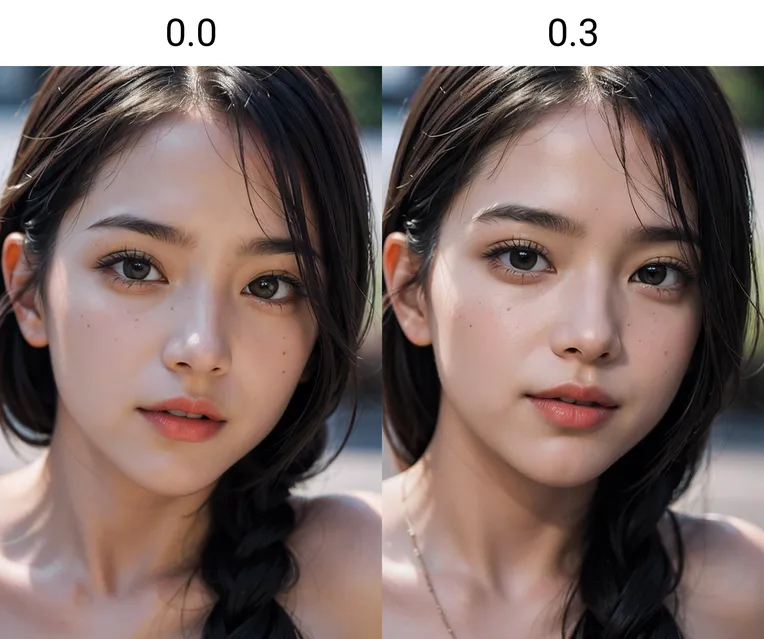 Image info
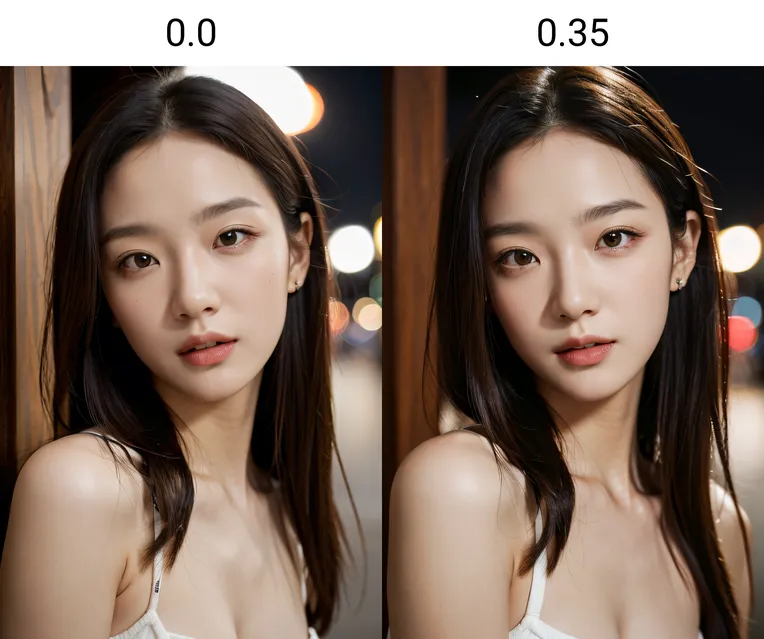 Image info
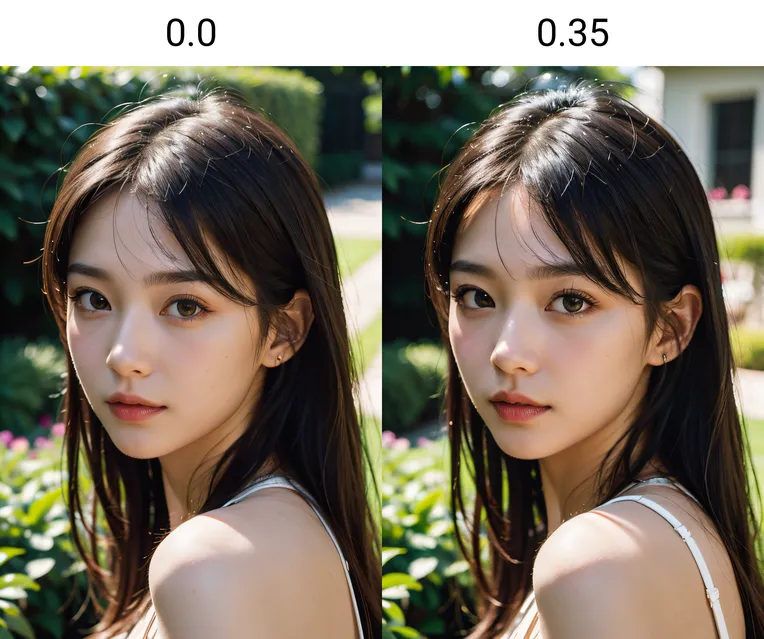 Image info
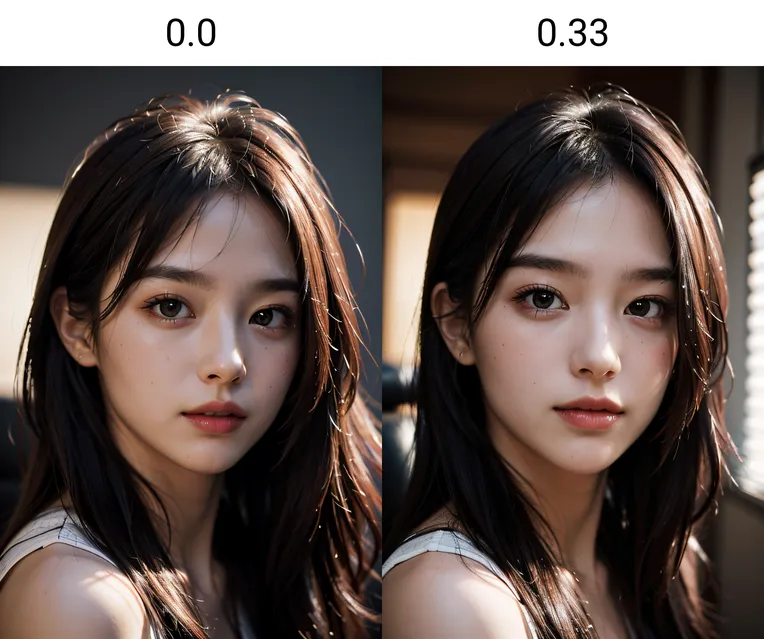 Image info
 Image info
 Image info
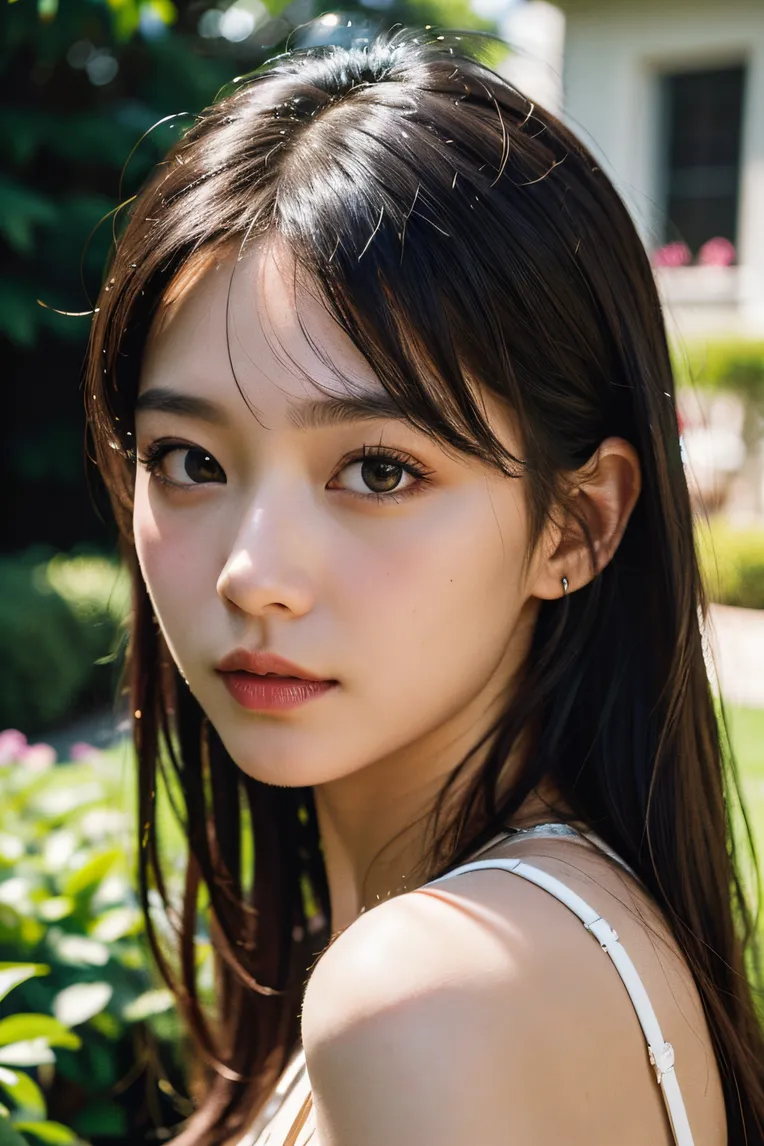 Image info
 Image info
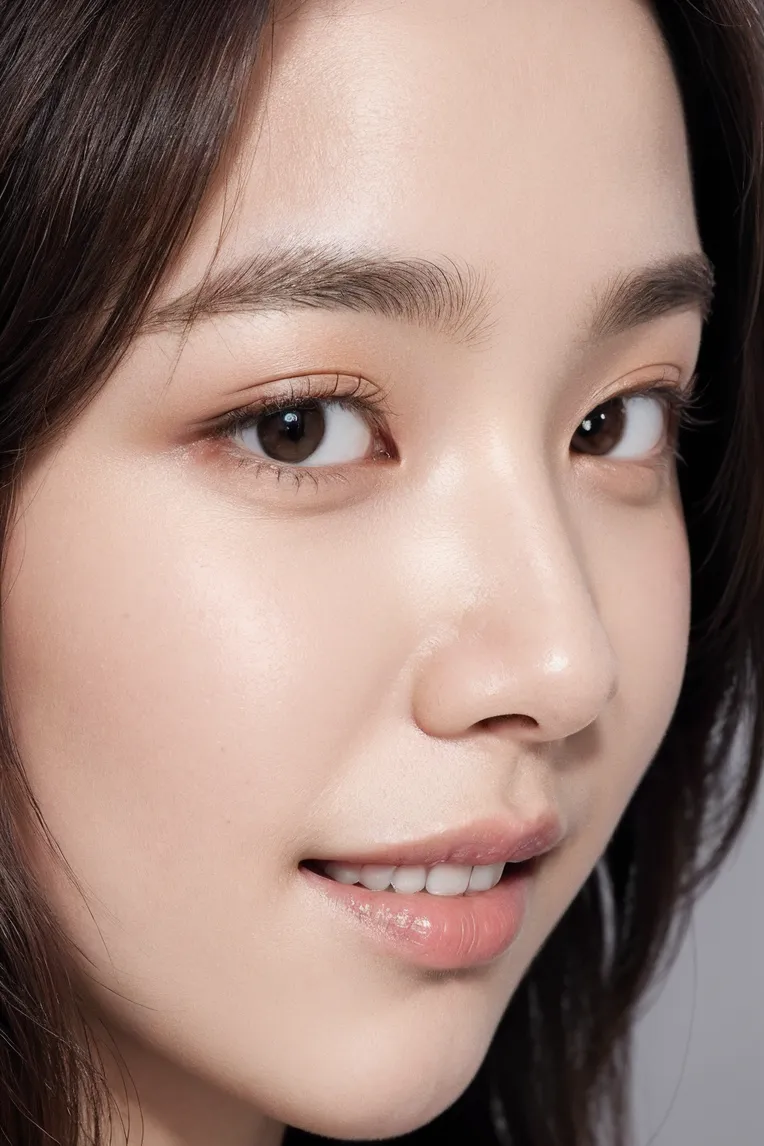 Image info
Portrait Enhance
Main effects:
1. Enhance skin texture.
2. Add details: hair, eyebrows, eyes, nose and lips.
3. Add light and shadow on face.
4. Weaken the wrinkles on neck.
Recommended Weight: 0.3 (0~0.5)
Recommended Usage:
Resolution: 512*768.
Prompts: "close-up" and "portrait".
High-res fix: UltraSharp-4x and NMKD-Superscale-8x, denoise 0.2.
Even if the face is not distort, you can still turn on ADetailer to enhance the face.
Note: Not suitable for anime models.
Production Process:
The basic refining principle of the model uses the "differentiation alchemy method" introduced by B station "Qinglong Saint", with detailed steps.
A brief summary of the basic principles I understand:
1. First, you have a "concept" you want to train, it is best to "change a small feature without changing most of the original image features", such as "enlarge the eyes". This "changed small feature" is the "difference", represented by the letter d here.
2. Use a small set of images X as the original image training set, use a large model A to train to overfit to get a LORA F(X, A).
3. Modify the original image set X, add your concept difference d, and get the modified image set (X+d).
4. Use the modified image set (X+d) as the original image training set, train with the same parameters as the original image set X, to obtain the second LORA F'(X+d, A).
5. Subtract the two LORA, that is F'(X+d, A) - F(X, A). Generally, you should get a LORA G(d, X, A) that is highly related to d and less related to X and A. This is the potion you want.
Some keypoints:
1. Due to the non-linear characteristics of neural networks, it is impossible to completely eliminate X and A from the final result G. Therefore, you can first "preset" some scenarios for using LORA, and select image sets X and large models A that fit your "preset scenarios". For example, if your d is "enlarging the eyes", but you want to focus on "real human portraits" rather than 2.5D or 2D, then your X and A should also match "real human portraits". This can make the impact of X and A on G tend towards your "preset scenarios".
2. Training to overfit is to reduce the relevance of the large model A in the final result G(d, X, A). In other words, it greatly improves the compatibility with other large models.
3. Training the two LORA with the same parameters is to make F' and F as similar as possible, stabilize the result after subtraction, and ensure more relevance to d.
4. If the difference d (compared to X) is too large, in extreme cases, you can simply understand that F'(X+d, A) becomes F'(0+d, A). Then after subtracting from F(X, A), the LORA you get will be highly relevant to (d-X) rather than just d. In other words, the larger your d, the higher the relevance to the (inverse) X. As for how to determine if your d is "too large," my advice is "you will know when you try."
This LORA:
If you understand the basic principle of the "differentiation alchemy method" and also have experience in using various image editing software to "retouch portraits," then you should be able to understand how this LORA is created.
My process of creating "differences" is also very simple:
1. Extract the portrait part of the image, ensuring that the non-portrait part remains unchanged.
2. Add texture and noise to the skin.
3. Enhance the details of hair and facial features in high frequencies.
Additionally, many images produced by large models have strange textures on clothes; this is particularly evident after super-resolution. Therefore, I also did a bit of noise reduction on the clothes. However, my focus is on the person itself, not the clothing, so I don't emphasize it.
About Fine-tuning:
During testing, I found that compared to the original large model, the images produced by this LORA have lower color saturation (especially in the skin area), higher brightness, and lower contrast.
After some thought, this actually corresponds to the "difference" I added:
1. Adding texture and noise to the skin adds "black, gray, and white" elements to the original "colorful" skin, which obviously reduces the color saturation of yellow skin. Since skin accounts for a large proportion in my training images, it will lower the saturation of the entire image.
2. Adding texture and noise to the skin and enhancing the details of hair and facial features in high frequencies will significantly increase the proportion of "black" and "white" components in the image, thus changing the brightness and contrast.
Is this situation a "feature" or a "bug"? I decided to try to restore the effect to that of the original large model as much as possible.
My fine-tuning method is very simple, merge with other LORA functions:
1. Use YFilter_BlueOrange to increase orange weighting and restore skin color saturation.
2. Use YFilter_DynamicRange and YFilter_BlackWhite to adjust brightness and contrast.
Finally, I added some additional LDR weight from YFilter_DynamicRange to enhance the contrast of light and shadow in the image, adding some "differential effect" to this LORA.
Welcome to discuss.